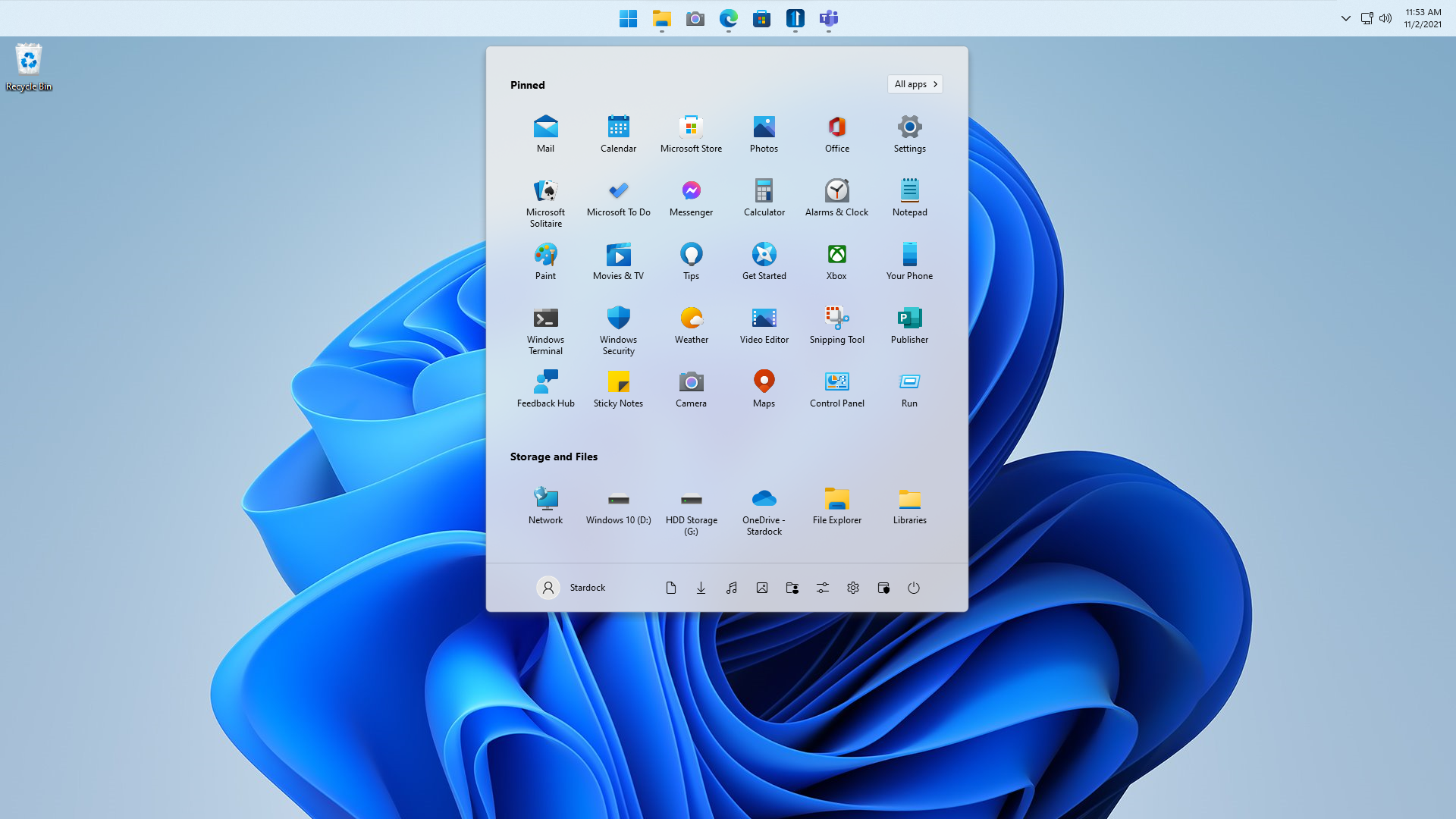
This update brings various enhancements and fixes to improve your experience with Win11. It includes improved functionality for WinKey usage, ensuring compatibility with different applications and input methods. We have also worked on optimizing touch taskbar detection, addressing any issues that may arise. Furthermore, we have resolved reported compatibility problems and made overall system improvements to enhance stability and performance. You can expect a smoother user experience and a more reliable taskbar behavior, especially when using touch-capable hardware or switching between monitors.
Changelog:
- Improved handling of WinKey functionality on the latest Win11 builds. Now compatible with Explorer patcher and correct WinKey usage.
- Note: Currently, elevated apps in the foreground are not supported. Further investigation is needed to address this issue.
- Enhanced detection of the touch taskbar on Win11.
- Additional fixes aimed at resolving reported compatibility problems with the KB5026446 Windows 11 release.
- Addressed the taskbar shifting problem on Win11 with touch-capable hardware. This tweak should, at the very least, resolve the issue of mismatched DPIs when switching between an external and internal monitor after turning off the external monitor.
- Resolved issue 6309 where right-clicking on the sound icon on the taskbar opened the menu on the second monitor.
- Fixed taskbar problem when switching primary monitor by unplugging monitors.