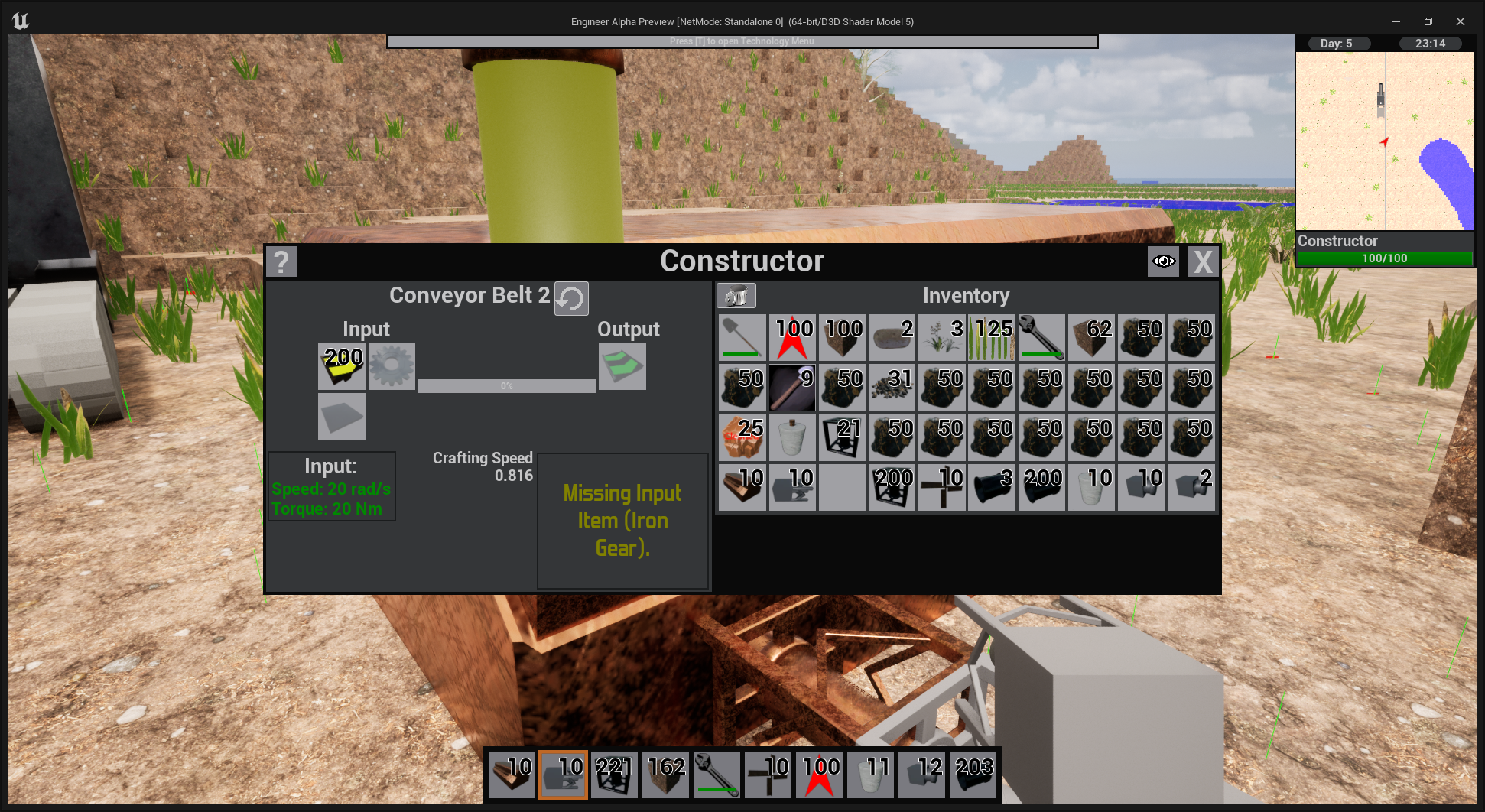
As you may have noticed the UI design of most machines is very modular. There are individual UI elements for things like an inventory or a liquid tank that I can arrange together into one window for a machine. This is largely because the back end of Engineer Alpha is also very modular. I can drop together any set of machine elements that I want and have a working prototype of a machine in a matter of minutes. I love this approach to game design, however it does have one major flaw, making everything work together can be problematic.
As you have likely noticed when you have a machine that is not currently running and you give it say some items that could make it run, like 1 of 2 required recipe items, it does a small start then quickly stops. This is because it received something that could start the machine so it set everything to be running and when one of the machines components found it didn't have what that component needed to operate it shut down the machine. The problem is that each component is checking individually and it could take until the next update when the stop call is reached, which produces the little stutter you see in game.
I sought to fix this and, as is my way, make it better than it needs to be.
Now nearly every machine in the game and likely most if not all added to the game will have a "Machine Status Light"
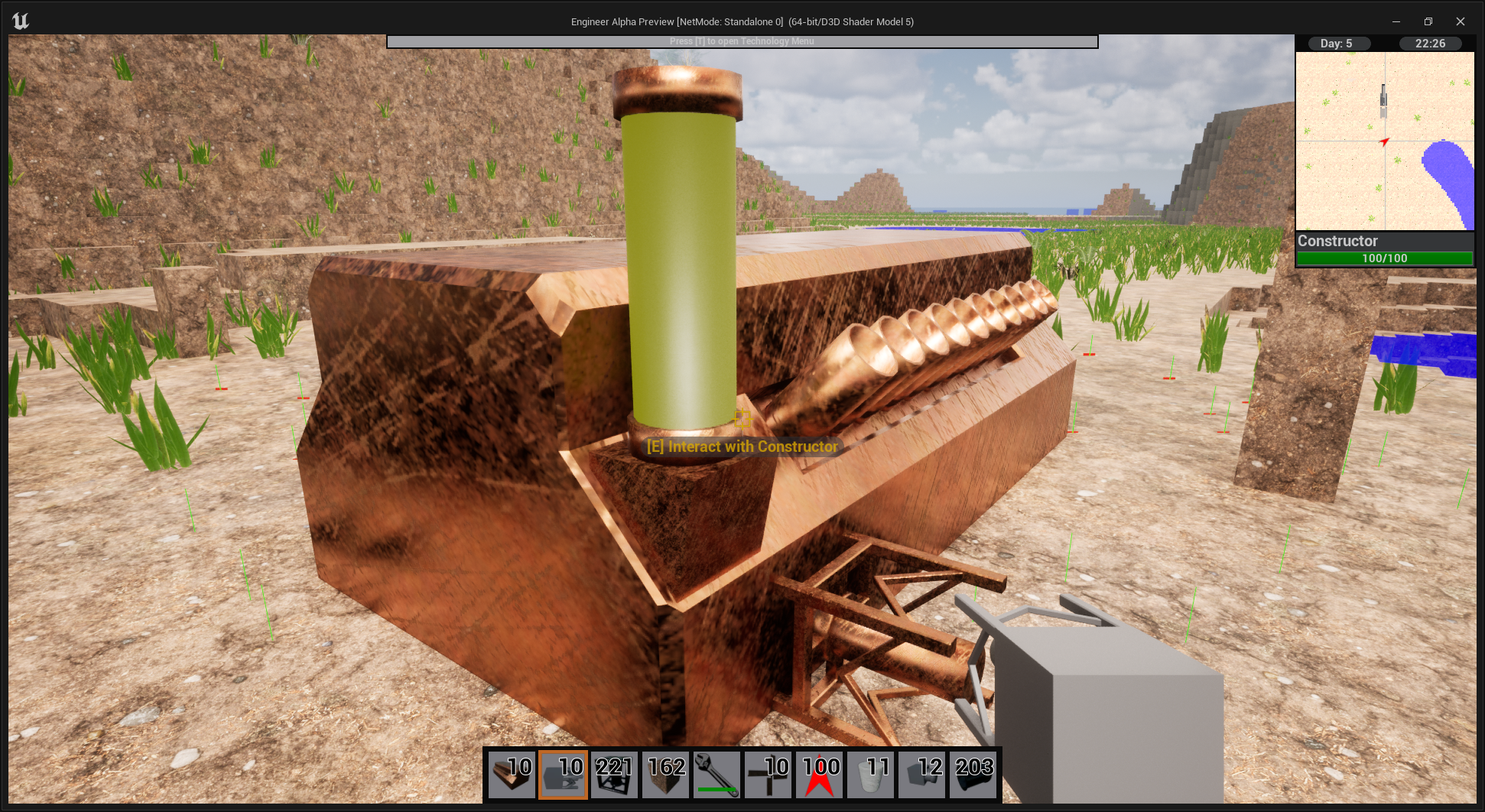
The status light serves as the 'boss' in charge of when all the other components in the machine can run. As well as giving the player simple information about what is going on if the machine is not operating.
The color of the light will change based on what is going on with the machine.
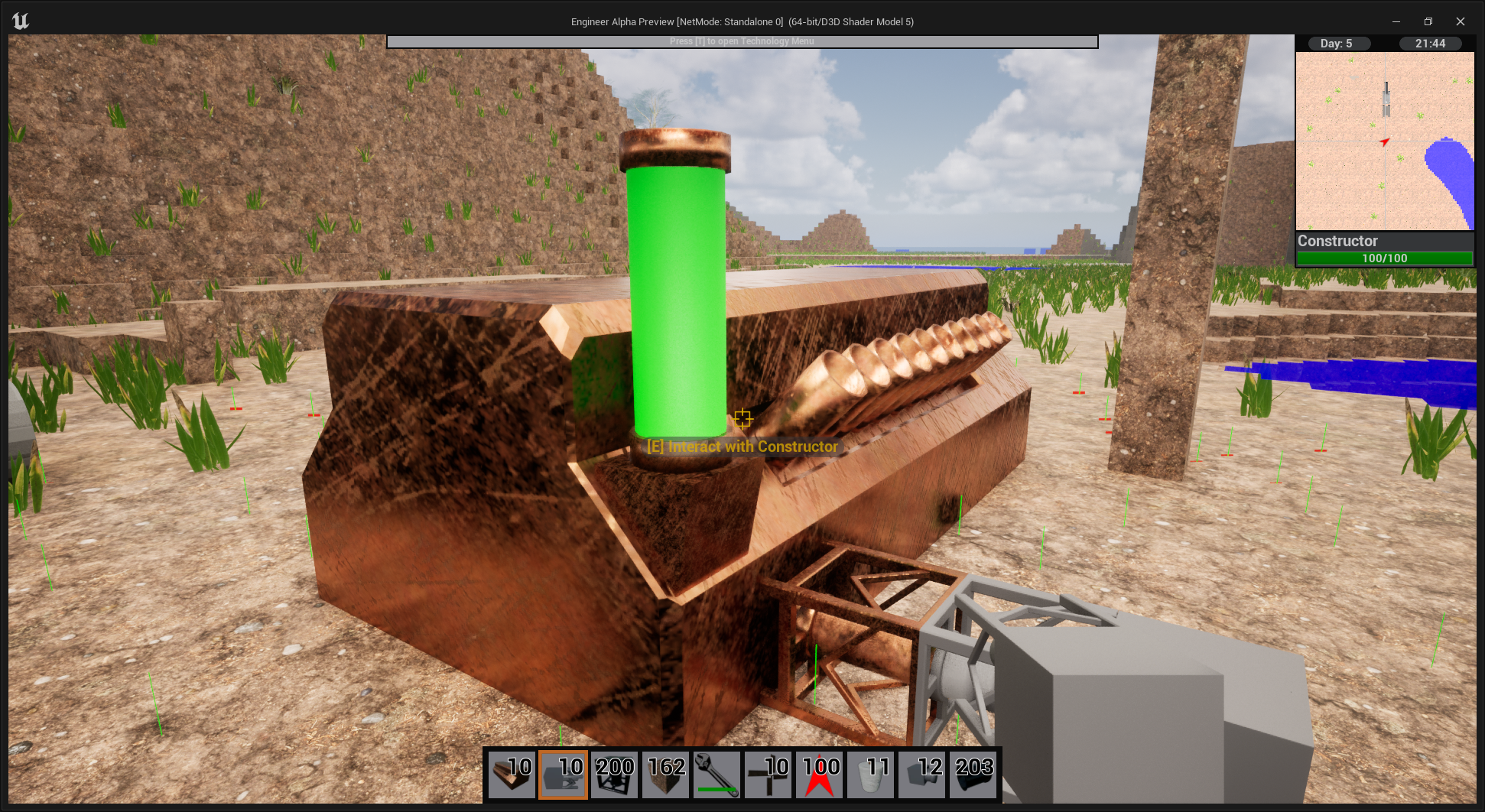
A green light means the machine is running and everything is good.
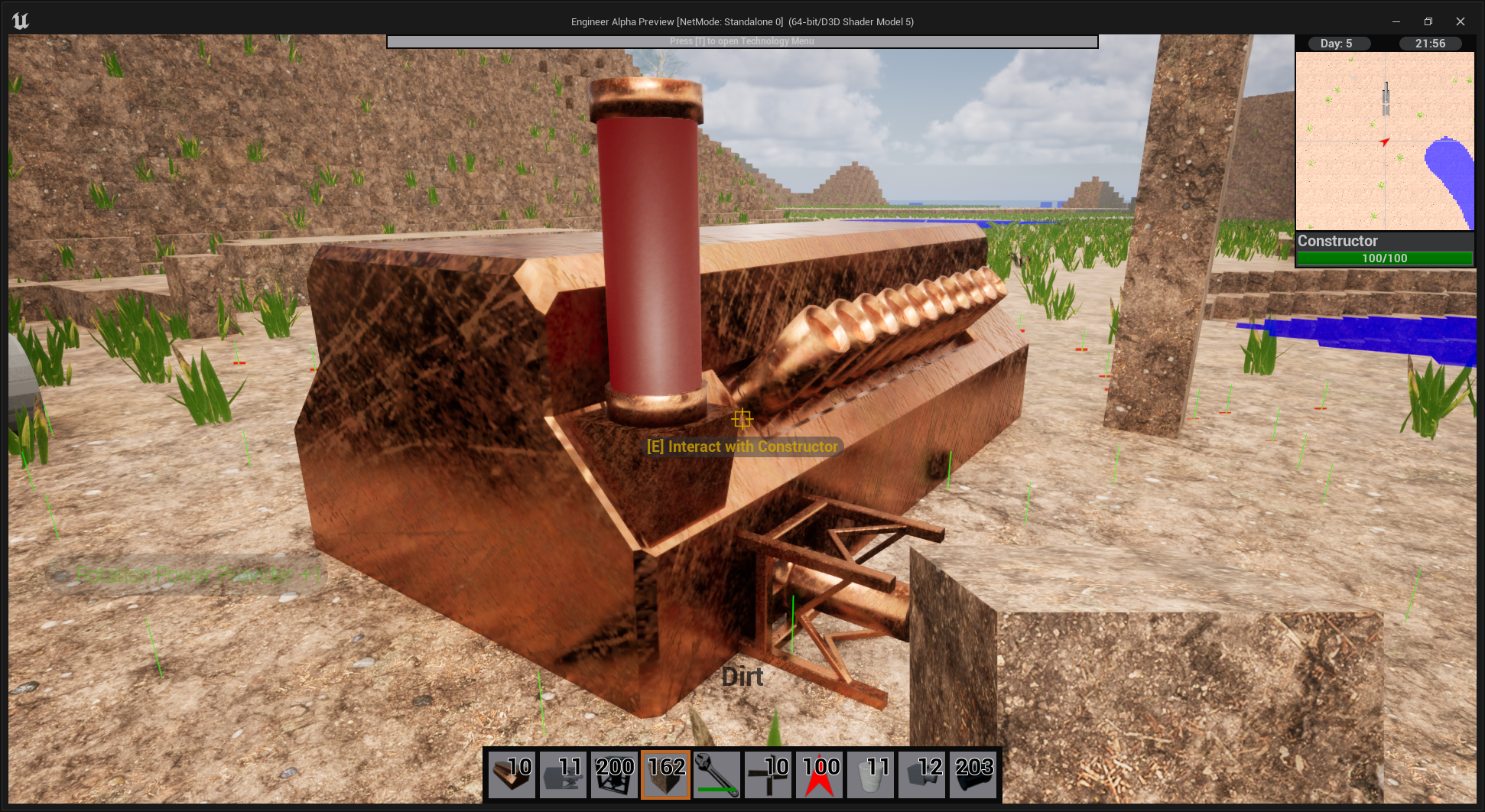
A red light means the machine does not have enough power be it solid fuel, shaft input or some other power input.
The yellow light means the machine is missing an input item needed for it to run.
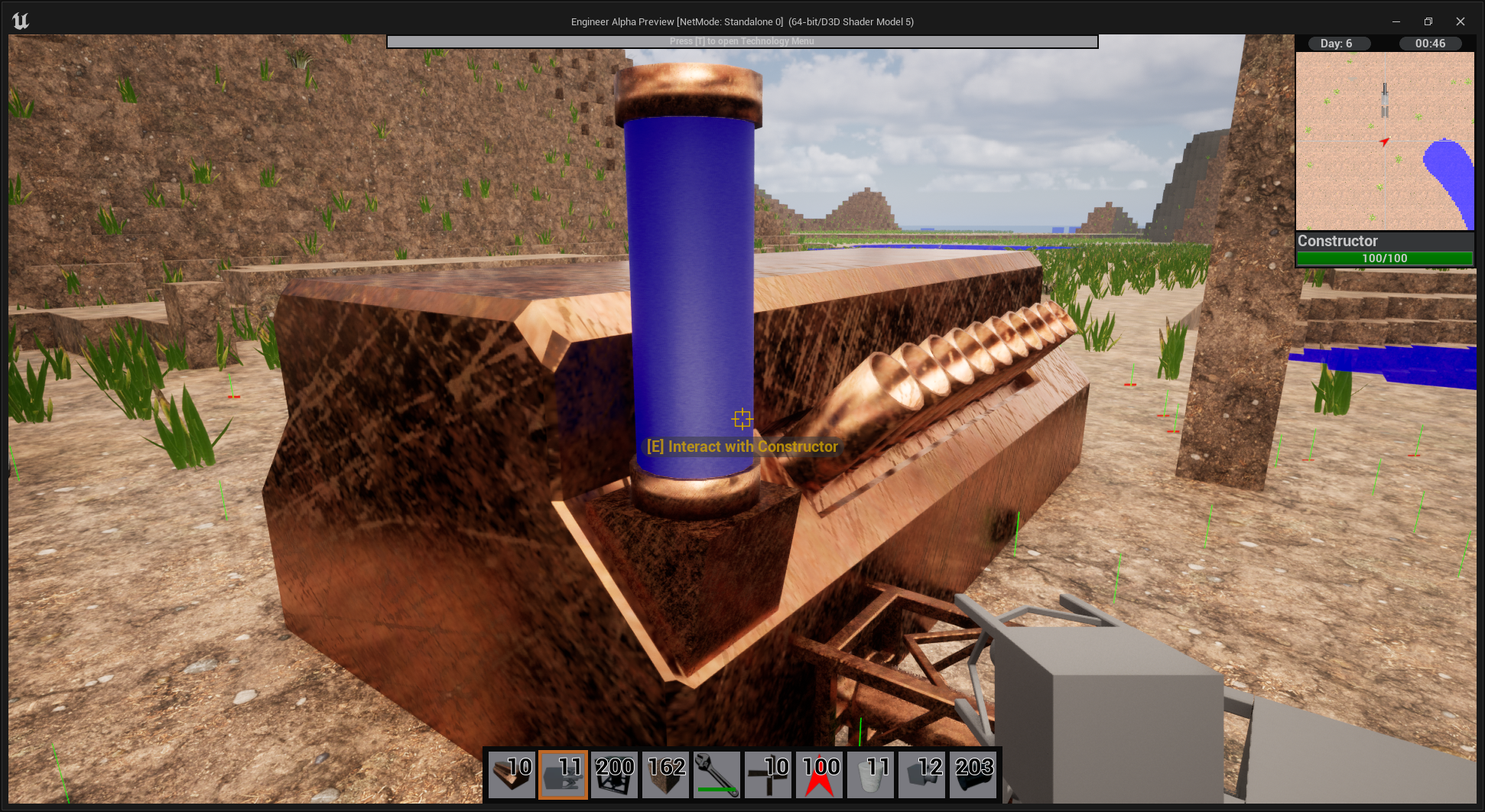
A blue light indicates that the output of the machine is full.
There is also a UI element in the machine's GUI that will give you a readout of the current state of the machine. When an error happens in a machine that causes it to stop it can also return a line of text about the error to help inform the player about the specifics of the error. For example if an item is missing from the input it will say the name of the item that is missing.