
It is always my goal to make the game more accessible and understandable to as many people as possible. and to that end I have created an outline and information system that helps give info to the player so they know what they are looking at and what they can do with it.
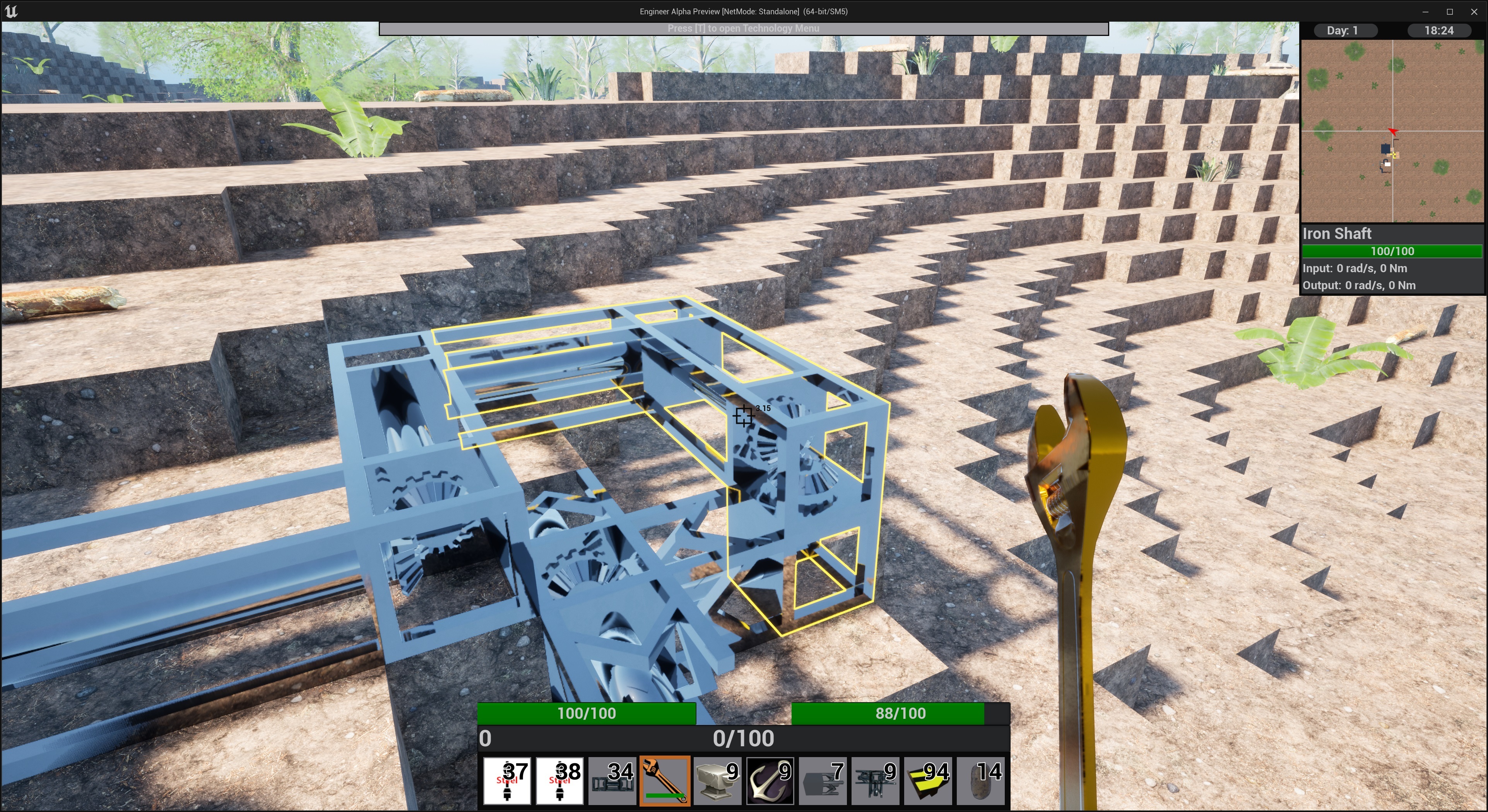
The first thing is that any building that the player looks at within their observation range will get an outline around it showing its bounds in the world. I have found this very helpful for things like shafts that connect to each other and show no sign of a gap/transition.
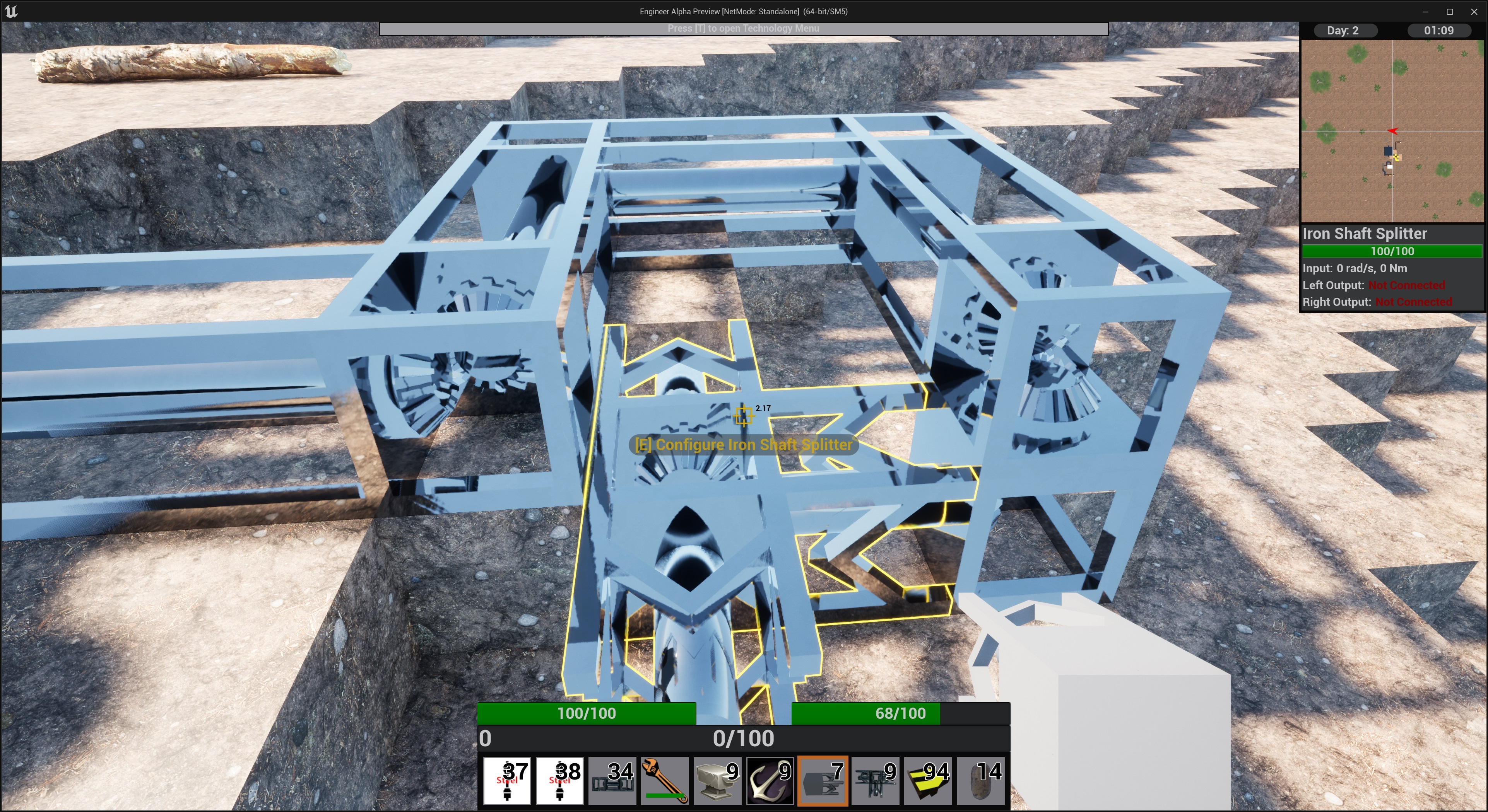
When you get within interact range if the building is interactable your crosshairs will change color and you will get a text notification that you can press the interact key to configure or otherwise interact with the building.
There is also a second line of text that can appear that is item dependent e.g. with a wrench you will get a prompt to use the item and remove the building.
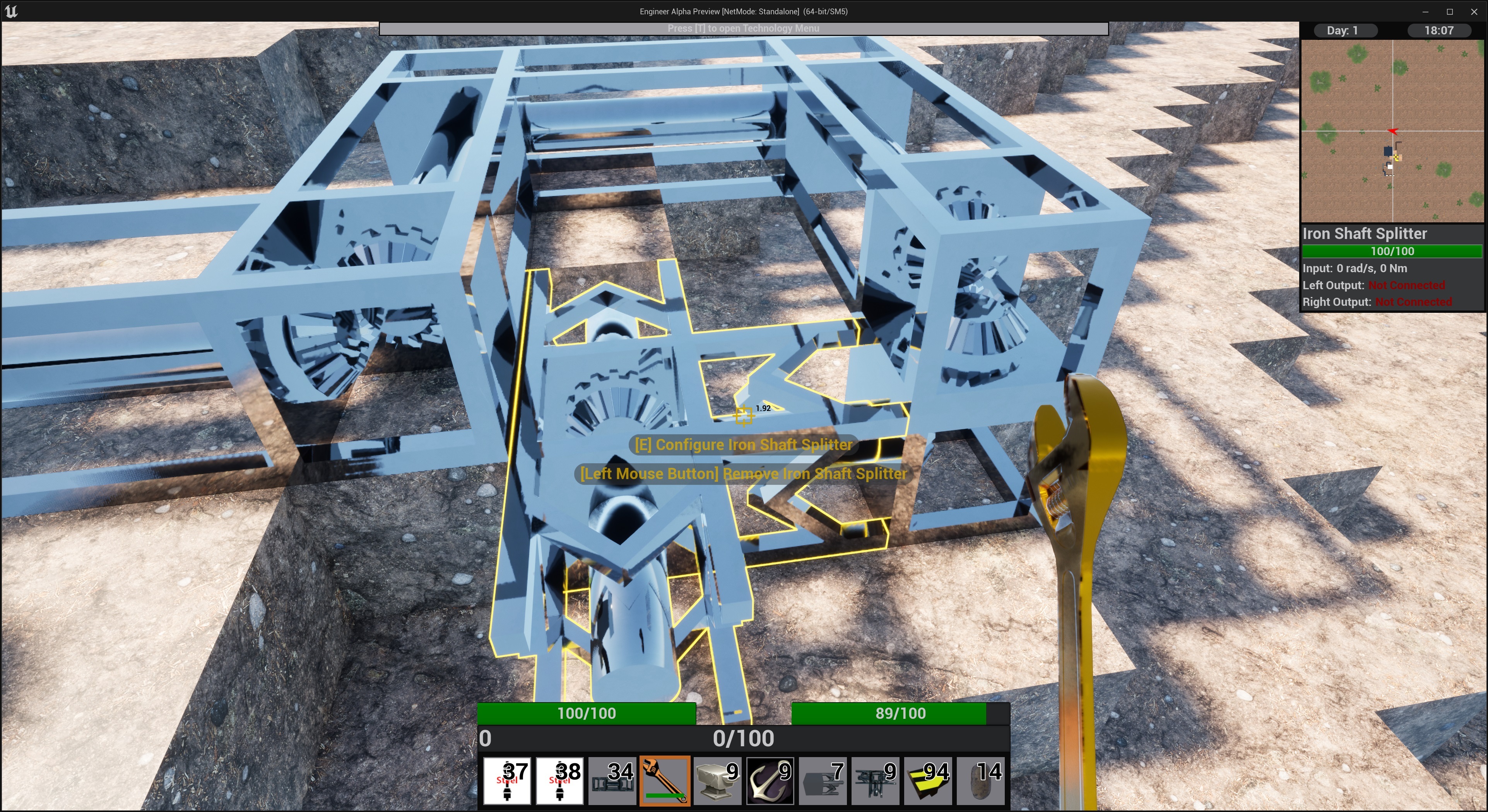
You may notice some other UI changes in the screenshots here my goal is to keep your eyes in the middle of the screen with the most relevant information as much as possible and not be hunting all over for the info you want.
Unfortunately the outline will not be coming to blocks or plants created by world gen this build but the text prompts still will, this will hopefully change in a future update.