
Last week I wrote about voxel placement. While most things were how I wanted them I was unsure about the UI side of the puzzle. After a few days of thinking however I found a solution that I am very happy with. The key was simplification and speed.
Initially I was planning on having it so that you could change all 3 dimensions you were placing in independently, as that would give the player the most control. However this is intended to be a time saving feature so if you can't get it to do what you want quickly, its trash. So I set out to make it as streamlined as possible with as few options to choose from as I could.
The first change I made is to limit it to 2 dimensions. The third dimension is in fact largely unnecessary; the most common things to build are walls and floors which are both 2 dimensional. So that option was taken out.
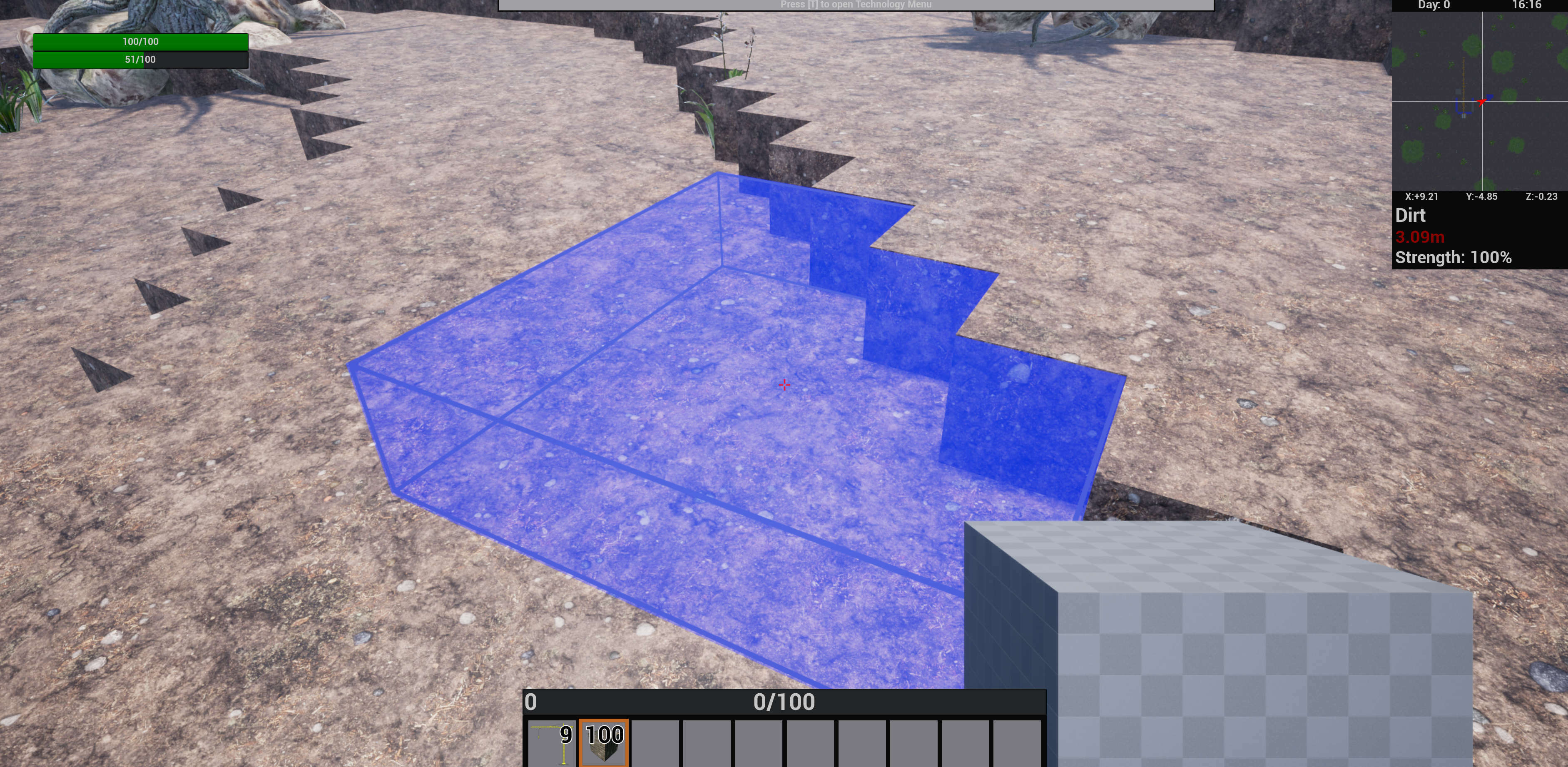
Placing a floor of voxels.
The second change was to make it so each voxel is checked individually this means that the entire volume does not need to be empty to be placed. With this change the selection of the second dimension is not nearly as necessary so the placing volume can be simplified down to a square.
The final thing was that if we are only building in 2 dimensions there are only 3 options for orientation (X,Y,Z) so I created a special Scroll option so every orientation is only a single scroll away.
With these changes there is only a single value we need to select outside of the action to place. To ensure it is as fast as possible I went with a radial interface as they are a great way to choose options quickly. A single button can be pressed while holding any voxel and it will change the placement size for every voxel that character places for the remainder of the play session.
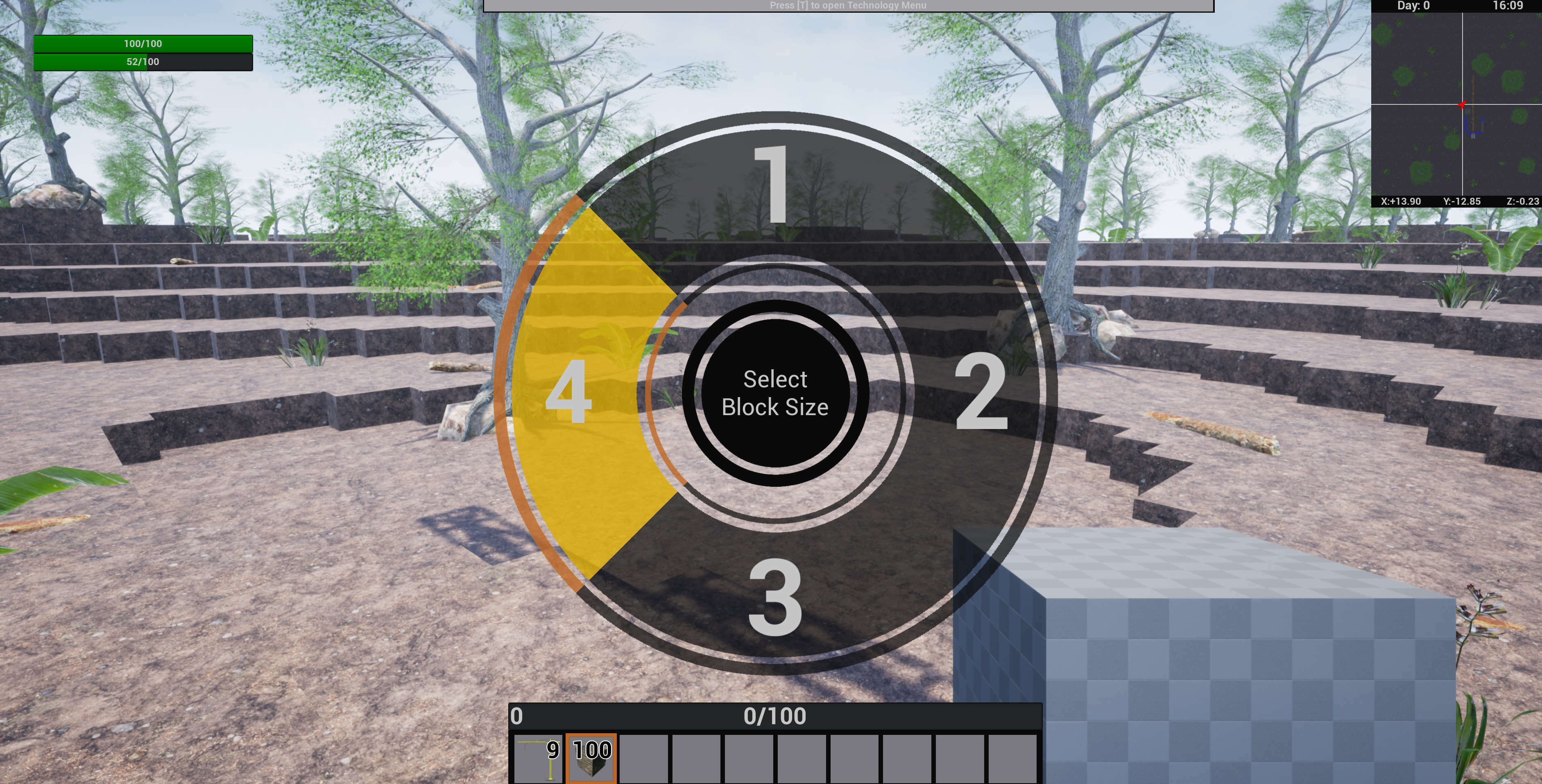
The engineer voxel size menu.
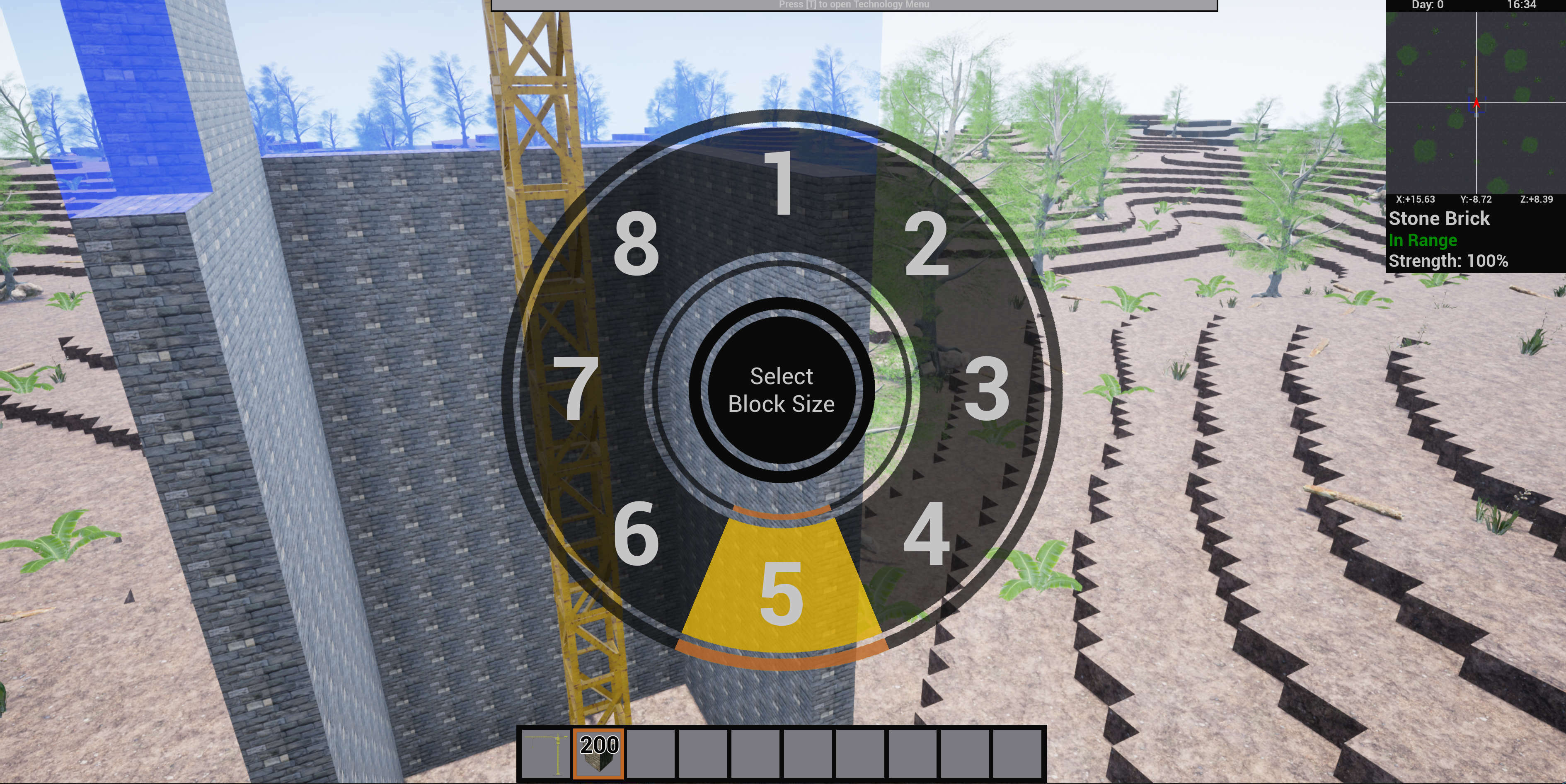
The Crane voxel size menu.
Also in 0.3 there are some changes to where character info is stored. Your action bar is now stored on your "controller" so it will be universal no matter what you are controlling be it an engineer, a crane, or something else. I increased the number of bars to 10 to compensate for this and made a little indicator to show which bar you are currently on so you don't get lost.
Options like your voxel placement size are stored on the character level so each individual one will have its own. This is import because as it is right now the player character has a max of a 4x4 voxel placement size while the crane has a max of 8x8. And let me just say that being able to throw down 64 blocks at a time with a crane really takes them from a cool idea that is just there to something useful and helpful in the game, which is how it should be.