
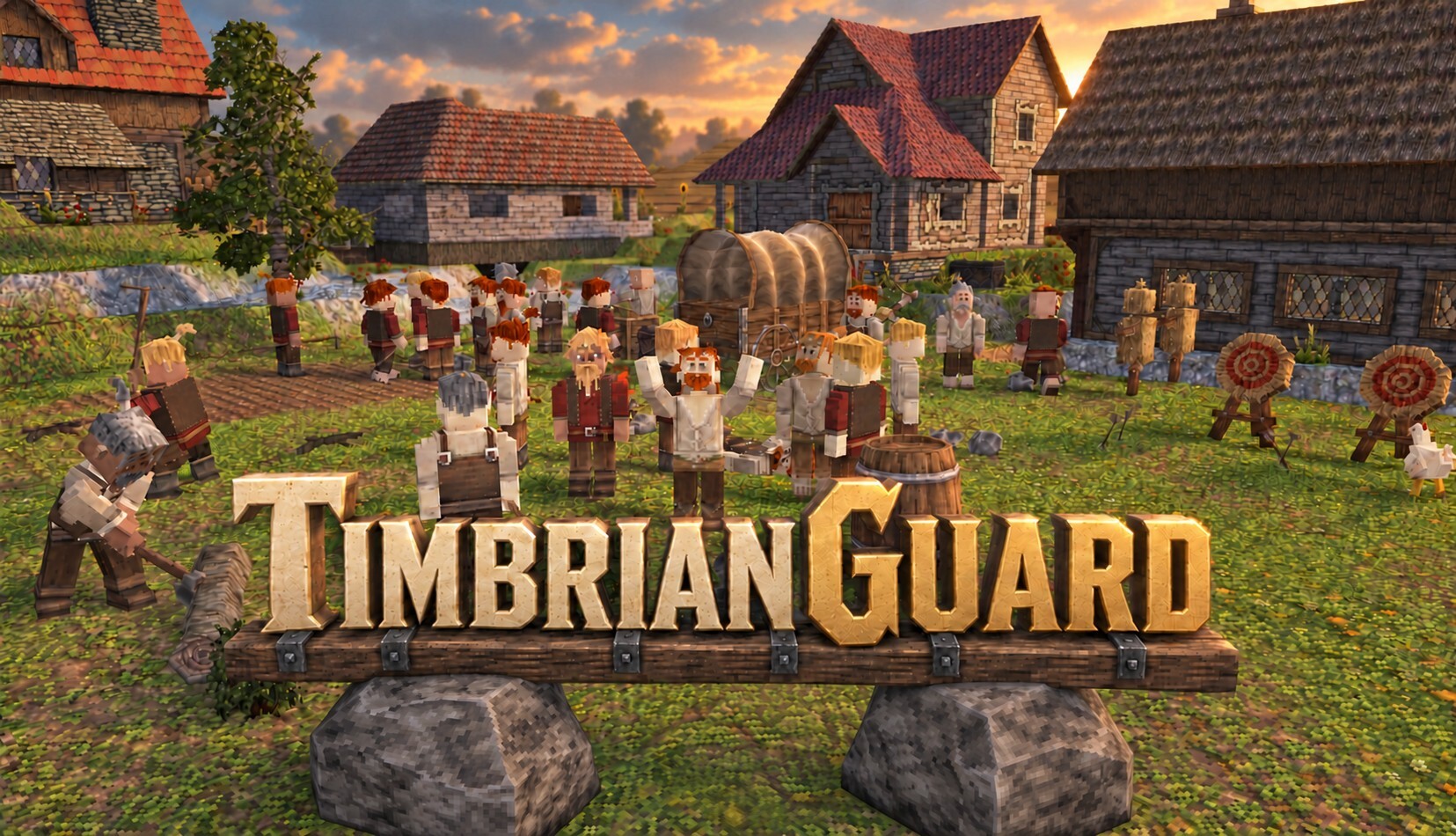
Steam Next Fest starts Monday, and so does the free TimbrianGuard demo. Here's what changed in the week since Forge Friday #01: five demo builds, a fresh look for the store page, and more than 250 changes and fixes.
The demo goes live Monday, October 19
TimbrianGuard is an open world colony survival game. The free single-player demo launches with Steam Next Fest (October 19–26):
- Survival: the first three in-game days, about an hour of play, with a guide for each day.
- Sandbox: unlimited building. Create and share blueprints, then bring them into Survival. Worlds from the Satus Creative Alpha load here too.
Wishlist and follow TimbrianGuard so you don't miss it.
View game page
A fresh look for the store page
New key art across the store page and your Steam library, plus new screenshots from the demo and an updated description.
Eight settlers from day one
In Forge Friday #01 we said you'd start with five settlers. After a week of playtesting, the demo now starts you with eight.
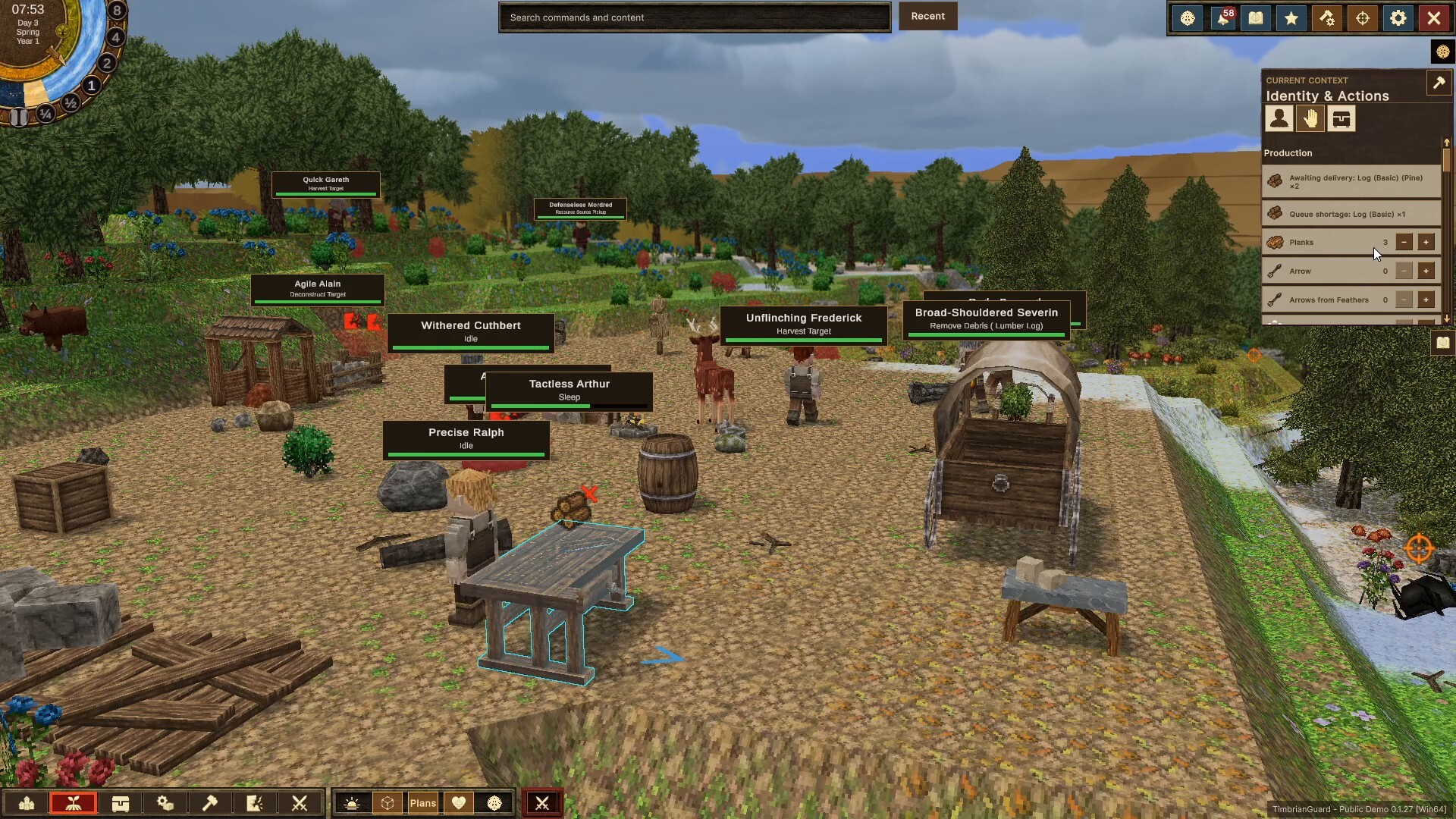
They also start with less. There are no ready-made tools in the wagon anymore. Your settlers gather sticks and small rocks (thanks, DrakeWolf), craft their first tools by hand, and work up from there. Big rocks and fallen logs need the right tool to clear, and there's a new wooden club recipe for when night closes in.
What changed this week
Survival and defense
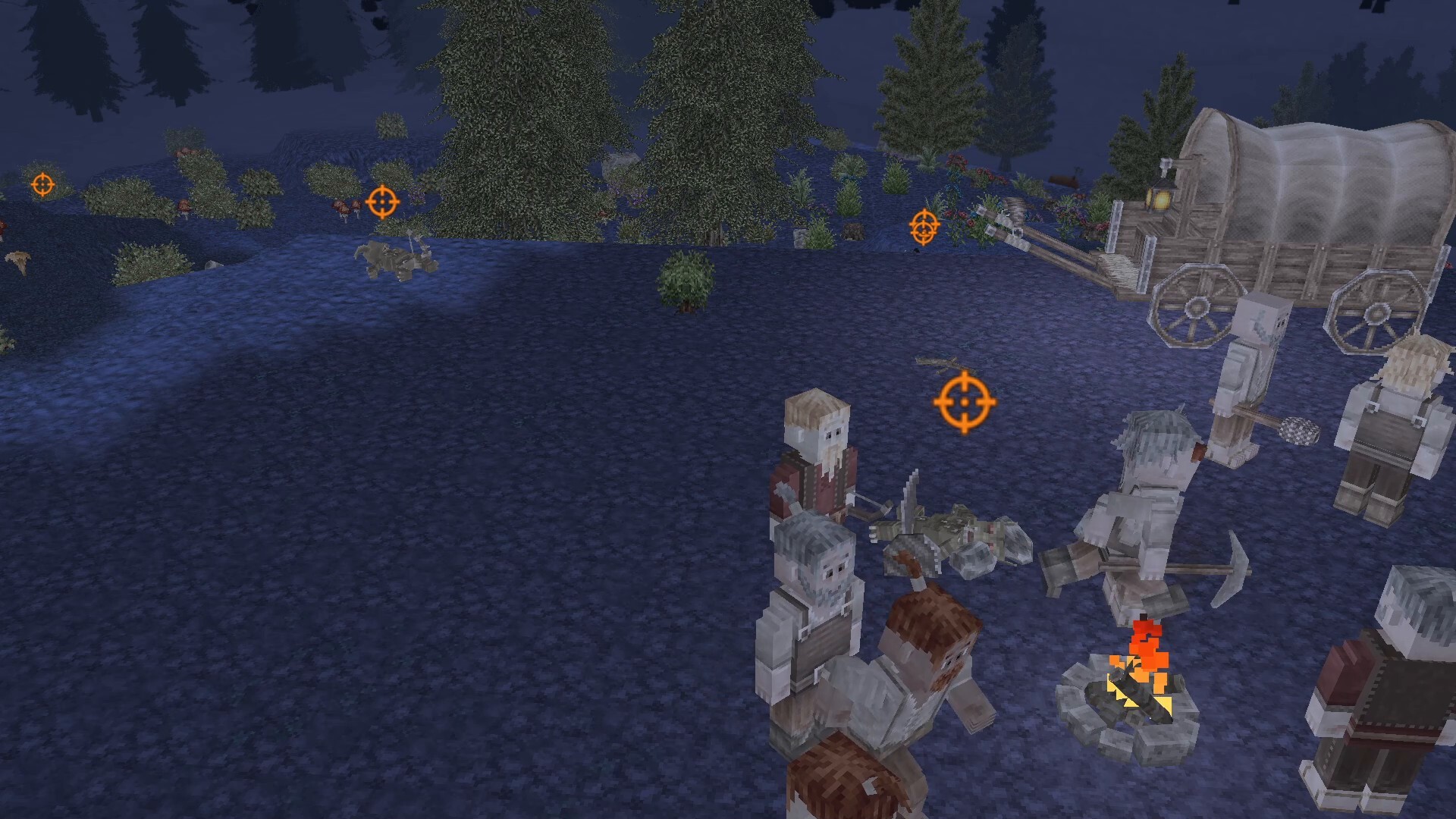
- Predators no longer get a grace period. When a settler spots one, you get an alert and a map pin so you can track it.
- Bears are now aggressive, and animals get more agitated the longer you hang around them instead of attacking on sight. This week one settler decided the best place for a nap was right next to a bear.
- Night attacks come earlier in the evening (20:30), and each night's raid is bigger than the last.
- Raiders attack as a group, and you can see when one breaks and runs.
- A new Draft and Attack command for your defenders. Guards grab a weapon before charging in, fall back to defending when badly hurt, spread out instead of stacking on one spot, and now earn combat experience.
- The game can auto-pause when an attack starts. You can turn this off in settings.
Running the colony
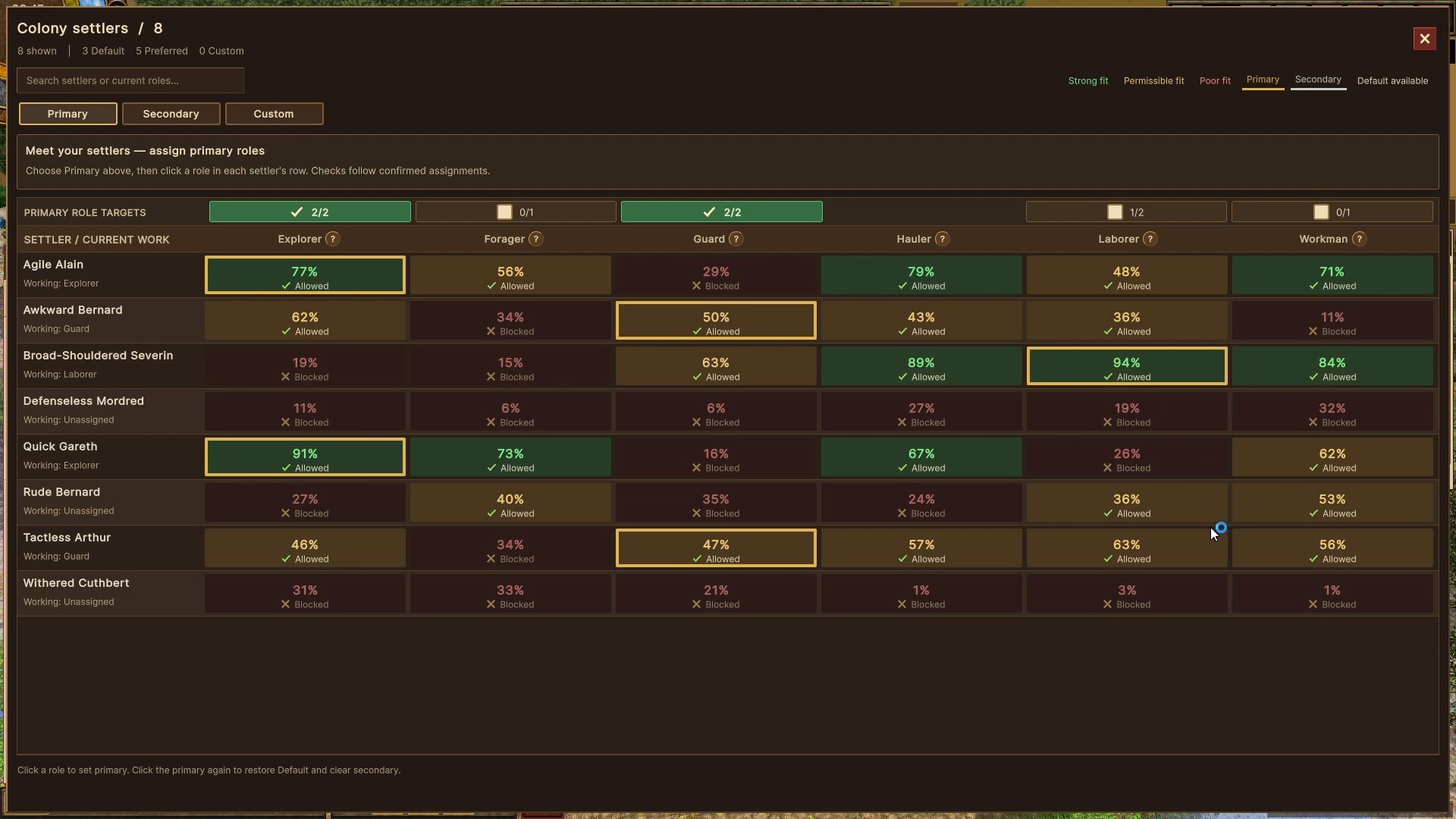
- A new full-screen settler panel and role management screen. See how suited each settler is to every role, and set primary and secondary roles in one place. It also introduced us to our new worst settler, "Diplomatic" Joachim.
- Left-click and drag to select several settlers at once.
- Workbenches have a production tab, and a station waiting on materials shows the exact item it needs.
- Click a resource in the resource manager to jump to the inventory holding it. Tools now stack.
- Settlers move faster, sprint when chasing, and carry full loads instead of one item at a time.
- Smarter task picking: older jobs get priority, settlers try something else when a job is blocked, and they ask each other to move when someone's in the way.
- Fewer pop-ups for blocked tasks, smaller alert cards, and clicking an alert takes you to the spot. Settler name cards fade to half opacity until you hover them, so the camp is easier to see.
Building and mining
- The door tool, the roof tool and the build menu are now in Survival, along with the blueprint tools from the Creative Alpha, including the blueprint editor.
- New mine controls with hall, branch and T-section pieces, and size limits on tree-cutting, mining and foraging areas.
- Undo for removal and build orders, and you can pull planned blocks back off the to-do list.
- Importing a blueprint from the Workshop now shows a progress bar.

The world
- Terrain has its rolling hills back, and mountains now form connected ranges. Lone peaks are rare.
- Brighter days, bluer nights, lower clouds and cleaner lighting.
- Grass wears into paths where your settlers walk most.
- New and updated trees (ash, acacia and apple), plus sticks, small rocks, dirt piles and a wooden fence gate.
- New foraging and log-chopping animations. Settlers also close their eyes when they sleep now, so the open-eyed stare is gone.
Guides
- The Day 1–3 guides teach tool-making before you schedule work, and you can click a guide step to jump to where you need to be.
- The Day 2 and Day 3 guides start as soon as you've beaten the night's danger instead of waiting for dawn.
- Plenty of guide steps that wouldn't tick off now do.
Performance and saving
- Faster chunk loading, shorter loading screens and fewer lag spikes.
- Lighter, less frequent autosaves, a progress bar when you save and exit, and you can load a backup if a world won't open.
- The Load World list opens faster, and the HUD scales properly on 4K monitors.
Fixes
We closed more than 170 bug reports this week. A few favorites:
- A settler who could teleport.
- A guard who slept through night watch, and a backup guard who ran away.
- A small dresser that was secretly a training dummy.
- Explorers walking off with the miner's pickaxe.
- Settlers using pickaxes to shovel dirt, and miners digging out the block they were standing on.
- A goblin playing its bow animation with no bow and no arrows.
- Every animal had 1 health. They now have realistic stats.
- Surface animals spawning in caves.
- A mystery resource called "Mulched Soil".
- Task names like "fetch required item 66" and "go to static" now say what they mean.
We've also started building automated tests so fixed bugs don't creep back in.
New videos
Also new: Survival Demo Chaos: Dev Stream Highlights.
See you Monday
Play the demo and tell us what you think in the Steam discussions or on Discord. Streaming or making videos? Go for it, no permission needed.
— RE³ Studios