
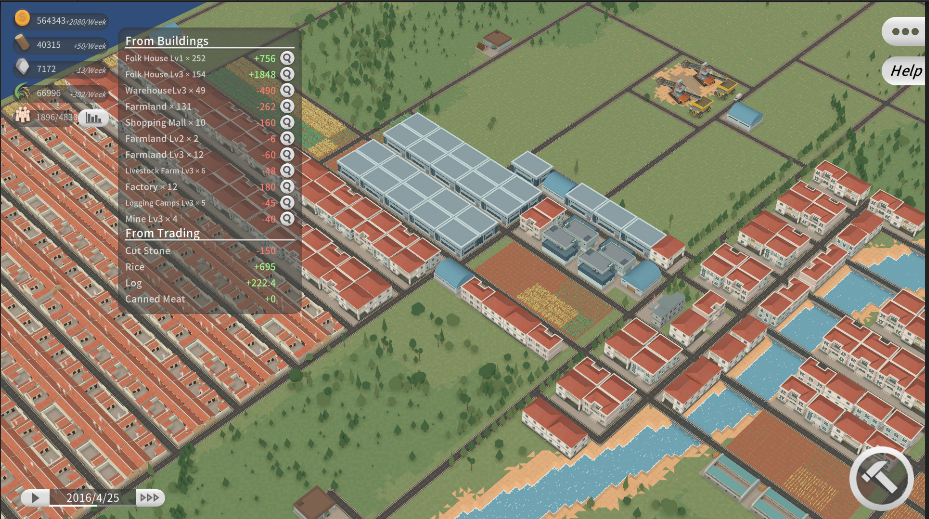
Now click on the HUD in the upper left corner, it will display the weekly quantity changes of the item, specific to each type of building. Click the search button to switch among such buildings to make adjustments.
Developer announcements, patch notes and gaming coverage from across the GaugeDB catalogue.
Source: Steam Community (opens in a new tab)
Now click on the HUD in the upper left corner, it will display the weekly quantity changes of the item, specific to each type of building. Click the search button to switch among such buildings to make adjustments.