Welcome to Release 1.6! This update introduces exciting new gameplay mechanics, refined task management, and a host of fixes to make your experience smoother and more immersive. Key highlights include the ability to dismount appliances and new tasks that demand precise scheduling. I've also overhauled task assignment ergonomics and bolstered overall game stability.
New Features:
- Appliance Dismounting: You can now dismount appliances, adding new strategic depth to resource management.
- Precision Scheduling Tasks: New tasks require careful planning, making every decision count.
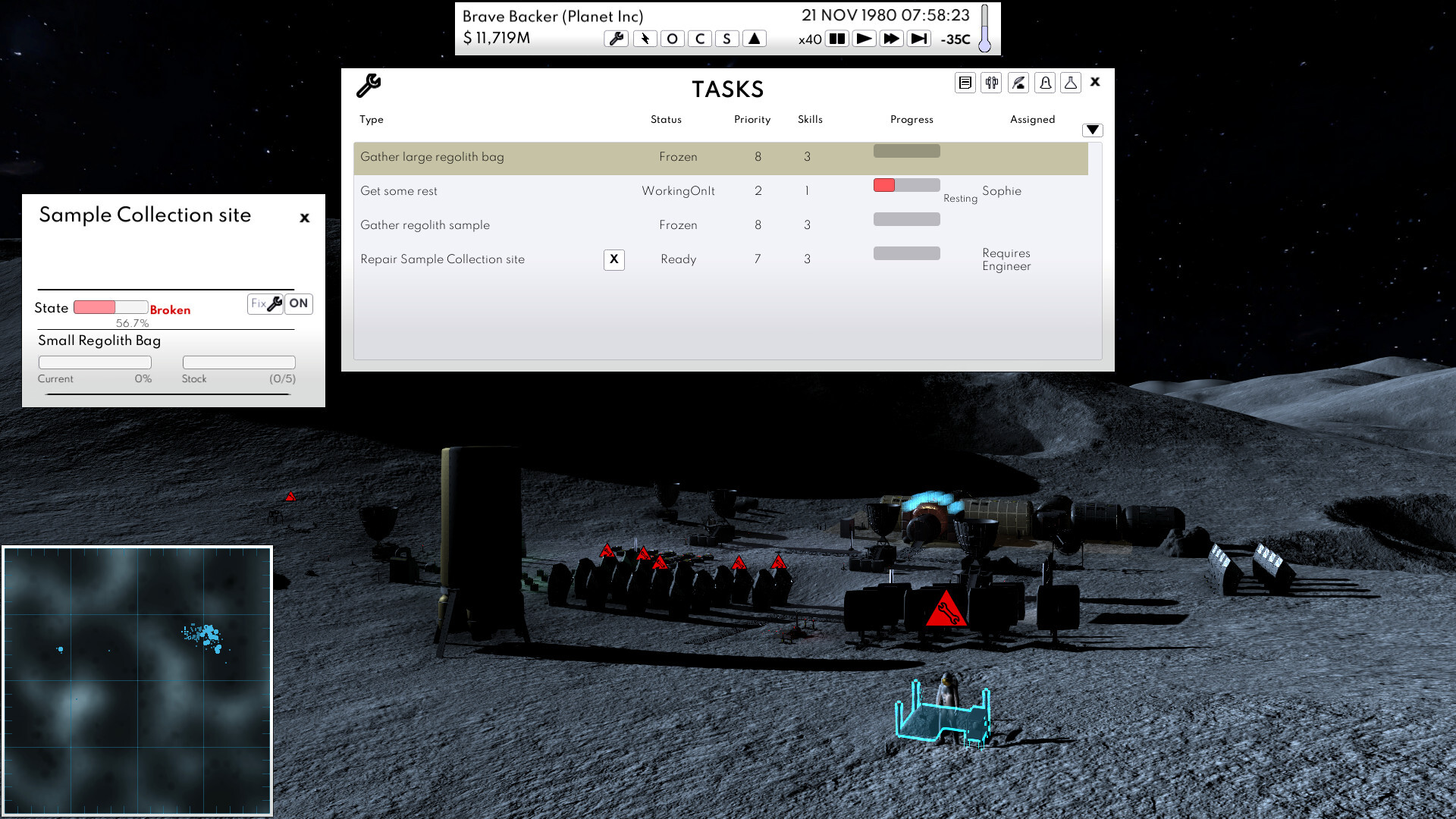
- Improved Task Assignment: Streamlined interface and controls for assigning and managing tasks, enhancing usability.
Changes and Fixes:
- Visual Feedback for Mining: Asteroids now visually shrink and fragment as metal is mined, reflecting progress (ID 808).
- Task Cancellation: Cancel tasks directly from the task list for greater control (ID 815).
- Resource Extraction Task Logic: Updated logic to create a single task initially, with cancellation via GUI or right-click recreation (ID 816).
- Automatic Task Cancellation: Tasks are canceled if an appliance is dismounted (ID 817).
- Animation Fixes: Corrected animations for dismounted appliances during reconstruction (ID 818).
- Storage Area Behavior: The storage area (fake rocket lander) now disappears once the last element is installed (ID 819).
- Task Status Improvements: Fixed issues with users being assigned to frozen tasks and corrected "ongoing" status display in the task log (IDs 821, 822).
- Navigation Enhancement: Left-clicking a task now takes you directly to its location (ID 823).
- Task Creation Fix: Automatically creates missing tasks when an appliance is switched on (ID 824).
- Repair Task Labeling: Updated repair task labels to reflect parts delivered on-site (ID 825).
- Fix Button Functionality: Resolved issues with the fix button not launching tasks when clicked on the right side (ID 826).
- Dismount Task Display: Dismount tasks now properly display on building construction panels (ID 827).
- Object Details Update: When an object’s status is “dismount,” the display switches to the construction panel (ID 828).
- EarthWork Storage: Updated storage in the Unity Scene for better consistency (ID 829).
- Save System Fix: Corrected issues with saving previously dismounted buildings (ID 830).
I’ve worked hard to make Release 1.6 a more robust and enjoyable experience. Thank you for your feedback, and I look forward to bringing you more updates!