New Template - Platform Jumping Shooter Game Template - Shoot of sky
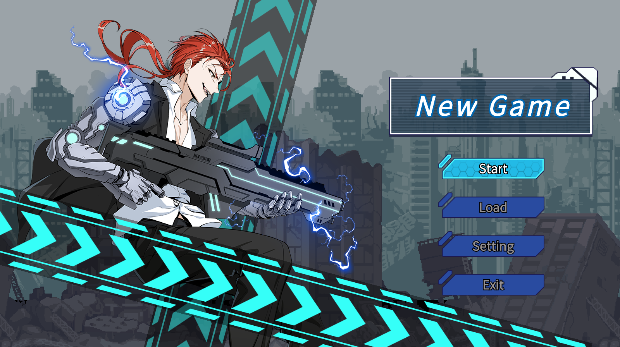
This template is an official GameCreator game template - Shoot of sky. It is a game template with 360 degree shooting mode combat.
The template includes features of the GameCreator engine as well as the template's unique core system and editor. Difficulty to use: ★★★★
There is no problem to create Galactic Warrior-type games after familiarizing yourself with the template's mechanics!
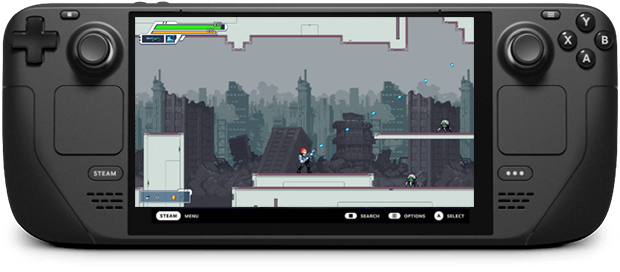
Full GamePad and SteamDeck support
Where the right stick supports 360-degree shooting
Core Functions
● Inherit the features of the game template - Jump of sky
● Support 360-degree shooting, PC use mouse to determine the direction, mobile use the right stick in the virtual keyboard to determine the direction, gamepad use the right stick to determine the direction.
● Weapon types support both bullets and lasers, and have a variety of parameter settings, such as firing speed, range, number of emitters, etc.
● The main weapon can be changed to change the image of the weapon held by the character.
● The ability to switch to a secondary weapon (or use it as a skill).
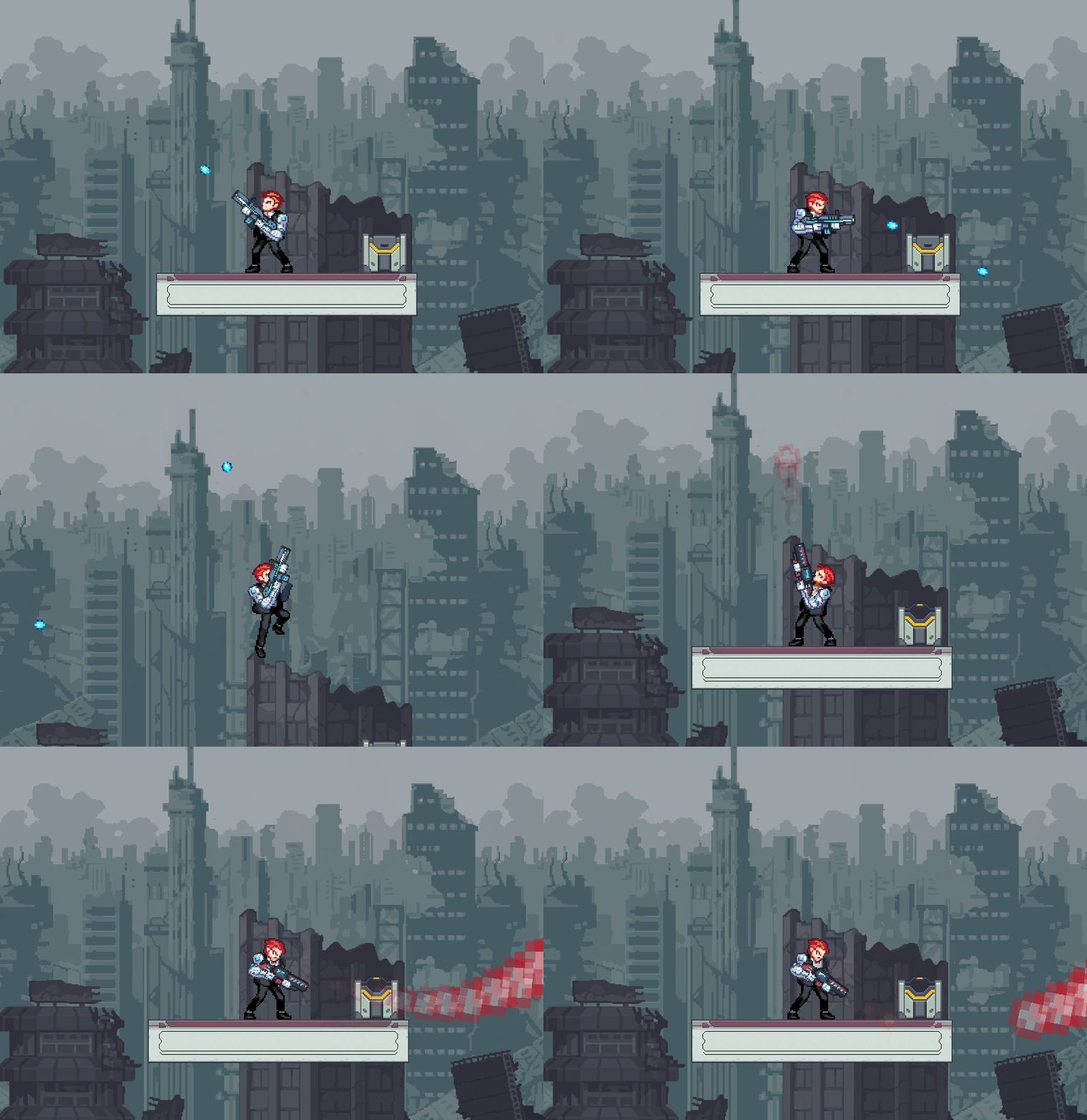
● You can utilize the animation editor to change the character's weapon.
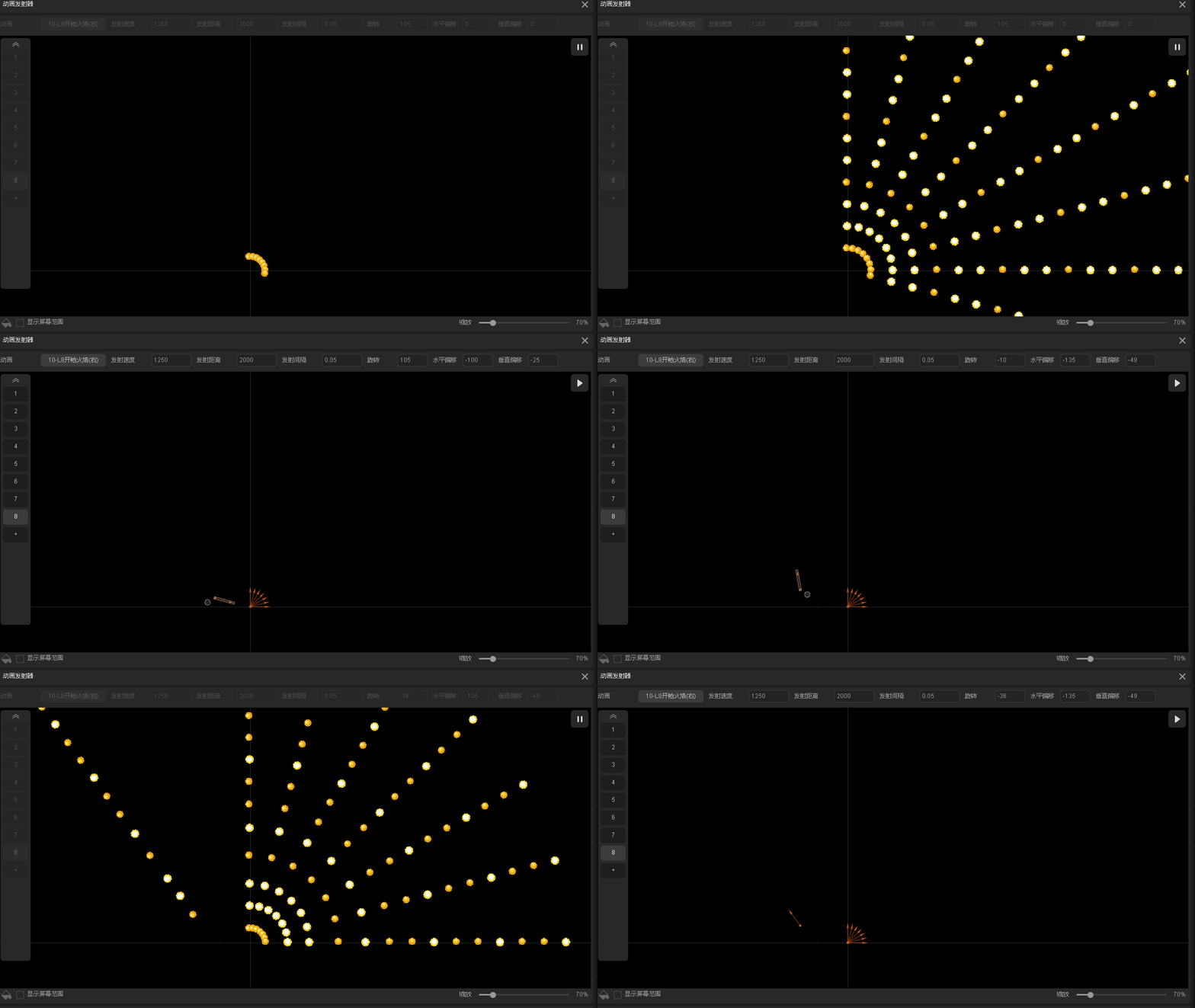
● In the Animation Editor, you can design the collision range and position using the K-frame helper to create a variety of ballistic effects.
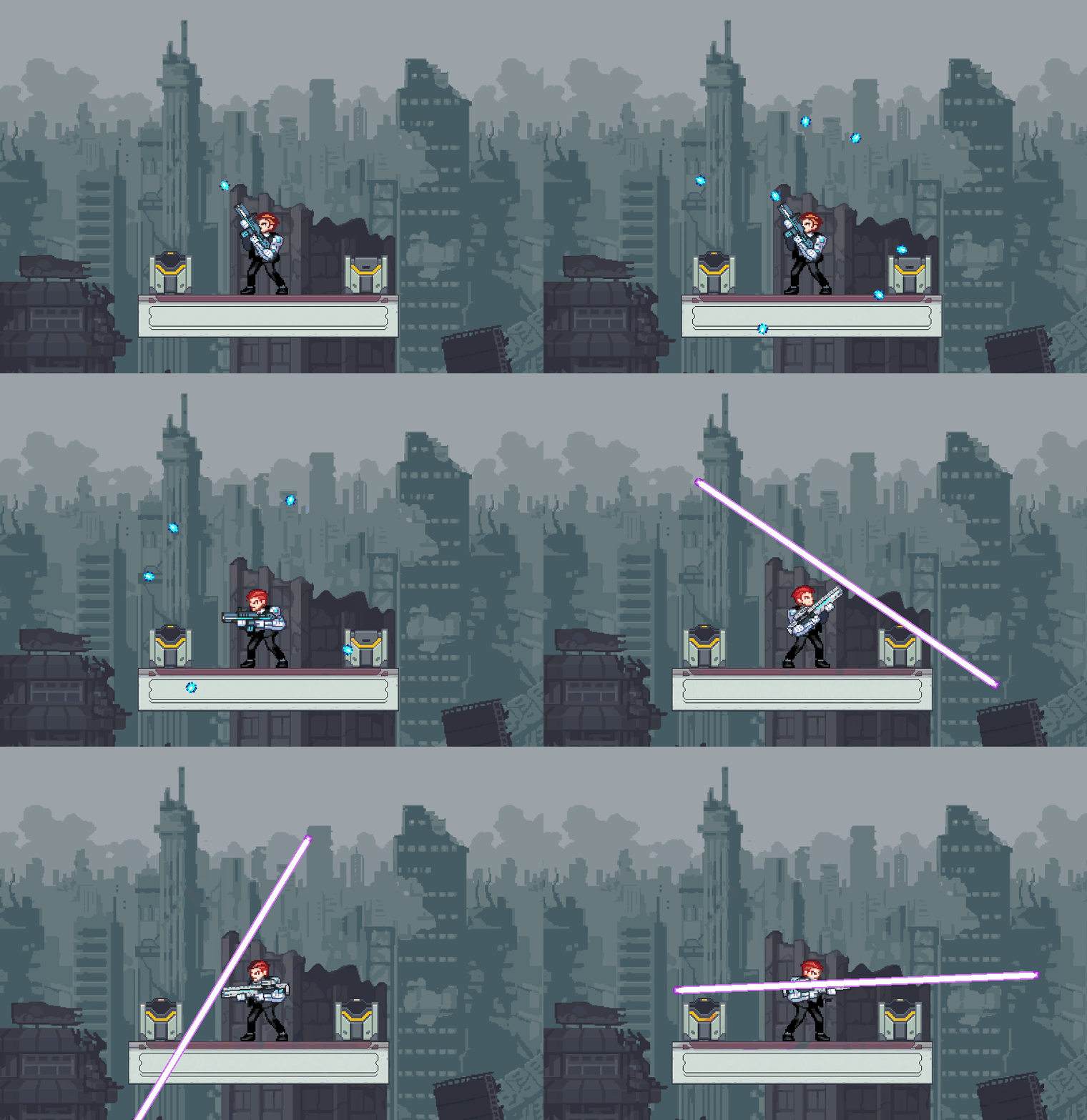
● Transformation ability support.
● Flight mode support, flight controller is used in flight mode
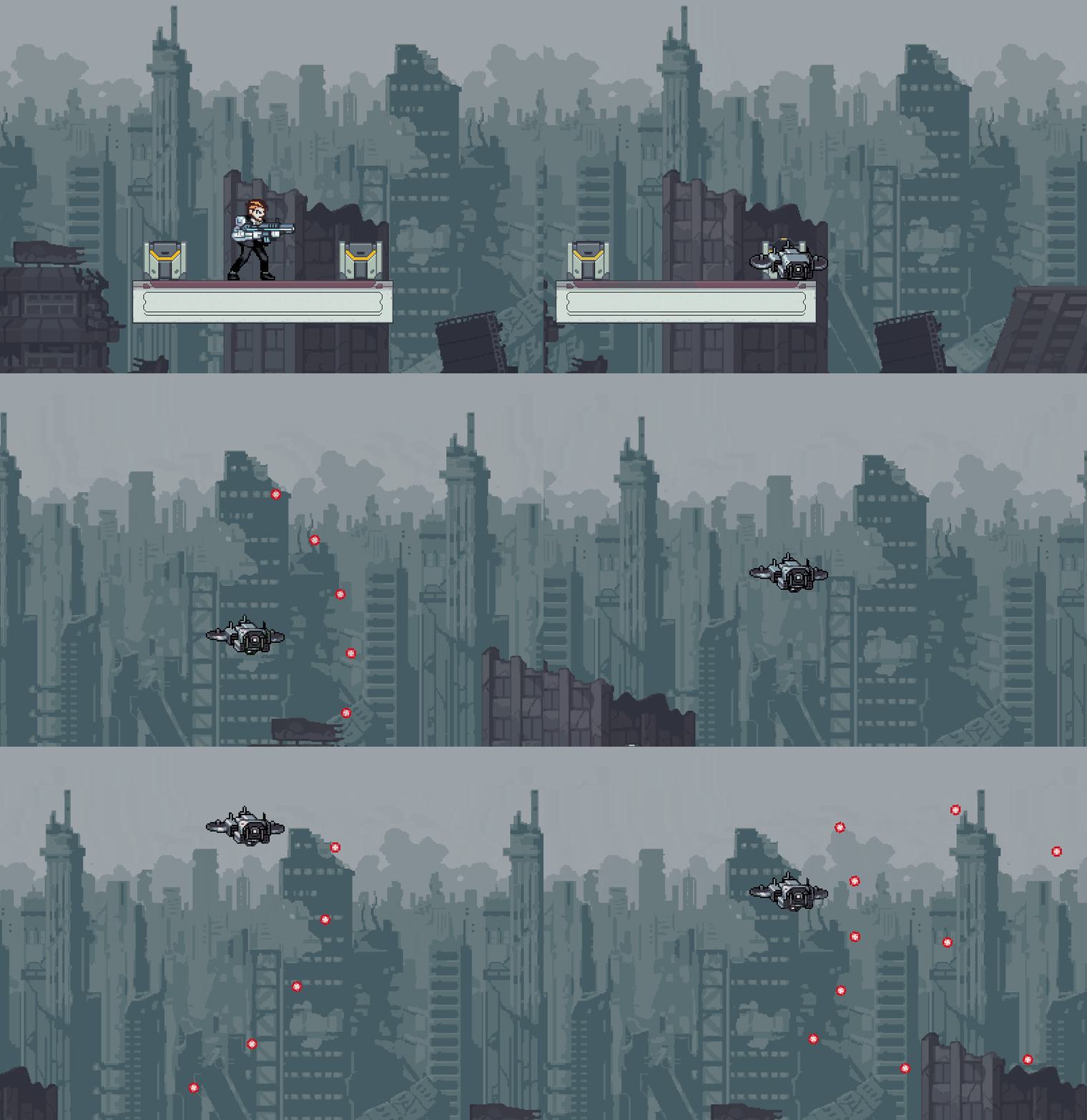
● AI logic that allows visual free control of enemies
● Visualize ballistic launcher creation
● A set of future-style default clips is provided
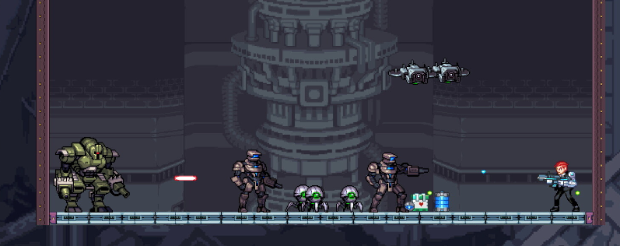
Advanced Extensions
● A set of future style defaults are provided
● Allows visualization of various physics effects through triggers and force modules (e.g. climbing, conveyor belts, and various other function blocks are)
● Walking maps allow frame-by-frame design of enclosing boxes, allowing them to dynamically change collision volume during playback
● Advanced developers can modify and extend scripting programs and create plug-ins
About the rules for material utilization
● Template built-in materials are allowed to be used commercially.
● For use in non-GameCreator engines, you need to purchase the professional version of the GC software and cite the source.
● Resale of slightly modified versions of material is not allowed, but free sharing is allowed and must be the same as this rule.
Engine - Features
● Upgrade of the custom component "54-Custom Module (Attribute)" to support functions such as setting attributes (used to create attribute-related commands for modifying database modules, such as upgrading skill attributes)
● Add the function of auxiliary body to the animation editor, which can be used to calculate the collision according to the change of auxiliary body when the animation is playing (currently used for the collision of the weapon curtains of Empty Hunt)
● Add custom component 60-animation launcher, support editing the number, position, angle and other properties of the launcher.
Engine - tweaks
● Upgrade Android SDK (android13-API33)
● Custom components - added volume pitch display for music selection
● Generated startup.json changed to compressed format to solve the problem that the file size may be too large
● Open API: Avatar::onRender
● When setting properties for custom components 54~58, added symbols in value mode: =, +=, -=, *=, /=, %=.
● Other micro-adjustments
Engine - Bug Fixes
● Fix the problem that the canvas size of the test window is a few pixels different from the actual set window size
● Fix the bug that setting shadows for the numeric variable component of the interface doesn't work.
● Fix a bug that the dialog does not dispatch the GameDialog.EVENT_DIALOG_CLOSE event correctly in some cases.
(Related issue: The display option in ' Kotonoha' cannot display the dialogue menu again.)
● Fix a problem that the command "Move component in interface" is not available after clearing the material of the component.
● Fixed an issue where the data stored in the map was still in the original style after modifying the style of the map, which caused resources to be released incorrectly in some cases.
● Other minor fixes
Update of template 'Jump of sky'
● The "automatic movement" and "gravity influenced" of scene objects can now coexist, such as setting an object that moves back and forth and has gravity, which will fall from the current ground to the ground below due to gravity and movement
● Database module - "force" has added a condition: whether it is in contact with the ground
● Conditional divergence - scene objects have added a judgment: whether they are in contact with the ground
● Added a default commonly used material called 'image scrolling'
● Fixed an error where pressing the dialogue key on an NPC triggered an archive event even after leaving the NPC range after reading the file
● Fixed the issue of incorrect phrase descriptions for adding and removing forces in the behavior editor
● [Program] ProjectClientSceneObject adds the attribute: forceActionID, which is set to play the action first rather than automatically determined by the physical system
● [Program] ProjectClientSceneObject added event: DIE distributed when dead
● [Program] ProjectClientSceneObject Add event: AUTO_ MOVE_ ONE_ Road_ Dispatch after completing a short segment of the mobile path
● [Program] ProjectClientSceneObject Add Event: TOUCH_ MAP_ BOUNDARY Distribute when touching the edge of the scene
● The program has upgraded the constructor of the prop module
● Other minor adjustments and bug fixes
Next update preview
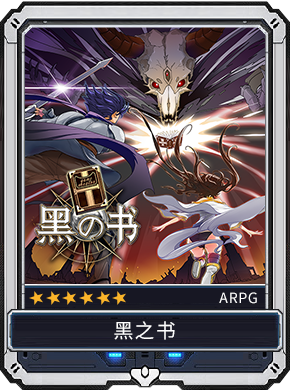
Official template: ARPG - "Book of black", a 2D real-time combat role-playing template