We've started to provide usage support of FutureKreate for early access users via Steam's Remote Play Together feature!
If you'd like to join, please contact me in the FutureKreate discord community!
https://discord.gg/8xwynBKEWt
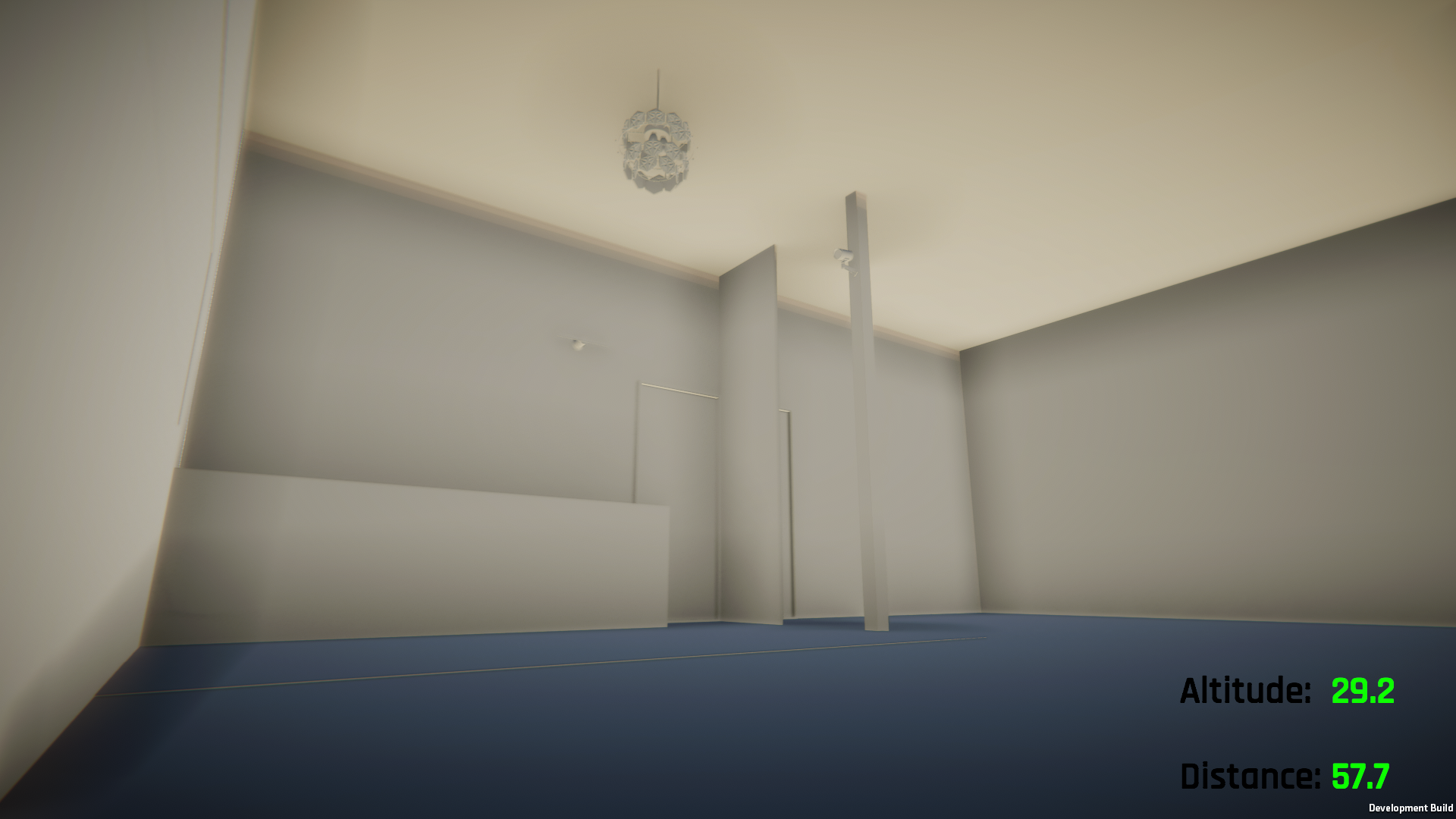
The creator mode was initially created for robotics researchers for experiment usage. We are updating it so that more people can enjoy creating with ease.
This time, the blueprint of the FutureKreate lab is available on the discord community page.
https://discord.gg/8xwynBKEWt"
Please save the file "heya.fbx" and try to use it in creator mode.
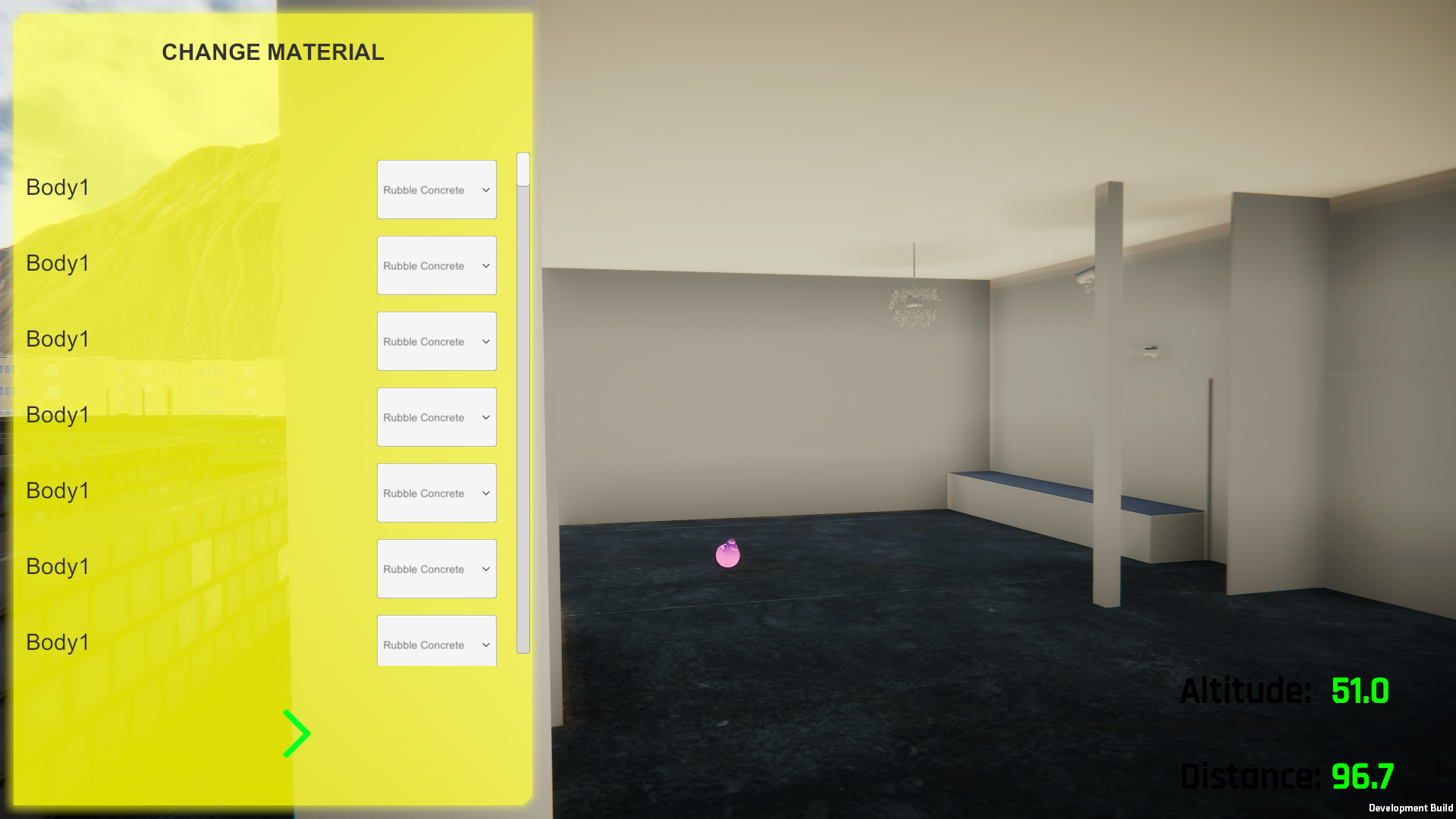
The building mode screen can be opened with H key. You can upload only one robots, but you can upload as many architectures as you want.
.
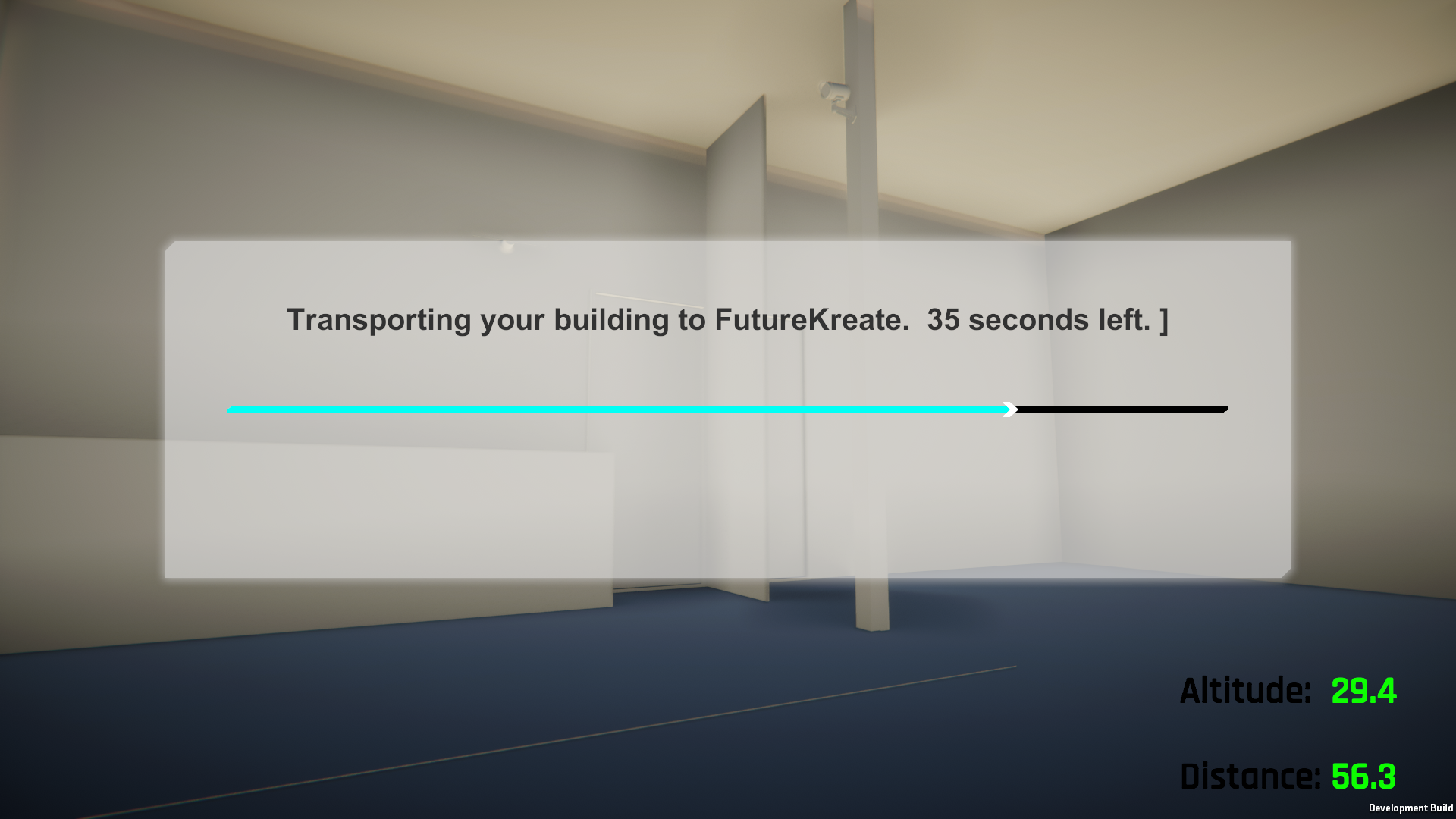
A white room will appear. You can choose the material of the walls, door, carpet, etc. It is also fine to leave it as it is.
.
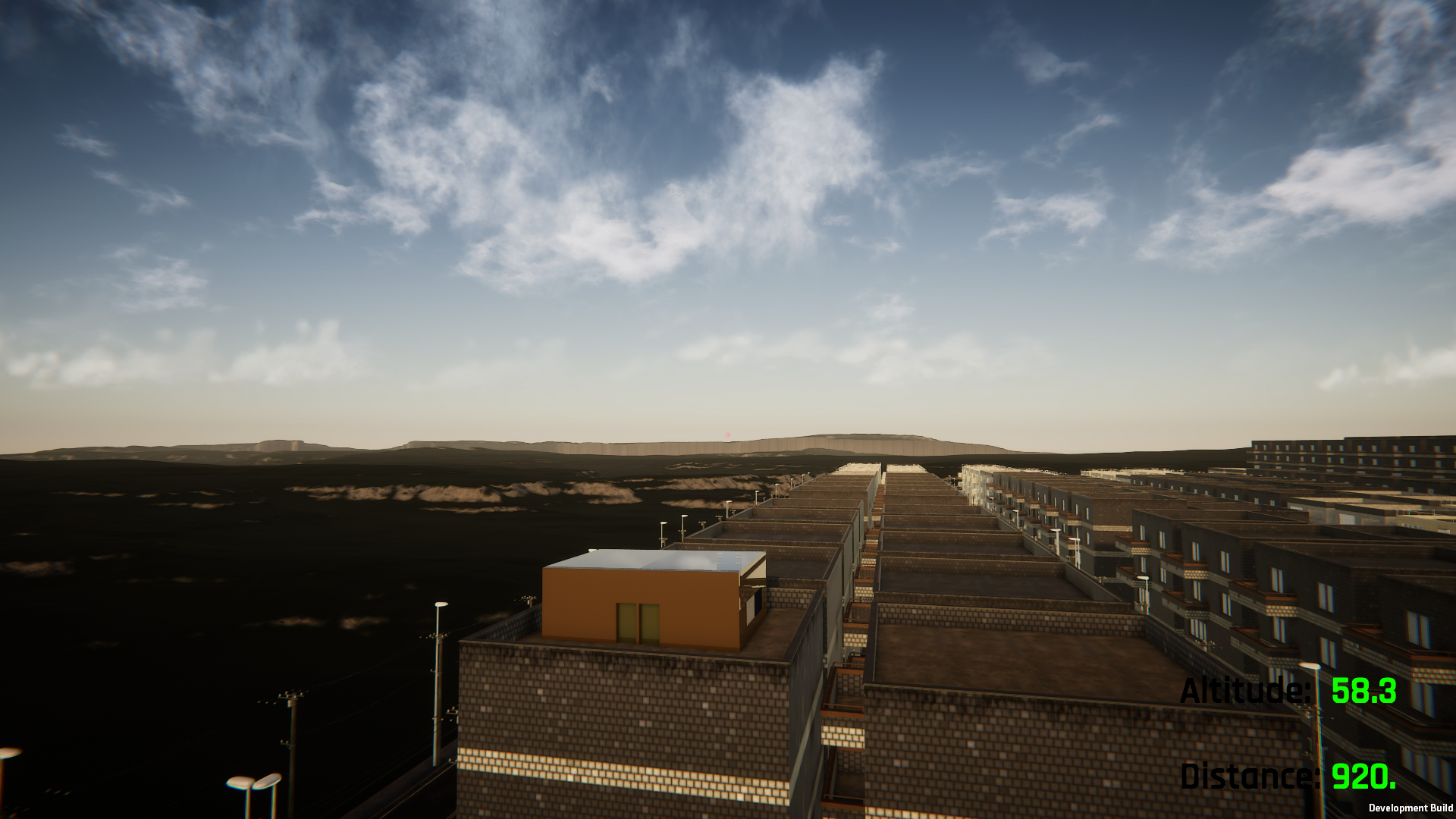
You can build in the sky or on empty land. In this case, I set it up on top of an apartment building.
You can also color it to look like this.
The FutureKreate lab is a renovated room in an old Japanese house, modeled after a real room that was previously used as a living lab for Happy Robot.
It still exists today as a creator share house in Zushi, Kanagawa Prefecture.