
This week, we added multiple platform data synchronization, game saves restore, adjusted some NPC skills to fit into team battles, and implemented a lot of other balances and improvements. Now we have mobile versions available on Aifadian; please check it out!
Multiple platform data synchronization
Step 1: open “Settings” -> “Game” on one of your devices.
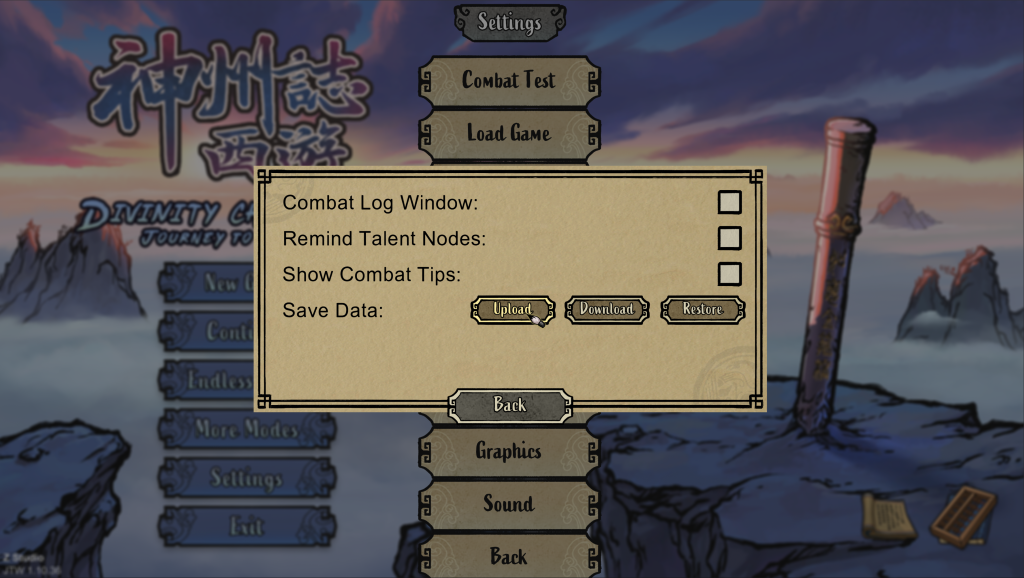
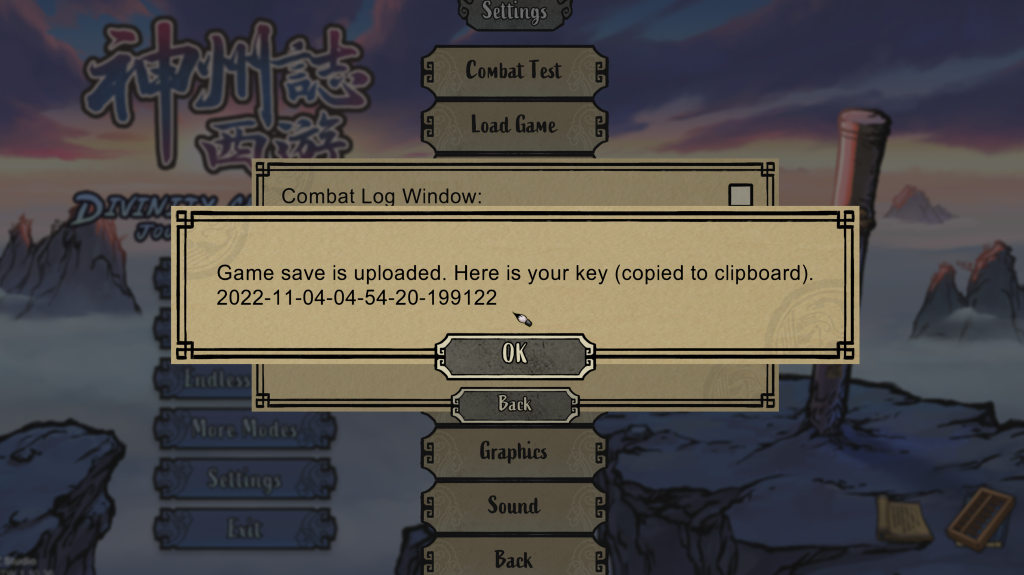
Step 2: click the “Upload” to upload the game save, and a key will be generated and copied to clipboard.
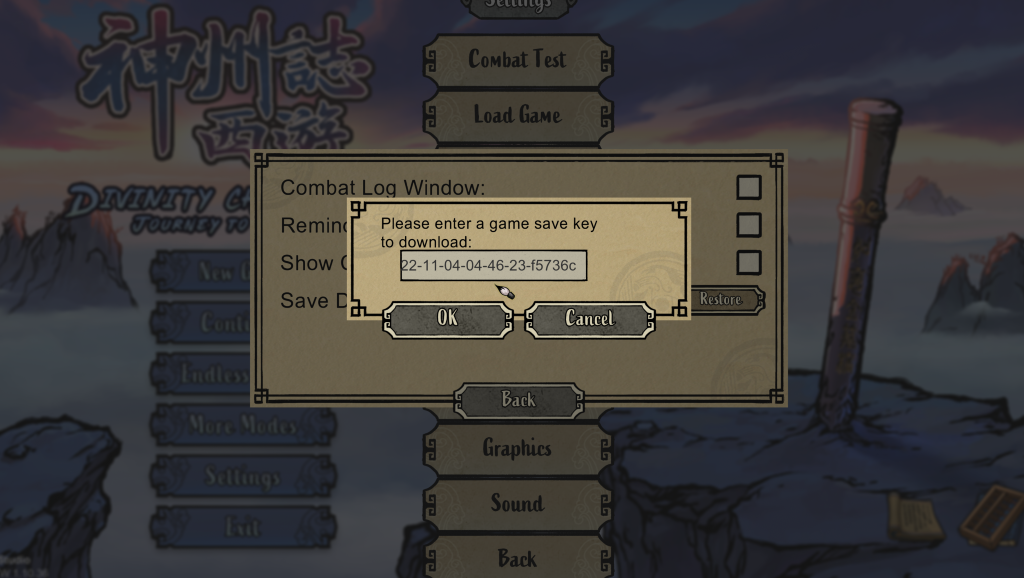
Step 3: click on “Download” and enter the key from another device (mobile or PC).
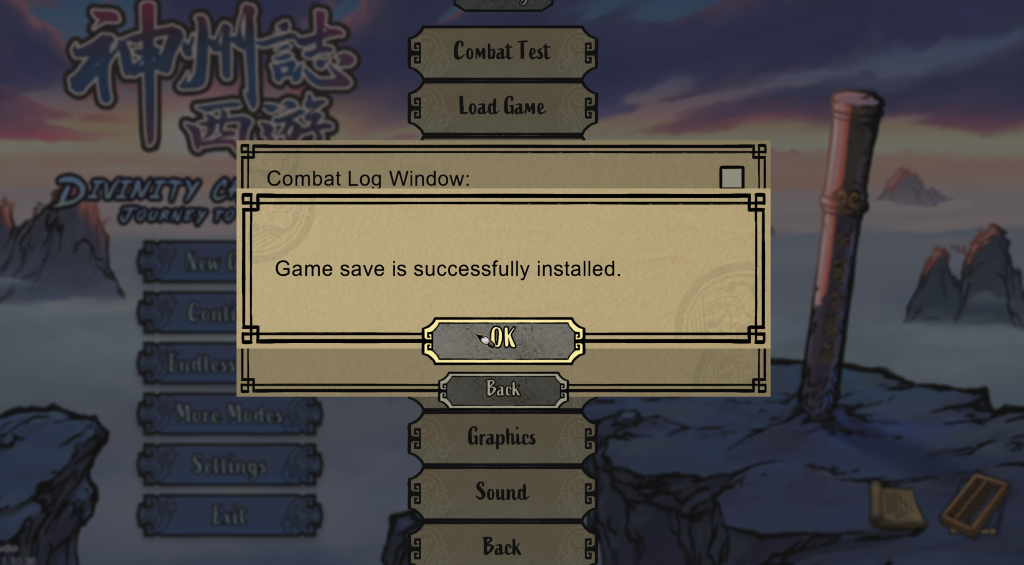
Step 4: once the download process is completed, you can continue the game from this device with the same data as the other machine.
Game save restore function
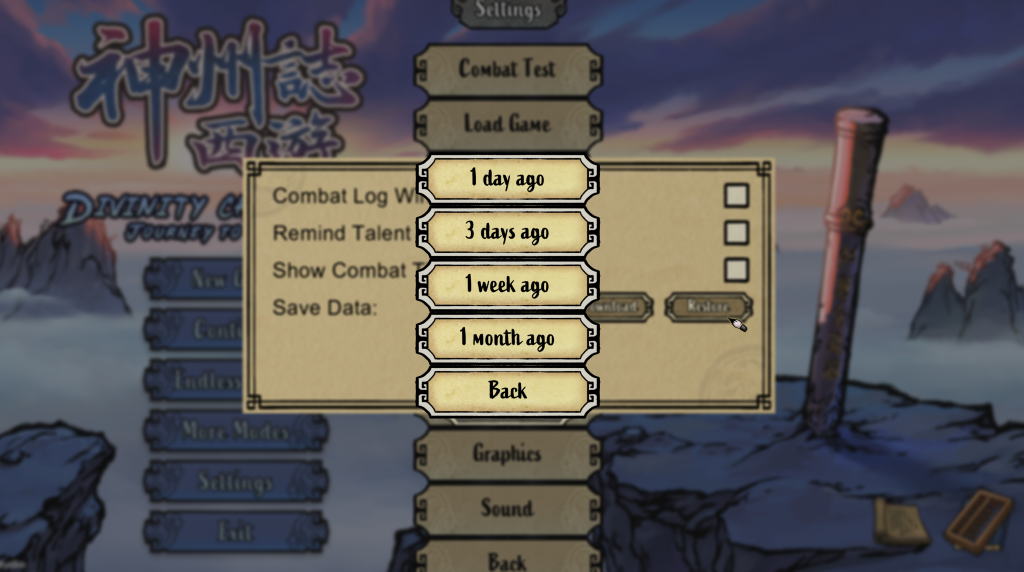
Click on the “restore” on the same menu to restore the game file to a backup version 1 days, 3 days, or 1 week ago. This function is a good solution if your current game save is broken.
Optimization
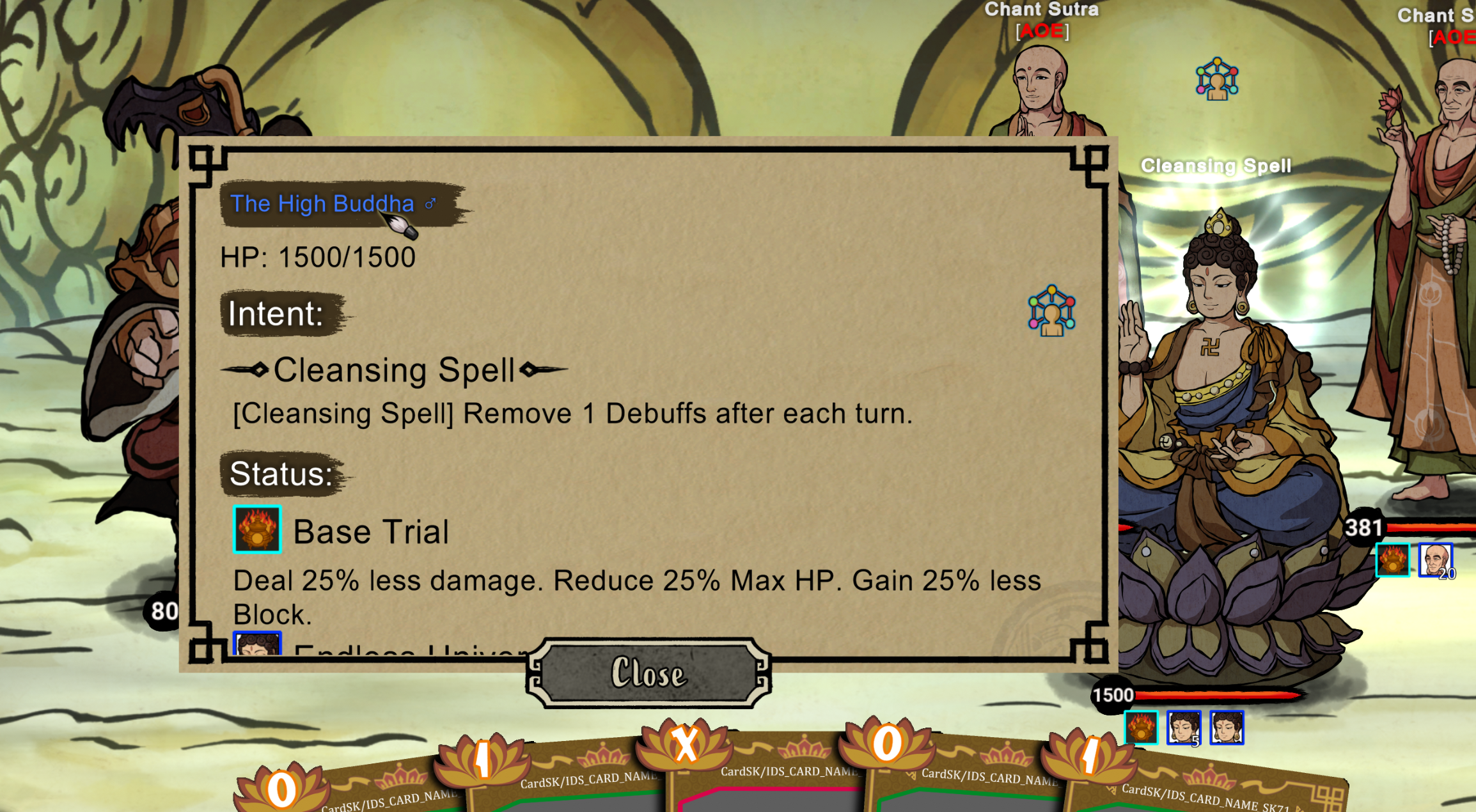
- Clicking on the NPC name on the detail window can jump to the compendium page.
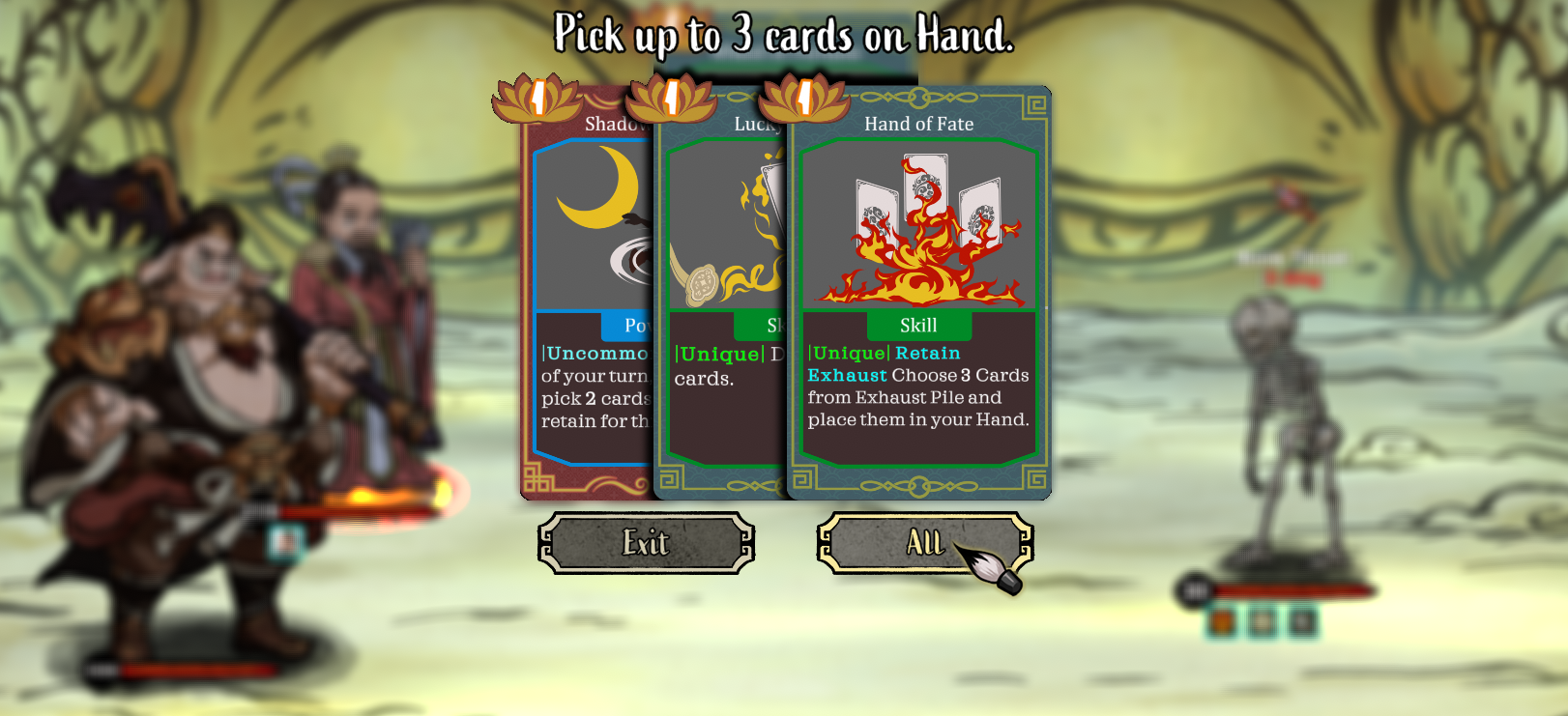
- You can use “All” button to instantly pick all card from Hand.
Balance and Improve
- Adjusted Mighty Monkey’s cards: Twist the Knife -> Defensive Offense
- Bloodstone can deal damage even if your HP is full.
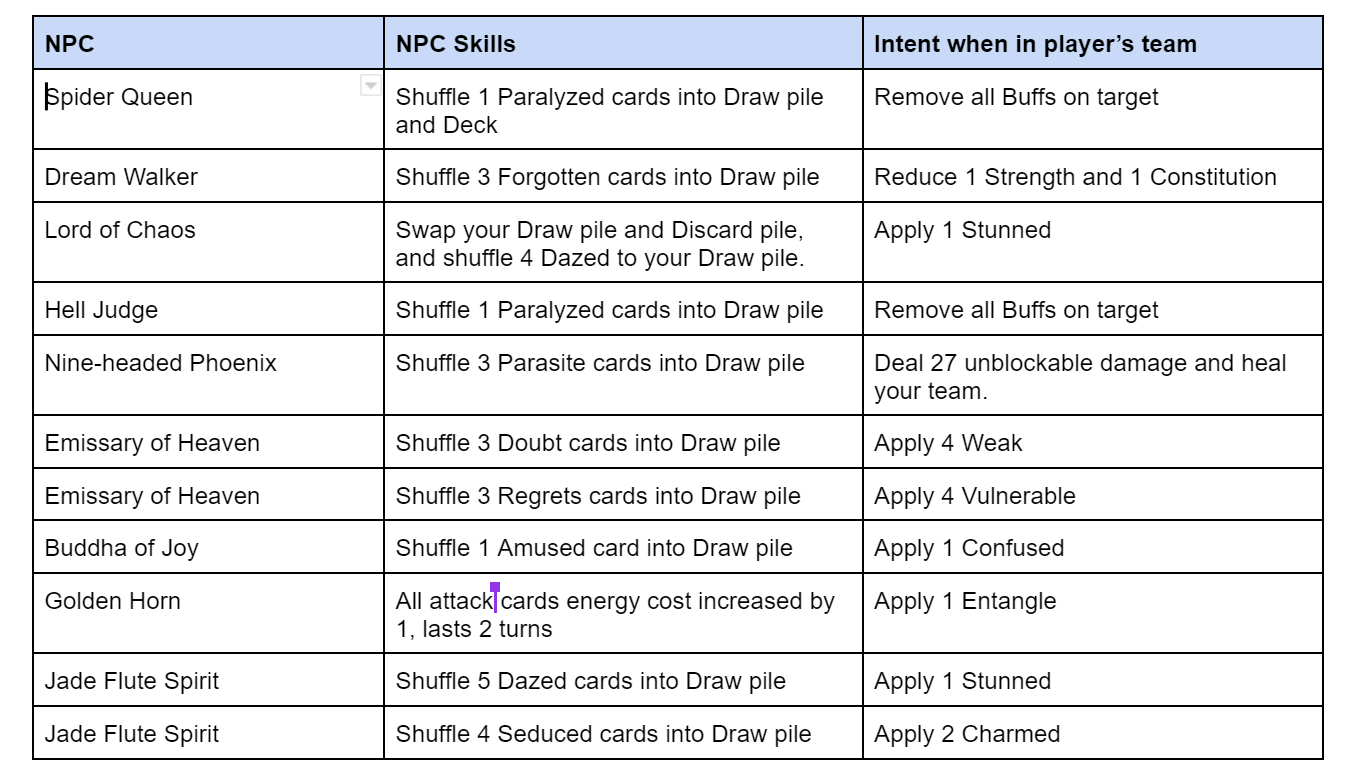
- We adjusted some NPC skills to make them more useful when they are on the player's side.
Bug Fixes
- Fixed a bug that Memory Keeper and Master of Thunder Tower won't drop relics in endless mode.
- Fixed little monkey attack delay issue during Omen fight.
- Fixed sprite of goat hunter.
- Fixed enemy of enemy and good monk companion summoning undefeated enemies.
- Fixed a bug that Black Market can purify NPC you didn't defeat.
- Fixed deadly poison incorrectly removing debuffs.
- Fixed damage of Ready to Die.
- Fixed learned Artifact spell by Dragon Princess cannot be used after reload.