
Connect Chat v2021.2.4
New Features
Custom Worlds
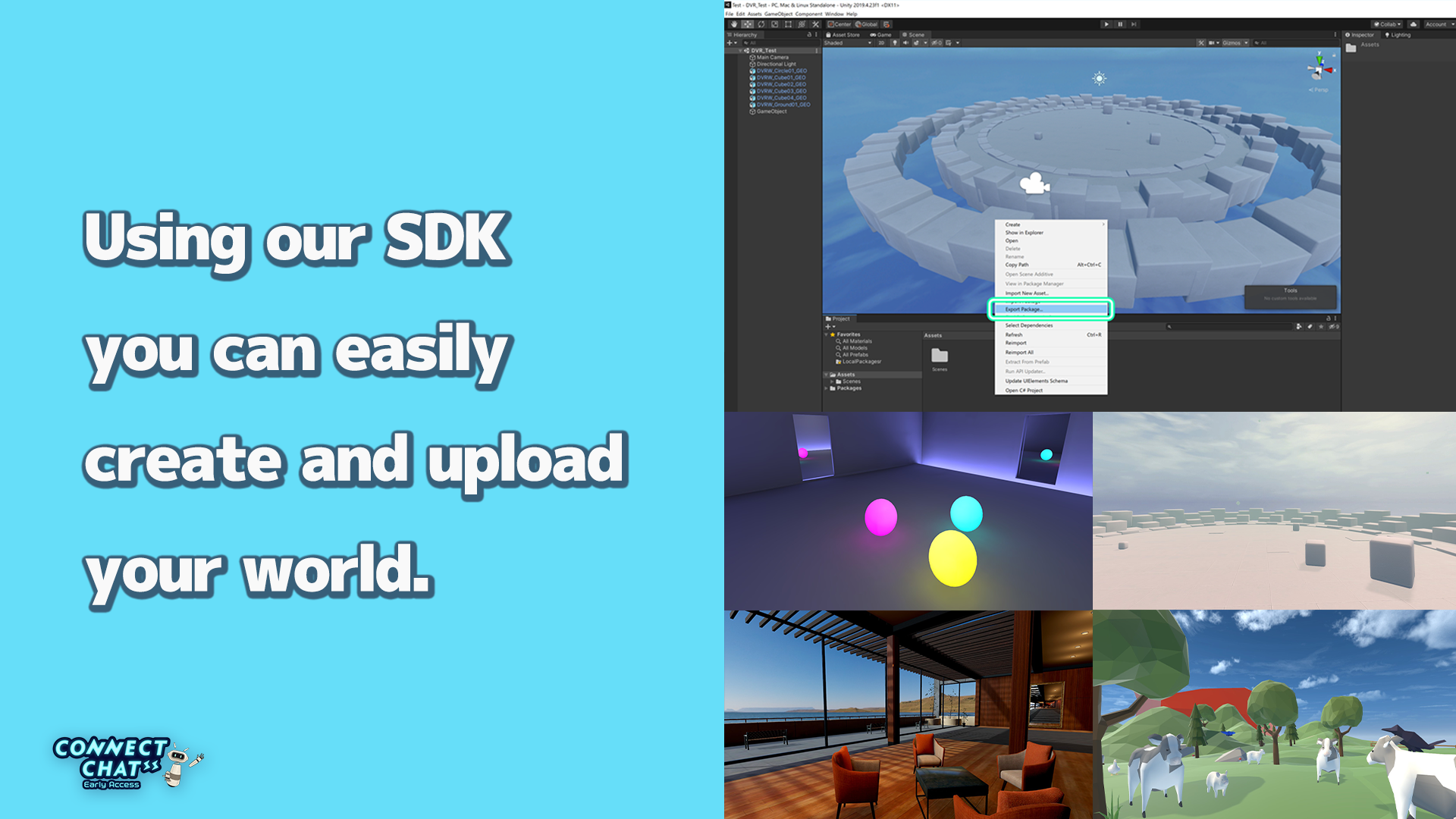
- Users can now build and upload new worlds using Unity 3D.
- Several new worlds have been added: - Cargo Bay: a sci-fi chat room (this is the world the app initially shipped with). - Oden Cart: an oden cart under an train overpass; the night of a Tokyo worker. - Lobby World: the lobby of a summer resort. - DVR World: DVRSDK home world.
Connect Chat SDK (CCSDK)
- Create custom worlds using Unity 3D and our new Connect Chat SDK.
Desktop Mode
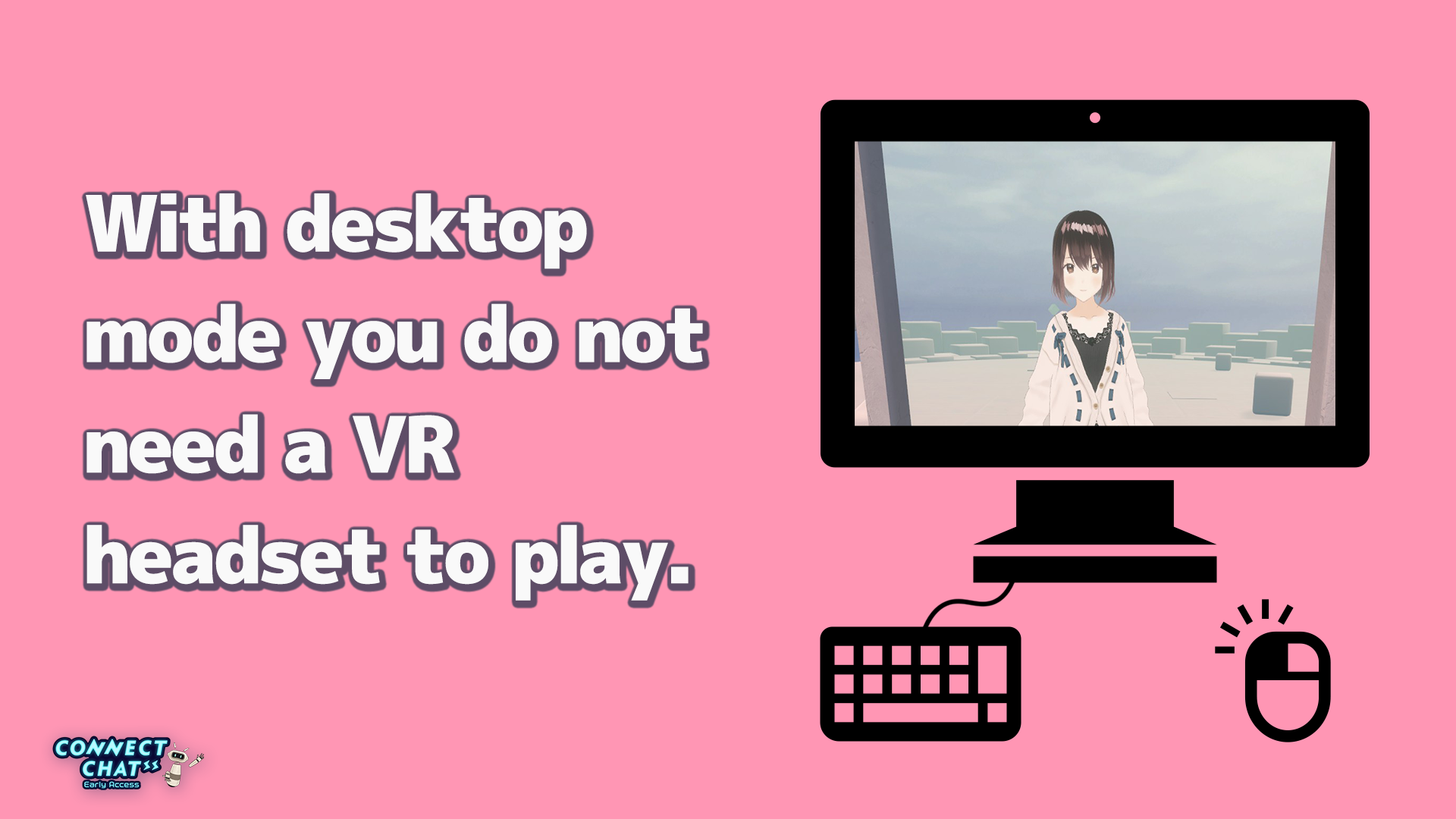
- If you don't have a VR device, don't worry: it's now possible to use the application in Desktop Mode.
- If you have a VR device, it is possible to switch to Desktop Mode by removing the headset; put it back to switch back to VR Mode.
Object Interaction
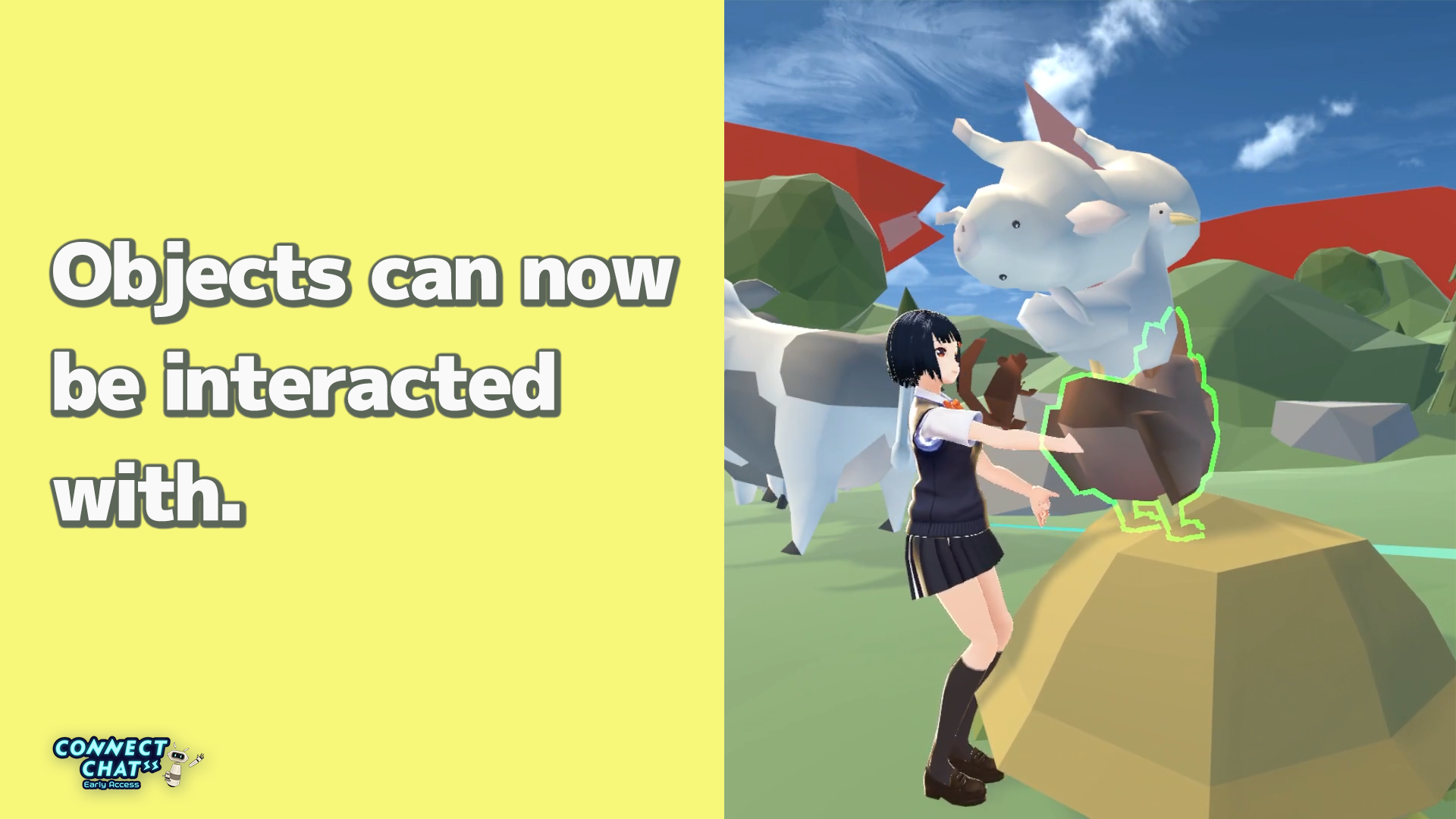
- World objects can now be picked up.
- Make your objects interactive by adding a simple component.
Changes from v2021.1
- Added a Respawn button to the room menu: clicking it will respawn your avatar to a random spawn point.
- Improved the avatar movements and calibration.
- The avatar model now updates properly when you change the _preferred avatar_ on your DMM VR Connect account while logged in.
- Fixed a bug that prevented the audio stream to restart when an audio device was unplugged and then plugged back.
- Fixed the SteamVR input bindings for the Vive controllers.
- Fixed a bug causing avatars to go crazy when standing near a step.
- Added post-processing for worlds that require it.
- The AMBIENT VOLUME slider in the sound settings now properly adjusts the volume of music and effects of every world.
- Fixed a bug where the nameplate's volume icon was shown in the wrong color.
- Switched server back-end from Photon to a custom in-house solution.
- Made interacting with the menus more comfortable for user with small avatars.
- Fixed the audio and frame rate stuttering caused by a too conservative resource management.
- Fixed a bug where lighting wasn't properly applied to objects and avatars.
- Fixed a bug where, in some rare cases, avatars were not visible.
- Fixed a bug causing the avatars to not properly cast shadows.
- Improved the way fingers are animated and tracked.
- Improved the UI used to input the code for entering a private room.
- Fixed the menu in the Hub opening at the wrong position.
- Fixed a bug where avatars would not display properly when near a wall or an obstacle.
- Player names on nameplates stopped being rendered in front of everything else.
- Improved the block and kick features.
- Other small, but important, fixes.