
A new update is here for AudioTheory Grids. It includes some new Grid playback features as well as some of the more general improvements added to AudioTheory recently. Here's what's new:
Grid improvements
Click and drag to move the playhead directly on the timeline
Specify the grid resolution directly within the application settings. This gives more flexibility over how tempo works by setting the number of beats per bar
Resize now works for the current selection as a whole, meaning you can resize multiple notes at the same time
Copy now applies directly to the current selection. Notes are then pasted at the playhead position. The icons to the top right of the grid still function as before – these copy and paste the grid
In other news AudioTheory Grids now has a new trailer. It's been made using capture footage from the latest two updates and can be viewed in full on the store page.
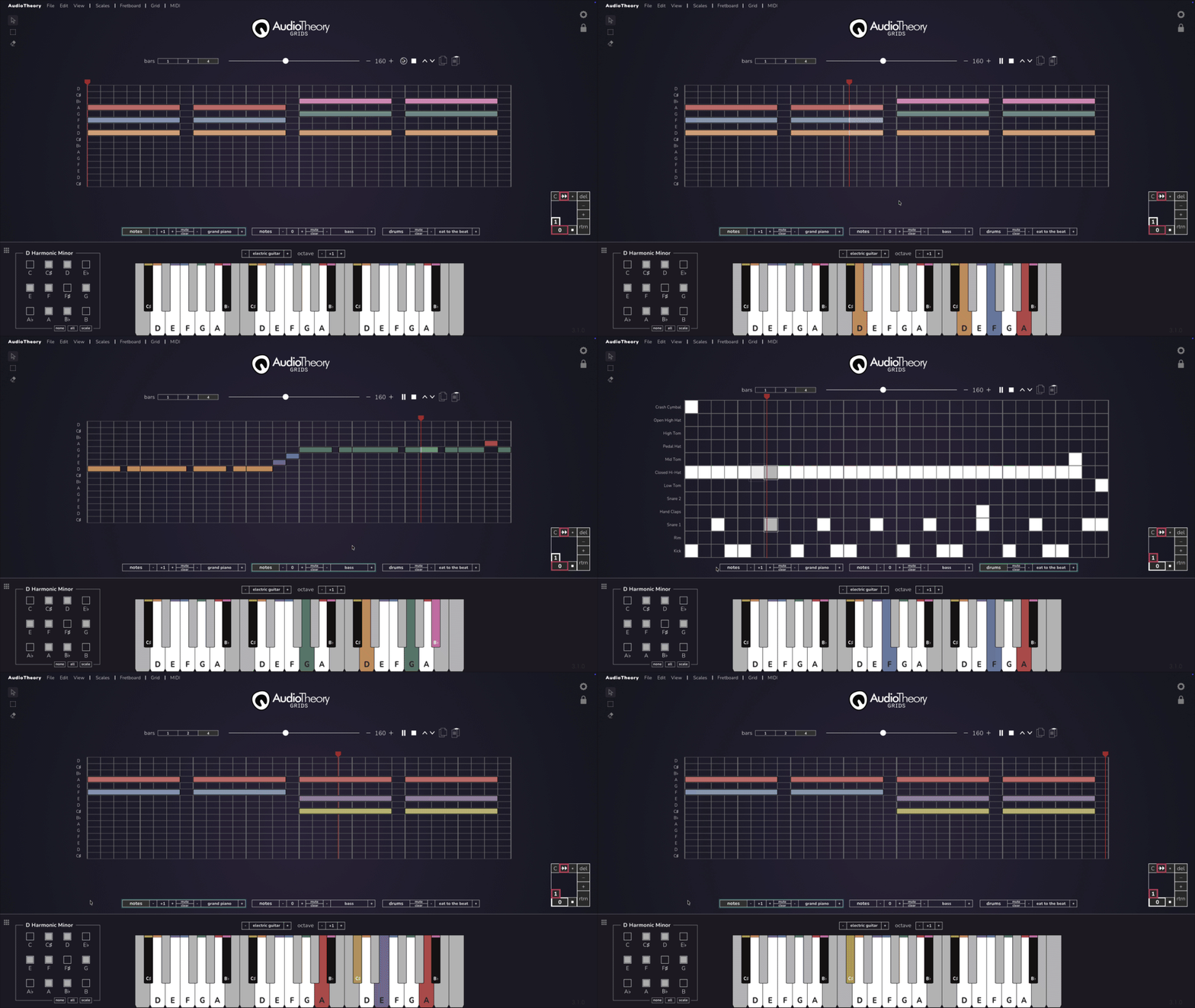
And the rest:
Main keyboard display now shows fully for scale library
Improved sustain effect
Light theme for chord and scale views
Audio output dropdown specifically for Mac and Linux (this already existed for Windows)
Scale playback options now also show from the scale inspector
New electric guitar and acoustic guitar instrument presets
Chord and note playback no longer cuts off when a popup is closed
Scales are now loaded directly from the scale inspector rather than the scale library itself
Loaded scale message now displays at the top of a screen whenever a scale preset is set
Notes out of scale: hide is now the default option in the settings
Optimised how the grid rebuilds for improved performance
Improved handling of note effects when the grid is paused
Note highlighting no longer sticks if loading a preset whilst another grid is playing
MIDI export now writes notes at the pitch the grid plays them (they were an octave high), and drums now land on the standard General MIDI drum notes
Fixed a couple of inconsistencies with MIDI export / import