
Hey everyone,
Since the last update I have been overhauling the character sheet, developing a D&D Beyond character importer, redesigning the dice roller, and improving the image wizard tool. Lots of fun stuff in this update!
Character Sheet
A while back – like a couple years probably – I created a really basic character sheet for Battle Map Studio that wasn't all that useful. In preparing for this update I actually considered removing the character sheet and offering just the ability to edit attributes like health points and line of sight, which actually had some function in Battle Map Studio.
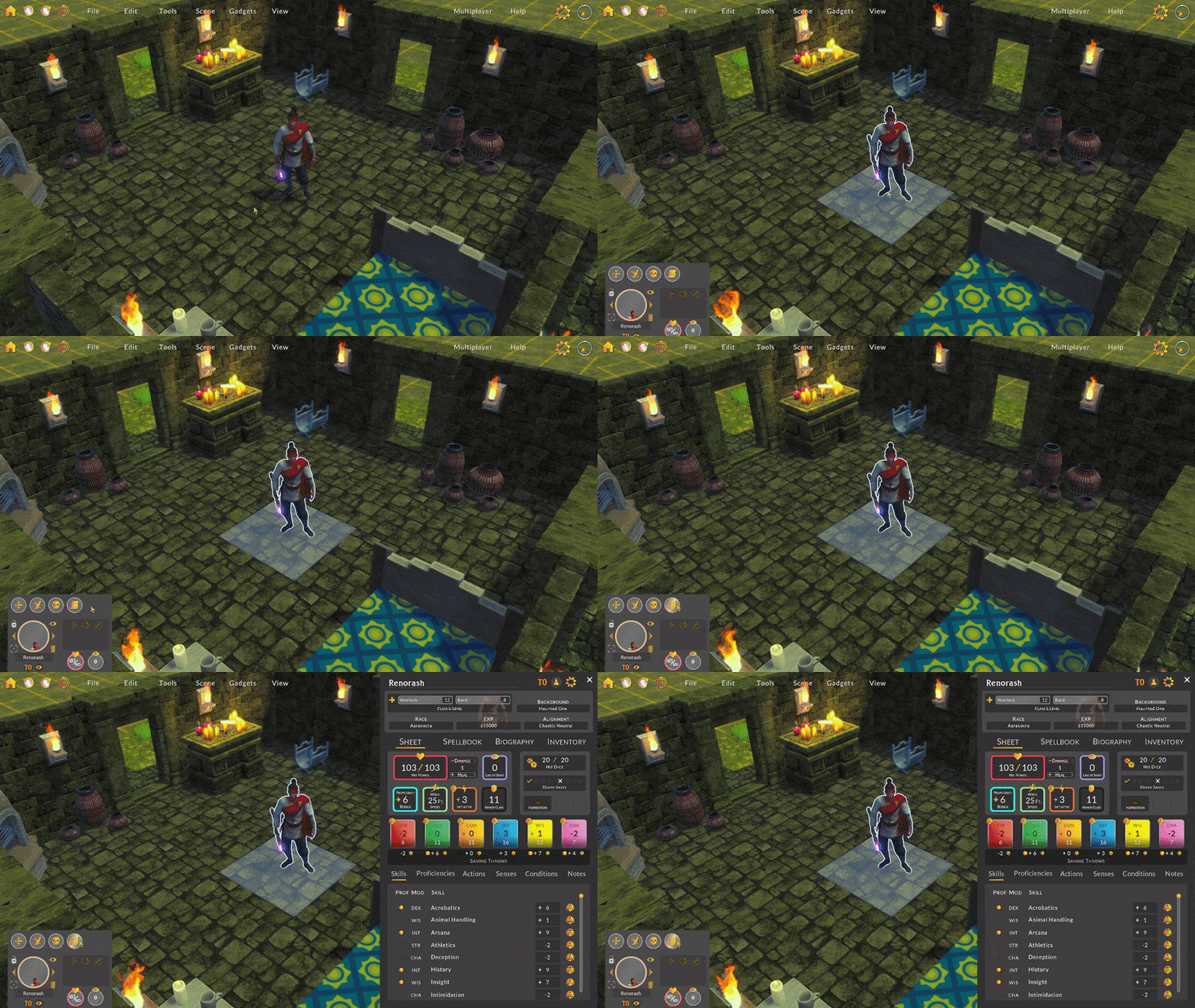
Instead, I decided I’d endeavor to make a really cool, really useful character sheet that would initially work with D&D and later be extended to other RPGs. I suppose time will tell if I made the correct decision!
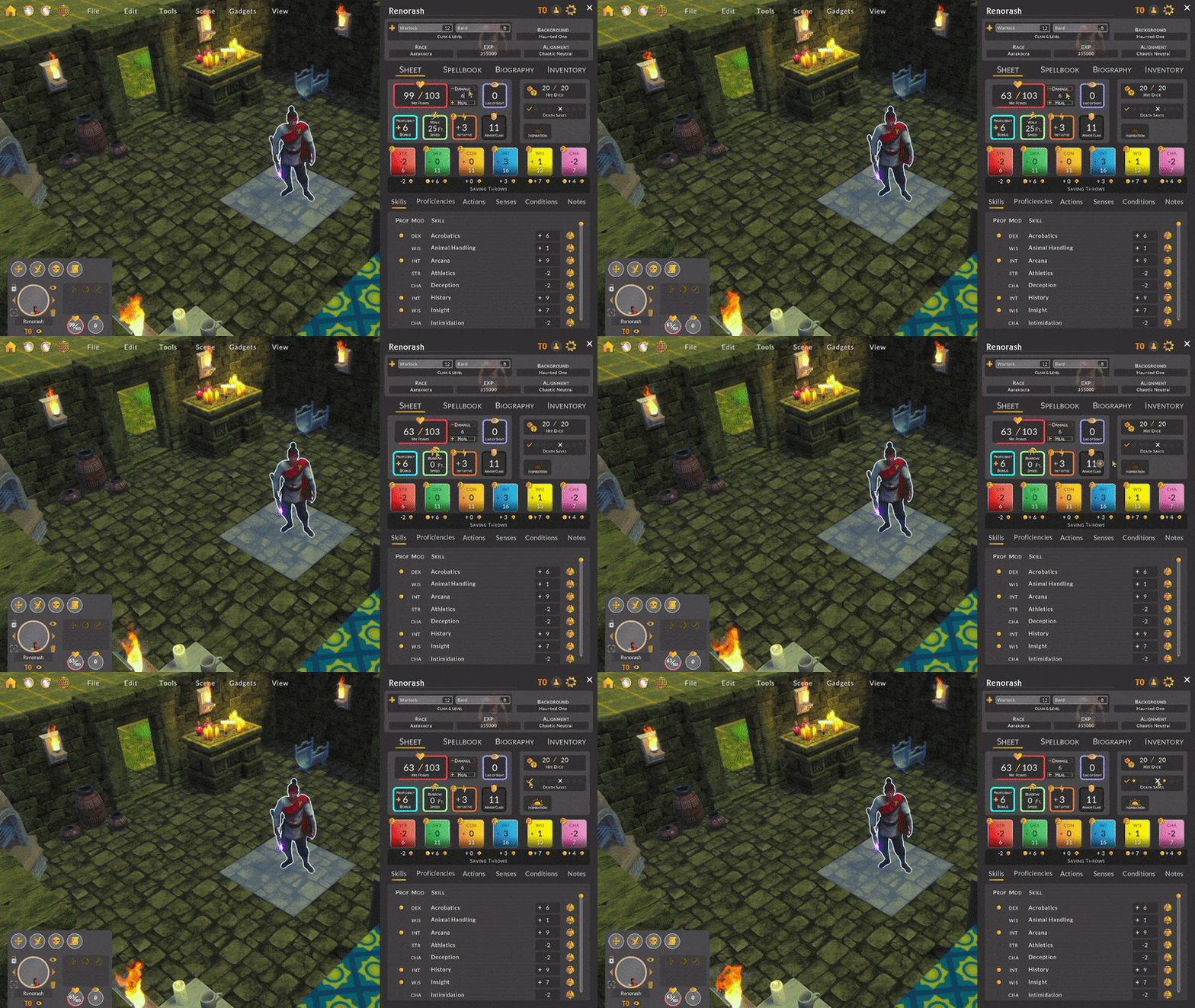
My design puts the character sheet off to the right side of the screen with just enough room left in the middle of the screen so that a player can move and attack with a character with the character sheet open.
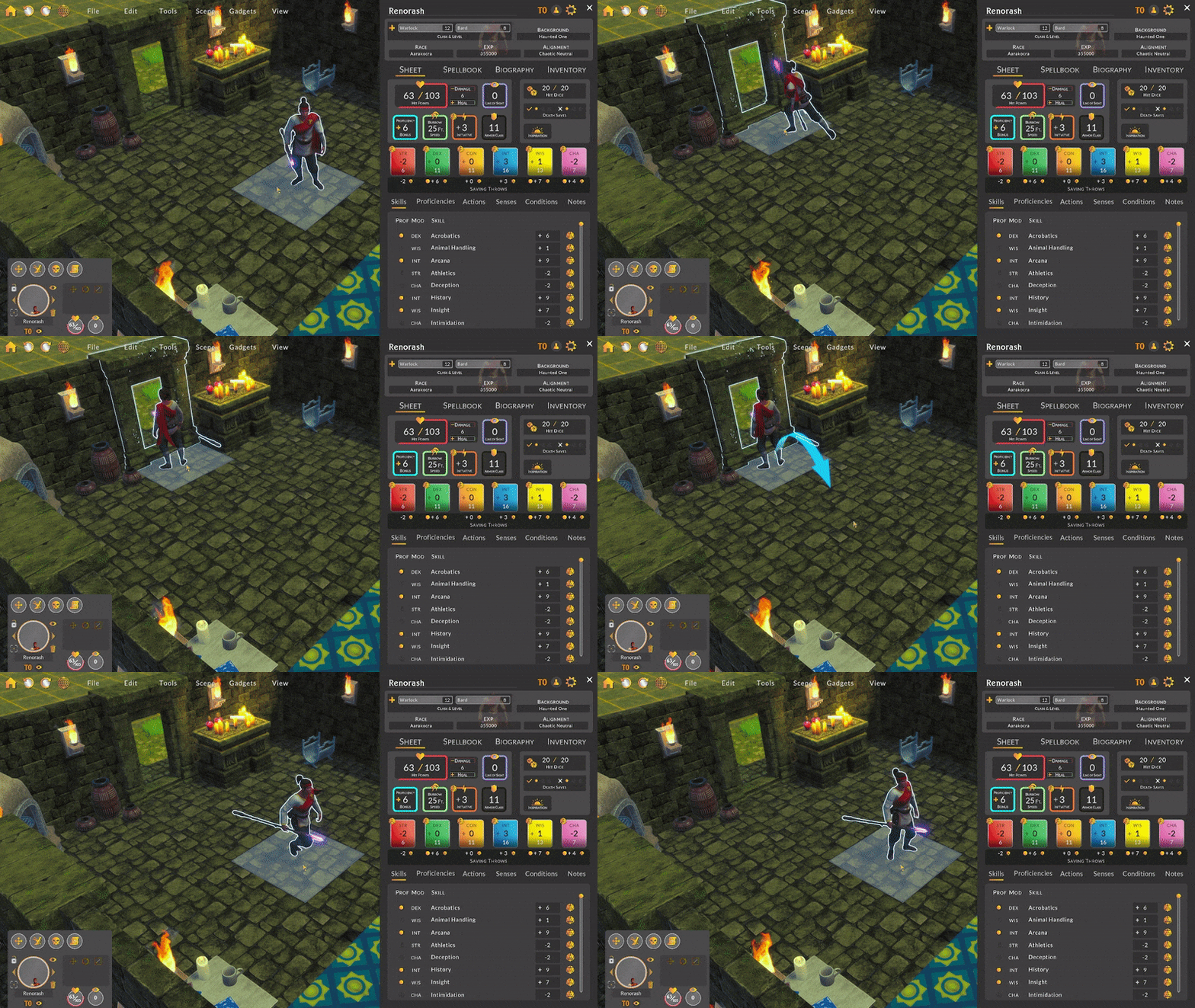
Keeping the design’s screen real estate relatively small compared to other full screen character sheets made the task much more complicated. I ended up splitting the sheet into several tabs: the main sheet, spells, biography, and inventory. I also put a section above the tabs that includes important character information.
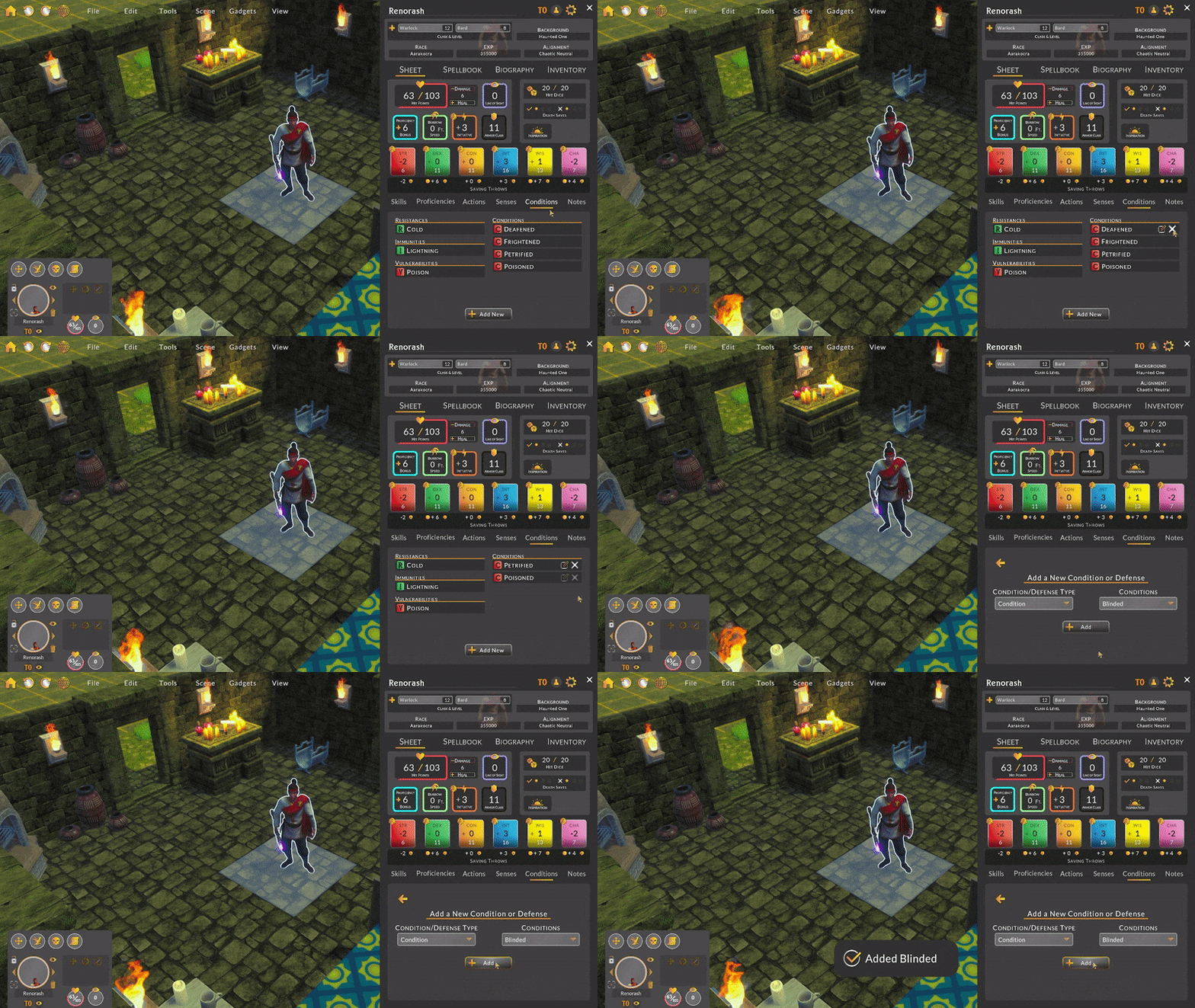
The character sheet is still a work in progress, but I wanted to give you something to play around with while it’s in development. You’ll notice that none of the dice buttons do anything right now, but in future updates I intend to add functionality for rolling the dice for calculating damage, hits, etc.. I also want to add more information to the spells and inventory sections. At the very least, the new character sheet should be much more useful compared to the previous version!
Character Importer
While I overhauled the character sheet design, I developed a D&D Beyond character importer so that I could pull in real character sheet data without needing to populate it myself. Doing this was super useful in not only determining if my sheet included the necessary character sheet components but also helped me understand what information was required for making certain calculations for hits, saves, and damage. While the importer was created for testing purposes, I think it will be really useful for anyone who already has characters on D&D Beyond.
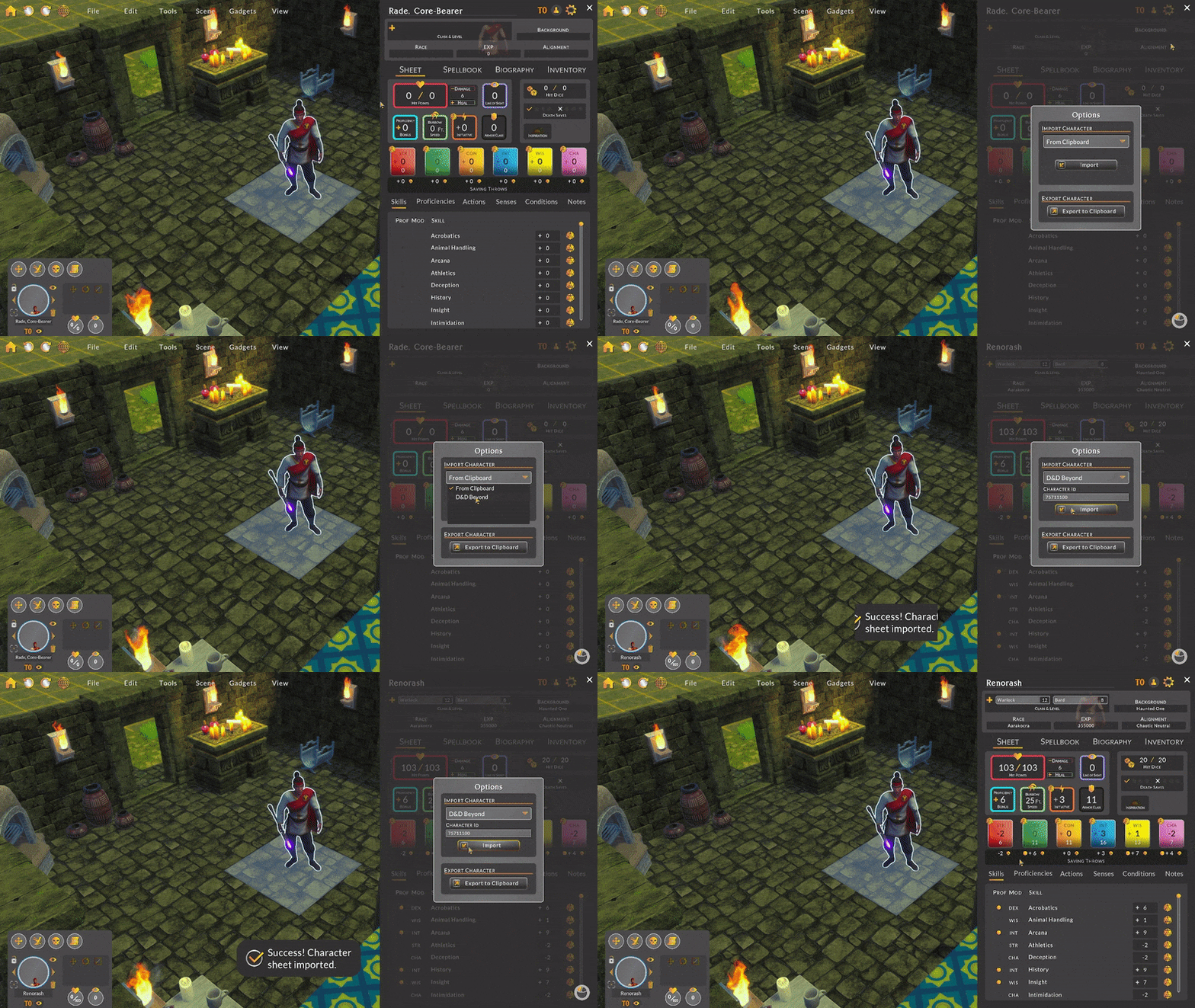
The importer works by looking up a character on D&D Beyond’s website and converting the JSON into a Battle Map Studio character sheet. There is a lot in a character’s profile to digest and understand. I won’t get into the details but I was really amazed with how complicated a character sheet could be. I can see why many VTT’s stay away from including a character sheet.
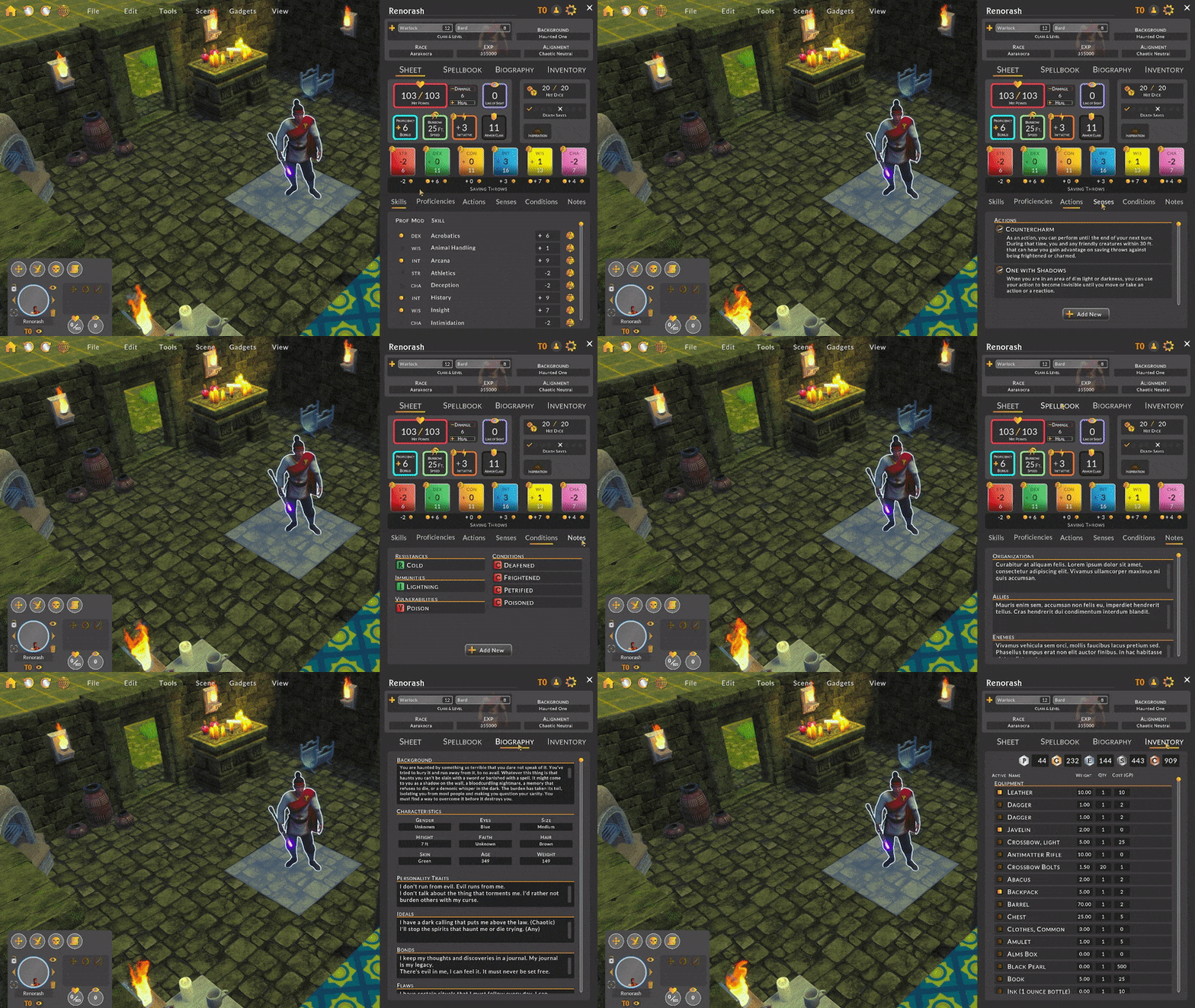
This is the first of (likely) many iterations, so I hope you’ll get a chance to test it out and let me know if there’s anything missing!
Dice Roller Redesign
The dice roller was another semi-useful tool that I felt could be improved. I felt the dice roller window was too intrusive and blocked too much of the screen, so I decided just to have the dice roll on top of all of the other interfaces and include a small panel to manage the displayed dice. I even added a slider for scaling the dice!
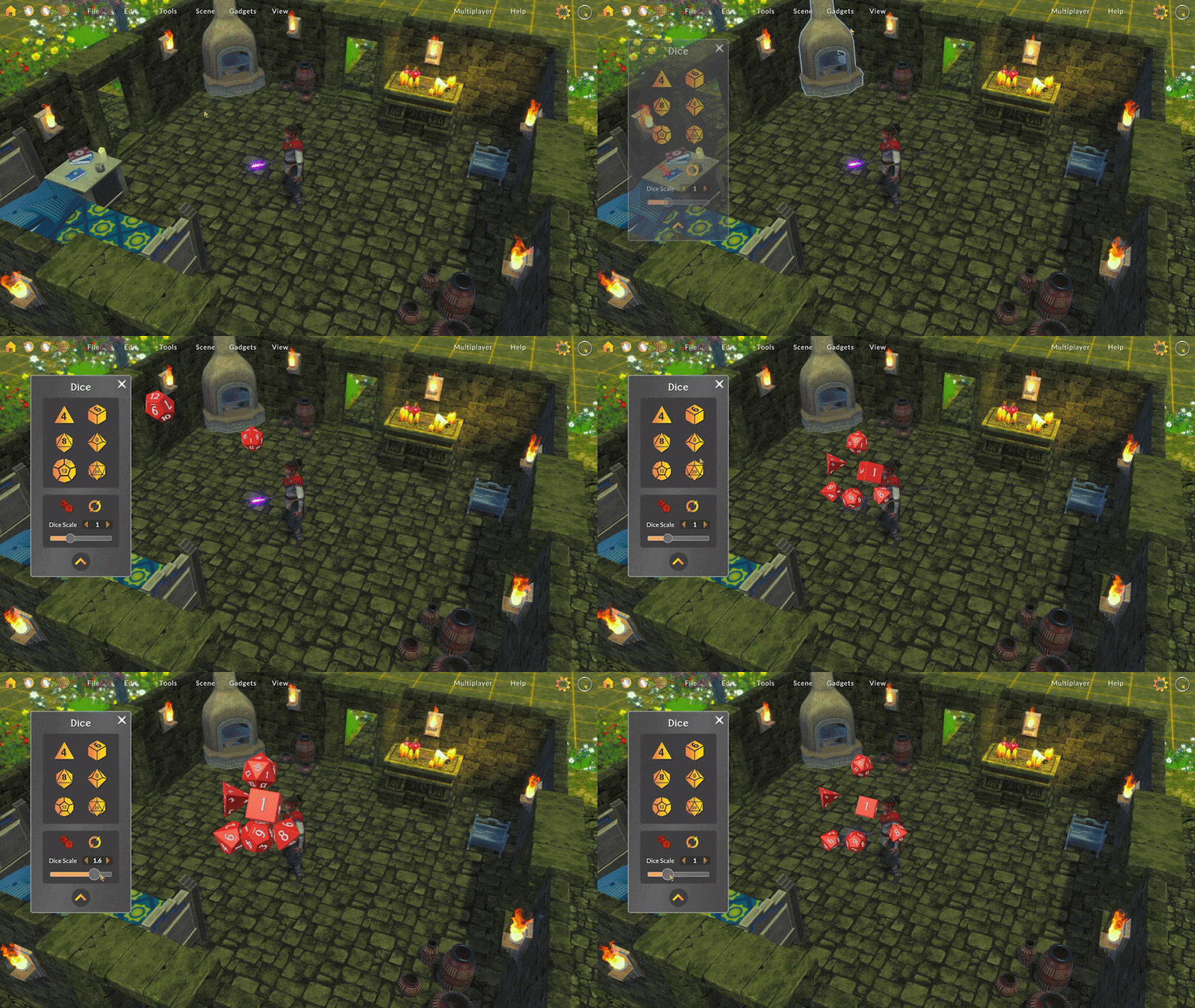
I really like how the dice roller looks now. It’s simpler and also less constrained by a window.
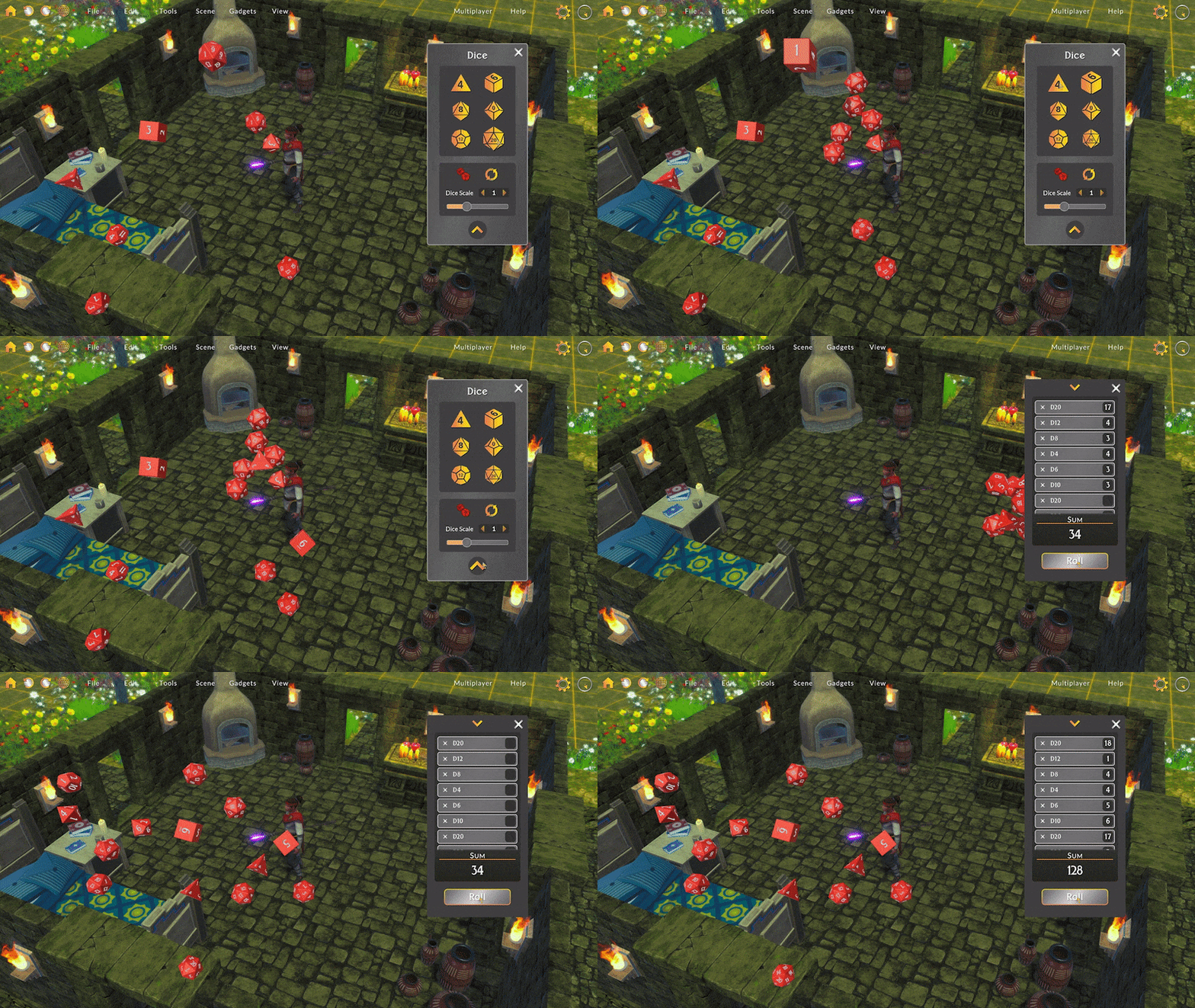
Image Wizard Improvements
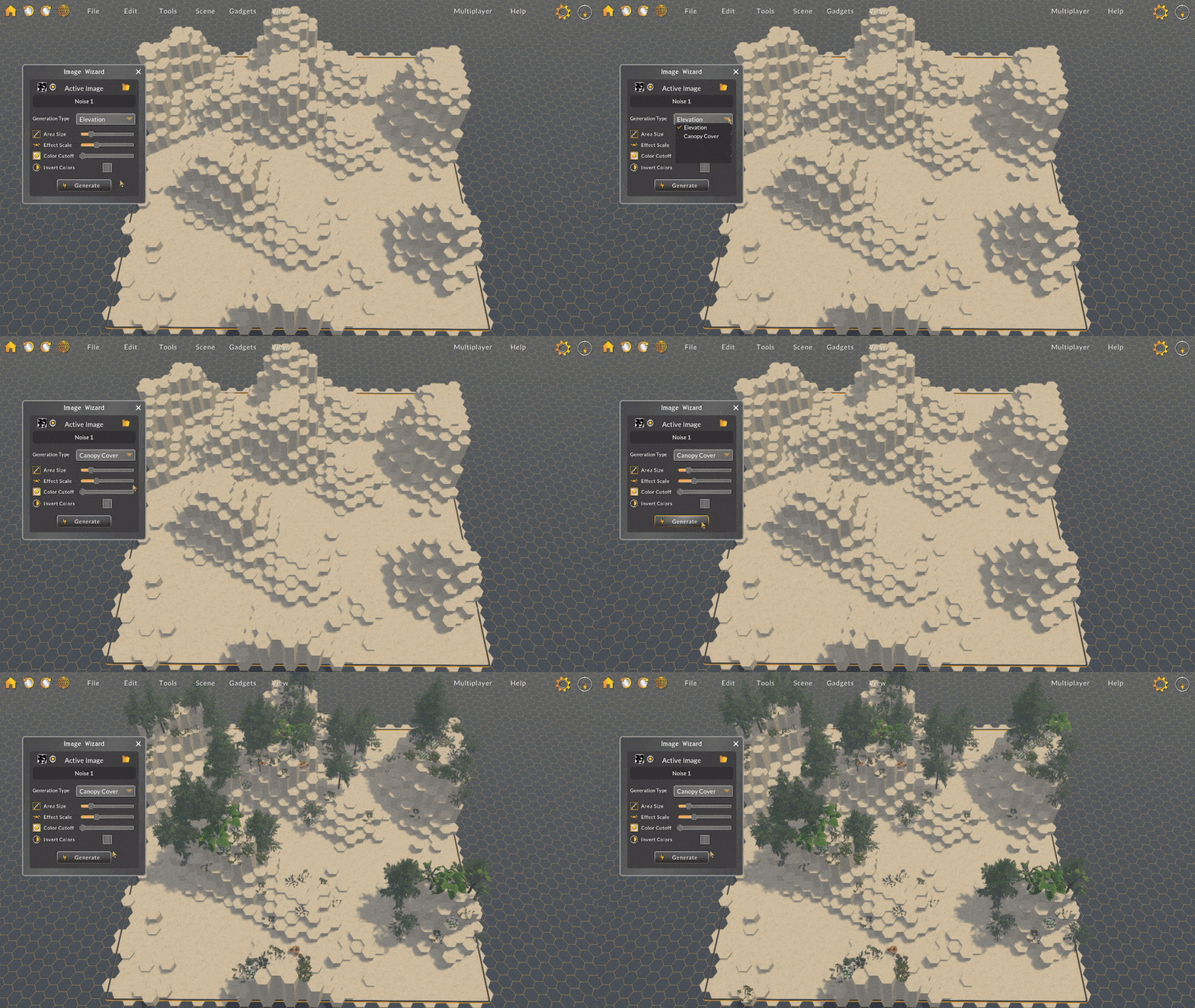
I created the image wizard as an experimental tool a long time ago. While it had some useful functionality, using it wasn’t all that intuitive. In this update I developed various improvements to help you more easily use this tool!
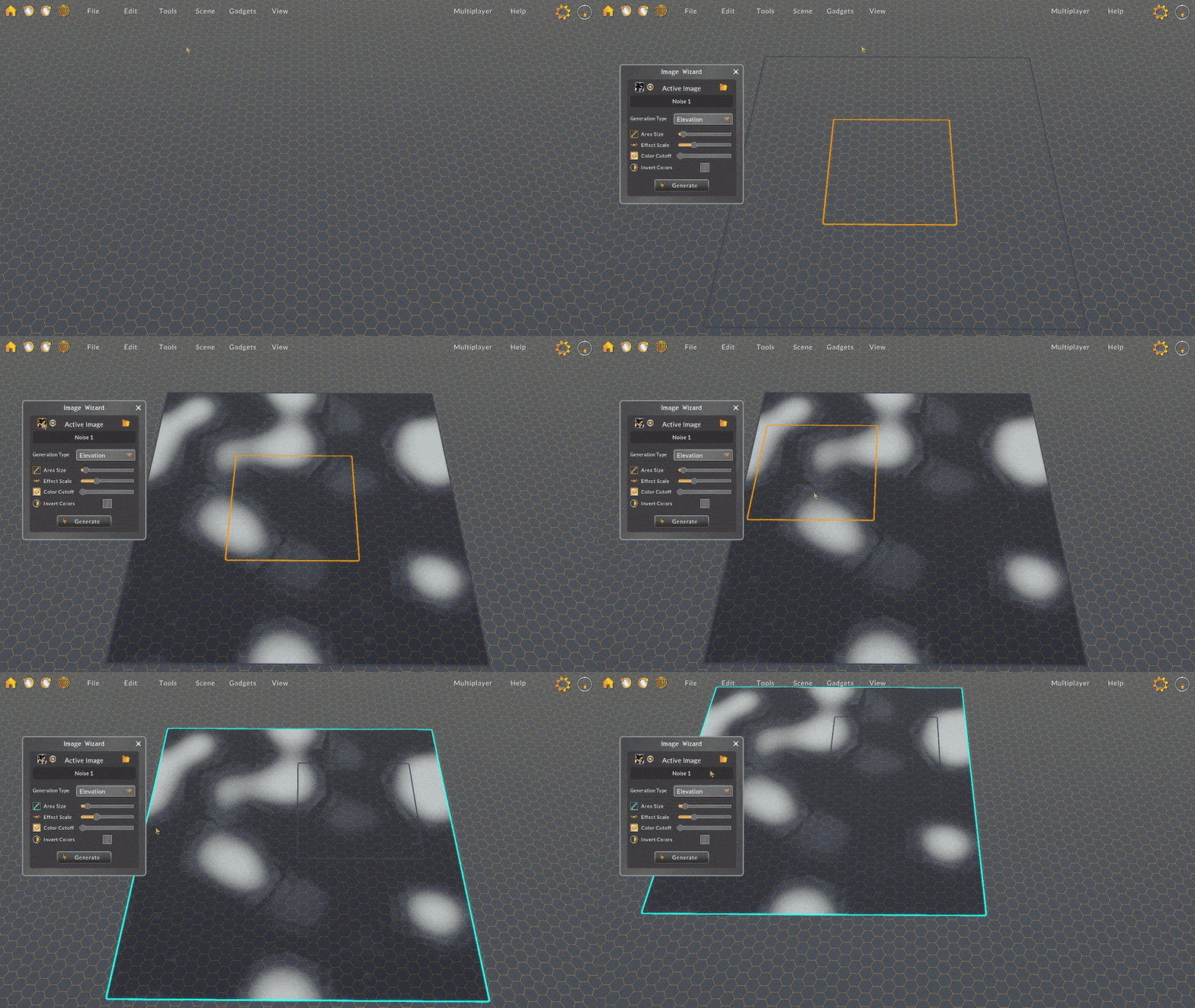
First I simplified the wizard panel to emphasize the important sliders and reduce the window’s screen footprint.
Then, I reworked the gizmo so that the loaded image is displayed on the grid. With the image projected on the grid, the full and active areas become much more obvious.
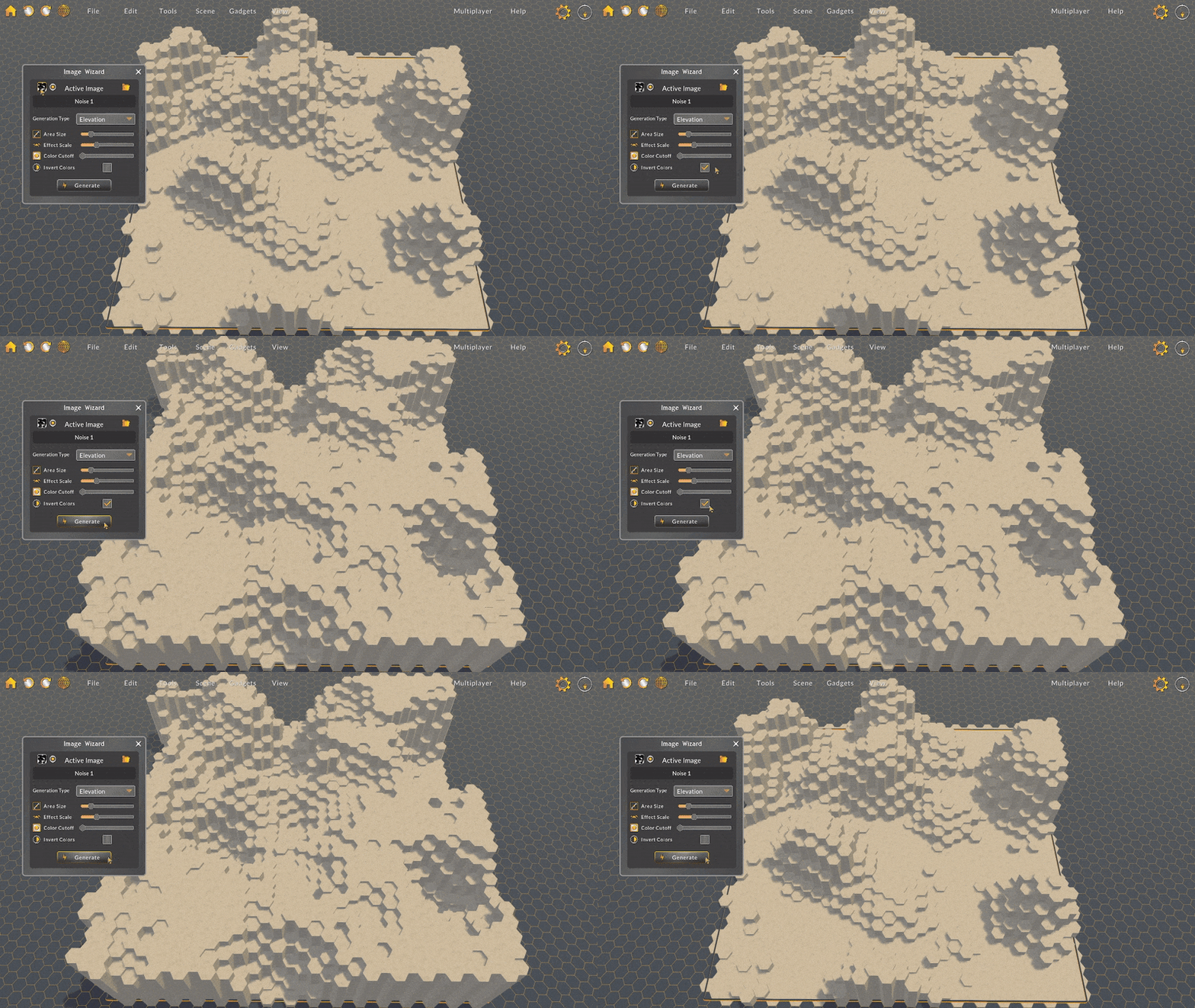
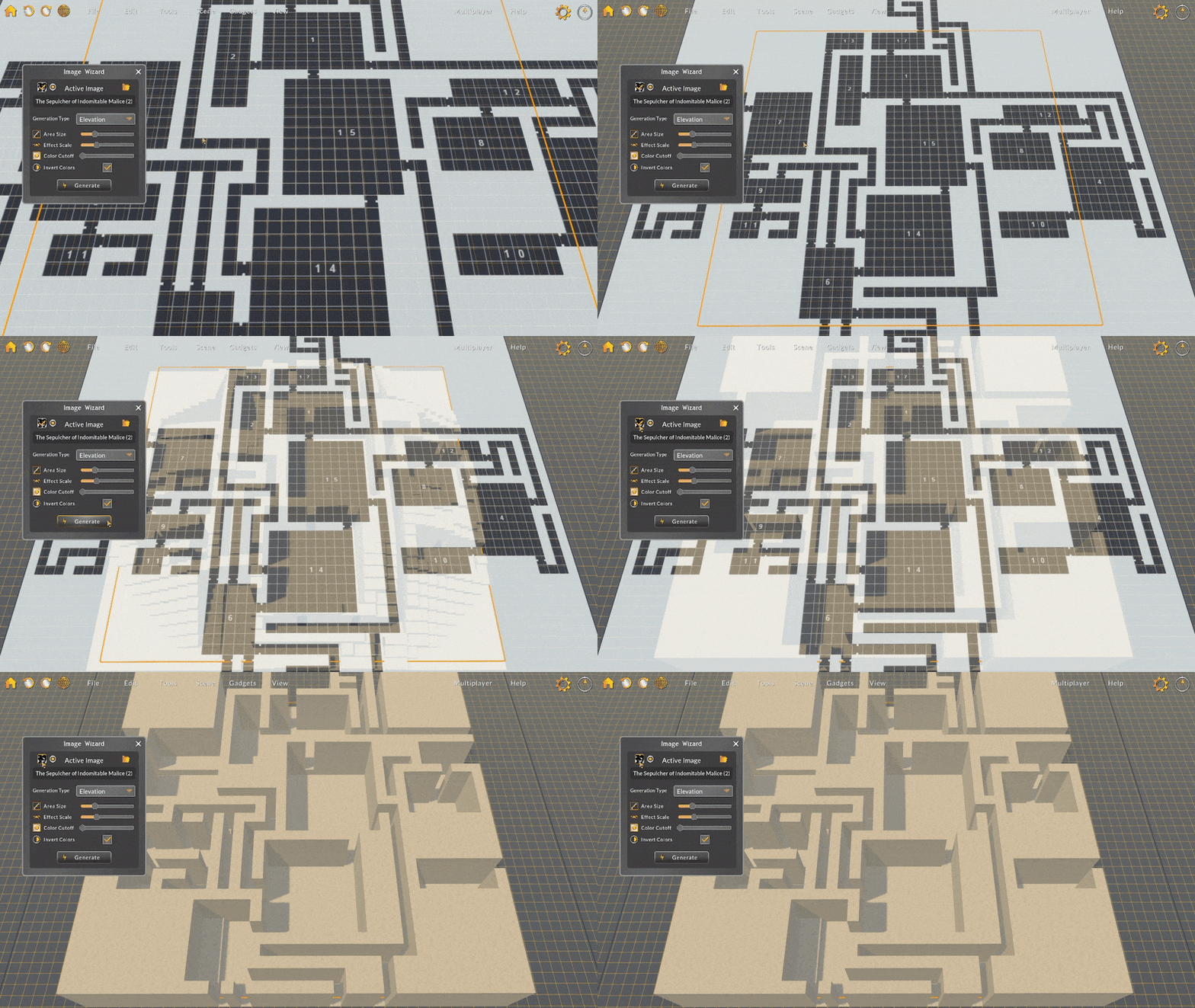
Finally, I added a few new interactables to toggle the display of the loaded image, recenter the gizmo, and invert the image colors. Inverting the colors I found to be really useful for generating elevation using donjon dungeon images!
Polish
- Holding Alt + Z and X now move the camera straight up and down.
- Fixed minor visual issues with font files.
- Fixed a bug where moving a character would always end on the closest layer grid position, rather than the layer of the target position.
- Fixed a bug where upon loading a new map, the existing selected layer would not be reset. Now, upon loading a new map, the first layer is automatically selected.
- Fixed a bug where the grid would occasionally not refresh its view after waiting for assets to load.
- Fixed a bug where generating elevation via the image wizard could not be redone after being undone.
- Fixed a bug where loading a map would not use the override light intensity.
- Fixed a bug where updating the light intensity would exponentially increase the intensity.
- Fixed a bug where loading the same map would duplicate units.
I hope you'll enjoy this update! I love to hear your feedback, so come hang out in Discord or join the Reddit community!
-Bradley