
I’ve been working more on custom asset import, and have now added support for importing 2D image files in addition to 3D models! Plus, I opened up the Steam Workshop so you can share your maps and download others’!
2D Assets

Importing an image file as a custom asset is very similar to importing a model. Simply activate a paint tool (e.g. the brush), click the import button on the far right side of the palette, and select a file to import.
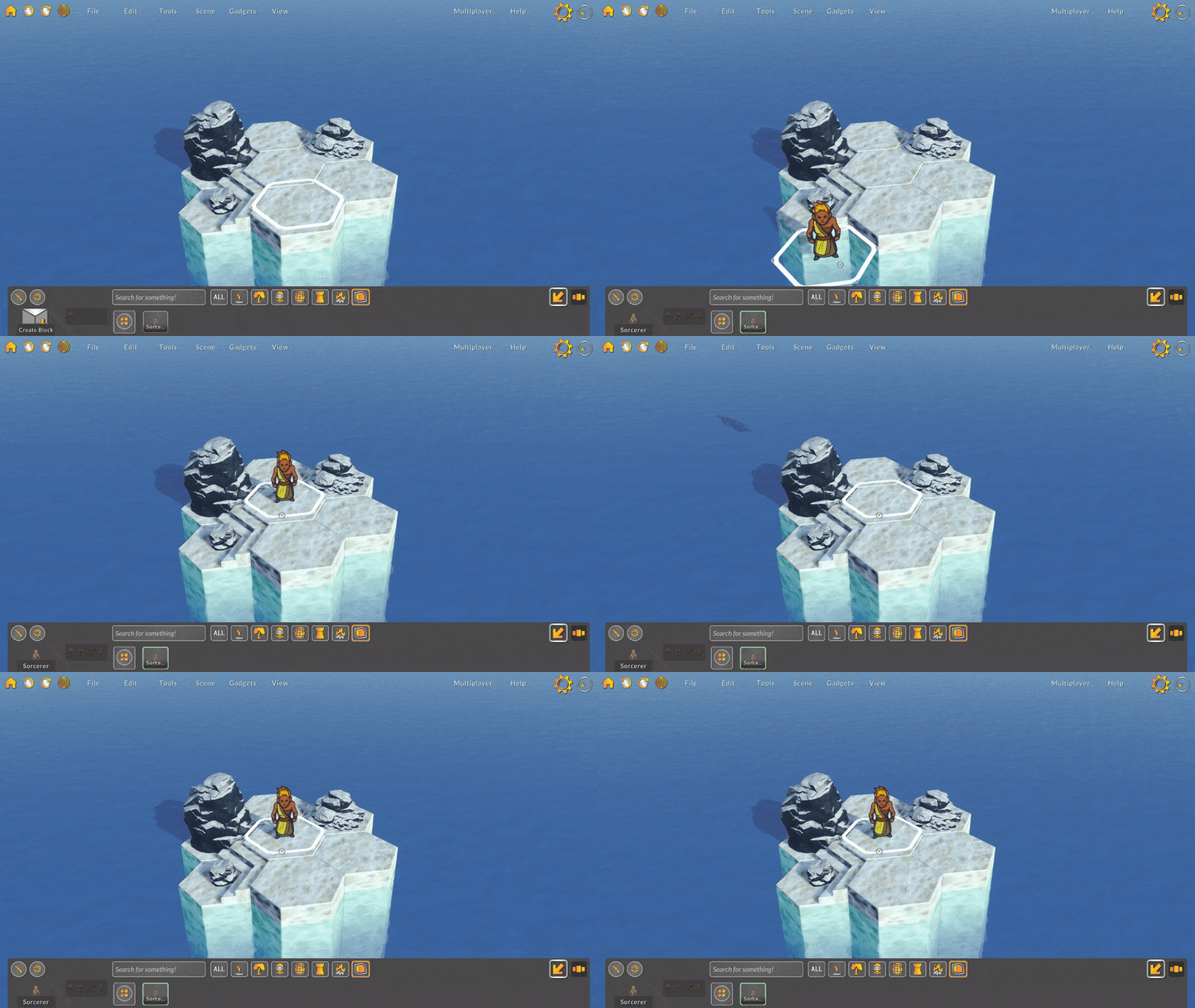
An imported image is applied as a texture to a simple quad mesh and can be rotated, scaled, and repositioned like any other custom asset. Import settings work the same too!
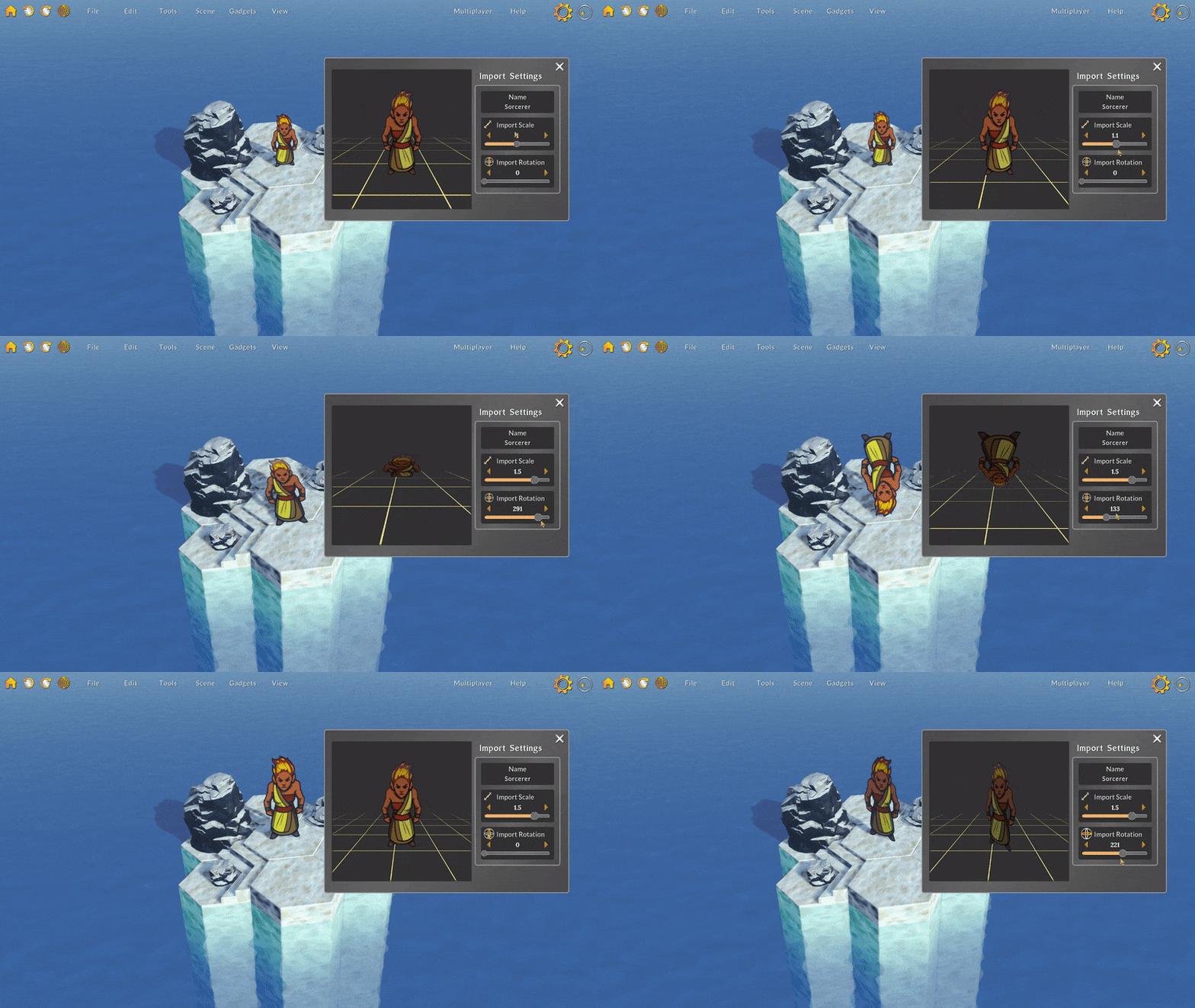
Image assets can also move, attack, and react. When building this scene I was getting lots of Paper Mario vibes (has anyone else played Paper Mario 64?).
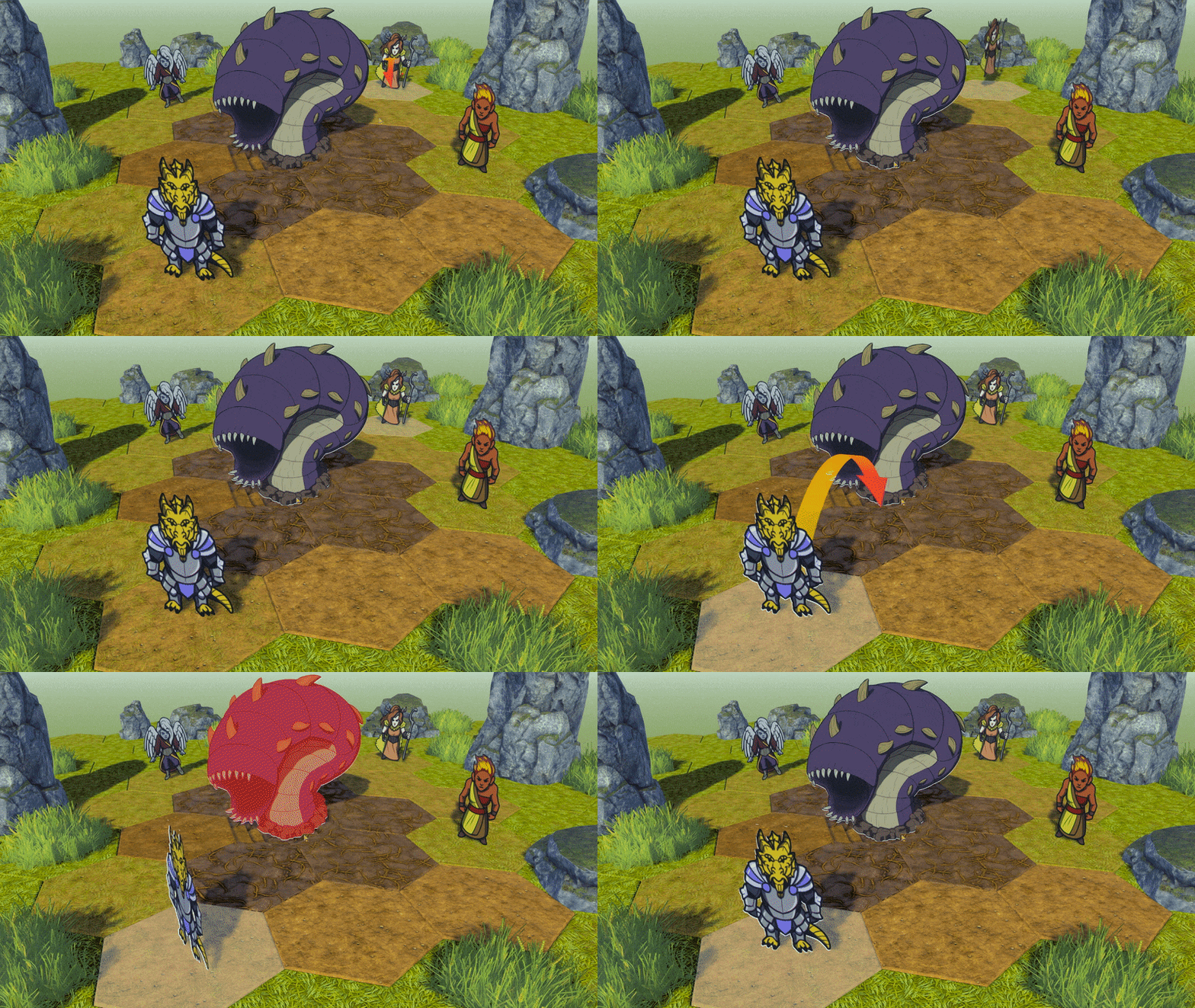
There are a bunch of great online resources that provide free 2D battle map assets. I found these characters on 2-Minute Tabletop.
Steam Workshop
The Battle Map Studio Steam Workshop is live! Now you can publish and subscribe to maps from the Steam Workshop.

Navigate to Battle Map Studio’s Steam Workshop, subscribe to a map, and the map will magically find its way into your local Maps folder!
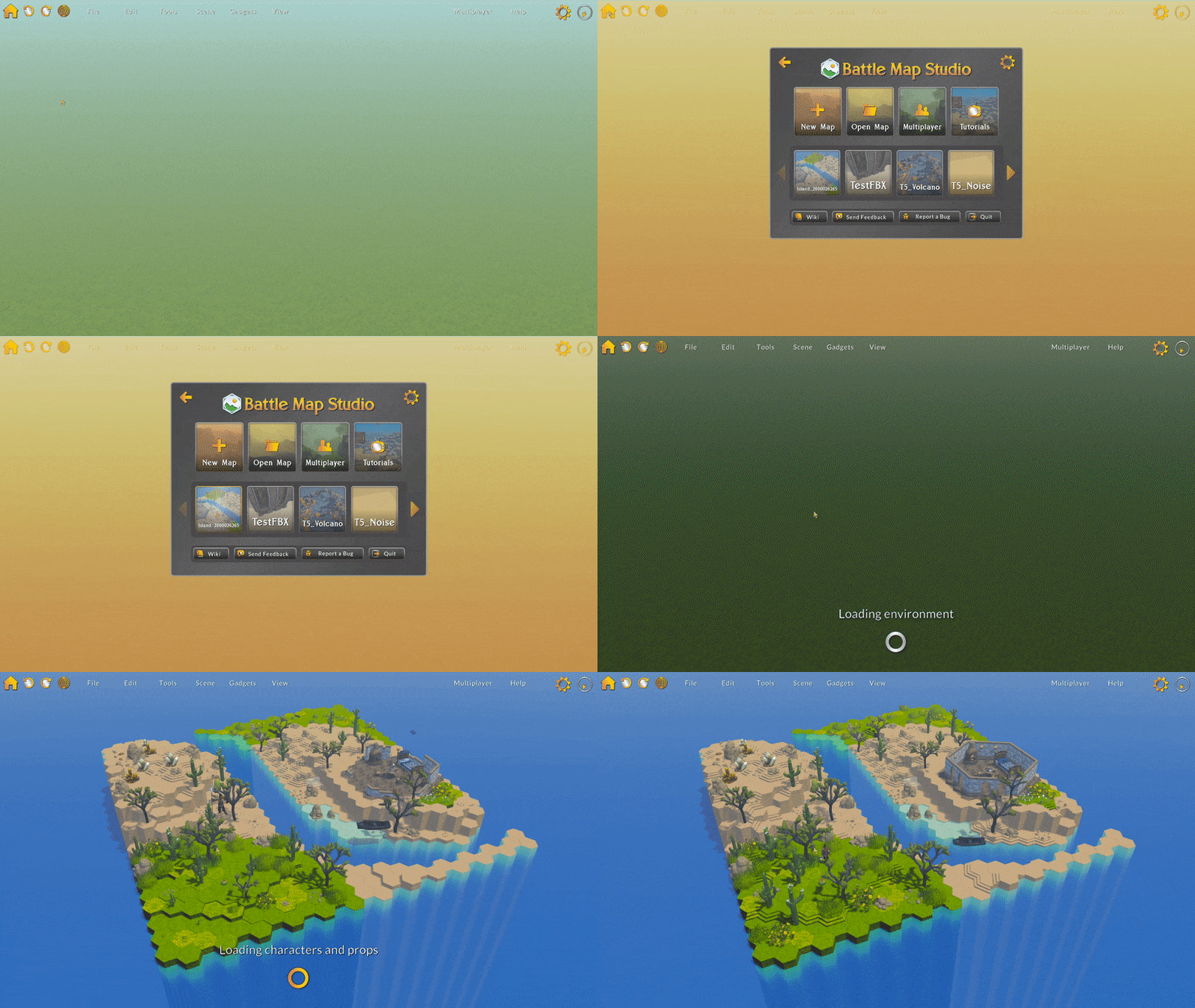
You can publish a map to the Steam Workshop by navigating to the Publish to Steam button in the File menu.
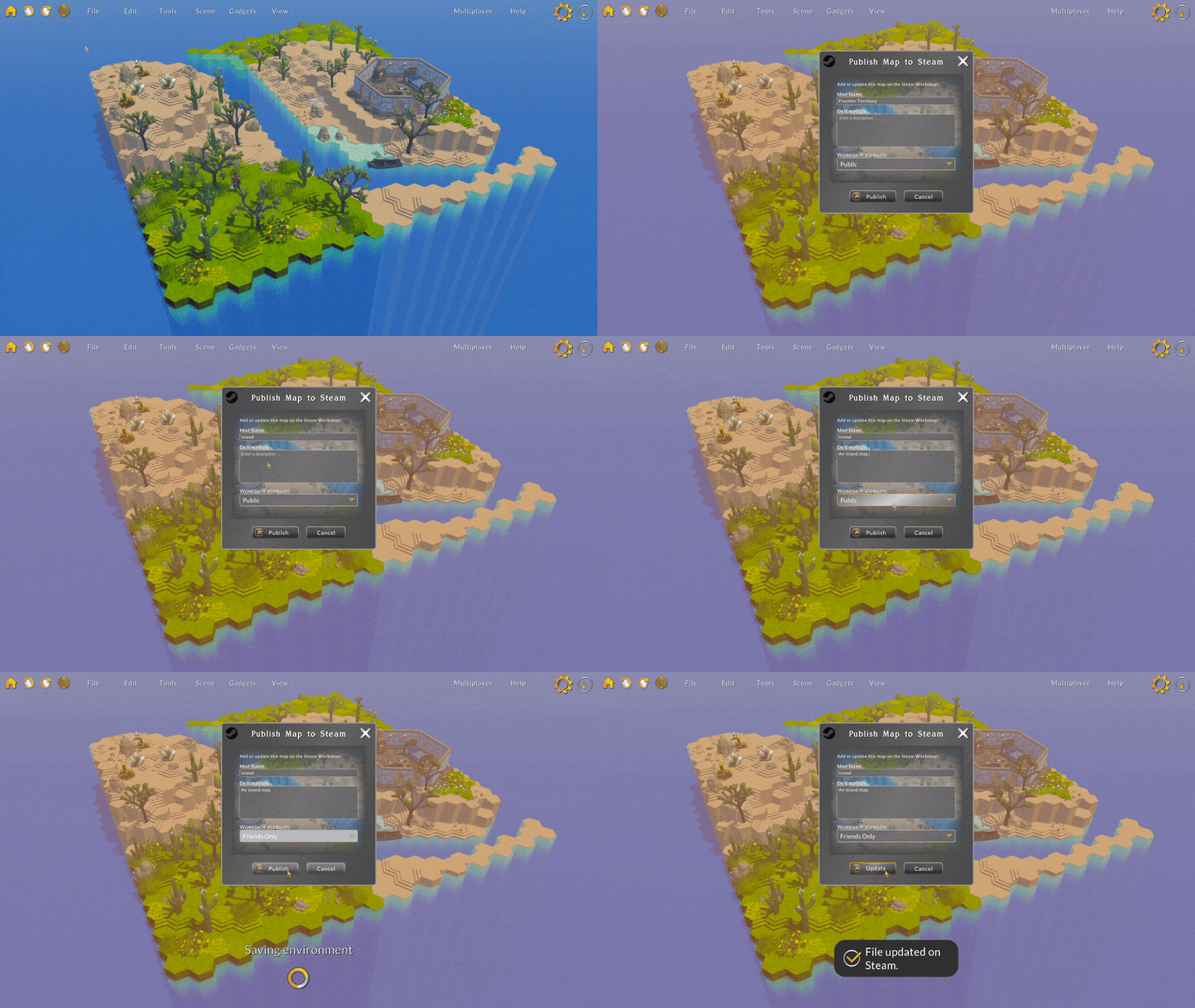
Read more about how to use the Steam Workshop on the wiki (first wiki article btw!).
Here are some other updates:
- Added a menu button to leave the current multiplayer session.
- Reworked the file browser panel so that scroll view navigation is much smoother. Also applied similar changes to the landing panel.
- Fixed a bug where terrain magic would not update blocks frequently.
- Fixed various minor UI issues related to tooltips, animations, and layouts.
- Fixed a bug where the active terrain magic area positions (orange) would not correctly be constrained to the full (blue) area on all axes.
- Fixed a bug where pressing enter would save the current map.
- Fixed a bug where scrolling would change the current page on the file browser even when not open.
- Fixed a bug where maps authored in previous versions of Battle Map Studio that had fog disabled, would not be able to activate fog in the latest version.
I'm looking forward to seeing the maps you make! If you have any feedback on this update, want to ask a question, or just chat about mapmaking and/or tabletop stuff, come join the Discord!
-Bradley