
What's up, drivers!
By popular demand, you can now add custom music! Here’s a quick setup guide.
How to Add Your Music
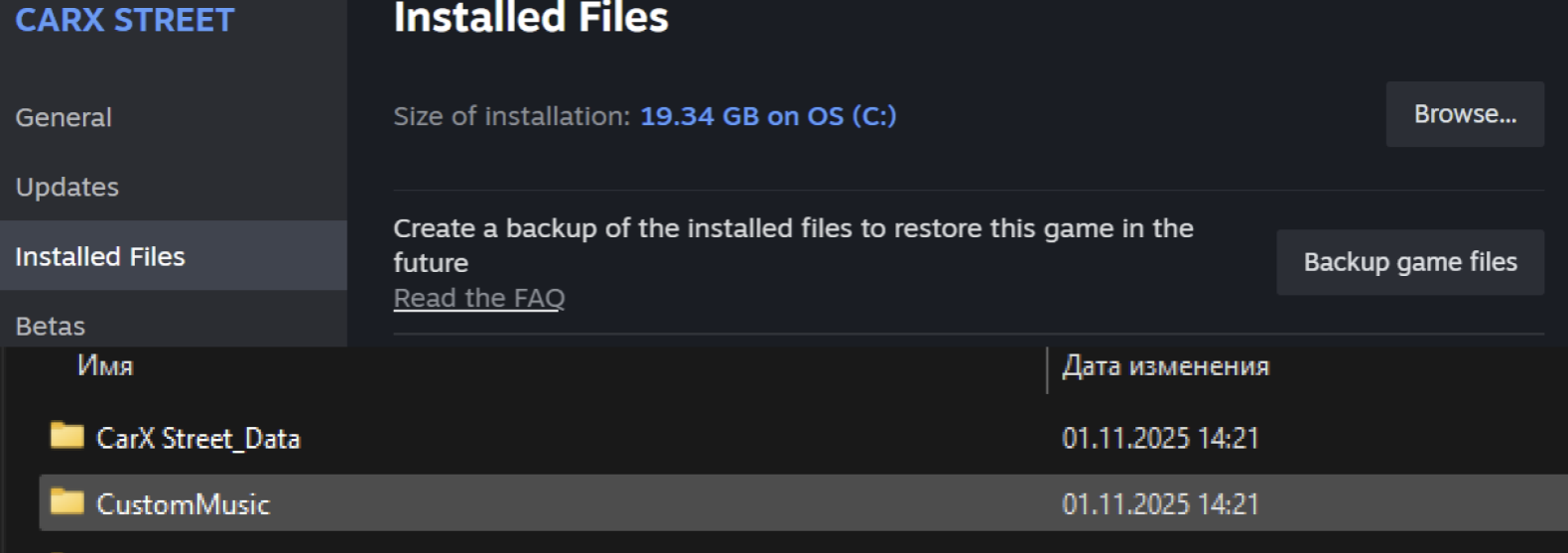
Open Steam → go to your Library → right-click the game → Properties.
Open the Installed Files tab and click Browse
Open the folder CustomMusic
Drop your audio files (.mp3 or .wav) into one of the folders below—depending on where you want to hear the tracks.
Available Folders
race_music — music during races
radio_streetbeat — radio while free roaming
radio_styling— radio in Styling
radio_tuning — radio in Tuning
radio_showroom — radio in the Showroom
You can split your tracks across multiple folders—the game will pick them up automatically.