To manage a big city and achieve prosperity you'll need various forms of supervision and control. In Sumerians there are several panels providing information about how the city grows, the needs of your citizens, the state of the inventory, and different elements to manage your workers and to adjust or give special orders to each of your buildings.
- The designs for the interface are still a work in progress and some elements may change before, or during the Early Access -
Basic Info
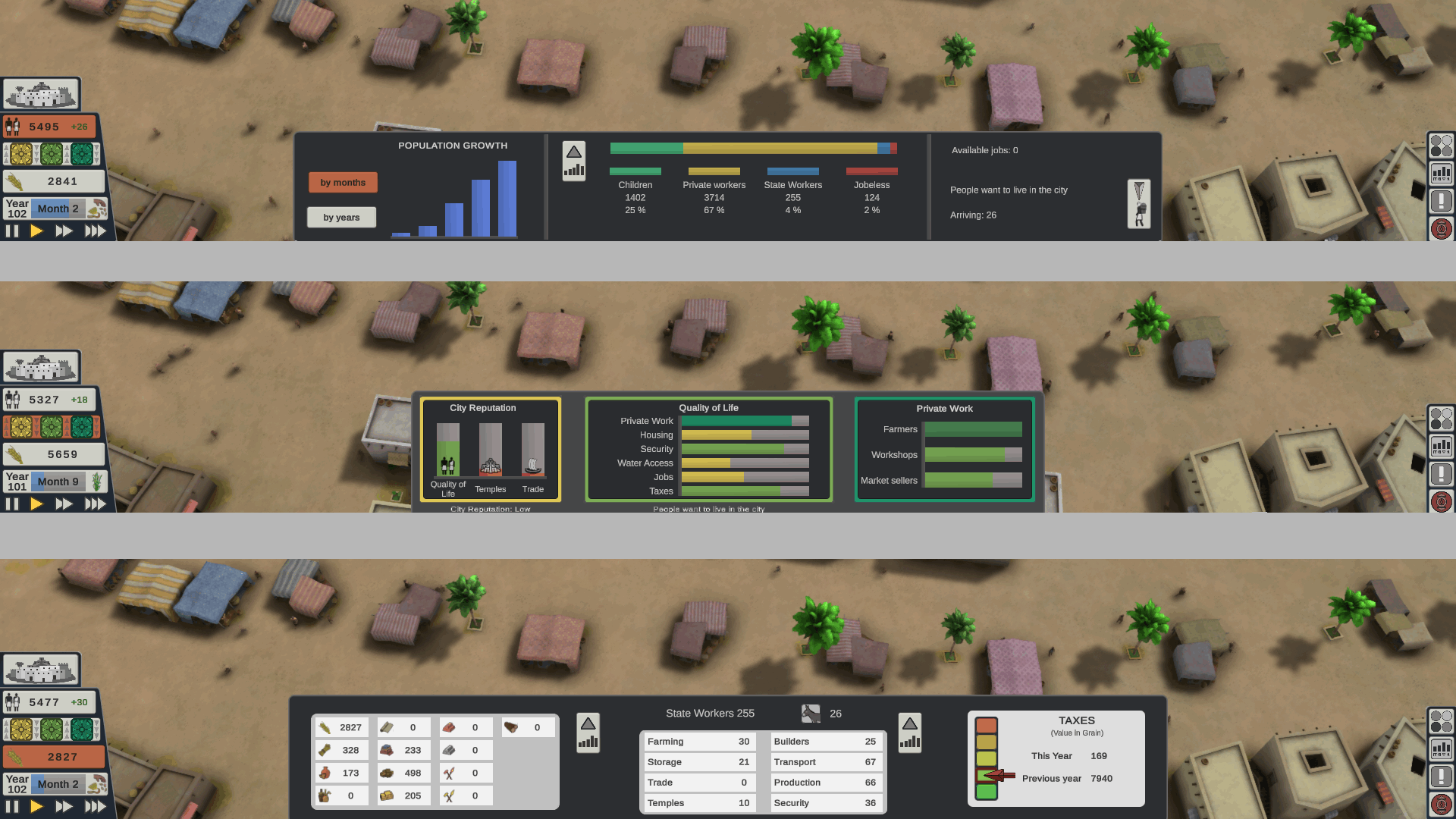
In a fixed panel in the bottom left corner you’ll find, among other things, the total population, the total grain storaged by the state and the game speed buttons.
Some of these elements will open other panels at the bottom center of the screen:
- Population panel: population growth, population composition, job rate, and emigration values.
- Satisfaction and Reputation panel: Your reputation relative to the size of the city, the values that determines the quality of life and the state of the private business in the city. A high satisfaction will attract new immigrants and the reputation of the city will influences the amount of immigrants arriving.
- State Economy panel: All the products owned by you (the State), your workers, and a tool to modify the taxes.
More Stats
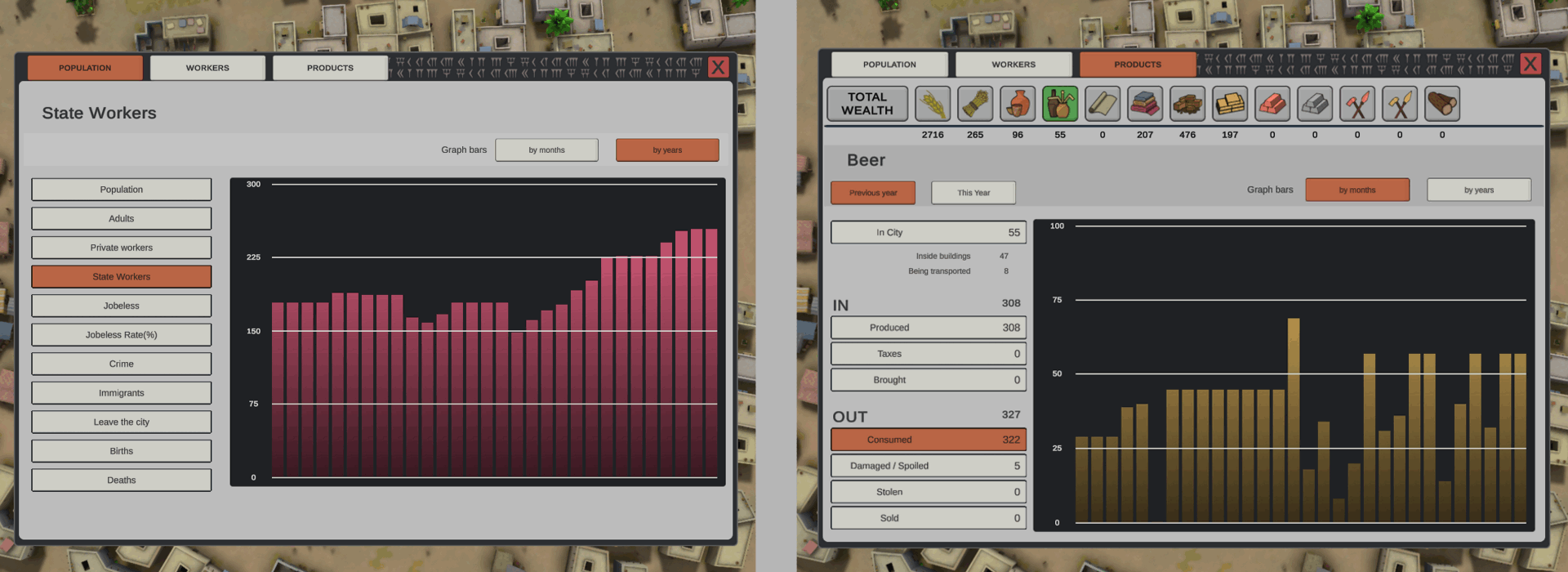
- Population stats.
- Stats for your products with a sum of the total wealth of the inventory converted to grain value, and the incomes and expenses for each product (produced, bought, consumed, stolen, etc.…)
Single Builing Panels
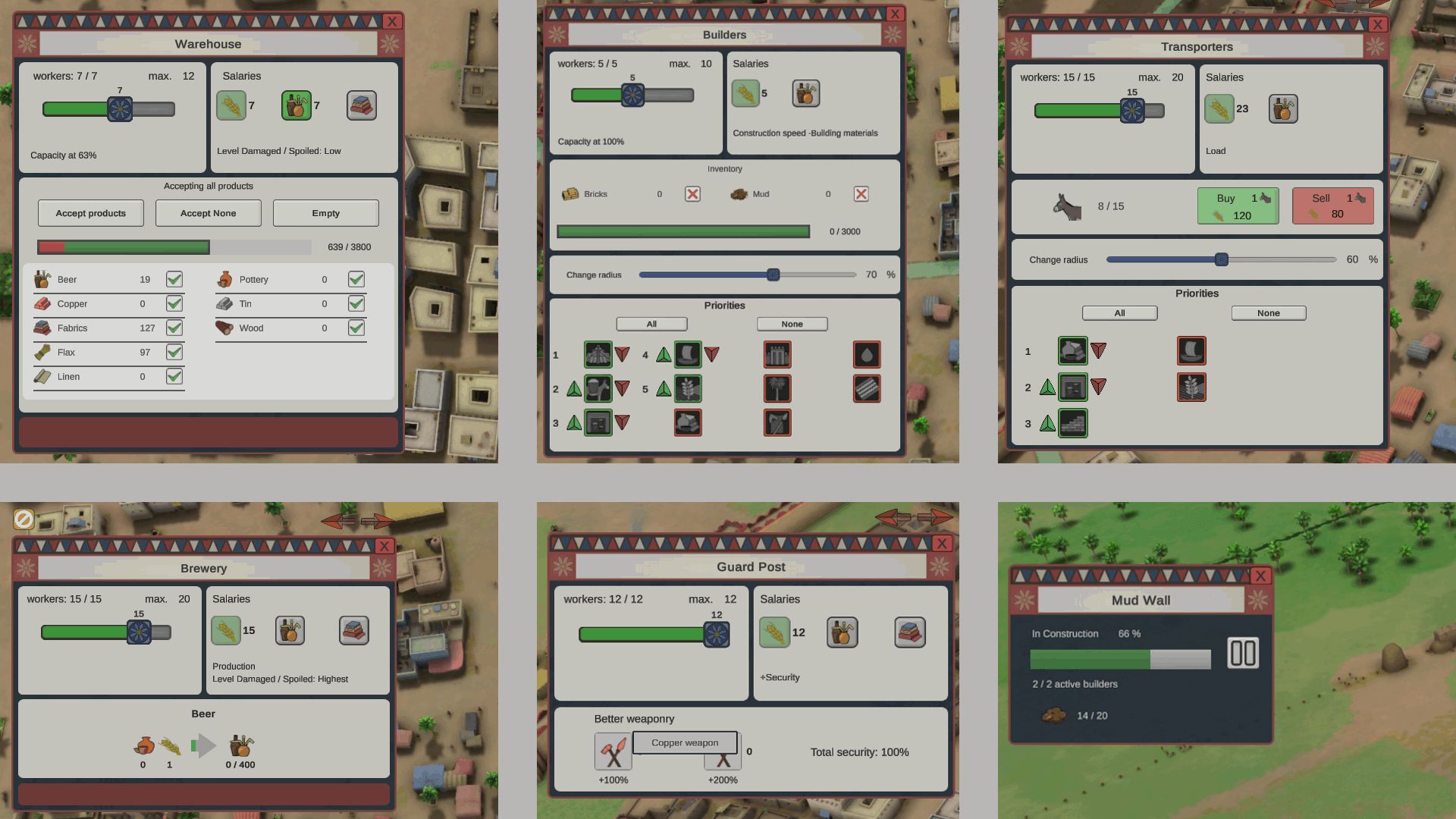
After selecting one of your buildings you can change how many workers you want to hire, the quality of the salaries, adjust the radius or the priorities of some buildings and give orders to the storages or the trade buildings.
Other Info Views
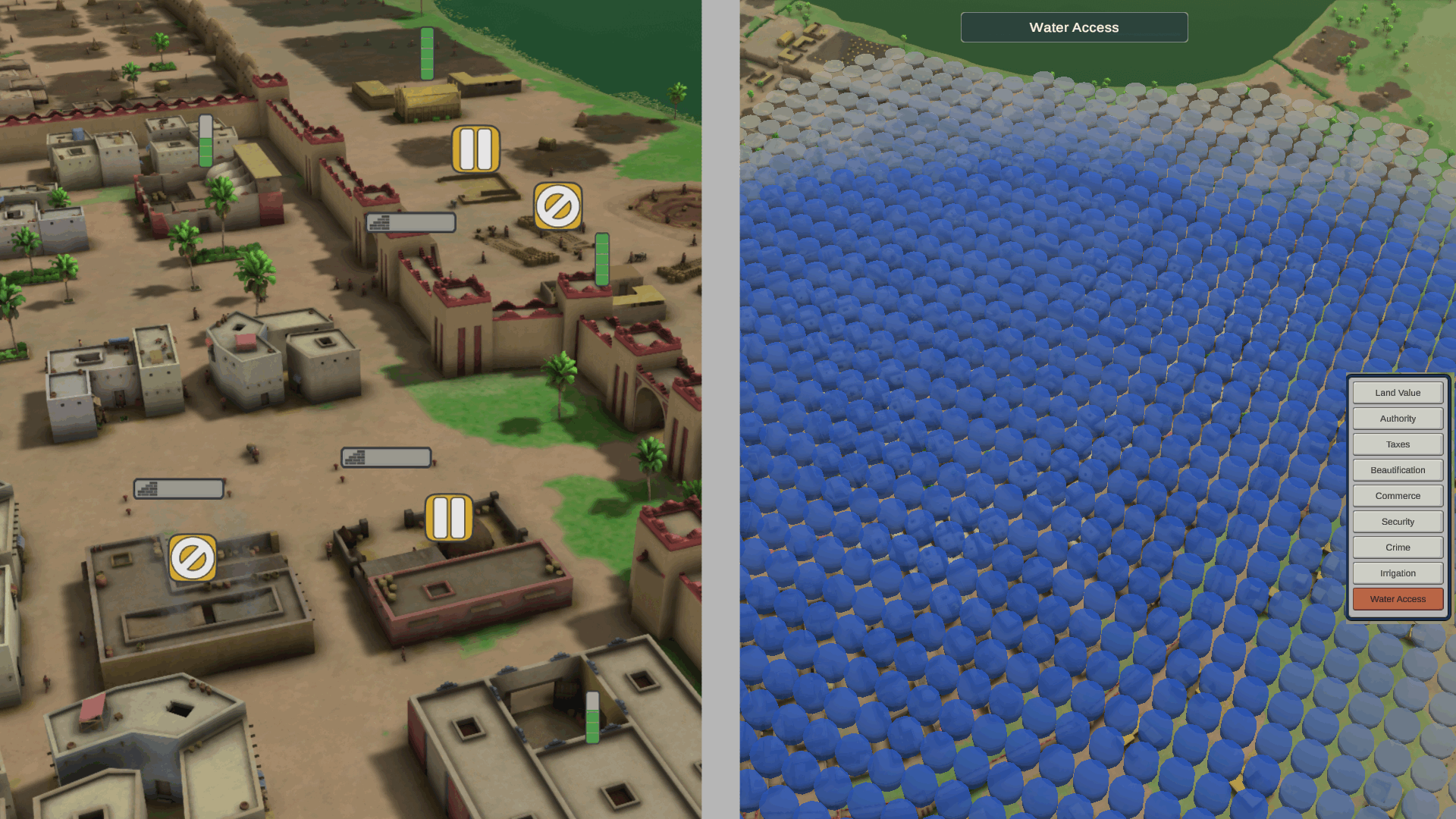
- Signs over your buildings -that can be visible or hidden- to see which ones are paused, lack materials, their level of storage or the progression of constructions.
- And finally, you can also select some values to view over the terrain, like the land value, the security, the irrigation or the water access.