
Hello Gamecrafters!
We have a few more exciting new things to share with you this week, along with some more teasers for the Projectile Weapon Block! This week we’ll be covering some UX changes for building, along with some changes to Pilot Seat collisions.
Projectile Weapon Block
If you haven’t read last week’s blog, go do that now as that covers the basics of this block!
https://store.steampowered.com/newshub/app/1078000/view/2200517356759248043
This week we’d like to show you a little bit more on the progress we’ve made. The model for this block has been implemented and we now have audio to accompany some fancy new effects. This is all still a Work in Progress so may change a bit but check out the video below:
Building UX Changes
A while back we collected a lot of feedback from the community on the biggest problem areas when it came to building, wiring and playing in general. We came up with a plan to address all of the problems identified, which you can read through here https://freejamgames.atlassian.net/wiki/spaces/GCEXT/pages/833978369/Planned+Improvements.
There’s a lot of work there, so we’ve split it into a number of smaller steps, the first of which is going to be released with this upcoming update! Tentatively dubbed “UX Improvements: Step 1”, the changes we’ve got planned for this update are as follows:
Modes
The biggest change here is that we’ve split some of the existing tools, like Box Selection and even wiring/configuring parts into their own “modes”. One of the bigger complaints was having to fight between deleting, or even painting cubes and clicking on the little blue dot for wirable parts.
To address this, we’ve introduced 4 building modes. We’ll briefly cover them all here.
Block Mode
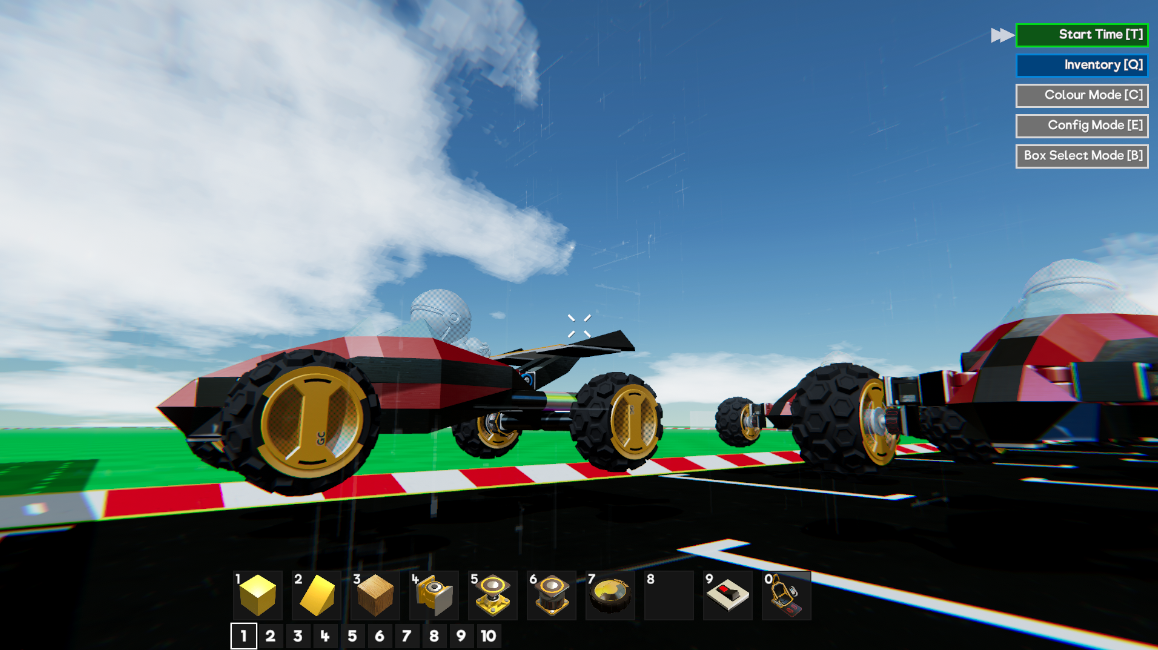
This is the default mode and it works almost exactly the same as you’re used to. In this mode, you can swap between parts on the hotbar, place, delete and scale cubes. The key difference here is that you won't see the little blue dots for wirable parts at all, clearing up the screen to make “building” the focus here. While in this mode, pressing [Q] again will open the Inventory and you also won’t have an “Empty Hand” slot anymore.
Config Mode
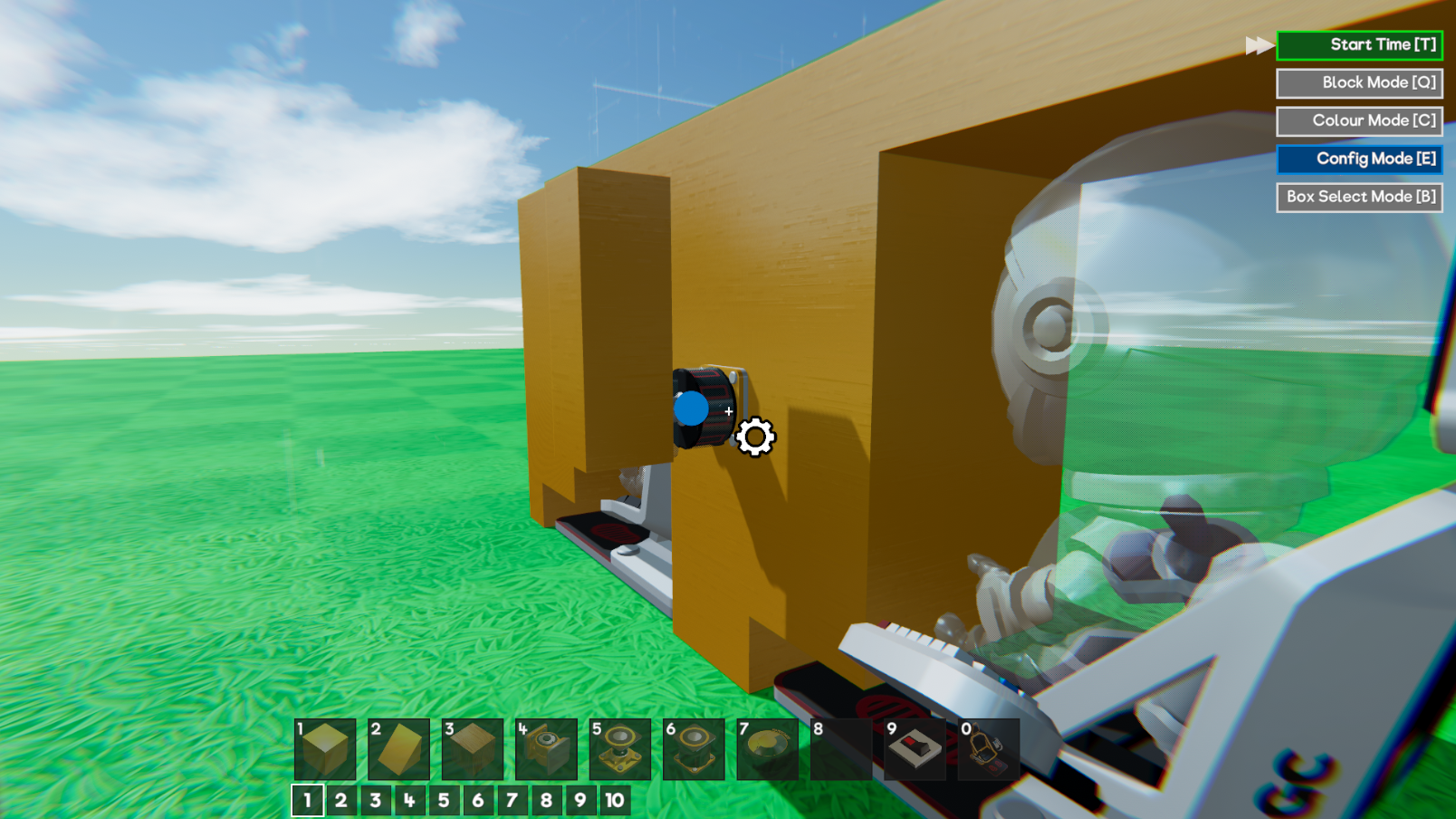
This new mode specializes in wiring and tweaking parts. While in this mode, you won’t be able to place or delete cubes. If you aim near a part that can be wired or configured, you’ll see the little blue dot appear, much like you would with the Empty Hand previously.
Everything else in this mode works as you would expect. You can tweak the stats of parts and create wires.
Color Mode
This mode is exactly the same as selecting the old ‘color slot’ in the hotbar. In this mode you’ll only be able to paint parts that are present.
Box Select Mode
The Box Selection tool wasn’t the most obvious being tucked away behind the Empty Hand. We’ve brought that tool into its own mode to make it easier to find and work with. In this mode, you won’t be able to place or delete regular parts, but you’ll be able to highlight a selection of parts, copy it and place the copy as normal.
Other Changes
Another bit of feedback was that having [E] to exit seats and start/stop time was a bit of a nuisance. We’ve made a couple of changes there with the big two being [T] for Time Start/Stop and [E] now being to interact with Seats! These can be changed if you’d prefer other keys.
We’ve also added some extra prompts under the crosshair to help message things like this. For example, aiming at a Motor while in Block Mode will show a little prompt “Press [E] to configure”. There are also prompts for using cut/copy and interacting with Pilot Seats.
This is just the first step towards addressing some of the issues raised. Wiring and tweakable stat improvements are still on the list for future updates.
Pilot Seat Collision/Damage Changes
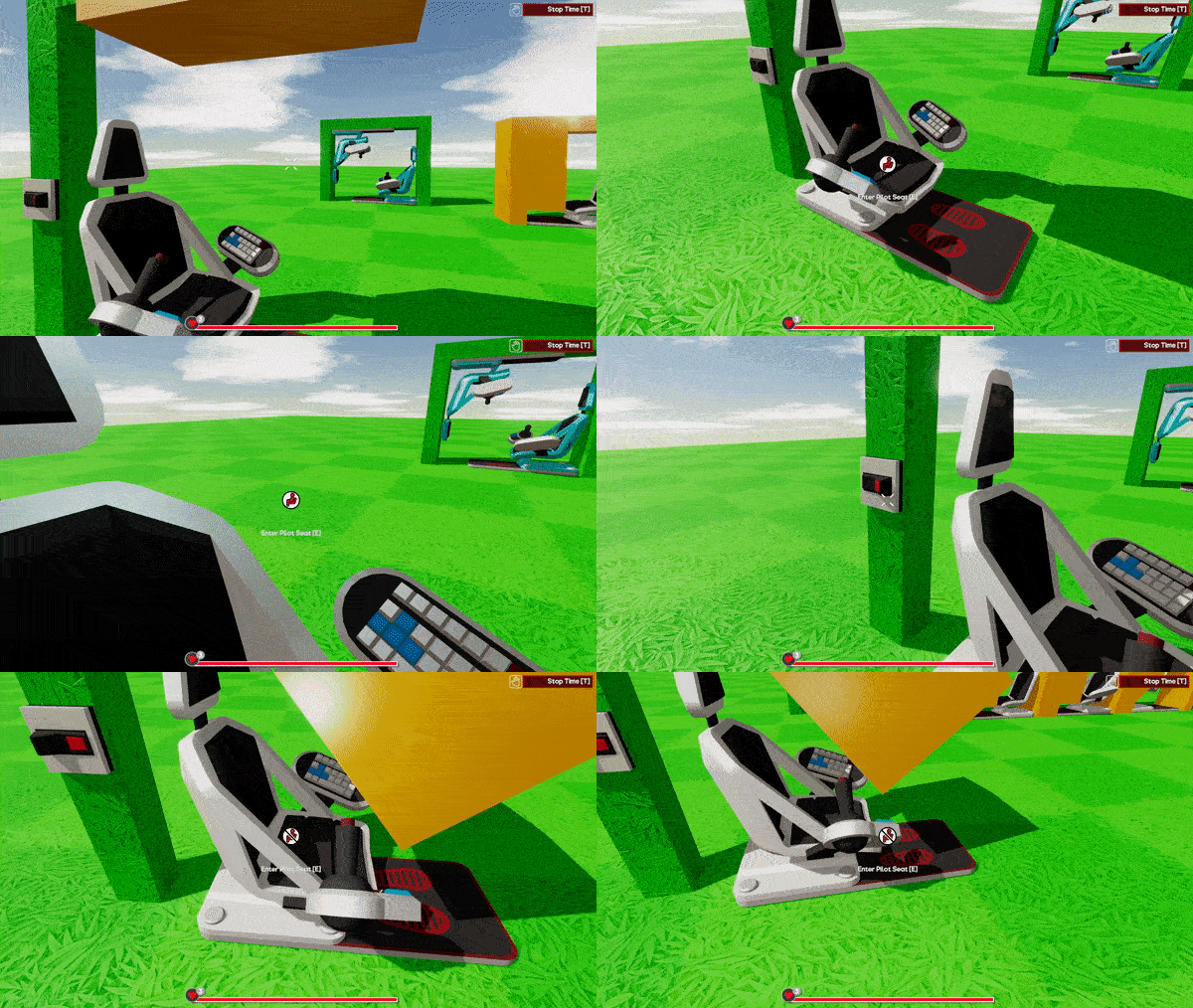
When Character Vulnerability first launched, Leo could not take damage while seated. We’ve been working on resolving that and as of this next update, Leo will be able to take damage in seats!
As part of that work we’ve made some changes to the Seat’s collision. We’ve cut back the large box around the entire seat in favour of something less restricting.
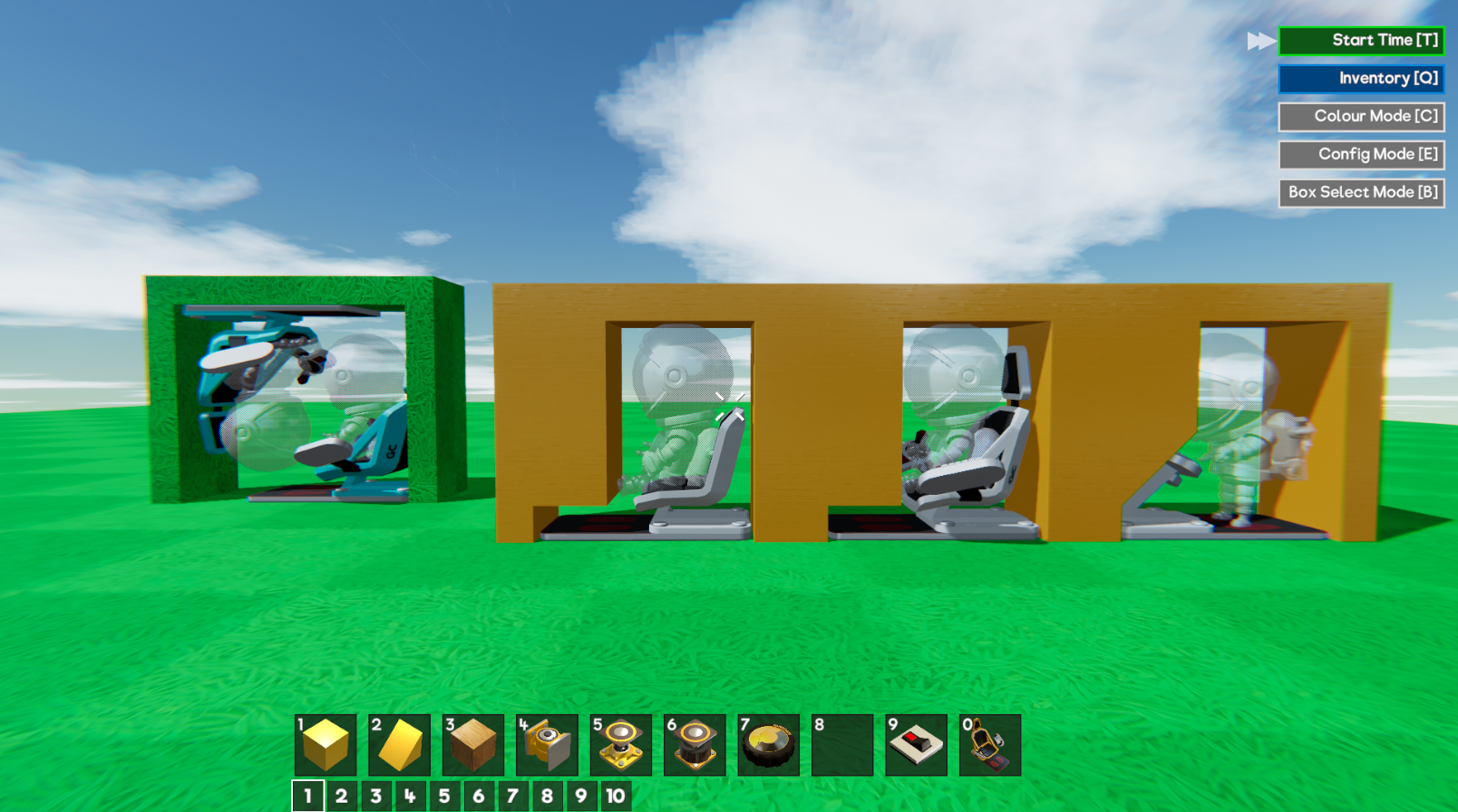
Now, the only place you can’t build is directly where Leo would be sitting/standing. On top of that, parts can enter that space while you’re playing. If Leo is sitting there, he’ll take damage. If the seat becomes blocked by some parts, this will stop Leo from entering it.
Featured Game Competition
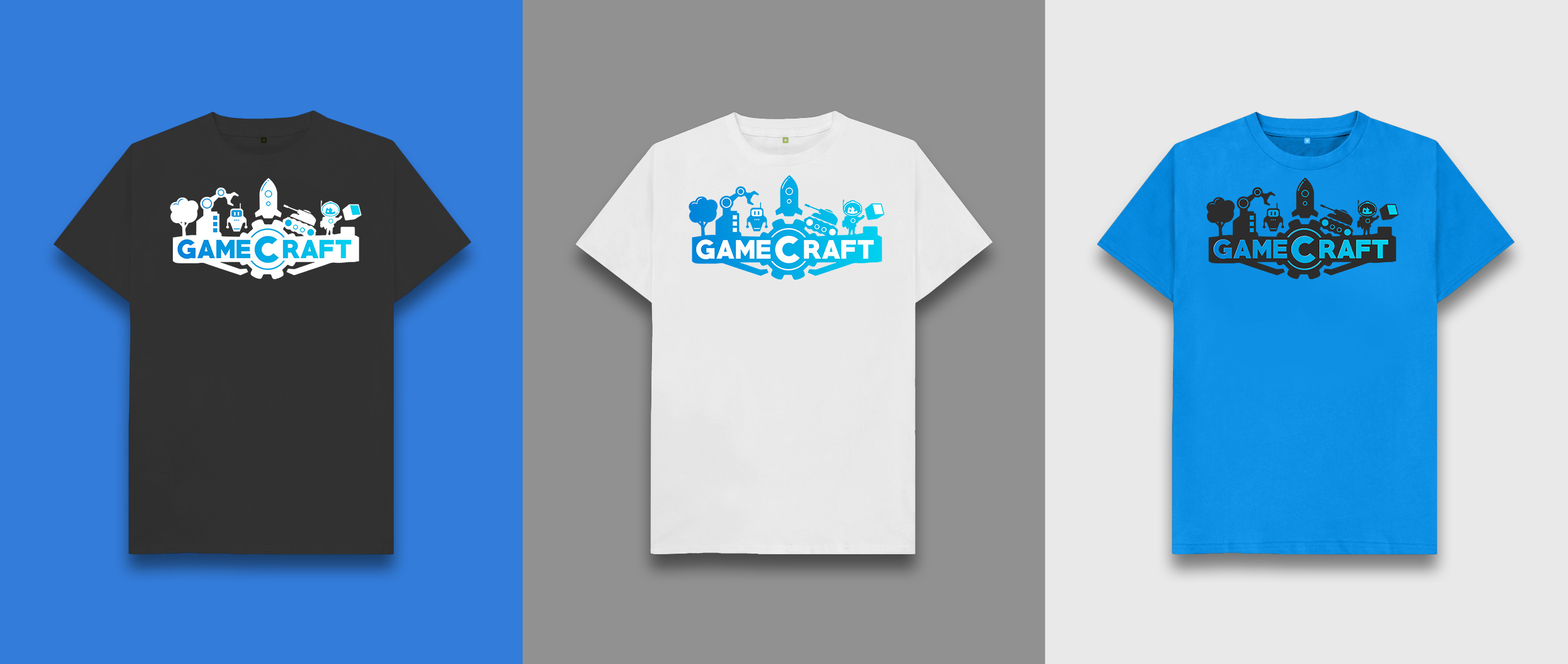
We’d also like to remind you that we have a competition on-going. If you build a game and get it featured you can win your very own Gamecraft T-shirt! Be sure to check out the details about this here: https://store.steampowered.com/newshub/app/1078000/view/3759888198475939580
Please follow us on our social spaces and share your creations with us:
Twitter- https://twitter.com/Gamecraft_FJ
Youtube - https://www.youtube.com/channel/UCkcRFCr9aQxszaYeXcWZjwA
Facebook- https://www.facebook.com/GamecraftGame/
Reddit - https://www.reddit.com/r/GamecraftGame/
Discord - https://discord.gg/gamecraft
Thanks for reading!
The Gamecraft Team