
Hello Gamecrafters!
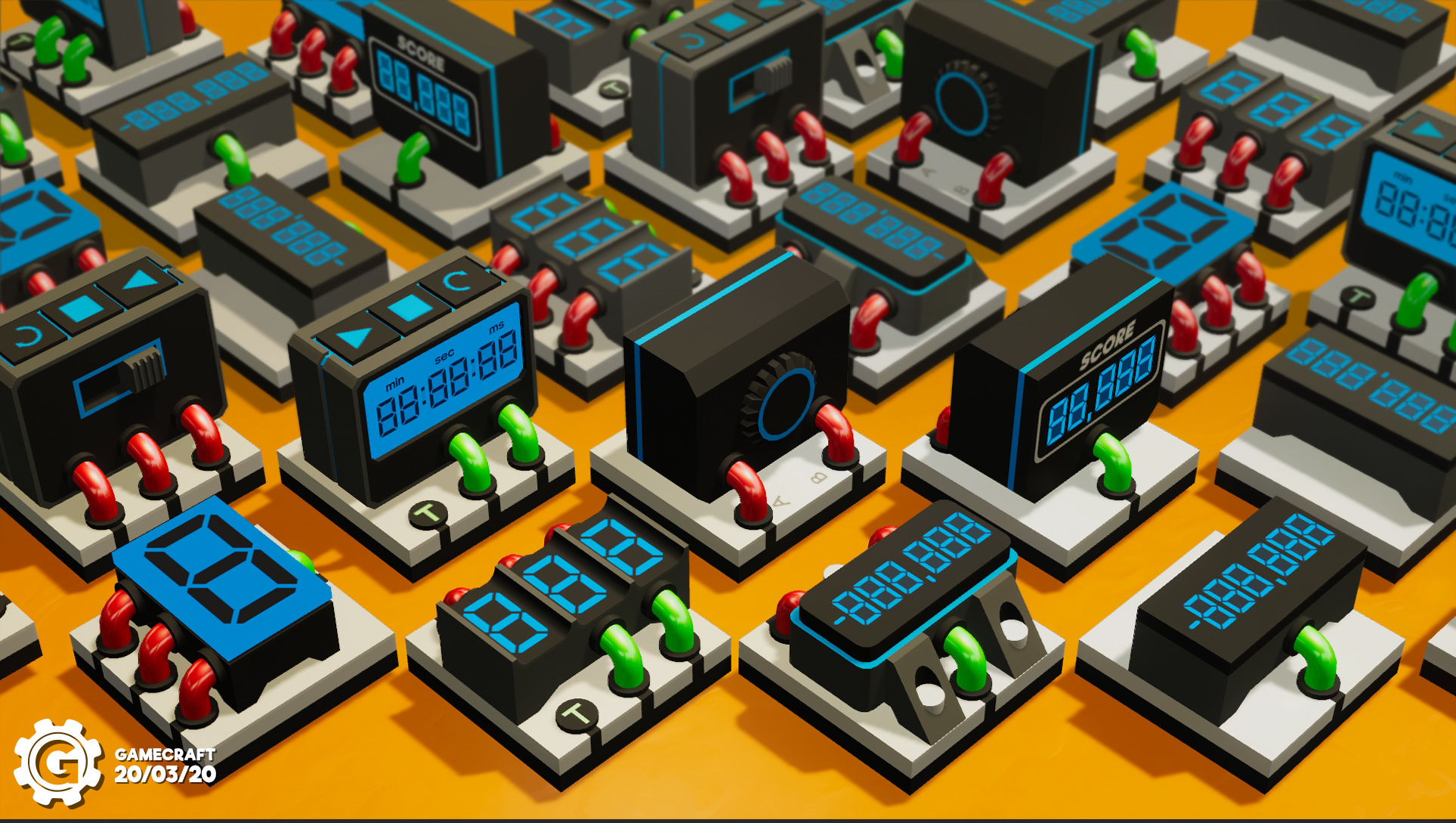
Last week we released a HUGE update to Gamecraft that introduced Logic, Copy & Paste and so much more! If you haven’t read about all of those amazing new things, you can check out the patch notes here: https://steamcommunity.com/gid/103582791464559041/announcements/detail/1694982051051695761
We’re working on some more epic blocks and features for our next update and we’ll be teasing some of these in each blog leading up to the release again. This week, we have some special blocks that will complement the Logic and Maths blocks added in the last update. We introduce to you, the State Blocks!
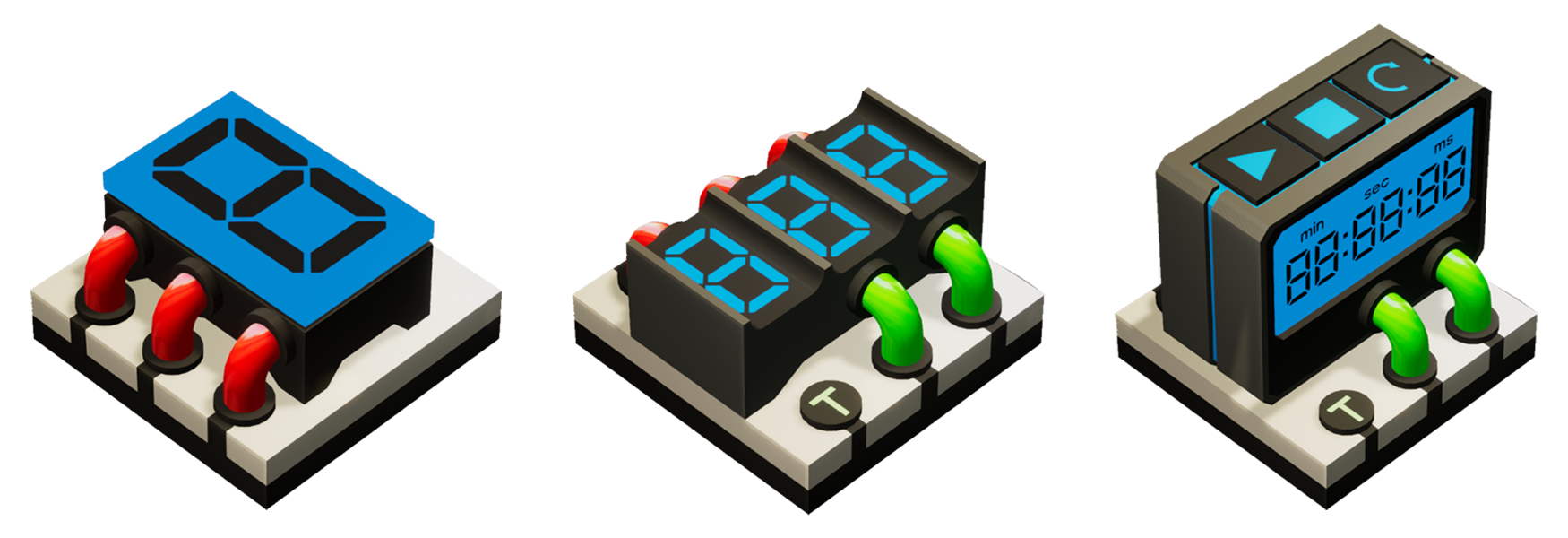
From left to right we have; The Bit Block, Counter Block and Timer Block. These powerful blocks are useful to add some extra state logic into your games. We’ll give you a brief rundown of each block in this blog, but we’d also like to start sharing some of the finer details of upcoming features with the community, to get early feedback, so you’ll find some links to our public “Confluence Wiki” which go into more depth on these blocks.
You can access the Wiki here: https://freejamgames.atlassian.net/wiki/spaces/GCEXT/overview
Bit Block
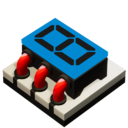
The Bit block can be used as a sort of “local memory” in your logic, storing a single on/off value. As such, this block has two possible states, 0 or 1. This value can be set manually through the associated input, or you can also toggle the current value with a separate input.
This block also has a functional digital display built-in to show the current state, which will make debugging easier.
For more info, check out this link: https://freejamgames.atlassian.net/wiki/spaces/GCEXT/pages/720535578/Bit+Block
Counter Block
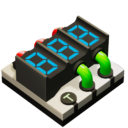
The Counter block allows for the storage of an integer number that can be incremented, decremented and reset.
The Counter block lets you pre-set a target value which will then output a signal of +1 once it has been reached, as well as a float value between 0 and +1 tied to the progress the Counter has made to the target. You’ll even be able to output the value as “text” to other blocks that support it!
For more info, check out this link: https://freejamgames.atlassian.net/wiki/spaces/GCEXT/pages/720502834/Counter+Block
NB: We plan on adding support for “Text Output/Input Ports” with this update. We’ll cover the details on that a bit further on.
Timer Block
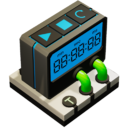
The timer block can be used to trigger an event when a specific time has passed, or even update an event as time slowly passes.
You’ll be able to start, stop and reset the timer with separate inputs. Similar to the Counter block, the Timer block can output a signal of +1 when the target time is reached, as well as the progress and “text” value.
For more info, check out this link: https://freejamgames.atlassian.net/wiki/spaces/GCEXT/pages/720109619/Timer+Block
NB: In this update we’ll also be making some improvements to the stat sliders. These changes should give you finer control and more freedom with your settings! We’ll talk more about this later in this post as well.
Text Ports
Some of these blocks would really benefit from being able to display their output in a user-friendly, fully visible way, which is exactly why we’re implementing a new “Text Port”!
These ports will fundamentally work the same way as the current input/output ports. The difference here is that these ports will only connect to a matching port i.e. you cannot connect the Text Port output of a Timer block to the input of a Motor and vice-versa.
This change is going to make text blocks even more powerful as you'll be able to show a whole lot more game related information, updated in real time!
Improved Stat Slider
A lot of these upcoming blocks reinforced the need for better precision in our stat sliders. So, we’re throwing away the current ‘10 step’ slider in favour of a smoother, more precise slider. That’s not all though, as we’re also giving you the ability to set specific values via a small label under each slider!
We hope you enjoy this sneak peek into some of the great new things we’ve got planned for the next update and if you have any feedback you want to share, leave a comment on the appropriate Wiki doc.
Please follow us on our social spaces and share your creations with us:
Twitter- https://twitter.com/Gamecraft_FJ
Youtube - https://www.youtube.com/channel/UCkcRFCr9aQxszaYeXcWZjwA
Facebook- https://www.facebook.com/GamecraftGame/
Reddit - https://www.reddit.com/r/GamecraftGame/
Discord - https://discord.gg/gamecraft
Thanks for reading!
The Gamecraft Team