
It is no secret that Space Wreck is tumbling down to the Full Version Early Access release and this is expected to be the last demo update before that. And it is not a small one - we have new content, new features, and new weapons - and all of it free of charge, available right now!
New story content
While we've been working mostly on the full game, the first chapter - abandoned space station Krogus - also received some small but significant story expansion with a new quest ("todo") and location. What it is - I'll let you discover yourself.
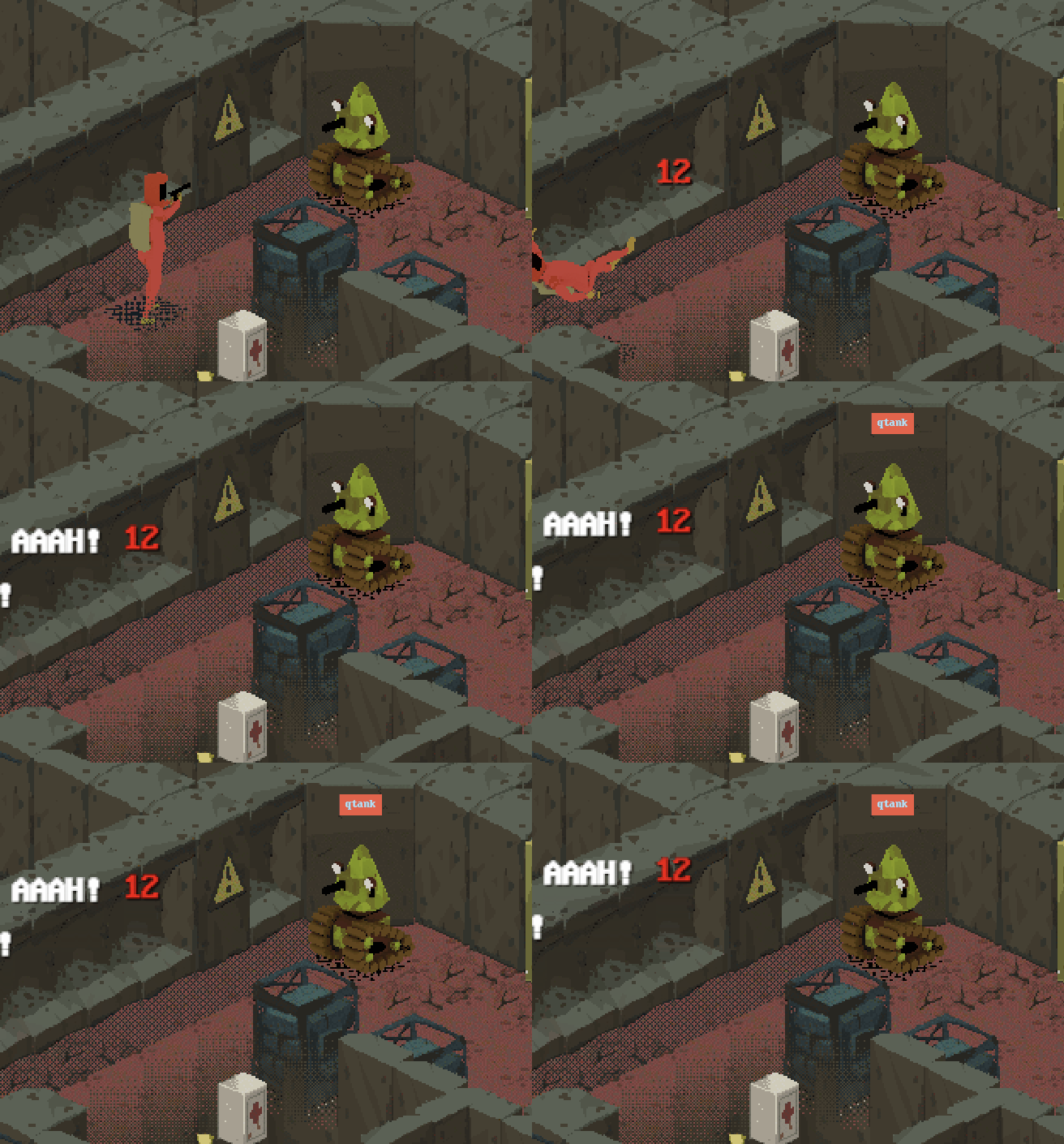
New enemy - qtank!
Meet qtank - a small but heavily armored drone tank with magnetic tracks that packs a new kind of weapon - a variation of Horsestopper both of which you can get for yourself now in the demo as well.
While it may look cute with these external projectors and a tiny frame, don't let the looks deceive you!
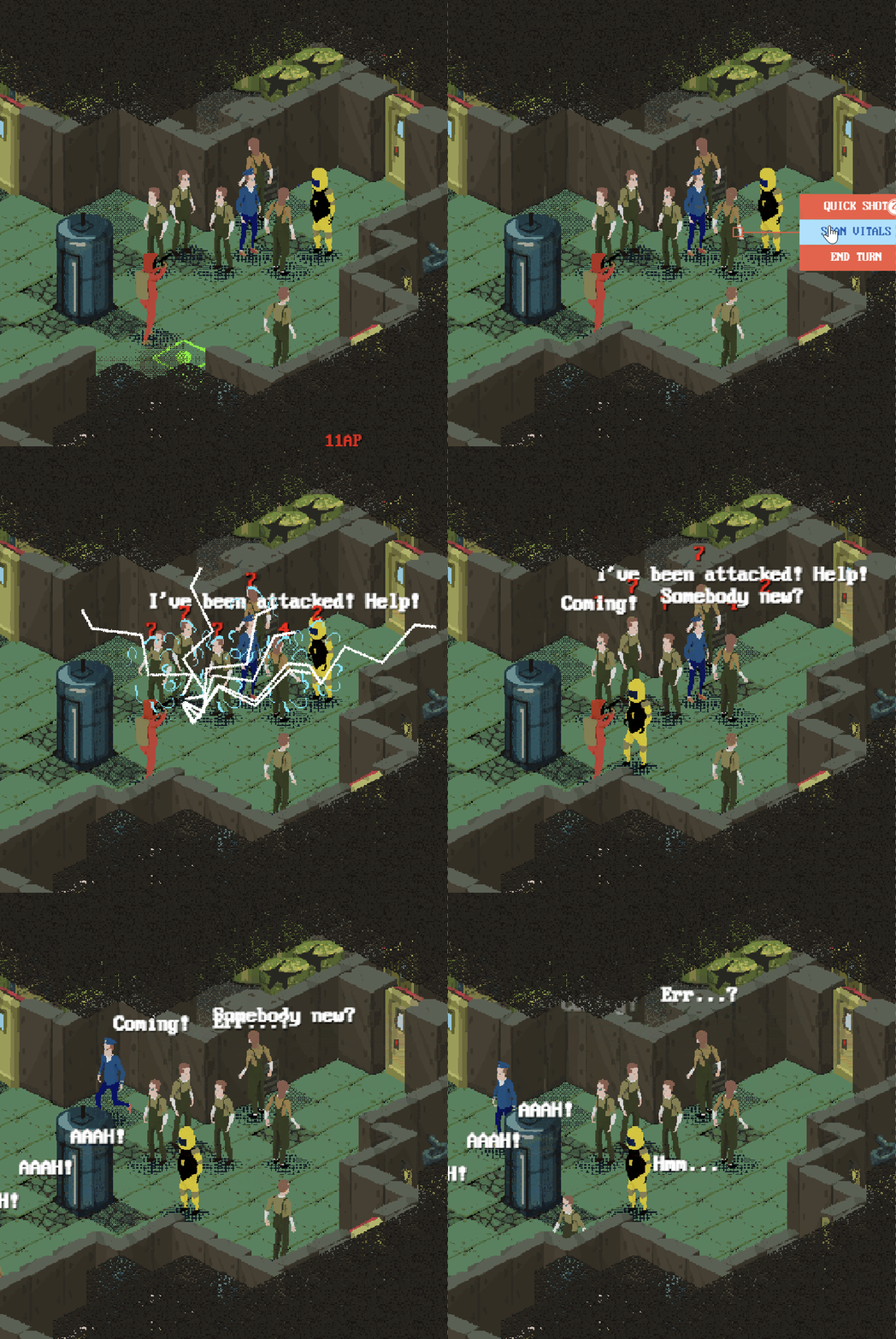
New weapons - Shockgun
There's a new weapon that you can find in the demo as well - Shockgun. While it can be used against a single enemy, however, it is not as effective for that. Instead, its strength is collateral damage - a successful hit affects all enemies clustered around. Just be careful - friendly fire is a thing!
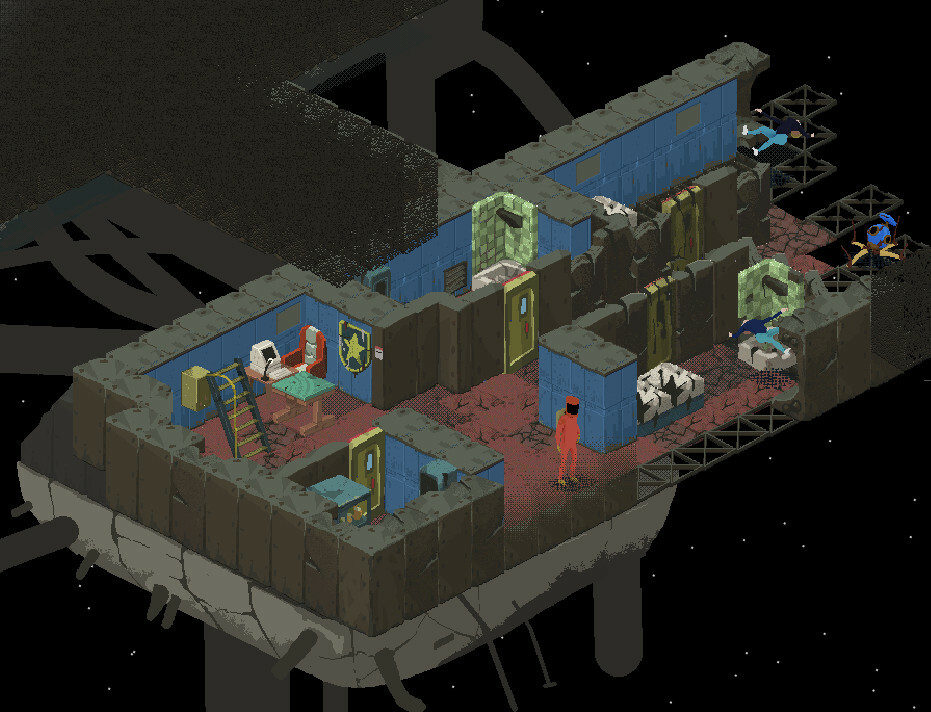
Small visuals update
In order to improve the readability of locations, we've added some new tiles - like here, in the example, the security office has now distinct blue walls. These various should help to identify various functional zones on the space wrecks.
Door remotes
Minor but potentially really helpful little feature - keys now have a button - DOOR - that works just like a car remote: the respective door beeps and opens, so you can see where it is. Handy if you find (steal?) a keycard but have no idea what it is for.
Inspect doors
But what if you find a locked door? Well, for some doors - if you've rolled good PERCEPTION, - you can inspect it and get a clue where the key can be found.
Fixed UI scaling
I know, this is not really a feature but still - I am now very happy with how UI adjusts to every screen resolution. The existing three scale presets - Default, Small, and Big correspond to, respectively 80%, 70%, and 100% of the screen height the UI slate can take.
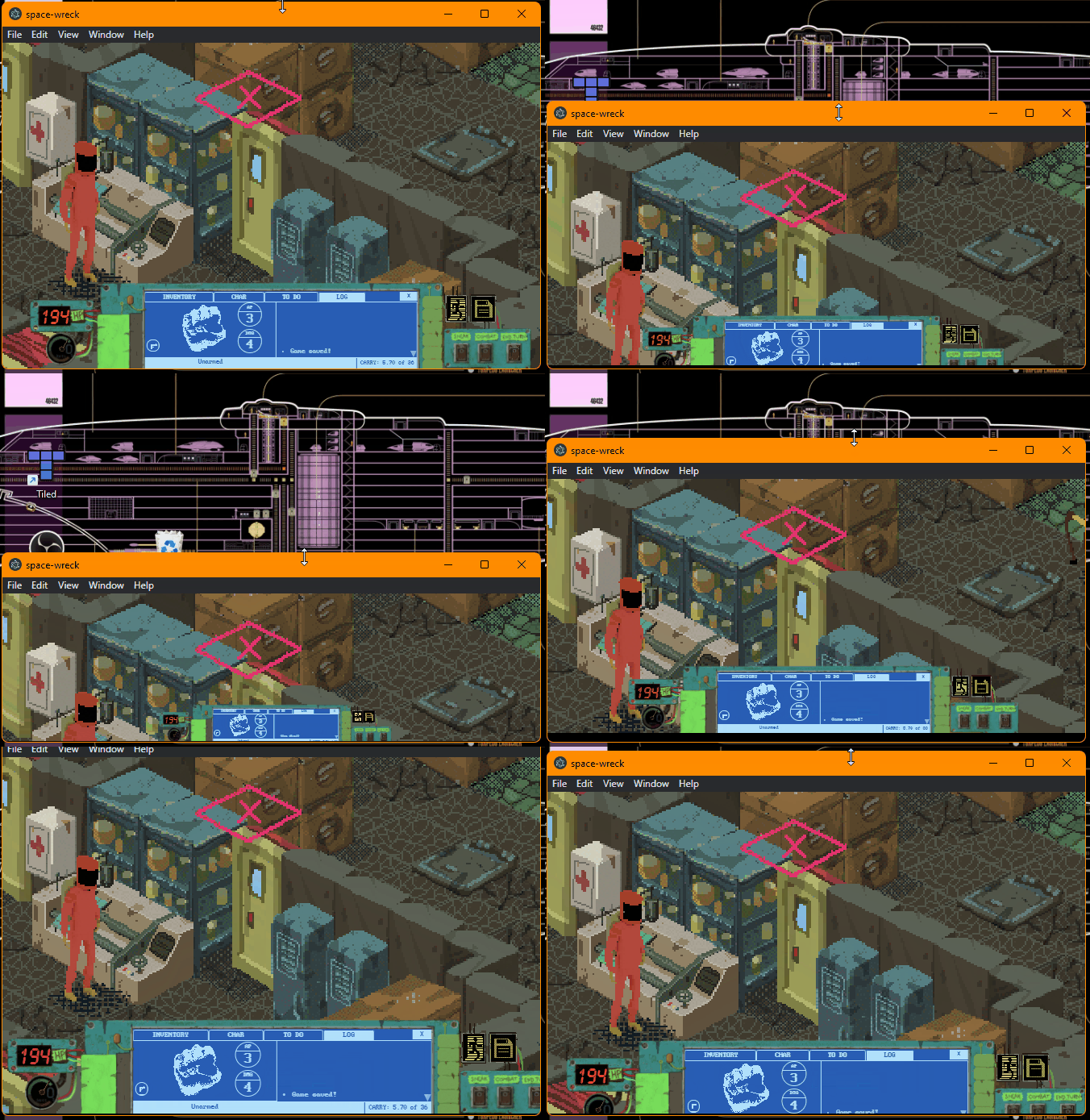
...and many, many little bug fixes that affect the demo version as well.
Have a nice play and leave a comment if you have some feedback!
Post Scriptum: on a technical level, we have now moved to Steam cloud saves, and, unfortunately, that means that your save games from the previous version will not be playable in this version.