
A new look for the place where every run starts, plus a round of improvements to how SUPERVERSE runs and handles your hardware.
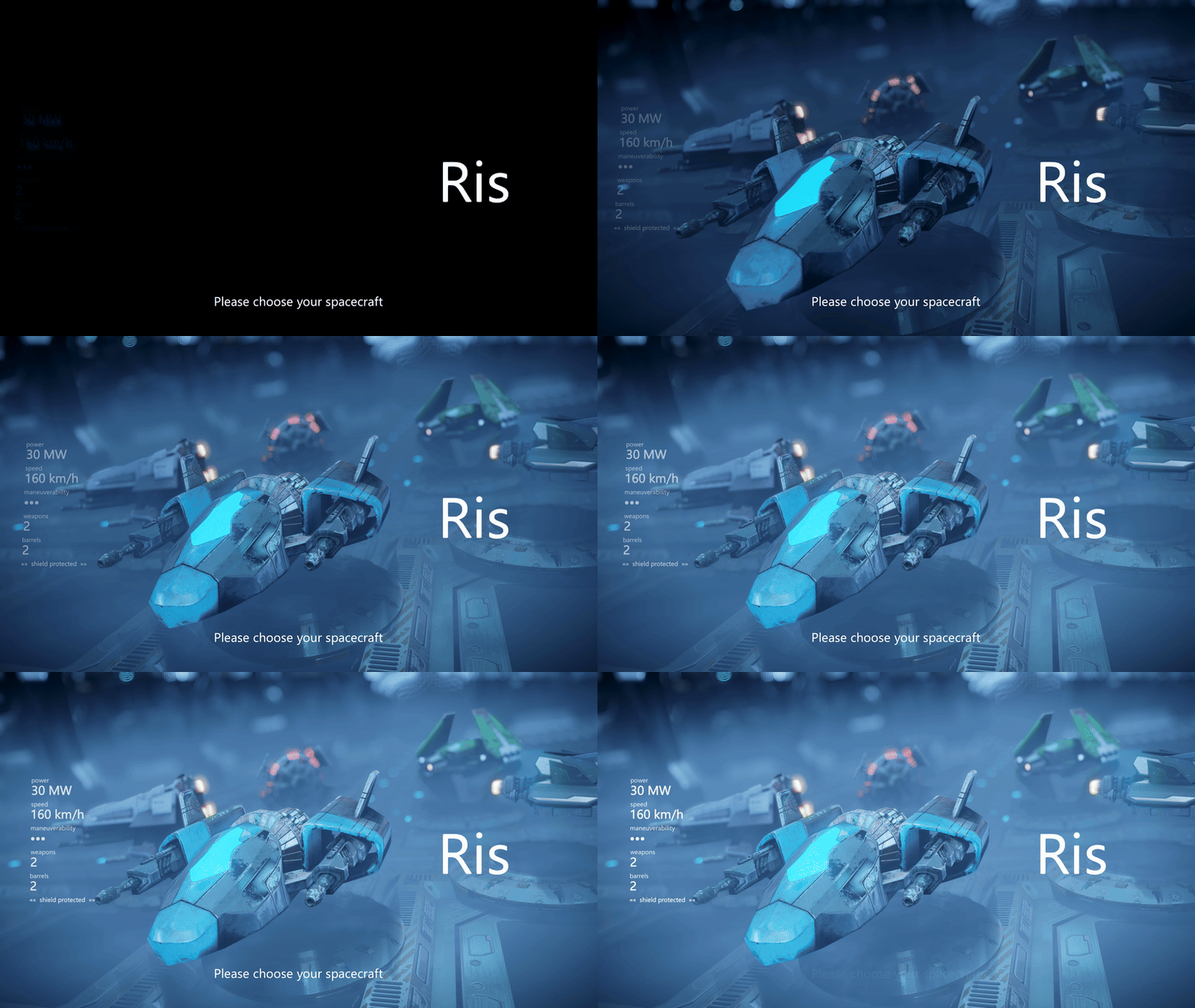
At a glance:
- Redesigned hangar with a new Maneuverability stat
- Reworked intro with updated story and a smoother start
- VSync support, for tear-free rendering
- Controllers now detected the moment you plug them in
- A Controls Guide you can open in your browser
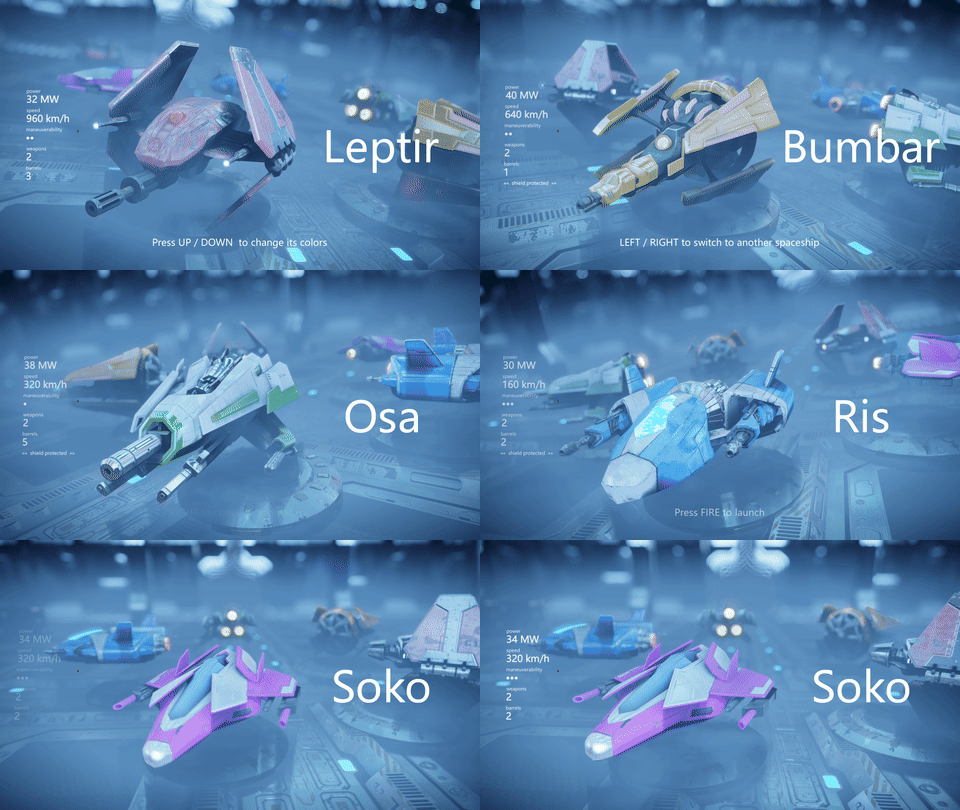
The hangar, redesigned
Spaceship selection has been rebuilt from the ground up: a cleaner specs layout, bolder fonts, and numbers you can actually read at a glance.
It also introduces a new Maneuverability stat. With the reworked flight controls from the last update, how a ship turns matters more than ever — and now you can see it before you commit.
A new intro
The opening sequence has been reworked, with updated story text and a smoother transition into the first level.
VSync
VSync support has been added. If you've been seeing screen tearing, switch it on under Settings > Video > VSync.
Live controller detection
Plug a controller in mid-session and the game picks it up immediately. Unplug it and the game notices that too — no more restarting to get your gamepad recognized.
More improvements
- Controls Guide. A new option opens the full Controls Guide in your browser, so you can keep it open on a second screen while you play.
- Mouse fix. Pointing at small menu items is now accurate — no more hunting for the hitbox.
As always, let us know how it plays in the comments.
See you in the SUPERVERSE!