Patch 17 is now live with the following changes: AI Fixed AI to sound horn after loading a saved game Fixed AI route planning to work better in some cases Fixed AI route planning failure notification to catch all planning failures Fixed placing of wrong way signs to update data s
Patch 17 is now live with the following changes:
AI
Fixed AI to sound horn after loading a saved game
Fixed AI route planning to work better in some cases
Fixed AI route planning failure notification to catch all planning failures
Fixed placing of wrong way signs to update data structures related to route planning correctly. This improves AI route planning and prevents possible performance issues caused by signals
Graphics
Fixed possibly broken lake and floor surfaces
Fixed possibly incorrect terrain textures near fences
Fixed dust clouds to appear more consistently when cutting or filling terrain
Miscellaneous
Fixed a possible animation related crash
Fixed a possible crash when loading some terrain tiles
Fixed volume setting to apply to HUD and footstep sounds
Fixed HUD to display the correct radius value in some cases where the front and rear end of the track laying unit are on different tracks
Attempted to fix random crashing on one player's computer
Patch 15 has two changes: Fixed a crash when navigating to a new screen in the main menu and pressing Esc (or gamepad right centre button) to return to the main menu in the same frame as the new menu options appear Fixed gamepad minimap pointer teleporting to work after going to
Patch 15 has two changes:
Fixed a crash when navigating to a new screen in the main menu and pressing Esc (or gamepad right centre button) to return to the main menu in the same frame as the new menu options appear
Fixed gamepad minimap pointer teleporting to work after going to the main menu and back during the game (instead of having to first point to some other interaction)
This patch fixes a crash when unlocking the minimap pointer using a gamepad, going to the main menu and back to the game, then pressing the right trigger to teleport.
This patch fixes a crash when unlocking the minimap pointer using a gamepad, going to the main menu and back to the game, then pressing the right trigger to teleport.
This update marks the end of major changes and improvements to the controls, user interface and stability of the game. Smaller patches will still be released to address any leftover issues. Content updates like bonus maps are not completely ruled out but the game would have to be
This update marks the end of major changes and improvements to the controls, user interface and stability of the game. Smaller patches will still be released to address any leftover issues. Content updates like bonus maps are not completely ruled out but the game would have to become more popular for them to be worthwhile.
Let's see what we got here:
HUD
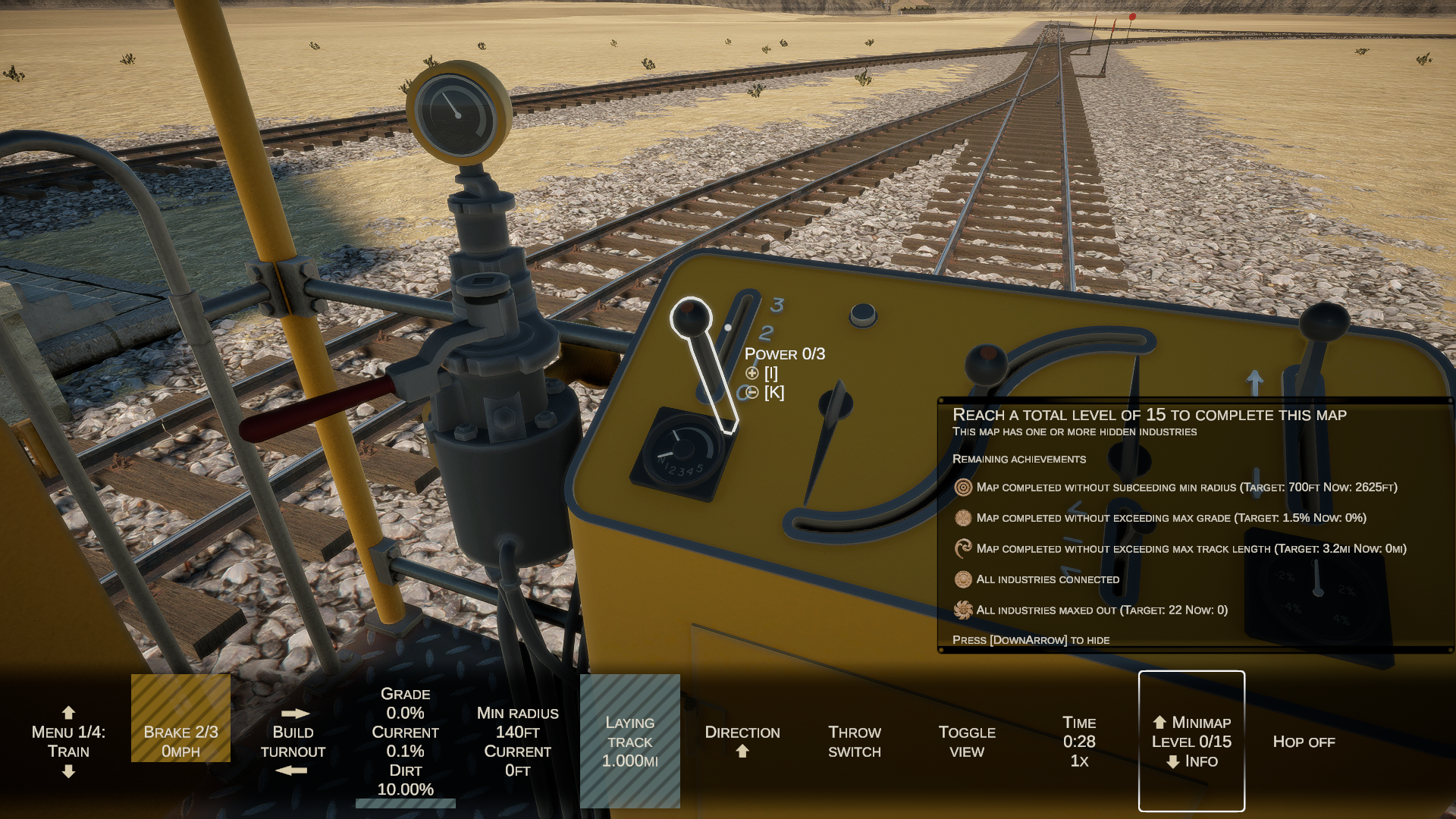
Added key for hiding the HUD menu (default: F1)
Added diagonal stripes to HUD menu fills
Made top vignette less pronounced when mouse pointer is unlocked
Changed camera view to span the whole screen and made the HUD menu semi-transparent
Changed centre circle to a smaller dot
Added display of title and key bindings of highlighted 3D cab control below the centre dot
Changed the HUD menu so that highlighting a 3D cab control no longer highlights the corresponding menu option
Removed resolution and screen mode settings from the HUD menu because they're easier and less error prone to set through the settings screen
Fixed remaining track to be shown as zero in the HUD menu if it's less than the length required to build anything
Changed default HUD option to always be power/coupling after hopping on/off vehicle for consistency
Renamed HUD menu options "map" to "minimap" and "ach." to "info"
Turned the old HUD list of achievements into a new info box that, in addition to achievements, contains more information about the winning conditions and the characteristics of the map
Minimap
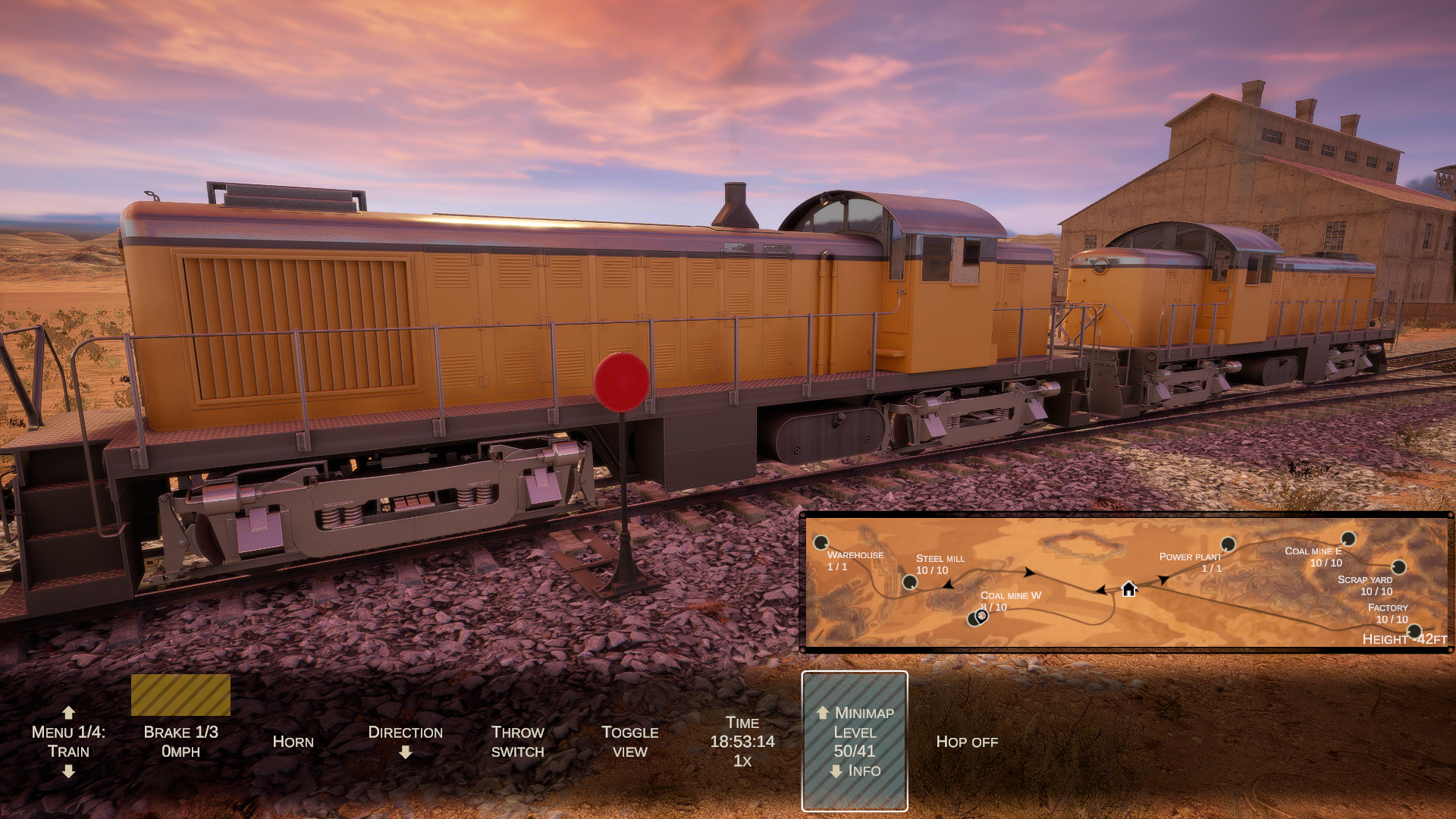
Added prelaid tracks to minimap
Fixed track line width in Map 1
Made player marker smaller and changed the centre to be slightly transparent
Changed train markers to arrows so it's possible to see the direction of travel
Changed industry connecting lines to disappear once both industries are connected
Controls
Added more default keybinds for various actions
Added keys for toggling minimap and info box (default: F2 and F3)
Prevented rebinding keys to Esc or arrow keys because they are reserved for navigating the menus
Added a virtual mouse pointer for using the minimap with a gamepad (toggled from the left centre button on the gamepad, teleporting from right trigger)
Fixed direction keys to work consistently at both ends of the train
Fixed track layer controls to only affect the unit where the player is currently in
Main menu system
Added slight delay when selecting options in the main menu
Added separate resolution selection menu in the settings
Added better default gamepad control display to settings screen
Added timer to key rebinding
Fixed settings screen to scroll down back to the right row after rebinding a key
Fixed the layout of texts with achievement icons in various parts of the GUI
Added display of current user profile (local/Steam) to "new game" and "load game" menus for the purpose of debugging temporarily missing saves, in case the problem still persists
Rounded refresh rate Hz value when shown in the GUI
Gameplay
Fixed brakes to not automatically release to 30% if the train is stopped on a grade greater than 3% since it may be insufficient to hold the train in place
Fixed a possible scenery related crash when laying or removing track
Fixed problem with track removal mode sometimes not engaging
Fixed built turnouts in some locations becoming corrupted (no indicator or way of throwing the switch)
Fixed AI not being able to throw certain prelaid switches like the one near map 2 power plant. Thanks to player DrWho for the repro!
Added a notification every 5 minutes if an AI train can't spawn
Added wooden guides to all prelaid track
Leveled both prelaid turnouts NW of ore mines in Map 3 for easier connecting
Walking
Fixed bridge walking width
Fixed invisible walls at the ends of some bridges
Fixed walking mode to not highlight other options when a sign is in hand
Fixed handheld items to disappear when boarding a train
Changed signs to return to hand after removal (and then to the same place as before) to make it clearer when a sign has been removed
Added a yellow sign in hand when walking with derailing option selected
Tutorial
Removed gamepad/keyboard overlays
Disabled grade setting until power plant is connected
Added descriptions for height markers and derailing
Made description visible near the HUD centre dot when highlighting levers
Improved messages in the beginning of the tutorial
Added background fill to show how long a message is displayed
Fixed message timing to be independent of game speed
Changed message about full dirt car to stay on screen as long as the car is full. The message also now takes into account the total dirt in the train instead of individual cars
Added map completion message
Graphics
Fixed blurry dirt car dirt texture (broken in the previous patch)
Fixed incorrect terrain textures at some locations like the Map 5 factory
Fixed water (broken by the Unity update)
Fixed possible incorrect textures at the edges of some terrain tiles
Fixed problem with industrial plant signs sometimes flashing or disappearing completely
Translations
Fixed missing percentage signs in HUD menu for French players
Fixed "forward" and "backward" in Brazilian Portuguese
Improvements to Ukrainian translation by an anonymous player
Miscellaneous
Fixed error report sending
Updated steam_api64.dll and Steamworks integration to make it more reliable. This should fix the problem with saved games sometimes temporarily disappearing because the game can't get the correct Steam user ID. Note that the game loading menu now displays the current user ID at the bottom of the menu (local user vs. Steam user)
The price will be increased on Nov 24th after the current discount period is over to reflect the improved quality of the game and to bring it in line with other comparable titles. Many thanks to everyone who bought the game and kept it despite the initial problems!
Patch 11 is now live with important fixes and quality-of-life improvements: Walking Fixed bridges to support walking Fixed footstep sound when standing still Couplers Fixed un/coupling on foot when cars are off track Fixed player owned trains refusing to couple in some cases (tha
Patch 11 is now live with important fixes and quality-of-life improvements:
Walking
Fixed bridges to support walking
Fixed footstep sound when standing still
Couplers
Fixed un/coupling on foot when cars are off track
Fixed player owned trains refusing to couple in some cases (thanks to player jeanvoilegaz59 for help!)
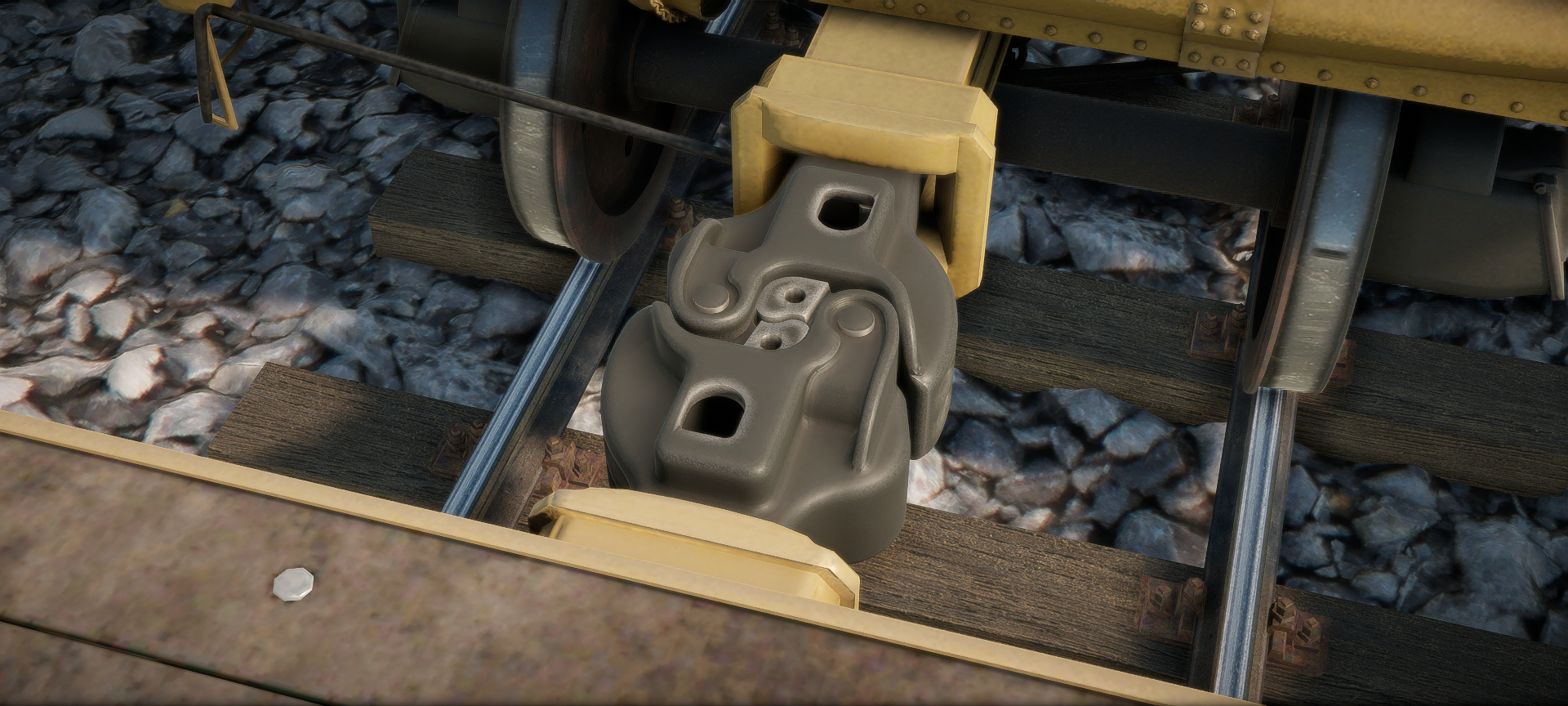
Fixed distance and positioning of visible couplers when cars are coupled (still not 100% accurate in all cases)
Fixed coupler interaction when there's a derailment sign nearby
AI
Fixed long AI trains sometimes getting stuck at red signals
Fixed AI to not drive too cautiously downhill (at half speed and stopping for no reason)
Fixed AI to use power and brake more quickly (thanks to player kev4ev for help!)
Changed AI to be more careful about not exceeding speed limits
Adjusted AI braking curves again
User interface
Fixed HUD menu to remember if minimap or achievement box was open when returning from the main menu
Fixed speed limit signs, wrong way signs and signals sometimes being outlined for no reason
Fixed minimap teleporting to work when in a train
Fixed derailment notification to display speed correctly
Track layer
Attempted to fix track layer derailment when going forwards and changing to removal mode at speed
Fixed missing generator sound when track layer is in removal mode (broken in the previous patch)
Fixed track visuals to update faster when removing a turnout
Improved collision box to make it easier to go between the track layer and a coupled car
Miscellaneous
Attempted to fix a possible crash after autosaving when using a high time acceleration setting
Fixed slow loco to release brakes faster
Fixed a possible terrain related crash
Fixed a possible physics related crash
Optimized physics calculations
Made level 9 train double headed to prevent stalling at 1% grade
Removed super fuel because it wasn't working properly
The next patch will focus on improving the menus, HUD and controls.
Patch 10 is now live with several improvements to the track layer to make track laying and removal easier: Track layer Fixed derailment when removing a turnout but not reversing far enough for the turnout to be completely removed, then re-entering the removed turnout Fixed track
Patch 10 is now live with several improvements to the track layer to make track laying and removal easier:
Track layer
Fixed derailment when removing a turnout but not reversing far enough for the turnout to be completely removed, then re-entering the removed turnout
Fixed track removal mode to stay on if engaged on non-removable track
Fixed inconsistent height reading on the minimap when digging or filling
Fixed inaccurate steering when using the control panel steering lever
Fixed gearbox to engage gears more reliably
Fixed first brake notch to actually do something
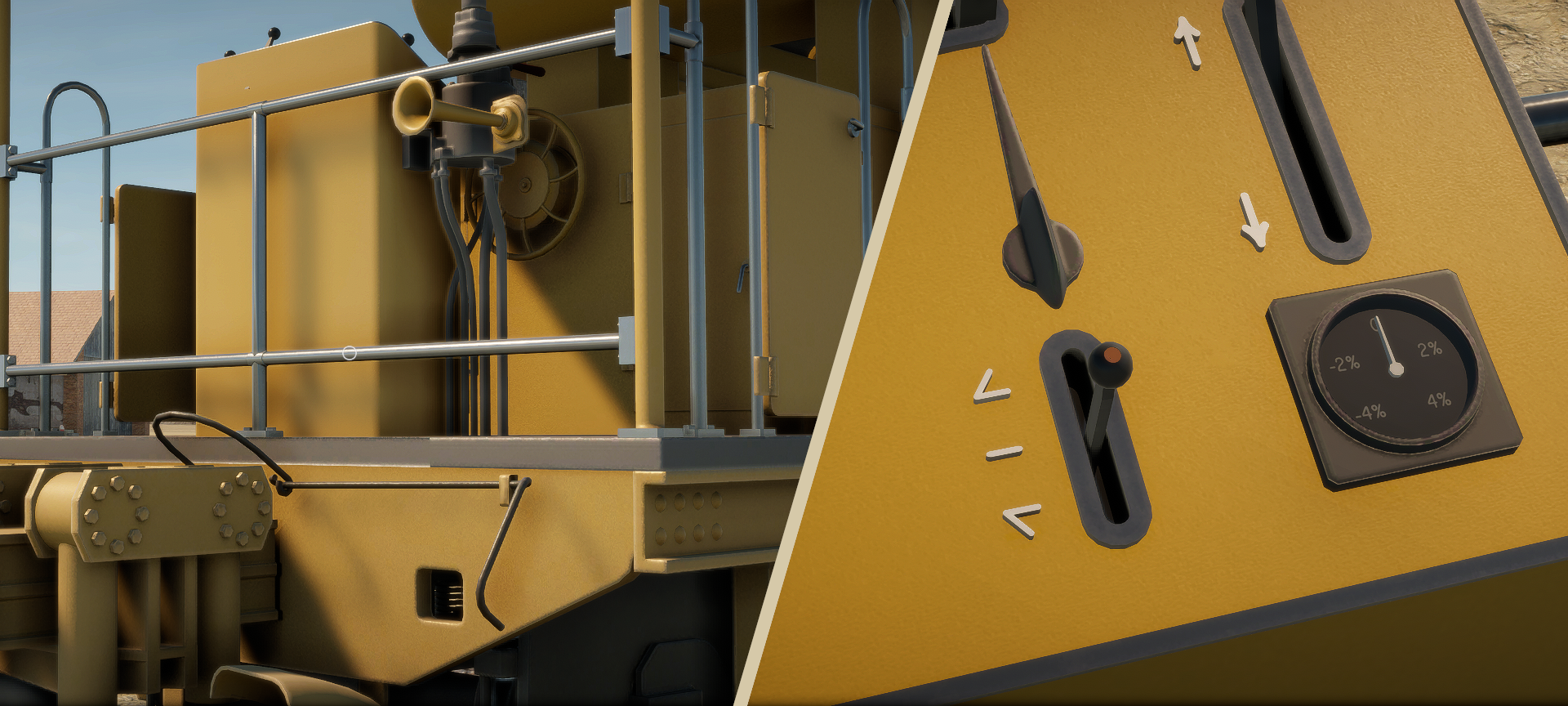
Fixed grade lever, grade gauge and grade markings on the control panel
Changed lasers to be shown only as far as you have track remaining. If the lasers start disappearing, you're running out of track
Added curve lasers when highlighting the "min radius" or the "build turnout" HUD option. Recall that the min radius setting also affects the radius of new turnouts
Added missing front coupler unlocking handle
Added a horn below the brake lever
Derailments
Fixed vehicles to reset properly when rerailing is not possible
Changed resetting to use home sidings as backup respawn places if the real spawning track is occupied
Added train speed to AI derailment message
Markers
Fixed removal of height markers to work more reliably near other signs
Made it possible to teleport to height markers by clicking on the minimap
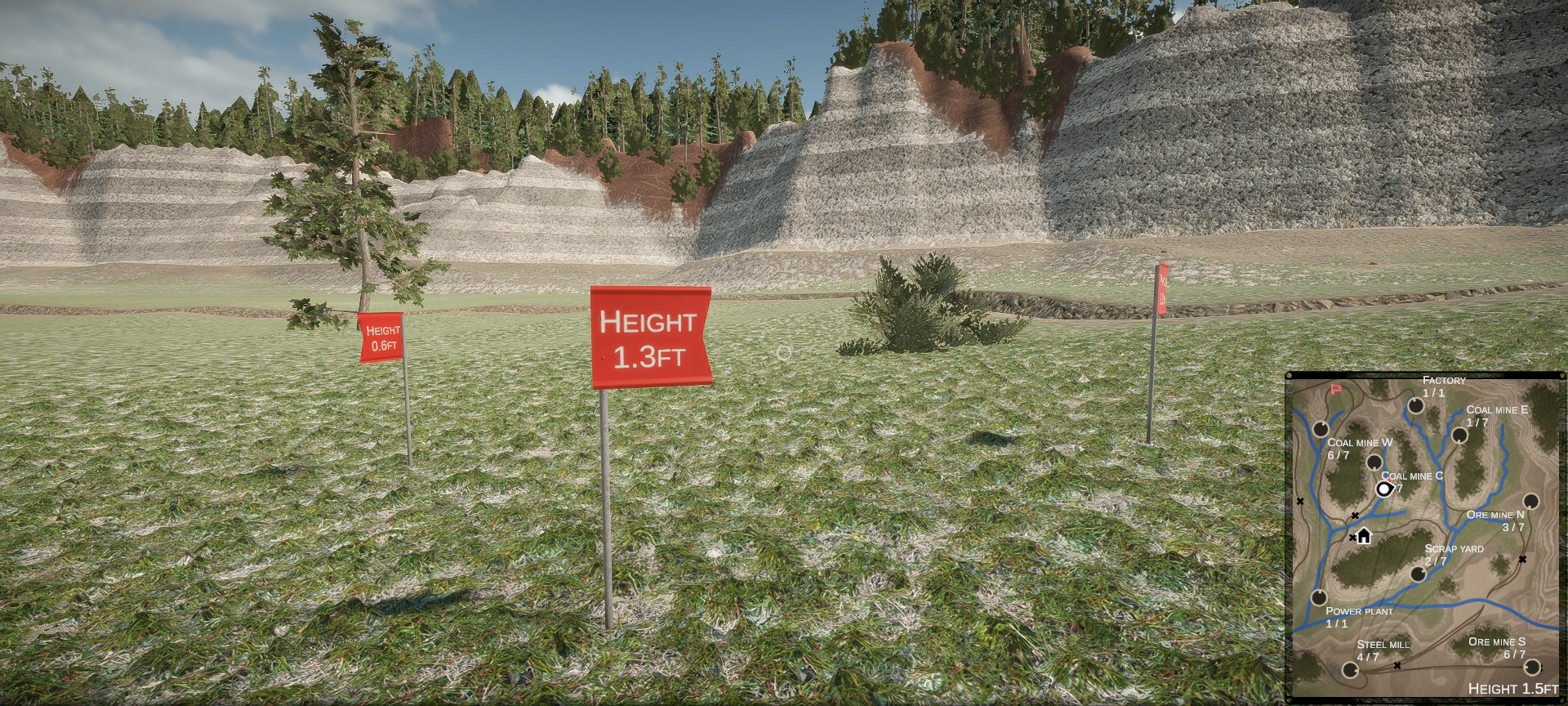
Added grade from the current camera position to the marker when highlighting a marker on the minimap
AI
Fixed AI sometimes getting stuck at a signal
Fixed slow loco brake valve operation to match medium and fast locos. This will help the AI brake correctly
Adjusted AI braking again
Miscellaneous
Fixed incorrect positioning of icons on map 1 minimap
Fixed camera height to not override marker height when highlighting a marker on the minimap
Fixed external view to remember last camera position
Attempted to fix a rare scenery loading crash
Attempted to fix train getting stuck when crashing into a gate rear first
Added background color fill to home dirt storage menu option
Restored option to buy track directly into the track car, now with a better description
Apologies for the unnecessarily large file size of this patch, caused by bad Unity default packing settings.
The next patch will fix problems with physics, couplers and the walking mode.
Patch 9 is now live with the following changes: Fixed a possible crash when placing a wrong way sign in front of an AI train Small correction to the Russian translation of the difficulty selection menu suggested by player Geen
Patch 9 is now live with the following changes:
Fixed a possible crash when placing a wrong way sign in front of an AI train
Small correction to the Russian translation of the difficulty selection menu suggested by player Geen
Patch 8 is now live with improvements to AI, markers and minimap! This patch also increases the torque of the medium and fast locomotives at low speeds to prevent them from stalling at 1% gradients. AI Fixed AI to react to new wrong way signs immediately Fixed AI to prevent it fr
Patch 8 is now live with improvements to AI, markers and minimap! This patch also increases the torque of the medium and fast locomotives at low speeds to prevent them from stalling at 1% gradients.
AI
Fixed AI to react to new wrong way signs immediately
Fixed AI to prevent it from running off the end of track when removing a piece of track
Fixed AI train getting lost in some cases after rerailing or waiting for another train
Fixed AI train sign to not show "waiting for signal" incorrectly
Adjusted AI braking to reduce overshooting switches
Markers
Added height markers on minimap. Moving the mouse pointer over the marker shows its height
Added a game menu option to remove all markers
Added a new 3D-model for height markers. Old markers may become unremovable in saved games unless removed with the new "remove all markers" option
Increased height marker removal distance to make removal easier
Minimap
Added lakes, rivers and laid tracks on minimap
Added direction of entry on minimap industry icons
Added height markers on minimap
Enlarged minimap height text size
Reduced max teleport click distance from nearest track to reduce misclicks
Derailments
Partially fixed long trains sometimes derailing unexpectedly
Reduced reset timer from 5min to 1min
Added derailment sign animation and sound when toggling between rerailing/resetting
Fixed derailing/rerailing/resetting and hop on/off HUD menu options to show the option label correctly and "no train nearby" only when the option is highlighted
The next big patch will address some issues with the track layer and the track laying mechanism
Patch 7 is now live with the following changes: Fixed a possible program hang when driving a lost AI train manually to its destination. Thanks to player Geen for the repro! Relaxed AI deadlines a little for the hard mode and a lot for the easy mode
Patch 7 is now live with the following changes:
Fixed a possible program hang when driving a lost AI train manually to its destination. Thanks to player Geen for the repro!
Relaxed AI deadlines a little for the hard mode and a lot for the easy mode
The sixth patch is now live with new optional key bindings, changes to the dirt mechanics and various bug fixes! Key bindings Added customizable key bindings for some of the most commonly used HUD menu options. The new bindings are unused by default to make sure they won't confli
The sixth patch is now live with new optional key bindings, changes to the dirt mechanics and various bug fixes!
Key bindings
Added customizable key bindings for some of the most commonly used HUD menu options. The new bindings are unused by default to make sure they won't conflict with any existing key bindings.
Dirt
Doubled dirt balancing rate on easy mode and changed the balancing point to 50% for more headroom
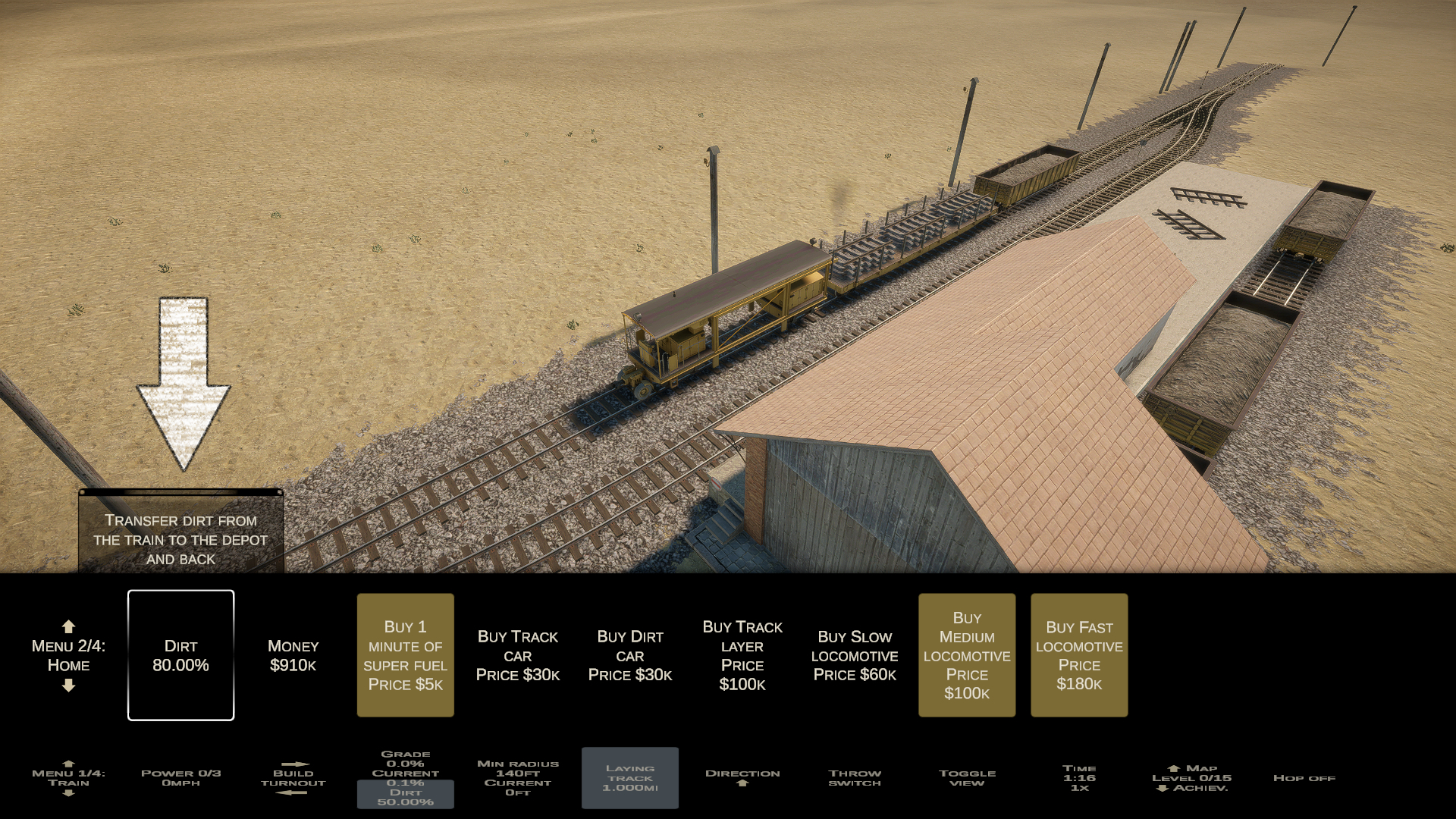
Added dirt storage to home: you can transfer one carload of dirt from the train to the depot and back (from the home buying menu)
Tutorial
Fixed tutorial message timing for Chinese and Japanese languages
Fixed incorrect "almost full" dirt notification when loading or continuing a game
Fixed tutorial messages to no longer vanish when going to the main menu and back
Fixed tutorial to prevent steering from the steering lever before connecting the power plant
Misc
Fixed a possible crash in AI pathfinding when laying track at the same time
Fixed holding down the turnout building option to not return more track to the track car than what was removed
Building a turnout and removing it immediately no longer counts as a built turnout for the "max turnouts" and "max track length" achievements
Attempted to fix a rare scenery generation crash on some systems
Renamed "switch" option to "throw switch"
Minor improvements to the Russian translation by tankict
Patch 5 is now live with the following changes: Fixed a possible crash caused by the AI pathfinding system Removed the option to buy track as it misled some people into thinking that it's the only way to get more track (when you can refill at home for free) Moved the super fuel t
Patch 5 is now live with the following changes:
Fixed a possible crash caused by the AI pathfinding system
Removed the option to buy track as it misled some people into thinking that it's the only way to get more track (when you can refill at home for free)
Moved the super fuel timer behind the super fuel option to clean up the buying menu
Patch 4 is now live with the following changes: Fixed yet another possible crash when driving a lost AI train to its destination manually Fixed "shadow render pass" crash Fixed doors and gates to close behind the AI train again (was broken in the previous patch)
Patch 4 is now live with the following changes:
Fixed yet another possible crash when driving a lost AI train to its destination manually
Fixed "shadow render pass" crash
Fixed doors and gates to close behind the AI train again (was broken in the previous patch)
Patch 3 is now live with the following changes: Fixed two different possible crashes when driving a lost AI train to its destination manually Fixed a possible crash when unlocking a Steam achievement
Patch 3 is now live with the following changes:
Fixed two different possible crashes when driving a lost AI train to its destination manually
Fixed a possible crash when unlocking a Steam achievement
Patch 2 is now live with the following changes: Fixed crash when unlocking the mouse pointer and exiting the track layer by using mouse scroll wheel on "hop off" Fixed turnout building when unlocking the mouse pointer and clicking on "build turnout" Fixed key mapping to recognise
Patch 2 is now live with the following changes:
Fixed crash when unlocking the mouse pointer and exiting the track layer by using mouse scroll wheel on "hop off"
Fixed turnout building when unlocking the mouse pointer and clicking on "build turnout"
Fixed key mapping to recognise modifier keys (shift, alt, ctrl) and combinations of such keys
The first post-release patch is live! This quick patch fixes an audio crash with the error message "ArgumentNullException: Value cannot be null" and adds a graphics option to disable shadows. There appears to be some kind of Unity bug that causes shadow rendering to crash on some
The first post-release patch is live! This quick patch fixes an audio crash with the error message "ArgumentNullException: Value cannot be null" and adds a graphics option to disable shadows.
There appears to be some kind of Unity bug that causes shadow rendering to crash on some systems with the error message: InvalidOperationException: RenderPass Render Shadow Maps was not provided with an execute function or ArgumentException: Trying to access resource of type Texture with an invalid resource index 42. If you are constantly getting a crash with either of these error messages, please disable shadows from the graphics options (via Settings in the main menu).
The base price is 13.99 USD, 17.99 CAD, 20.50 AUD, 11.79 GBP, 13.79 EUR. For the first two weeks there's a -10% launch discount. If you already own Diesel Railcar Simulator you can get an additional -30% discount by buying the Complete Lapioware bundle. Happy track building! If y
The base price is 13.99 USD, 17.99 CAD, 20.50 AUD, 11.79 GBP, 13.79 EUR. For the first two weeks there's a -10% launch discount. If you already own Diesel Railcar Simulator you can get an additional -30% discount by buying the Complete Lapioware bundle.
Happy track building! If you need help getting started, please join the community on Steam or Discord and check the guides under the Steam Community pages.
The following changes are now live: Fixed changed key mappings to save and load correctly Fixed steering menu option text flickering Fixed turnout building and removal in some cases (track layer should no longer go on an invalid switch and then derail) Added menu option to derail
The following changes are now live:
Fixed changed key mappings to save and load correctly
Fixed steering menu option text flickering
Fixed turnout building and removal in some cases (track layer should no longer go on an invalid switch and then derail)
Added menu option to derail vehicles on foot (you can use this to "pause" an AI train for a minute)
Added option to change rerailing to resetting (you can use this to reset your train if it's stuck but it also works on AI trains)
The following changes are now live: Fixed map height reading to be more consistent when laying track Fixed potential null reference crash in mouse scroll handling Fixed signal routing problem causing switches to be set incorrectly Fixed Map 3 max industry levels and added track p
The following changes are now live:
Fixed map height reading to be more consistent when laying track
Fixed potential null reference crash in mouse scroll handling
Fixed signal routing problem causing switches to be set incorrectly
Fixed Map 3 max industry levels and added track pieces on home platform
Fixed radius calculation for min radius achievement to also take actual radius into account
Fixed signal adding to not work when map doesn't have signals
Fixed getting stuck inside a wall on foot
Removed grade matching. Changes to the grade setting will no longer be overridden when running on existing track
Changed collisions to other objects on foot to be less sticky
Improved German translations (thanks Bravura Lion)
Added teleporting by clicking on the map. You can only teleport to your own tracks (but the map doesn't show them yet)