Updated the Notes tool to allow for up to 100 characters in the title. Have tweaks you'd like to see made to GATE? Drop your comments in the Discord or on the Community forums!
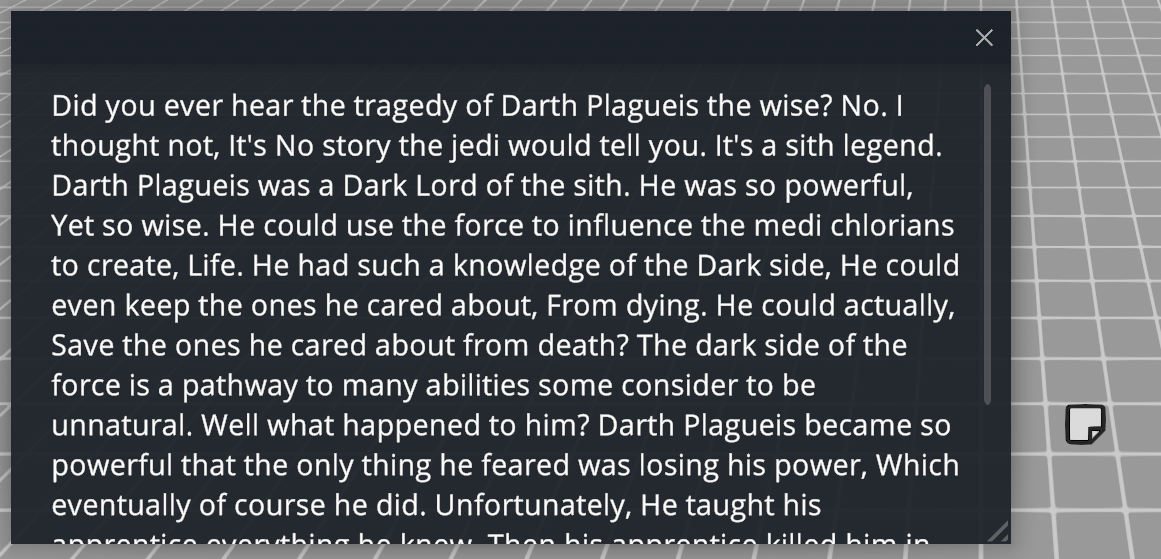
Updated the Notes tool to allow for up to 100 characters in the title.
Have tweaks you'd like to see made to GATE? Drop your comments in the Discord or on the Community forums!
When the Chat window had a lot of messages, performance began to degrade. New optimizations have been made to reduce this performance impact. The Chat window can now be moved. The resize window functionality should be more user friendly. The Calculator app now has better numpad s
When the Chat window had a lot of messages, performance began to degrade. New optimizations have been made to reduce this performance impact.
The Chat window can now be moved.
The resize window functionality should be more user friendly.
Hello everyone! This latest update focuses on performance updates. The underlying Unity engine has been updated to the latest available version, and should hopefully come with some small performance gains as the previous version was about 4 years old. Additionally, the Monster an
Hello everyone!
This latest update focuses on performance updates. The underlying Unity engine has been updated to the latest available version, and should hopefully come with some small performance gains as the previous version was about 4 years old. Additionally, the Monster and Spellbook windows now use object pooling. What this means is much smoother browsing of content, especially if you've been adding a lot of custom monsters and spells.
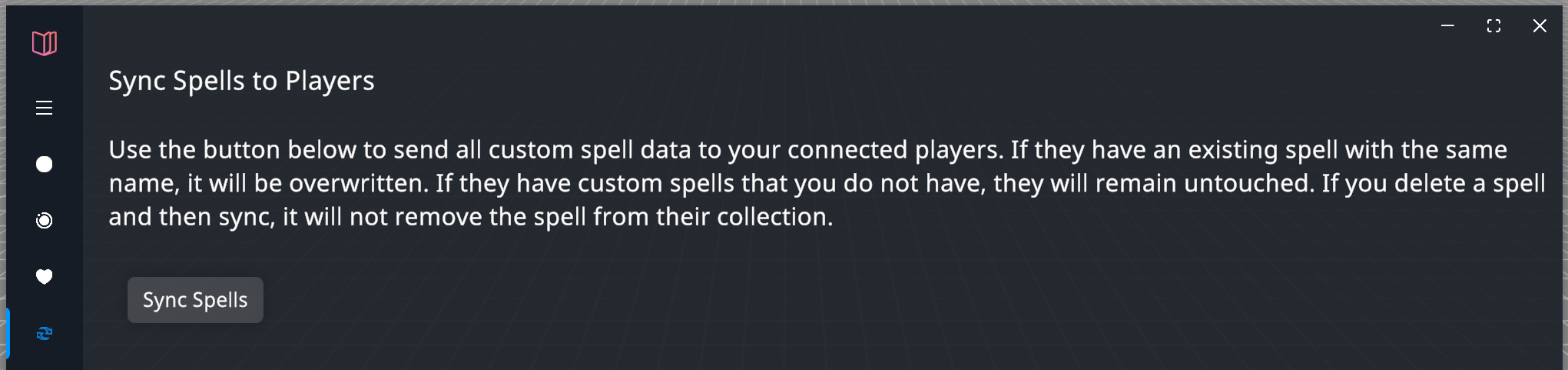
Speaking of custom spells, if you're an ambitious GM and you've added custom spells for your own campaign, until now it's been limited to your copy of GATE. Now, you can send that content to your players.
Players connected to your session will be prompted whether they'd like to download the spells you're sending them. If they accept, they'll see your custom spells in their spellbook! Neat!
Beyond that, there were a lot of small bug fixes and improvements. If you encounter an error or issue, please reach out and let me know!
If you're enjoying GATE, why not leave a review? It's my birthday Saturday, so consider it a gift to yours truly. 🥳
This update addresses two issues that were reported this week: A bug caused the slider value and the input field for the brush size in the Drawing Tools to get out of sync. This should no longer happen. The eraser tool will now function much more reliably at small sizes. If anyon
This update addresses two issues that were reported this week:
A bug caused the slider value and the input field for the brush size in the Drawing Tools to get out of sync. This should no longer happen.
The eraser tool will now function much more reliably at small sizes.
If anyone else finds any bugs, please be sure to report them!
Unfortunately this isn't an exciting update for GATE. This update includes a security fix to address an issue with the Unity engine that GATE runs on. Expect a lot of Unity games to be dropping similar patches. If you see any issue, please report it. Thanks!
Unfortunately this isn't an exciting update for GATE. This update includes a security fix to address an issue with the Unity engine that GATE runs on. Expect a lot of Unity games to be dropping similar patches. If you see any issue, please report it. Thanks!
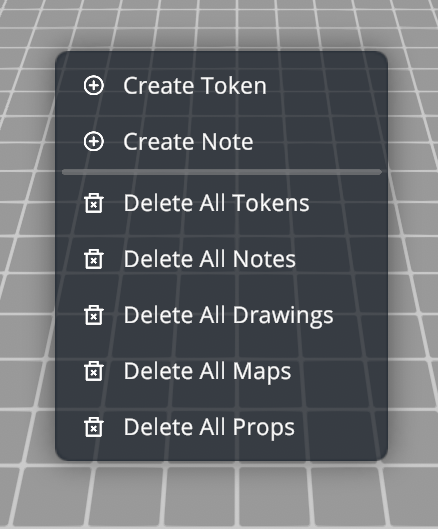
When using one of the "Delete All" shortcuts from the context menu, you will now be presented with a confirmation pop-up to confirm you would indeed like to actually delete all tokens, maps, drawings, etc. This is to prevent you from accidentally deleting lots of things when you
When using one of the "Delete All" shortcuts from the context menu, you will now be presented with a confirmation pop-up to confirm you would indeed like to actually delete all tokens, maps, drawings, etc. This is to prevent you from accidentally deleting lots of things when you were in fact trying to just create a note or token. If you find this to be annoying, you can disable the pop-ups in the preferences section of the settings.
At some point, the website that hosted the reference documentation for using the Dice Roller went offline, so the link from GATE led to a dead website. Thanks to the Internet Archive's Wayback Machine, I was able to recover the documentation and host it on Banshee Cat's servers instead. The button now redirects there instead.
Added support for Thai characters. Is your language of choice not supported by GATE? Reach out on Discord or the Steam community forums and we'll see what we can do!
Added support for Thai characters.
Is your language of choice not supported by GATE? Reach out on Discord or the Steam community forums and we'll see what we can do!
Hey everyone, as we round out the year I'm happy to add a couple fixes for GATE before the year closes out. It was requested that an input field be added to the drawing tools, so users can explicitly set the width of lines and shapes. This allows users to be more consistent with
Hey everyone, as we round out the year I'm happy to add a couple fixes for GATE before the year closes out.
It was requested that an input field be added to the drawing tools, so users can explicitly set the width of lines and shapes. This allows users to be more consistent with their drawings if the size is changing throughout the session. This is now available! Have your own requests you'd like to see for GATE? Drop your feedback in our Discord or on the Steam community forums.
An issue with how fog is saved in certain scenarios has been addressed, and so fog should be more consistent in how it's persisted between sessions. If you have issues with loading fog from a previous save, please reach out!
Thanks for using GATE this year, here's hoping to some fun improvements in 2025! :)
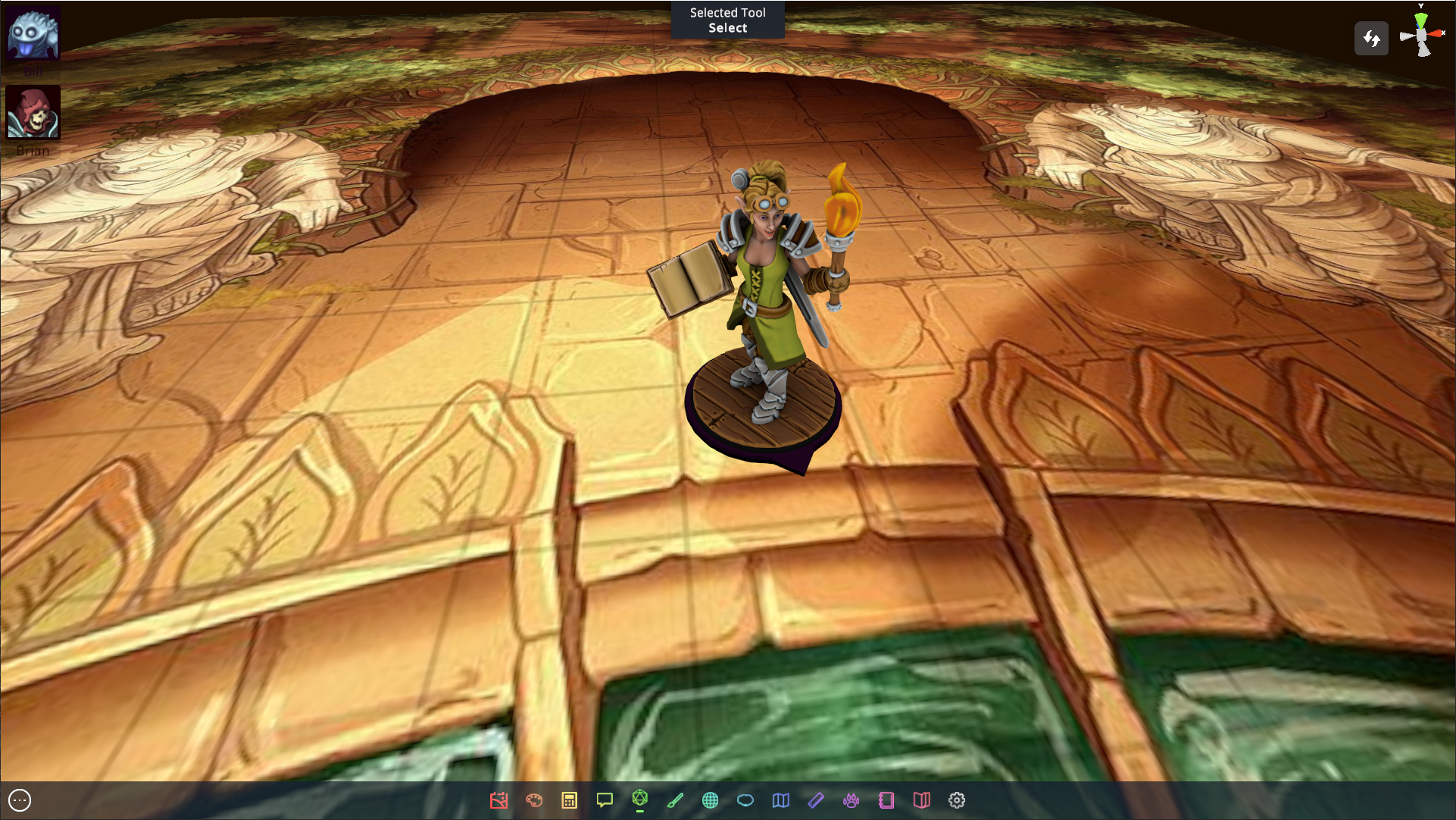
Full Hero Forge Support is here! GATE has supported STL files for a while, but never had support for Hero Forge's digital miniatures. However, with the latest release that is no longer the case! You can now add your .unity3d files in the Artwork Manager to a new or existing colle
Full Hero Forge Support is here!
GATE has supported STL files for a while, but never had support for Hero Forge's digital miniatures. However, with the latest release that is no longer the case! You can now add your .unity3d files in the Artwork Manager to a new or existing collection and start using them!
If you try and use your miniature and run into unexpected issues, reach out!
Expanded Language Support
For those using languages other than English, the font in GATE has been updated to a unicode font that has greater support for other characters that were previously unable to be rendered in GATE. If you find there are still characters missing in your language of choice, please let us know!
And Finally
In the new Notes feature, you can set the visibility as a DM. This allows you to prevent players from reading notes ahead of time. You'll find a toggle in the top left of a world note when you edit it.
When adding images to an artwork collection, drag and dropping images no longer creates maps instead of adding those images to your collection. Fixed a bug that prevented users from drag and dropping images into a Gallery collection. Fixed a bug that created duplicate collection
When adding images to an artwork collection, drag and dropping images no longer creates maps instead of adding those images to your collection.
Fixed a bug that prevented users from drag and dropping images into a Gallery collection.
Fixed a bug that created duplicate collection names in the dropdown list when managing maps and artwork in the new Gallery tool.
One feature most often requested is the ability to drop notes in the world, and the first iteration of that feature is here! DMs can now drop in notes via the context menu, or using the default shortcut 'N'. Notes show up in the world as a small icon, and clicking them allows you
One feature most often requested is the ability to drop notes in the world, and the first iteration of that feature is here! DMs can now drop in notes via the context menu, or using the default shortcut 'N'.
Notes show up in the world as a small icon, and clicking them allows you to edit the text associated with it. This box is only editable by the DM, for players it's read only. Eventually these notes will have a visibility that can be toggled by the DM, but it's currently always visible to all users connected to the session.
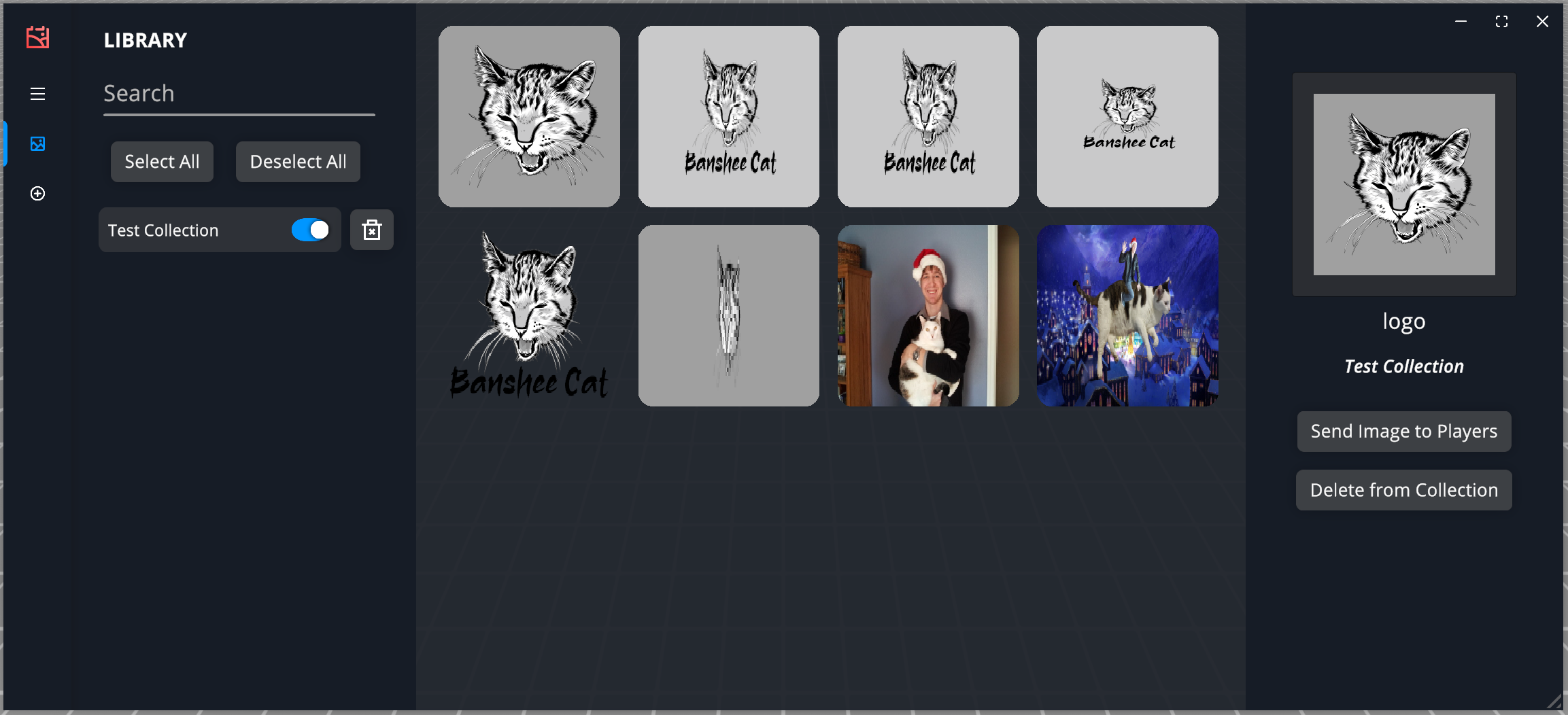
Additionally, DMs will notice a new option on the taskbar at the bottom of GATE. The Gallery allows you to upload images to a collection and share those images with players at the right time. So whether you want to set the tone for a new location, show what an enemy looks like with incredible detail, or show off anything else that might be useful, you'll find a way to do that now! Previously, you could only really show off images by loading them as maps, which wasn't always desirable.
If you have any questions, concerns, or issues with the latest update, please reach out! Have fun!
Greetings! GATE has supported the use of 3D models for quite some time, but they've always had to be sourced from outside the game. Now, you can find models for your current situation without ever leaving the application. From the artwork manager, find the new Online Search featu
Greetings!
GATE has supported the use of 3D models for quite some time, but they've always had to be sourced from outside the game. Now, you can find models for your current situation without ever leaving the application.
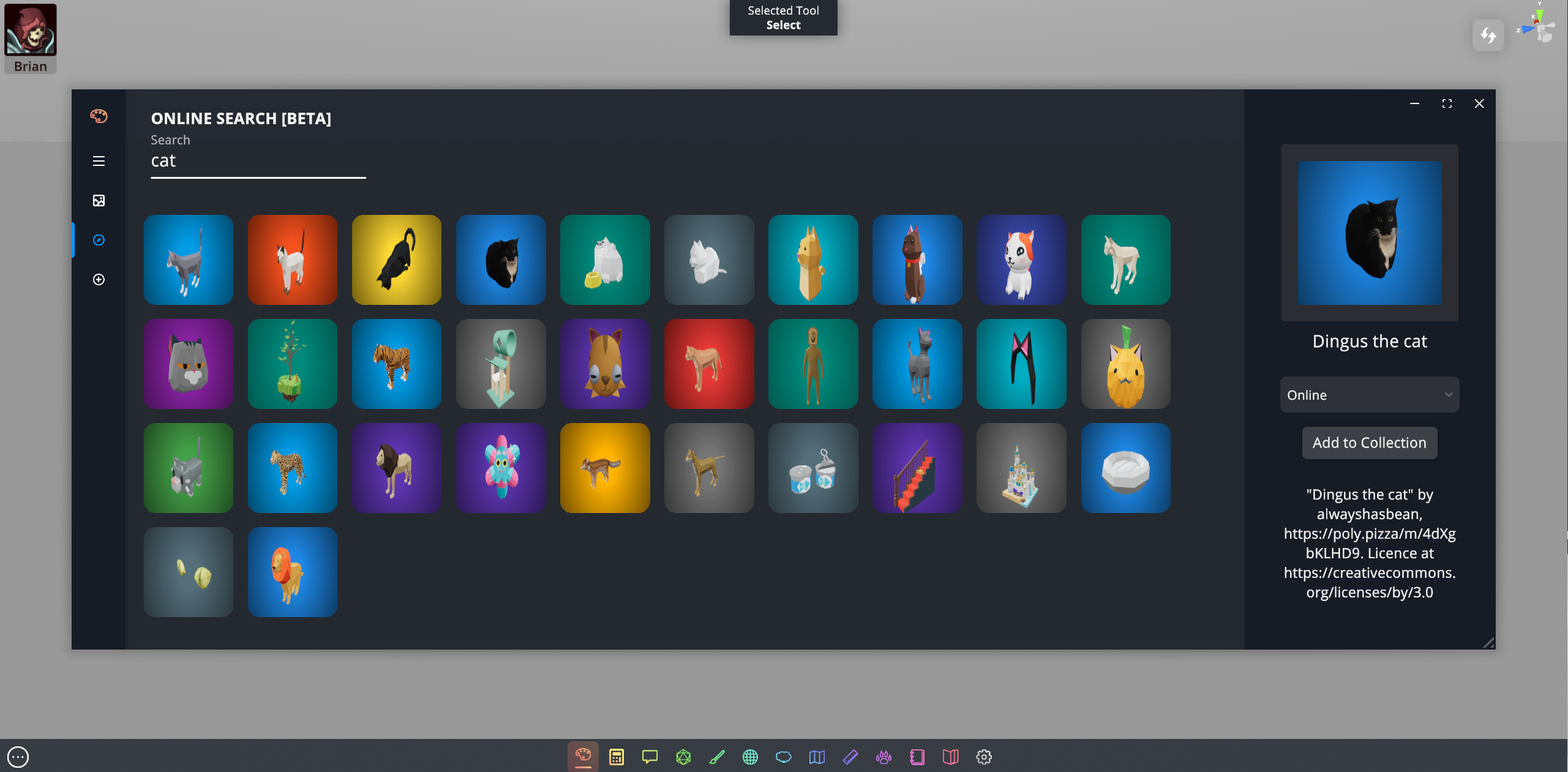
From the artwork manager, find the new Online Search feature and type in your search criteria! From there, you'll be able to select artwork from the results and add it to your existing collections. From there, add the artwork to your scenes as you've always done! Easy.
As this is a new feature with limited testing, it's being marked as a BETA feature. If you have any issues or bugs you run into, please let us know! Either on the Discord or here on the Steam forums. Looking forward to what you do with it!
Greetings! A new patch for the new year. Added a 'Streaming Mode' that lets you hide all hidden tokens and maps on your screen for moments when you may be sharing your screen with others. It's accessible by hotkey with the default keybinding being 'M' Fixed a bug that prevented 3
Greetings! A new patch for the new year.
Added a 'Streaming Mode' that lets you hide all hidden tokens and maps on your screen for moments when you may be sharing your screen with others. It's accessible by hotkey with the default keybinding being 'M'
Fixed a bug that prevented 3D models added to your library from automatically generating a 2D preview image.
In the event the matchmaking server is down, GATE will now prompt users to connect to a host directly via IP Address. This functionality will only work if the host has port forwarded UDP traffic on port 42069. Previous Usernames can now be deleted with the trash can icon on the t
In the event the matchmaking server is down, GATE will now prompt users to connect to a host directly via IP Address. This functionality will only work if the host has port forwarded UDP traffic on port 42069.
Previous Usernames can now be deleted with the trash can icon on the top right of the preview image.
Maps now have two additional context items when right clicking. You can choose 'Set Size' to explicitly define how many grid squares a map should take up. You can also 'Snap Position' to snap the map to the grid. This works best when the map dimensions are whole numbers.
Fixed a bug that prevented the AC from displaying in monster stat blocks. Fixed a header in the Custom Monsters panel that implied the window was for Custom Spells.
Fixed a bug that prevented the AC from displaying in monster stat blocks.
Fixed a header in the Custom Monsters panel that implied the window was for Custom Spells.
If a token has a max health greater than zero, and a current health of zero, it will display a Skull & Crossbones above the token to signify that it's dead. This behavior can be toggled in the preferences menu. Added an additional field for custom monsters and spells to more
If a token has a max health greater than zero, and a current health of zero, it will display a Skull & Crossbones above the token to signify that it's dead. This behavior can be toggled in the preferences menu.
Added an additional field for custom monsters and spells to more easily allow importing of data that falls outside D&D systems. All fields are now optional (except name) and only displayed if they contain a value.
Fixed a bug that prevented right clicking icons on the toolbar. This allows you to easily see the name of the app and optionally remove it from the quick start bar.
Fixed a bug that caused the hamburger icon to turn to an X and never turn back after clicking the icon at top left of any window.
Fixed a bug that caused unresponsive UI in the case that available monitor resolutions didn't match the available monitor resolutions from the last time the game was launched.
Fixed a bug that caused unresponsive UI in the case that available monitor resolutions didn't match the available monitor resolutions from the last time the game was launched.