
Hello everyone,
Here is the Official Controller Configuration for Ralf. It can be customized to your liking.
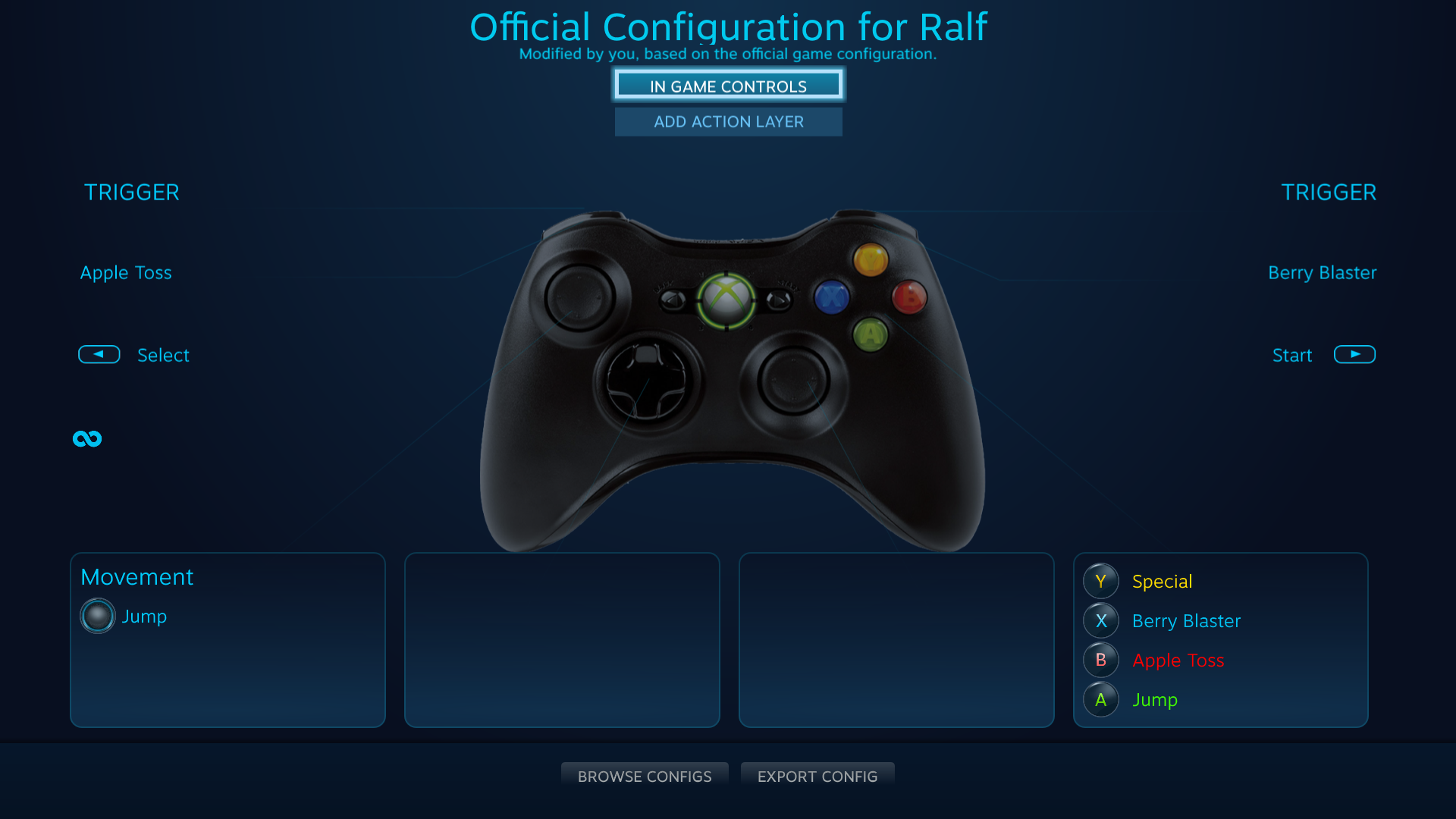
To customize the controller configuration:
- Press SHIFT + TAB on your keyboard
- Select Controller Configuration
- Your screen should now look like the above image
- You can now select which in game action will be performed with which button.
- When you are done, return to the game and your new controller configuration should be ready to go
Thank you for your interest in Ralf! I hope you enjoy playing!