
Hello dudes and dudettes!
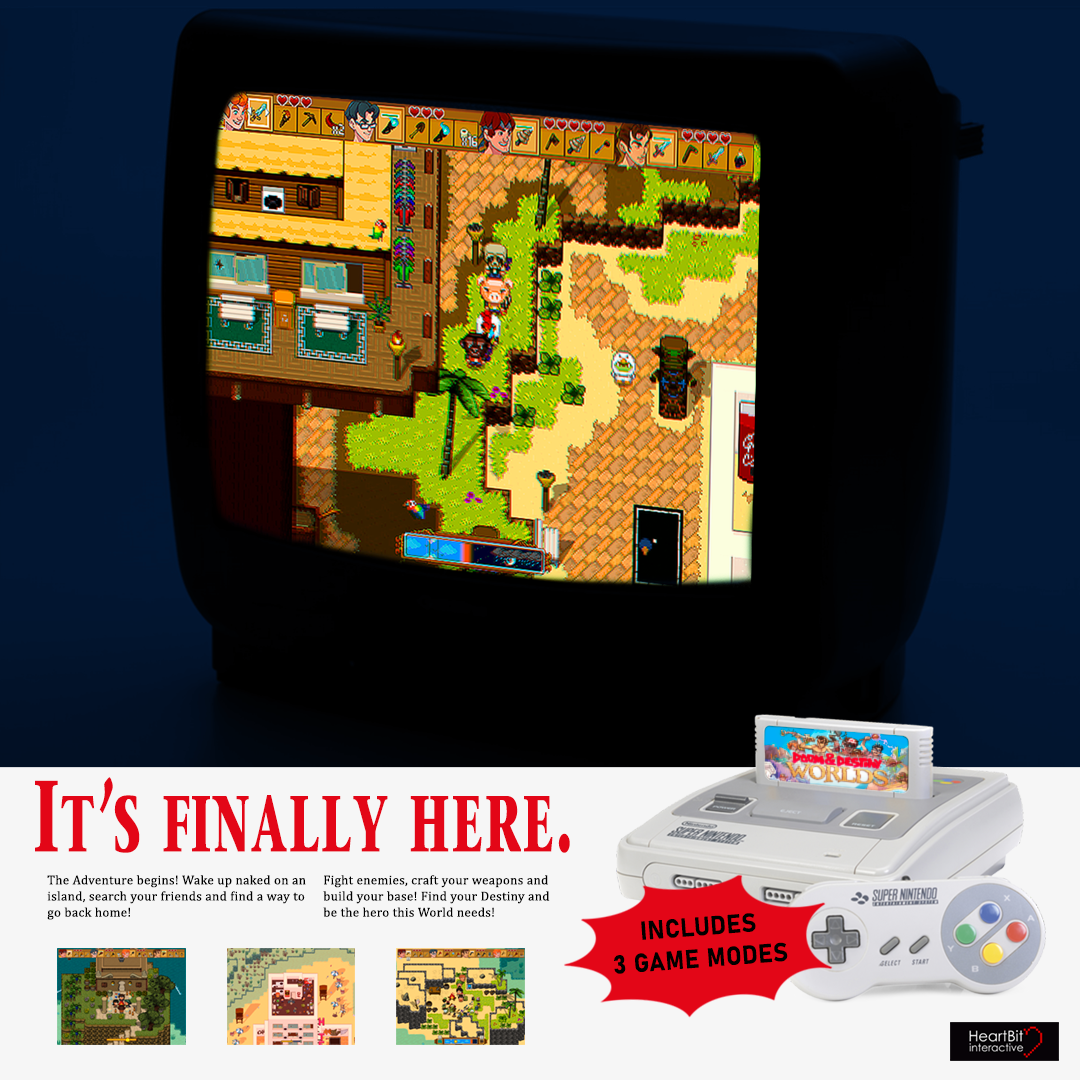
We are back with another HUUUUGE update that probably nobody gonna read except us 'cause we are super proud of it!
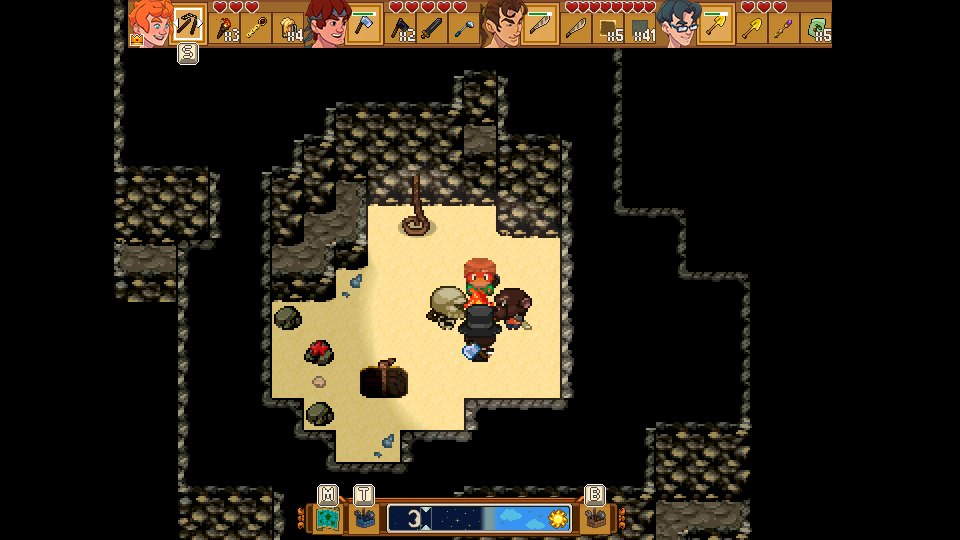
We will add some screenshot to show you what we did and tell you this: we added the RUMBLE feedback, so be sure to play Doom & Destiny WORLDS with your gamepad!
Update 15098changes:
Changes
- Shields and Vulnerability STATUS have been made more powerful.
- Changed the ICONS of some status effects to show their tier with a quick glance.
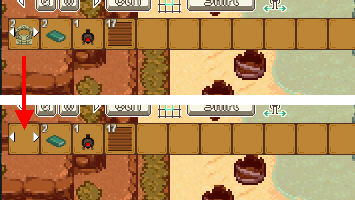
- [You can now compare the equipment you want to craft with the equipped or favorite one (CTRL+S or RT+Y or Click/Tap the quickbar icon)
- Added "Doompedia" to options in inventory window, selecting it you can choose between "Bestiary", "Status Effects", "Blueprints"
- Added new Scene for Status Effects
- Now status icons keep showing after a pause screen even if you never open the inventory in a game.
- After placing last item in a stack, the building window don't refresh immediately to not placing another item mistakenly
- Added new icons for inventory items.
- Replace "use" option with "place" if I'm using a placeble item from menu.
- Added selecting rectangle moving mouse on building items.
- Added space inside element info for battle damage.
- Using mouse wheel is possible sliding building items.
- Added cursor on actor quickbar to show what actor is inspected.
- Now the top floor of caves and internals will be dark to improve environment readability.
- You can now use hotkeys to perform operations on bags.
- [Mobile] Added icons to the battle commands!
- Added a buzz sound if you try to unequip when the inventory is full. An error prompt should also appear.
- Improved looks of the Options Menu.
- Equipment exclamation marks no longer show in Unbrakable Mode.
- [Steam]Added vibration effects to the GamePad, you can disable them from the options menu.
- When comparing equipment an icon and a small face will help contextualize the comparison window.
- Now the Survival UI will animate when moving across the screen or hiding.
- Now the Quick Bar and the Time bar will animate smoothly in and outside the screen when requested instead of appearing/disappearing.
- [Mobile] Now you can send the game to background from the title menu.
- Now you should be able to use backslashes in text without words disappearing.
- Fence Gate are now in "blocks" near the Fence blocks.
Fixes
- Disassembling farm ranches now works as intended if food is still inside.
- [MOBILE] Building window was outside screen in farview.
- [MOBILE] Now you can select toolbox after selecting floor tiler. Map closes after clicking on toolbox and floor tiler.
- You can now correctly place objects up to 1 block lower from your location, coherently with the placement preview. Now the placement preview won't suggest placements of objects at higher altitudes as valid.
- After checking the error report, window options is now selected, the controller is not blocked.
- Pressing Y to check a single recipe while inspecting a blueprint now works as expected.
- Fixed a crash when inspecting inventory stats while in the inventory or crafting.
- Removed double pointer on enemy if using item that has as target all enemies.
- Fixed the font in the Alarm Clock description.
- [Mobile] Fixed centering of the startup logo.
- Solved a problem where selecting "Give To" from a chest and pressing cancel, caused a loss of control for the player.
- Solved a crash with unsupported keyboard bindings.
- Fixed a rare crash when closing the game.
- Fixed an issue with a wrongly scaled font when talking with the statue.
- Now the icon inside a character balloon only appears when the balloon is big enough.
- [Mobile] You can now correctly click the quick bar mode after clicking the building mode toggles.
- Error when cancelling rapidly before confirming an attack or a special power.
- [Steam] Now the controller text input should work as expected when entering an error description.
- Fixed an issue with blocks not breaking due to close by items.
- Fixed an issue when resizing the screen in game, while the options menu was open.
- Now the status icons in the quick-bar will correctly update after a battle.
- Now the button hint of the map will correctly disappear after dropping the map from the Progress screen.
- Fixed the Coin Puzzle in Twilight Imperium.