
We have a modding feature available now on Coffee Talk!
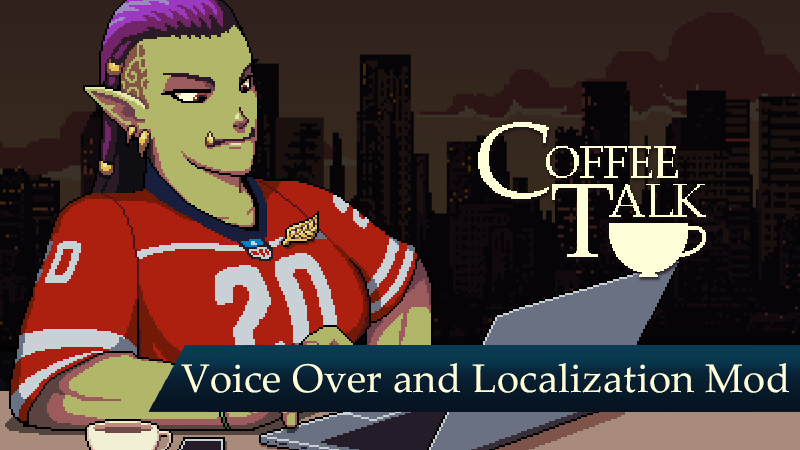
We saw dedicated fans on Youtube doing voice over of our games and it has inspired us to create this modding tool for you!
Since this is only available as Public Beta version, we want to remind you first that before you subscribe any Workshop item to play the mod, you need to change the game version:
- Go to Coffee Talk Properties
- Go to Betas tab
- Under the dropdown list, choose “Public Beta-testing Purpose”
- Update the game and run
The modding tool is then available for all players of Coffee Talk! You can download the modding tool by accessing the “Tools” category in your Steam Library.
Once you have downloaded the modding tool, please follow the instructions according to the tutorial to get your mods going.
Warning: please be aware of the many bugs that may show up during your attempts. Please do notify us on our official Twitter account @coffeetalk_game or on our Discord at discord.gg/toge. Feel free to give us more and more feedback to improve the modding system!
If you want to test out one of the available mods go check our Coffee Talk Workshop out here: https://steamcommunity.com/app/914800/workshop/. You can also subscribe to the workshop to try other available voice overs.
We would also like to put out our disclaimer that any voice mod does not belong to Toge Productions or Coffee Talk and we are not responsible for any of the mods resulted by this modding tool in the Workshop.
We can’t wait to see how everybody’s individual mods will turn out!