
After 6 months of work, we are excited to release a new version with substantial improvements and new functions, especially the 3d graphing calculator. We remind you that we are open to all requests for improvement that you are sending us from all over the world. We are almost 1500 users on Steam! You can find many activities on our website http://www2.ual.es/neotrie
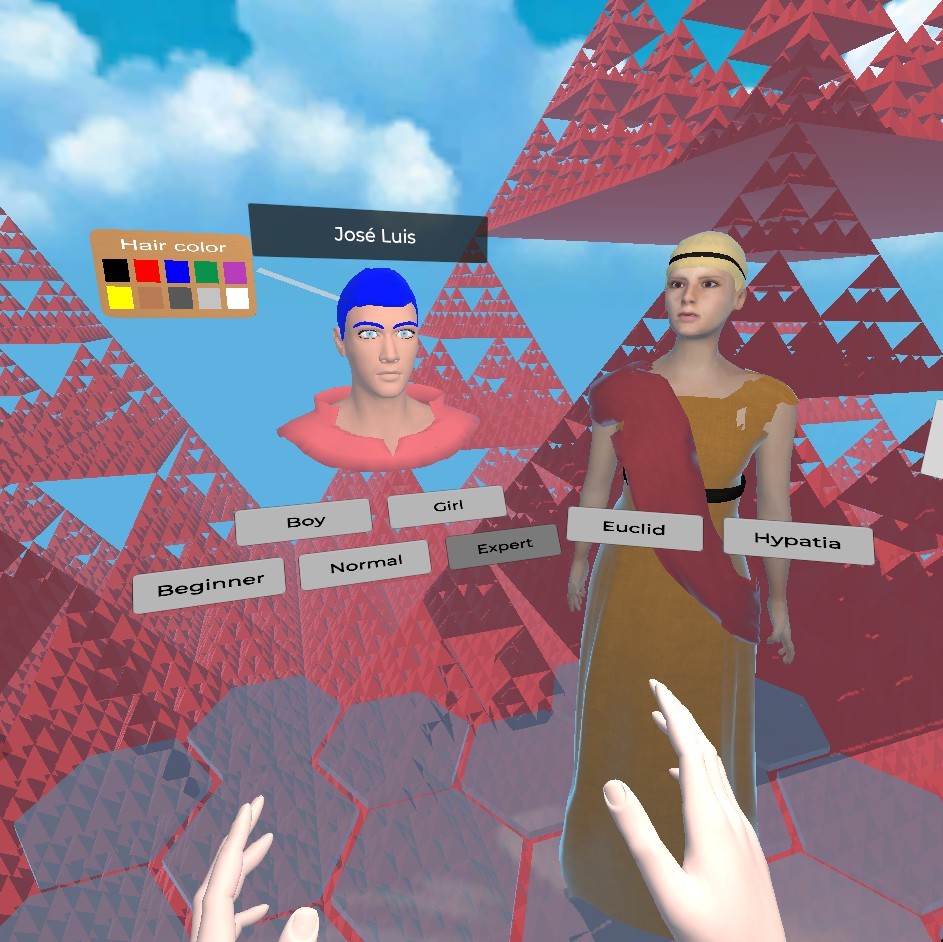
Here is what you will find now when you are in the welcome scene:
- One can choose either Hypatia or Euclides (active voice in German for Euclid, courtesy of Ronny Sitter, Universität Chemnitz, Zentrum für Lehrerbildung).
- One can choose 3 different levels (beginner, normal, or expert) from less to more tools and options.
- We recommend to clear the data language and select again yours to download the last version on your computer.
HAND ACTIONS IMPROVED:
- Movable free points on lines and faces now available using the “plus” creator.
- Intersections of lines and planes available also using the “plus” creator.
Watch on YouTube - Extrusion allowed for vertices, edges and faces, in particular to get prisms (has some bug for non cyclic faces) and also point extrusion to get pyramids, stars polyhedra, etc.
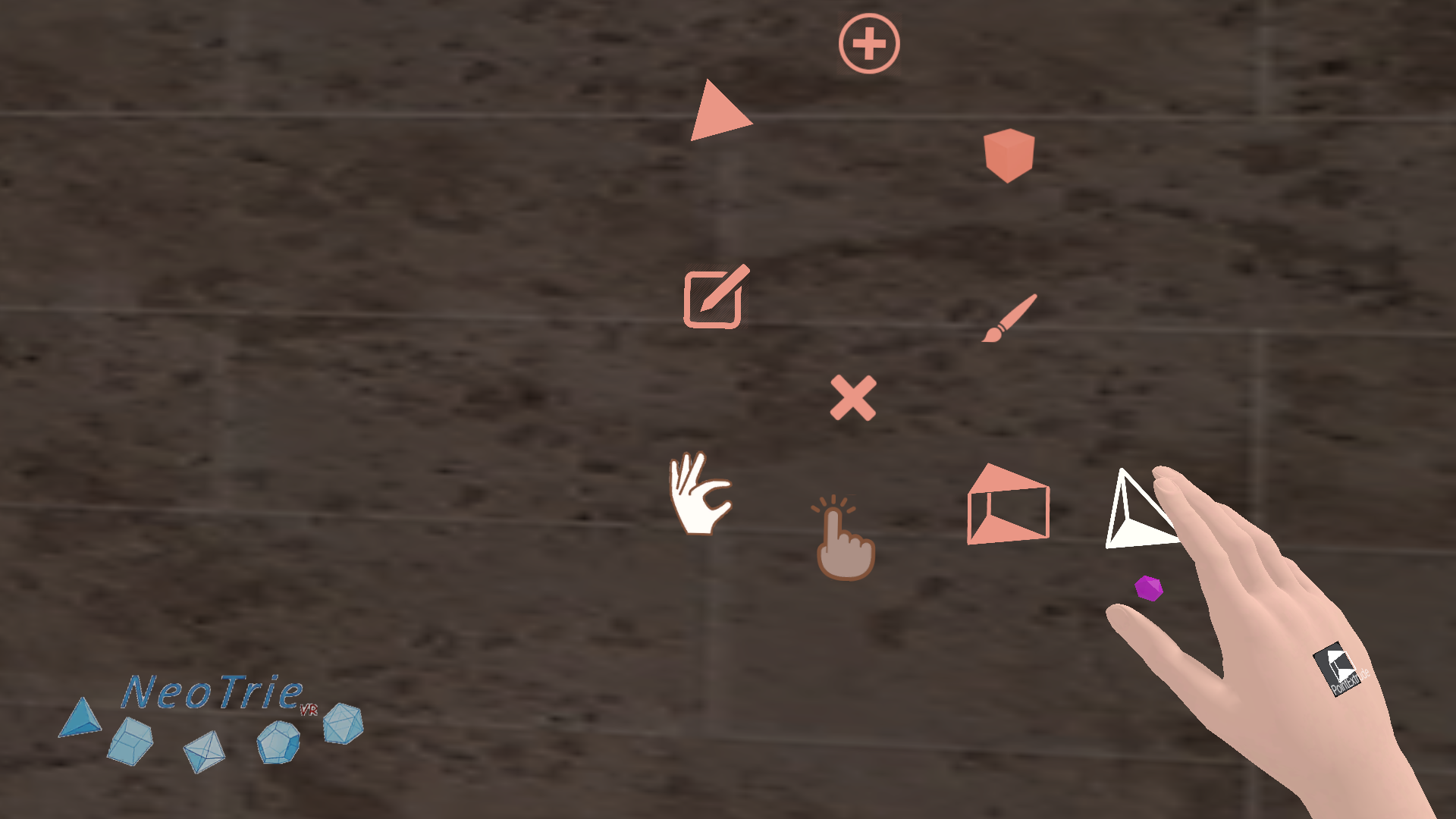
Watch on YouTube - OBJ or STL models, and many other objects have restricted moves with the “edit” hand action, with respect to the 3d axis. Then, you can set the movement restrictions for example to x = 0.1, y = 0.1, z = 0.1 to move the objects 10 by 10 centimeters on each axis, ox = 1, y = 1, z = 0, if we want to move a object in the z direction. (Remember that the units of distance in Neotrie correspond to 1 = 1 meter.)
Watch on YouTube
3RD PERSON CAMERA AND 3D STEREOGRAPHIC PC SCREEN
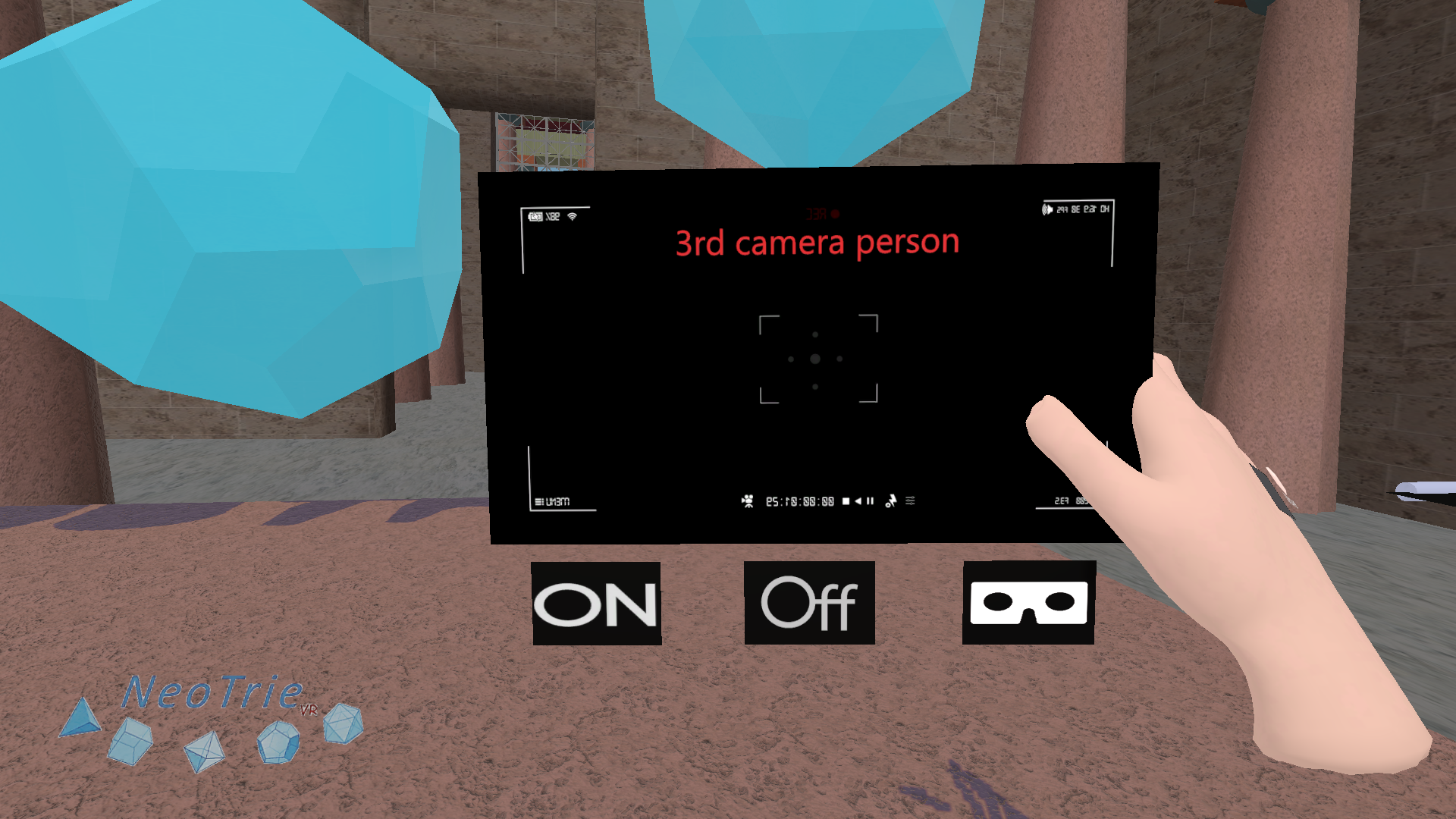
- Option to see the game in stereografic double screen of the PC has been implemented in this version. This allows students to see a 3d video of Neotrie with their own VR phone glasses. It also permits to show pupils online lessons in real time.
- Change this screen in the 3rd person camera, by pressing the little VR glasses icon. One can alternatively change this in the file.config (this must be downloaded in your local folder of Neotrie). Fix the desired value:
STEREOSCOPIC_SCREEN_RENDER = TRUE OR FALSE;
3D GRAPHING CALCULATOR (Beta version)
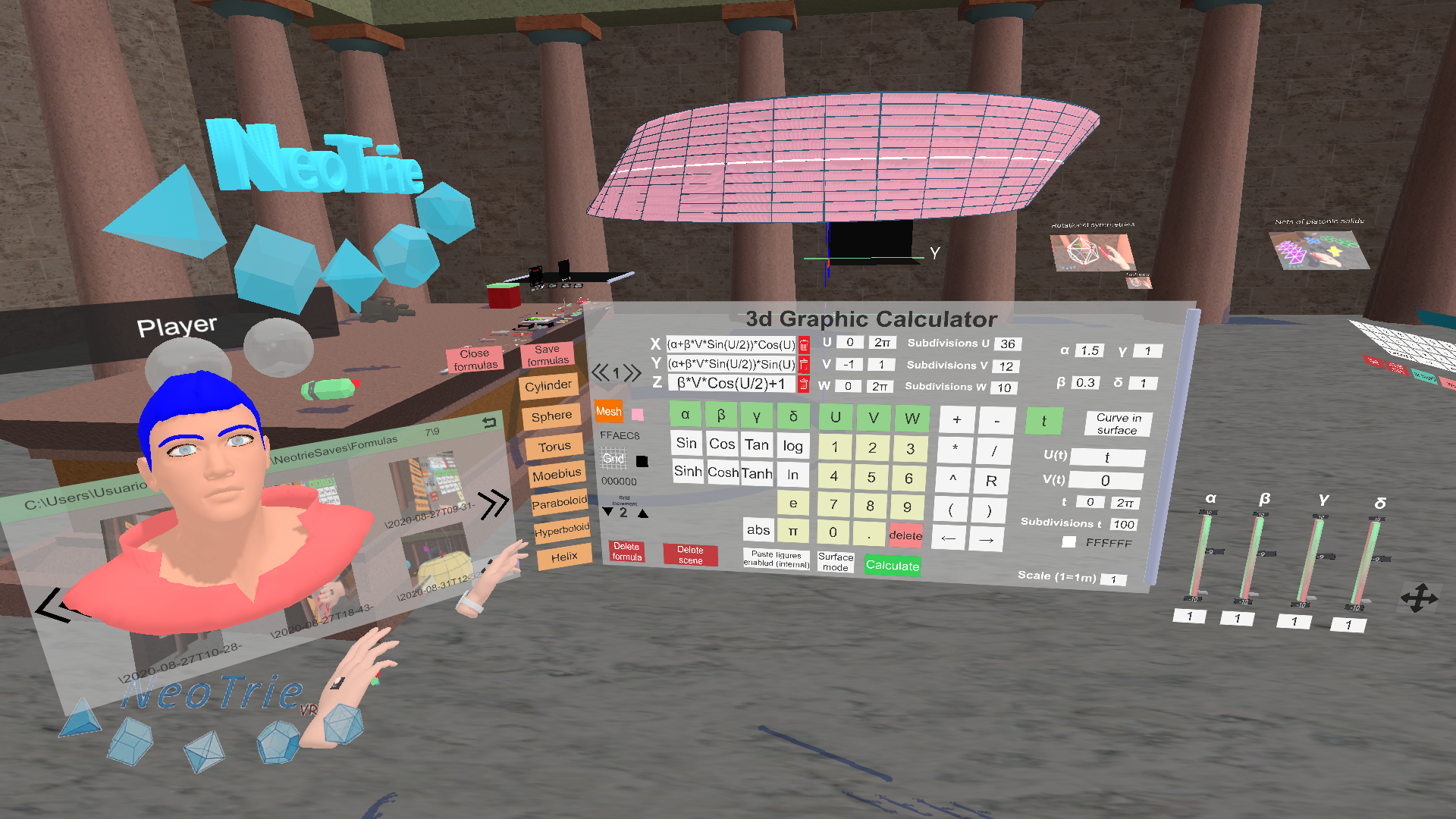
This version comes with a new 3d graphing calculator that we encourage you to try and send us improvement suggestions. This has been developed together with Carmen Sánchez
Here is a list of what we can do with this new tool:
- Parametric curves and surfaces, internal (with editable parts) and external mode.
- One can change the parameters by using the bar sliders.
- Saving and loading a set of formulas of curves and surfaces.
- Formulas of a scene are saved in neot files, as lines starting with Formula.
Here is an example of a line corresponding to a formula:
Formula(;1;Cos(U)*Cos(V);Sin(U)*Cos(V);Sin(V);0;2π;12;-π/2; π/2; 6; 0; 1; 10; t; t; -1; 1; 10; 1; 1; 1; 1; CBFF96; FFAEC8; 000000)
These values are in order correspond to:
- Scale
- X
- Y
- Z
- Umin
- Umax
- SubdivisionsU
- Vmin
- Vmax
- SubdivisionsV
- Wmin (these will be used for 3d regions, and vector fields in future version)
- Wmax
- SubdivisionsW
- U(t) (first parameter for curve in surface)
- V(t) (second parameter for curve in surface)
- t-min
- t-max
- Subdivisions-t
- Alfa (parameter)
- Beta (parameter)
- Gamma (parameter)
- Delta (parameter)
- HEX color of surface
- HEX color of curve in surface
- HEX color of meridians and parallels
A video with more examples and explenations will be published soon.
OTHERS IMPROVEMENTS
- Added option in file.config and 3D calculator: ALLOW_PASTE to enable or disable gluing figures by their vertices.
- Added some warning and player helping messages.
- Clones of music spheres are saved now with its own scale.
- Loci pencil paints edges too.
KEYBOARD SHORTCUTS:
- E hides/shows edges
- T hides/shows first tutorial
- C loads file.config
- F+3 loads file3.neot (or its assigned file in file.config).
- H hides/shows figures (for the scanner screen).
Other keyboard shortcuts can be added, under request of users. We
Credits:
- Edited and produced by José L. Rodríguez (University of Almería)
- Software developed by Diego Cangas (Virtual Dor)
Any reproduction of text, images and videos without prior permission of the authors is prohibited.