
Greetings, Legends!
We would like to inform everyone that the team is aware of the Steam Top-up issue where the top-up page is not working or cannot be close.
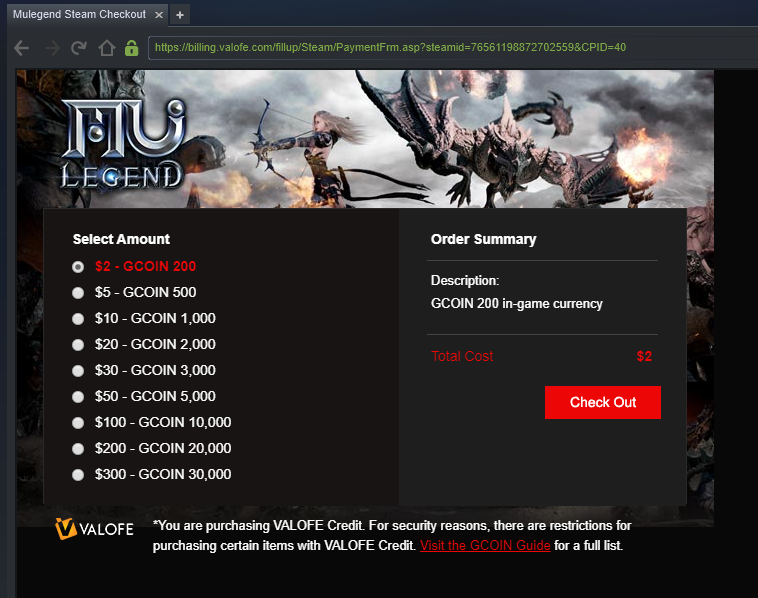
"Not clickable/Not working/Cannot be close"
If you are having the same issue and want to top-up through steam, we would like to offer an alternative solution while we're working on a fix.
Step 1: Close the Steam.
To ensure, Close entirely the Steam running in the background through the taskbar.
Right-click steam icon > Click "Exit"
Step 2: Run the Steam as administrator
Right-click steam icon > Click "Run as Administrator"
Step 3: Launch the game and you can now safely top-up using steam.
Our team and Steam are working on fixing the issue.
You can join the official Discord channel and discuss with the moderators about the game. (https://discord.gg/6JJU7RA)
We thank you for your never-ending support for MU Legend, see you all inside the game!
Best Regards,
MU Legend Global Team