
Dear Adventurers,
DX12 Beta Client is coming out this month, as we get closer and closer to the official release, it’s time for us to bring you another dedicated Q&A to explain all the details about this amazing client update, let’s get started.
Q1: So, why DX12?
A1: DirectX12 can make Ring of Elysium run smoother and improve graphical quality by utilizing the full potential of each player’s hardware. Our vision is for Ring of Elysium to become a true-AAA title, and DX12 has more potential in the long run. After fully researching and considering our options, we decided to go with DX12.
Q2: I heard that graphics are going to improve, does that mean we are going to get less frames?!
A2: In addition to overcoming the technical hurdles of developing the DX12 client itself, we are also trying very hard to balance the FPS impact caused by graphical improvements. As we all know, massively multiplayer online PC games with big maps are extremely resource consuming, and often requires sacrificing some graphical details. Single-player games on the other hand can present the most cutting-edge graphics quality but also requires relatively high-end hardware configurations. For example, we can see that many big titles’ early-teasers and the demos are extremely visually impressive, but as the real game releases, the graphics may not be as refined as the initial presentation. This is because in a big map, as the number of players increases, and the render distance of objects become further, graphic quality has to be decreased in order to maintain a smooth gameplay experience.
As ROE updates the client to DX12, we will also be making a lot of art/graphics related improvements. Not only have we added a variety of different terrain, but the type and density of vegetation has also been adjusted. Our goal is to strike a balance between presenting better visuals and providing a smoother game experience.
While satisfying the needs of players with high-end hardware who’re looking for as many frames per second as possible, we are also going to improve the experience of players with low and mid-end PCs.
We know that Ring of Elysium is first and foremost, a tactical competitive game; ensuring the game's smoothness and maintaining high FPS is the foundation of competitive games, but we also want to strive to make ROE's graphics quality reach the world's top standards, which is also one of the reasons why we chose DX12- the most advanced technology to date.
Q3: When is DX12 coming out exactly?
A3: Because of the compatibility issues DX12 has and the complexity of everyone's hardware/software configurations, we’ve decided to do a “DX12 closed Alpha test” first by inviting a small number of players who own high-end hardware configurations. Once the alpha test is over and our expectations are met, the “Second-phase Beta test” will be launched immediately, making DX12 available for more players, and in the end, we hope to achieve full coverage for players who meet the DX12 hardware/software requirements.
DX12 is an extremely complex thing to upgrade to, and it’s going to need our devs’ continuously developing and polishing in order to reach its maximum potential.
Therefore, we will gradually update the relevant tech modules in different stages. Starting with the 5.18 patch, we will deploy the first batch of DX12 client-related content. After this update, some players who meet the configuration standards will be able to take advantage of DX12.
Q4: Some people say that DX12 will 100% improve performance. Is that true? Is DX12 going to save my toaster PC?
A4: This statement is not accurate. First, a small number of "old" graphics cards do not support DX12 at all. As for whether it can be "improved" and "how much it improves", is also directly related to the player's own software configuration and hardware specs. In the beginning of A1, we mentioned that the DX12 technology aims to make the game run smoother and the computers will then be able to fully utilize the potential of its hardware.. Therefore, the performance improvement of the DX12 will be limited by the hardware itself.
In short, the better the hardware, the greater the improvement.
Q5: My PC specs is relatively old. Does the DX12 client mean nothing to me?
A5:
The client has undergone a lot of transformations and optimizations leading up to DX12, so even if your hardware configuration can not support DX12, you will still be able to experience some of the client optimization and new features.
Regardless of whether your PC configuration supports DX12, you can experience the DX12 visual upgrade/overhaul of Europa Island. That means everyone playing Ring of Elysium will be able to experience a variety of new landscapes, diverse vegetation, and a transformed Europa Island. Be sure to stay tuned for all the updates coming in Season 4.
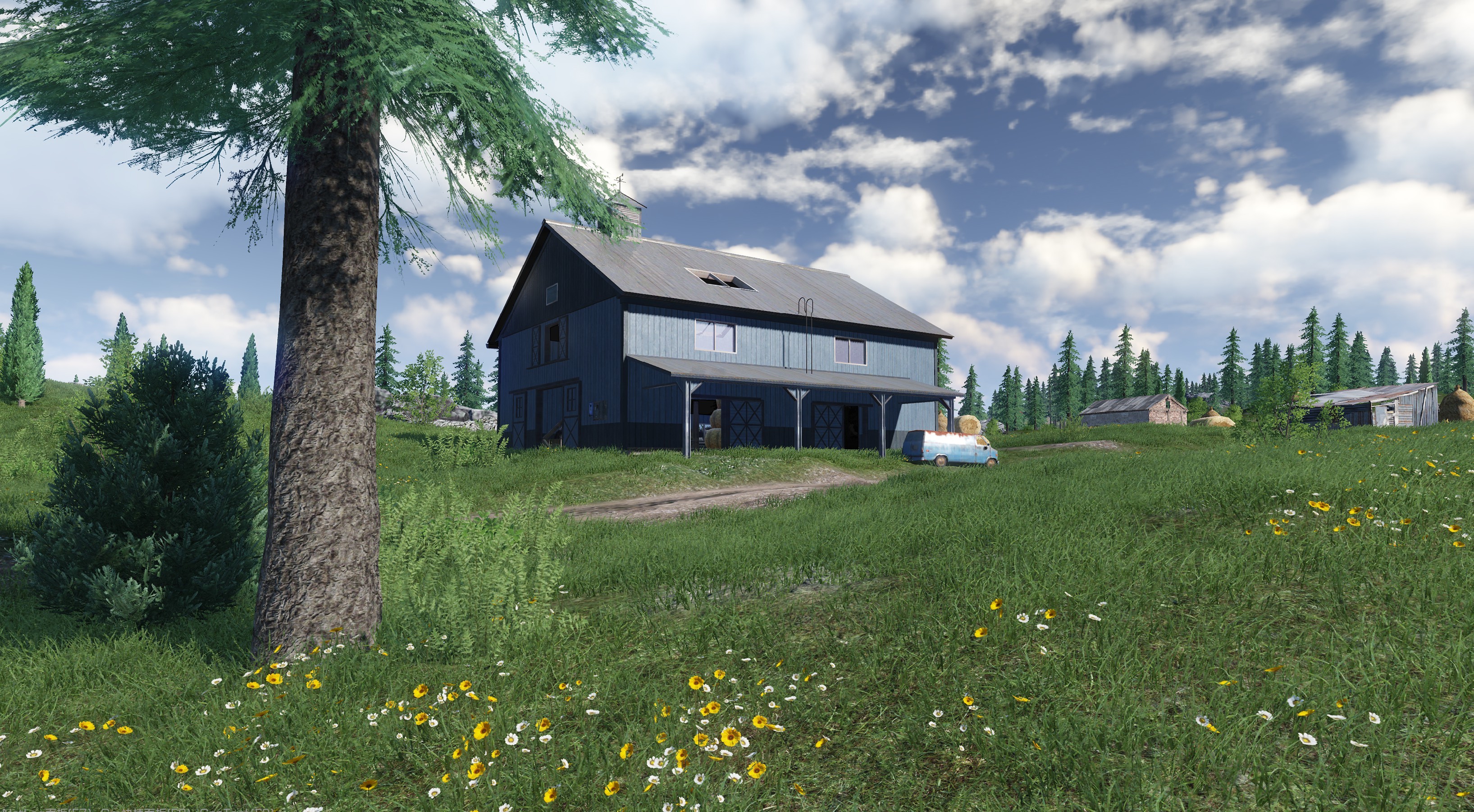
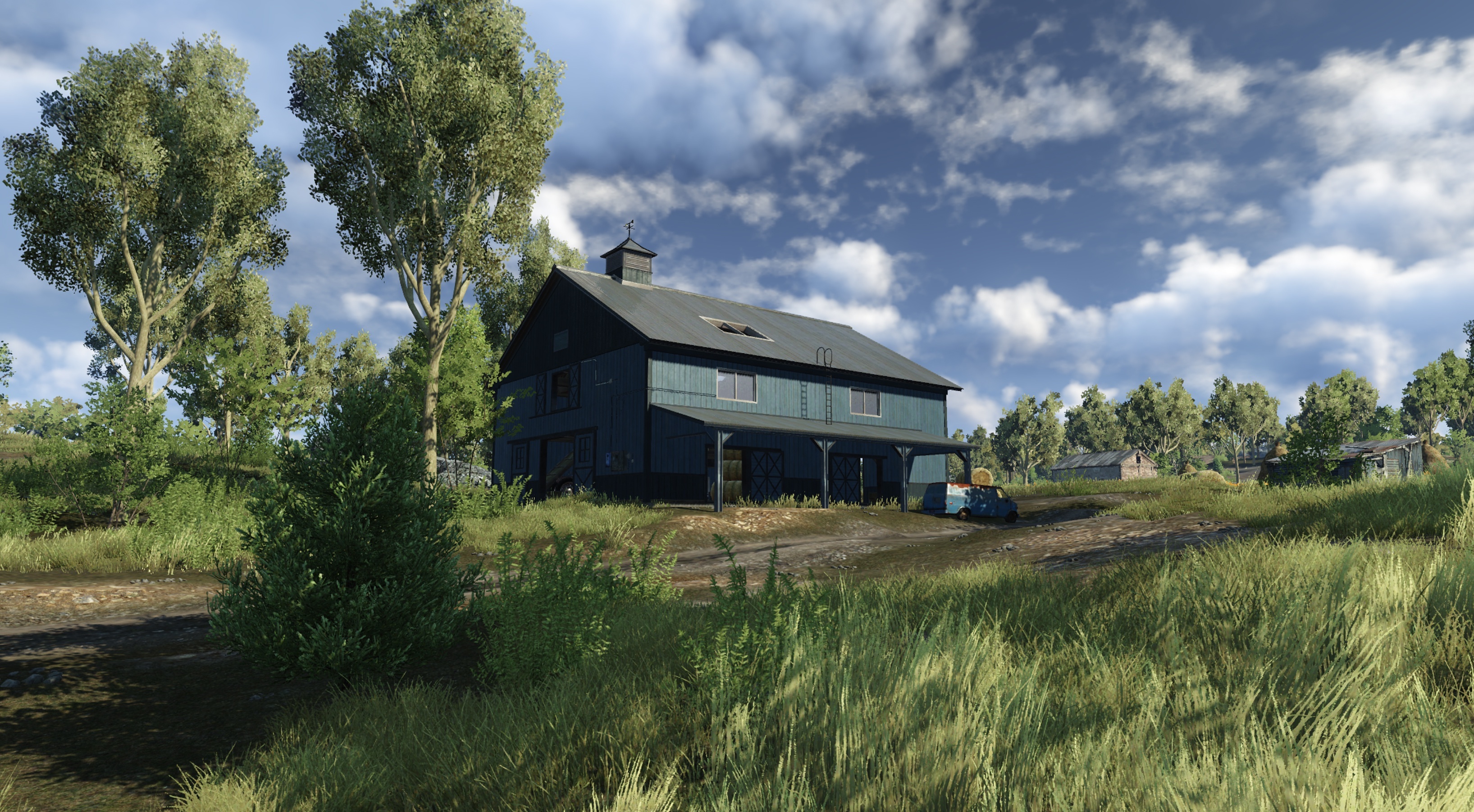
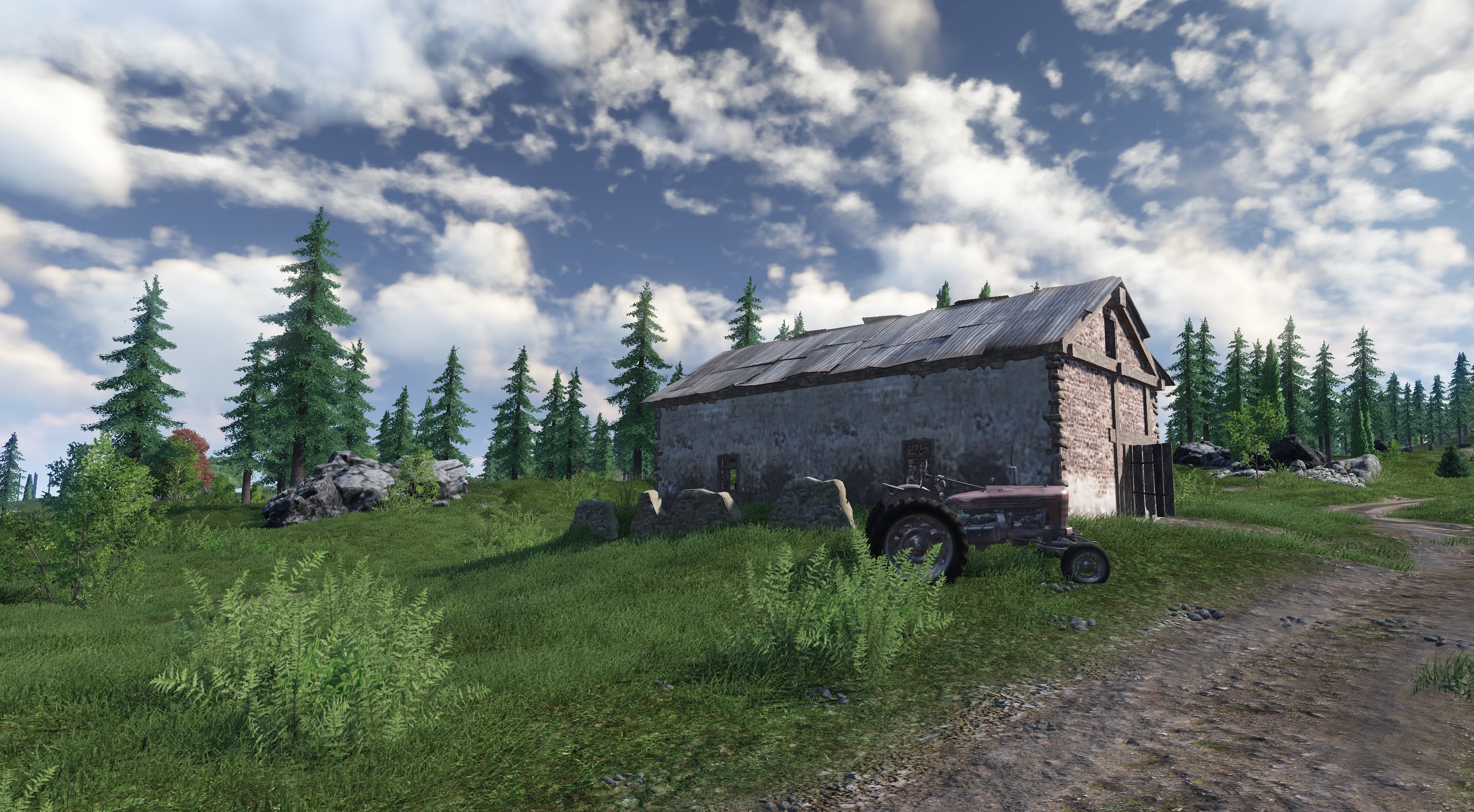
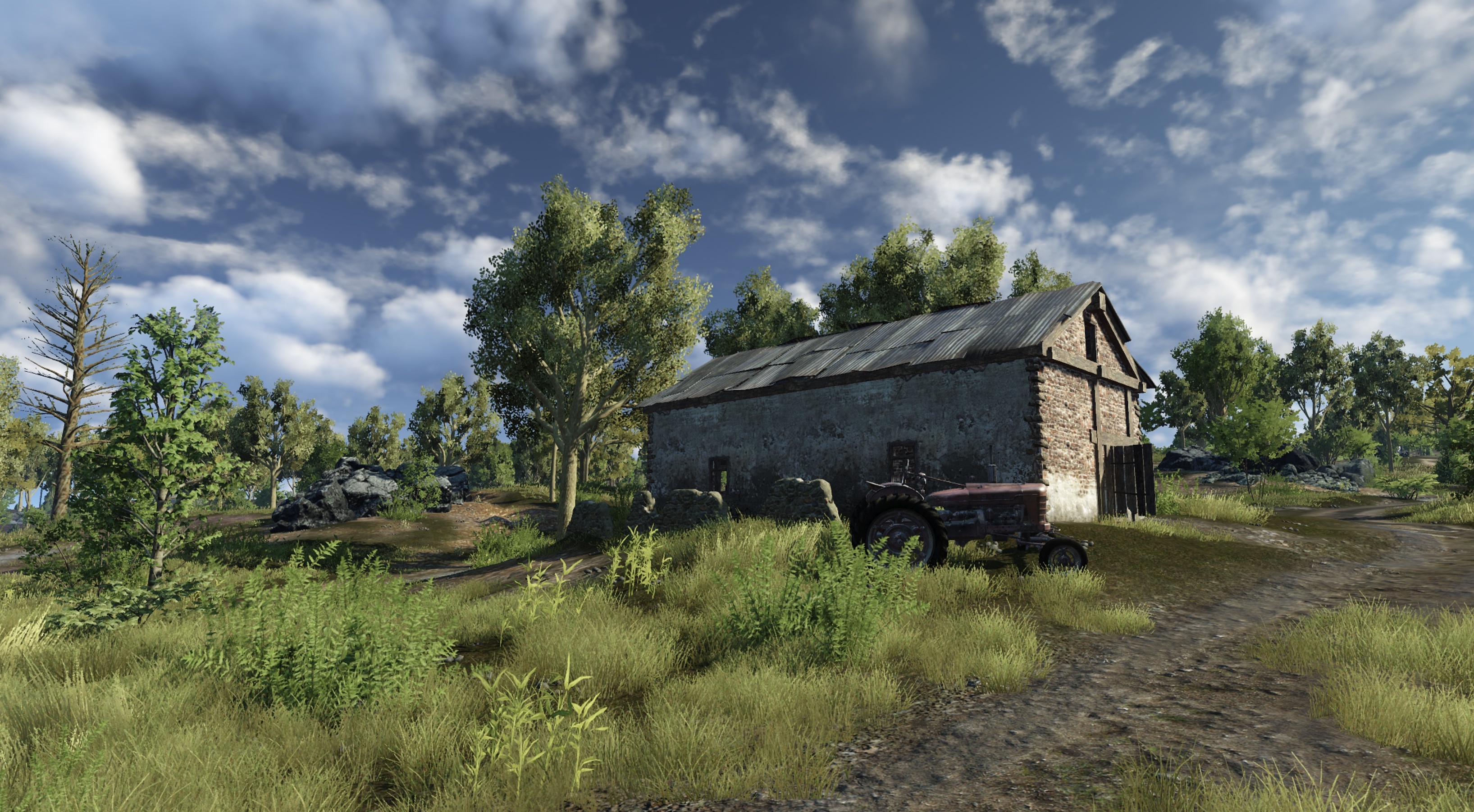
Comparison between current version client and the DX12 client: (Work in progress, does not represent the quality on official release)
Q6: My graphics card is old. I can't choose DX12 as of now. Can I still play the game?!
A6: Of course, we will implement in-game settings to allow players to choose between DX9 and DX12. Players that cannot use the DX12 client can continue running the DX9 version of the client. At the same time, we will continue to actively communicate with Microsoft, Intel, AMD, and NVIDIA so that as many different computers and hardware combinations can be supported by DX12.
Q7: So, what is the actual range of supported hardware for the DX12 client?
A7: Eventually, we hope to support all graphics cards that are released after 2010. That means the minimum requirement for DX12 should be anything above Nvidia's 400 series and AMD Radeon HD 5000 series graphics cards. However, we’ll continue to provide additional details and information on what will be supported as we get closer to the official DX12 launch. Be sure to keep an eye on all of our official platforms for when this info is released..
Here’s a quick tutorial on how to check if your computer supports DX12:
1. Press Win+R to open “Run”, enter “dxdiag”, and click OK:

2. Open the “DirectX Diagnostic Tool” window, switch to the "Display" tab, and take a look at the "Feature Levels" and "Driver Model" on the right side of the window

3. "Feature Levels" represents whether the graphics card hardware supports DX12, as can be seen from its version of “12_1” and “12_0”, the computer graphics card in the above figure supports DX12.
4. The WDDM version of the "Driver Model" represents system support. Starting with Windows Vista, the first version of WDDM is 1.0, Win 7 system supports WDDM 1.1, and Win8/8.1 supports WDDM version 1.2/1.3. And the latest Win 10 system update WDDM to 2.0. DX12 is fully supported when the WDDM version of the driver model is version 2.0.
Thanks,
ROE DEV Team