
Version 5.0 is now available with the following changes and additions:
- Added 9th scenario (Sydney). Every airport in the game now has a scenario; see the traffic menu at EHAM airport to start the first one. The 'goals' screen shows which scenario is unlocked and ready to play.
- Added a rewind button to the scenario mode, allowing you to correct mistakes without having to start all over, therefore making it less hard (or time consuming) to reach the end of a scenario flawlessly. The rewind button is available exclusively in scenario mode, and lets you go back in time by about 5 minutes, using autosaves stored in memory.
- A Steam Achievement is awarded for completing all 9 scenarios flawlessly.
- Added runway style button to the display menu (4 new styles available), allowing you to choose a style that may match more closely to the looks of the different ATC facilities around the world.
- To declutter the screen, experienced players may want to switch off all background text using the button in the display menu.
- The sweep button now has the option for 1 second update intervals (instead of skipping from 0.5 to 2 seconds). Tip: for a smoother radar sweep, type SPEED01 to increase the update frequency of the sim. To precisely fine-tune the sweep interval, for example to set it at 3.5 seconds, type SWEEP035.
- Planes give warnings when crosswinds are too strong, to avoid go-arounds.
- Several minor adjustments/bug fixes.
- For custom airports:
- Corrected 'flow' property for the traffic rate to secondary airports.
- Locilizer offset limit bumped to 30 degrees.
- Improved timing of departures at secondary airports located directly below localizers.
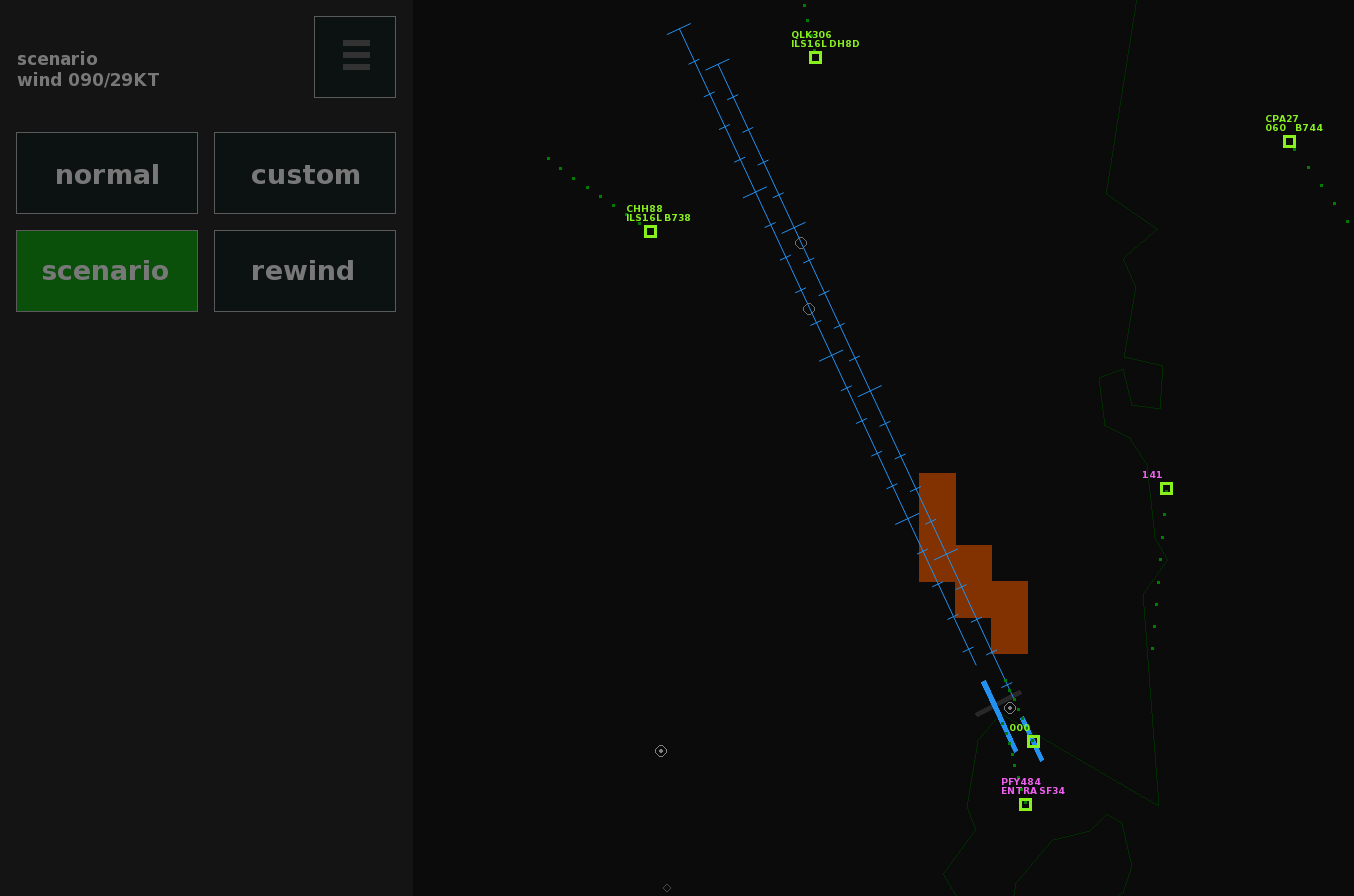
Sydney scenario and 5-minute rewind button.
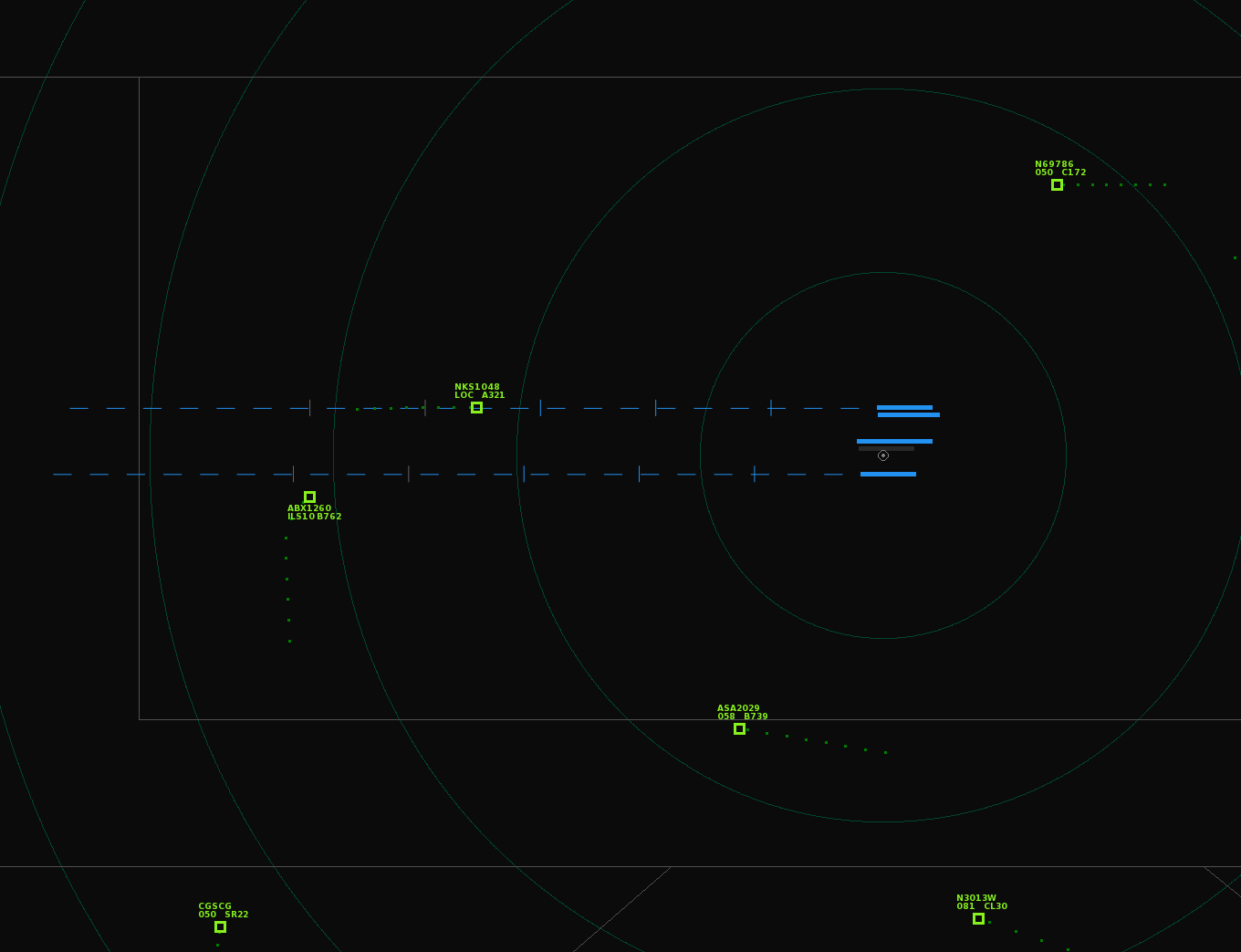
One of the new runway styles, and background text switched off.
If you want to try custom airports, take a look at the (ever growing) collection in this GitHub repository. Put the txt files into the locations folder of the game to make them appear in the airport menu.