
I've created a test build of the new optimizations!
Right now they mostly work best when you have a large town. The optimizations don't do a lot when you are facing a large expanse of the forest, but I expect to work on that part once I change out the environment art.
And you should notice a big improvement to performance when you are inside of a building.
You can toggle the performance optimization system on and off by pressing F1 to see if you notice a difference. When you load a fresh game, the default is ON.
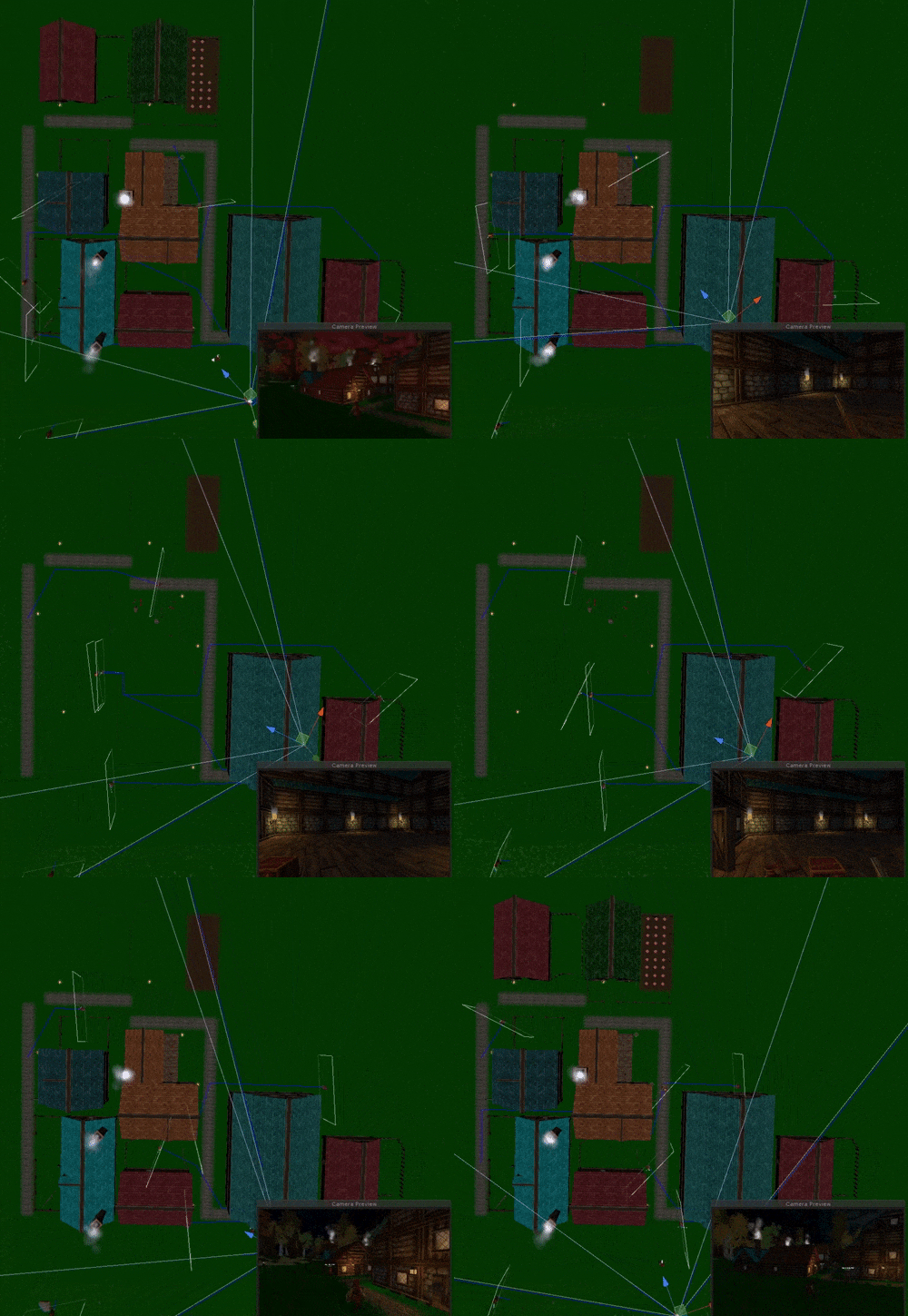
Note you'll notice in the above .gif that the characters don't turn off. In this updated version, they do however!
On my development laptop I saw a framerate jump of about 20-30% when looking from one end of a large town to the other end. When inside a building it was even higher than that.
On my low-spec machine the benefits weren't as great, so I'm going to be working on more options in the settings screen to improve framerate for lower-spec computers in addition to this optimization system.
If you'd like to try it out, you can get the test build by doing this...
1. In the Steam Client Library where it lists all of your games, right click on HammerHelm
2. Click Preferences
3. In the window that opens, select the "Betas" Tab
4. Enter the password to download this build - PerfTest2019 - and click Check Code
5. You should get a message that the code is correct
6. Click the drop-down box and select BigUpdateTest
Steam should immediately start a new download with the test client. The new game should be called "HammerHelm [bigupdatetest]". Once the download is complete you can launch the game.
To get back to the Alpha client:
1. In the Steam Client Library where it lists all of your games, right click on HammerHelm
2. Click Preferences
3. In the window that opens, select the "Betas" Tab
4. Choose “None” from the drop down
5. Steam should then revert back to the Alpha client