
Dear Commanders
If you can't display Simplified Chinese in the game for some reason, please try the following operations to recover
1. First, after exiting the game completely, delete the game's local save file UserDefault.xml
The archive file path is generally under C:\Users\ (your current Windows account)\AppData\Local\Sherman
2. Then select Simplified Chinese in the steam client
The selection method is:
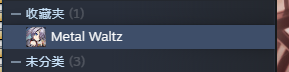
right click game
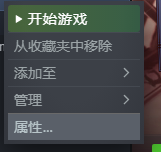
select properties
Select Simplified Chinese in the language
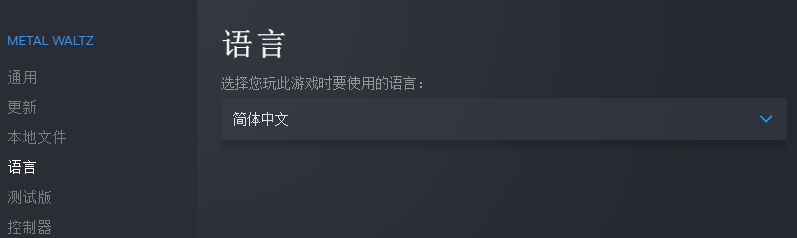
3. After restarting the game, it should be the simplified Chinese version
We are still in the process of related optimization, please pay close attention.