
NOTE: This update is an experimental release. In order to use it, you will need to opt into our Beta channel. To do so, right click Flipside Studio in your library and choose Properties, then opt in under the Betas tab. No access code is needed.
Make shows together, the way it should be
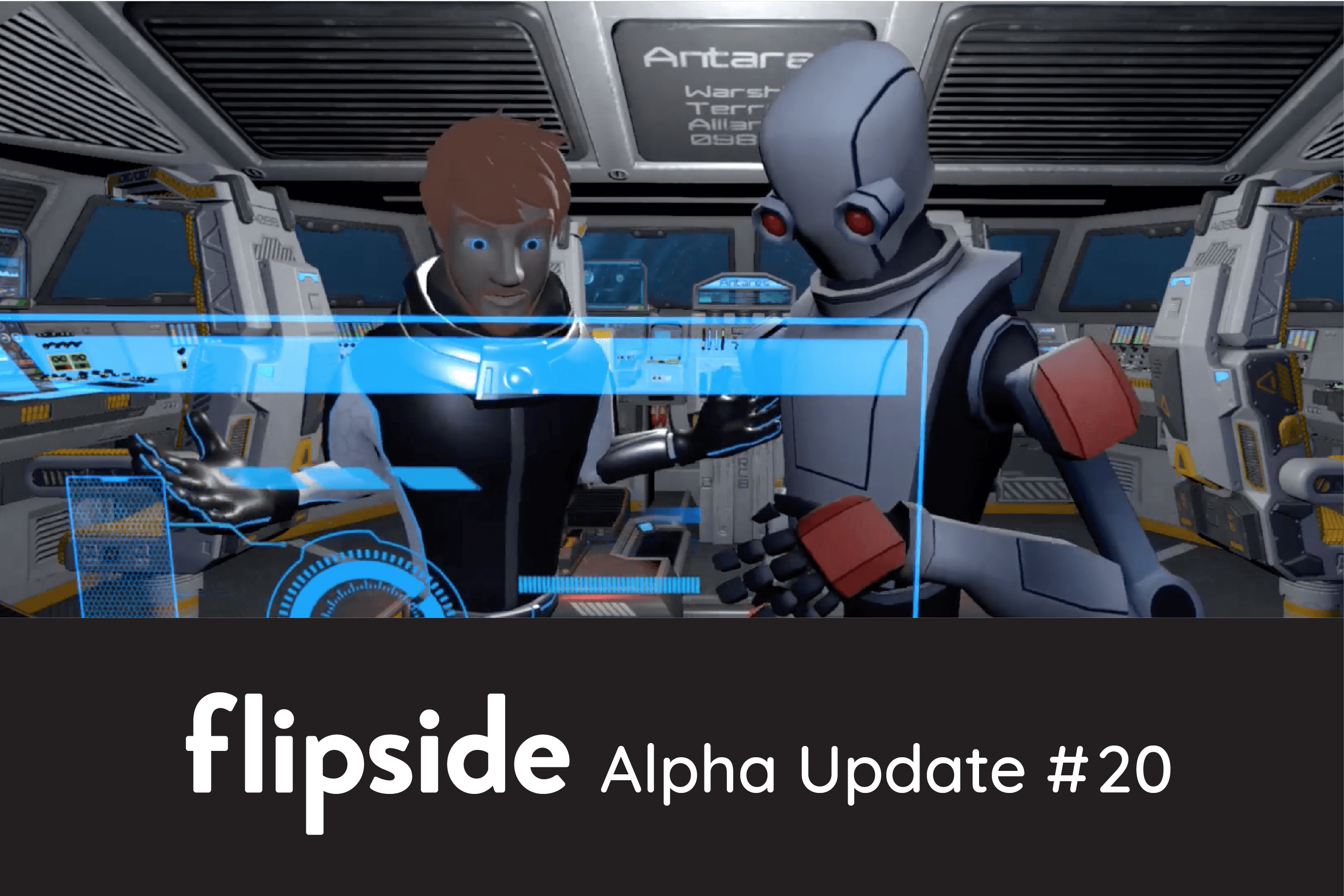
When you press the Friends button on the palette, you'll see our new Friends & Notifications panel appear.
This is the new social hub in Flipside, where you can find your friends, invite them to collaborate, and find notifications for things like friend requests, invites, and also the occasional Flipside announcement.

Multiplayer works across platforms, so it doesn't matter if your friends are using an HTC Vive and you're using an Oculus Rift. You can still hop in, connect, and create content together over distance.
This update also has some major improvements to the Flipside Creator Tools plugin for Unity and a number of bug fixes. For all the details, visit:
https://www.flipsidexr.com/blog/post/56/flipside-studio-update-20-flipside-goes-multiplayer