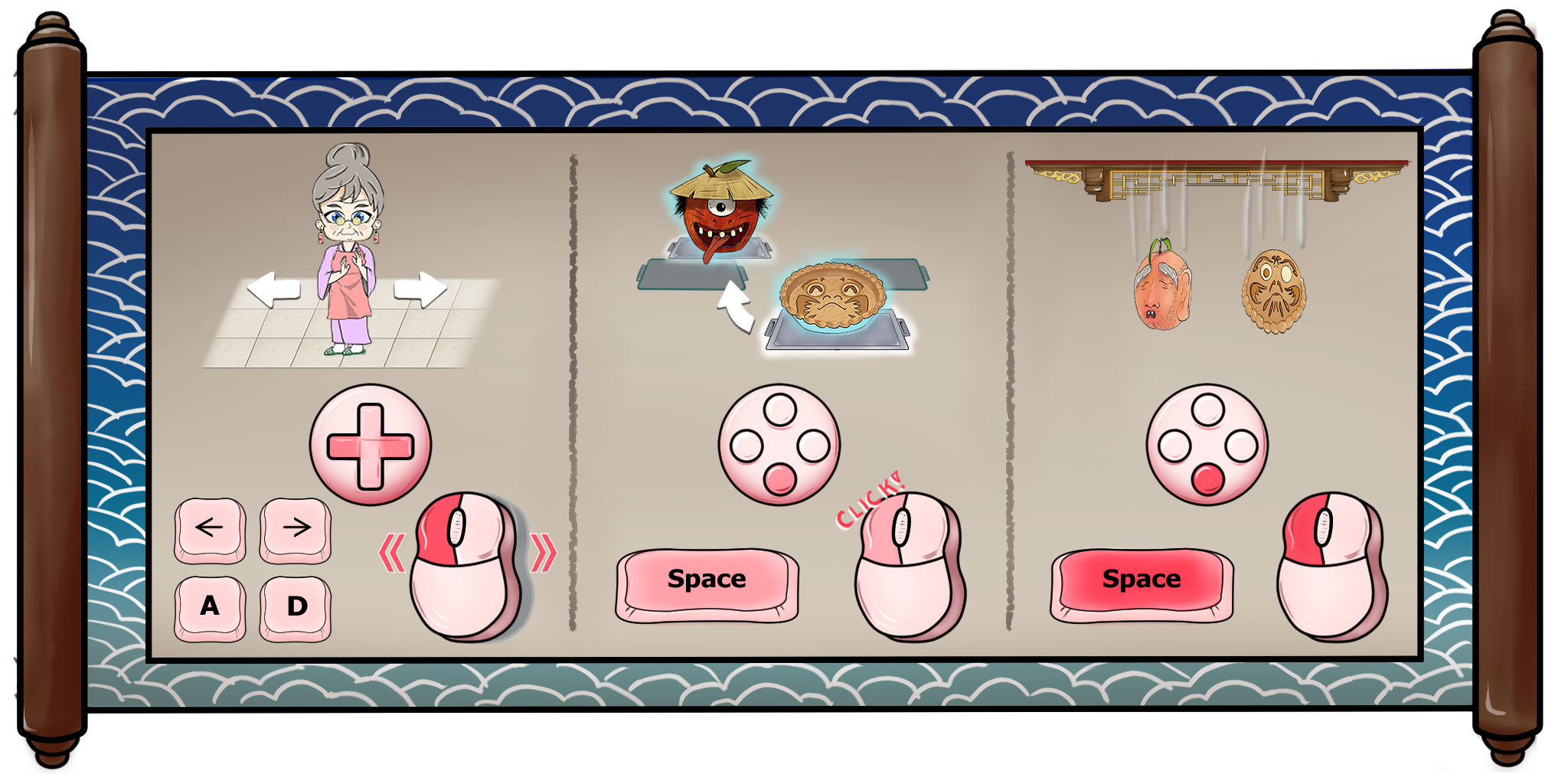
While the game has always supported keyboard controls, we've edited the tutorial to explain the game from a keyboard perspective since some users have found just using the mouse to be less intuitive.
Use [A] and [D] to move Granny left and right. Tap [Spacebar] to swap the trays directly above Granny; holding [Spacebar] drops ingredients or increases their drop speed. The drum can be used by hitting [S]. Controller is also supported for these actions. You will still need to use the mouse (or touchscreen) for the rolling pin, scrolls, incense, and interacting with the bakeshop.
There's a new button in the shop's computer that lets you review the controls at any time. You can also use the "Tech Support Granny" button to replay the tutorial!