
Desktop Companion - Version 1.1
Hey everyone,
With the new update for Desktop Companion you are now able to add as many companions to your screen as you want, each one with its own animations and physics!
Changes in deploying Companions
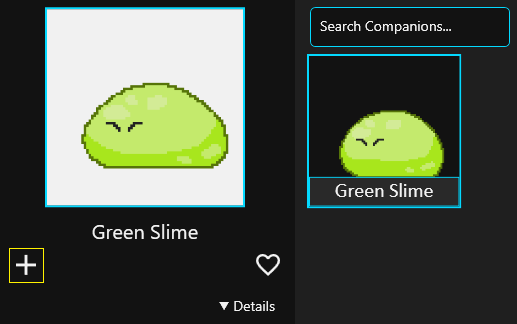
In the new update I've changed the way Companions are displayed. Previously you would click the Companion and it would automatically swap it with the newly selected one, now it sets it as selected and then you need to press the "Deploy" button below the companion preview image, for it to appear on your screen.
Deployed Companions Tab
Newly added Deployed tab displays every companion that is currently somewhere on your screen. From this tab you can remove companions through clicking the "x" button after hovering over the companions entry, or you can remove all by pressing "Clear all". In this tab you can also select companions in the same way you do in "Your Companions" tab.
Applying Changes to companions
If you have multiple of the same companions deployed, changes made to it will apply to every single one of them.
Thank you for using Desktop Companion!