1. Set the overlay on/off hotkey in the Hotkey tab of the software settings window.
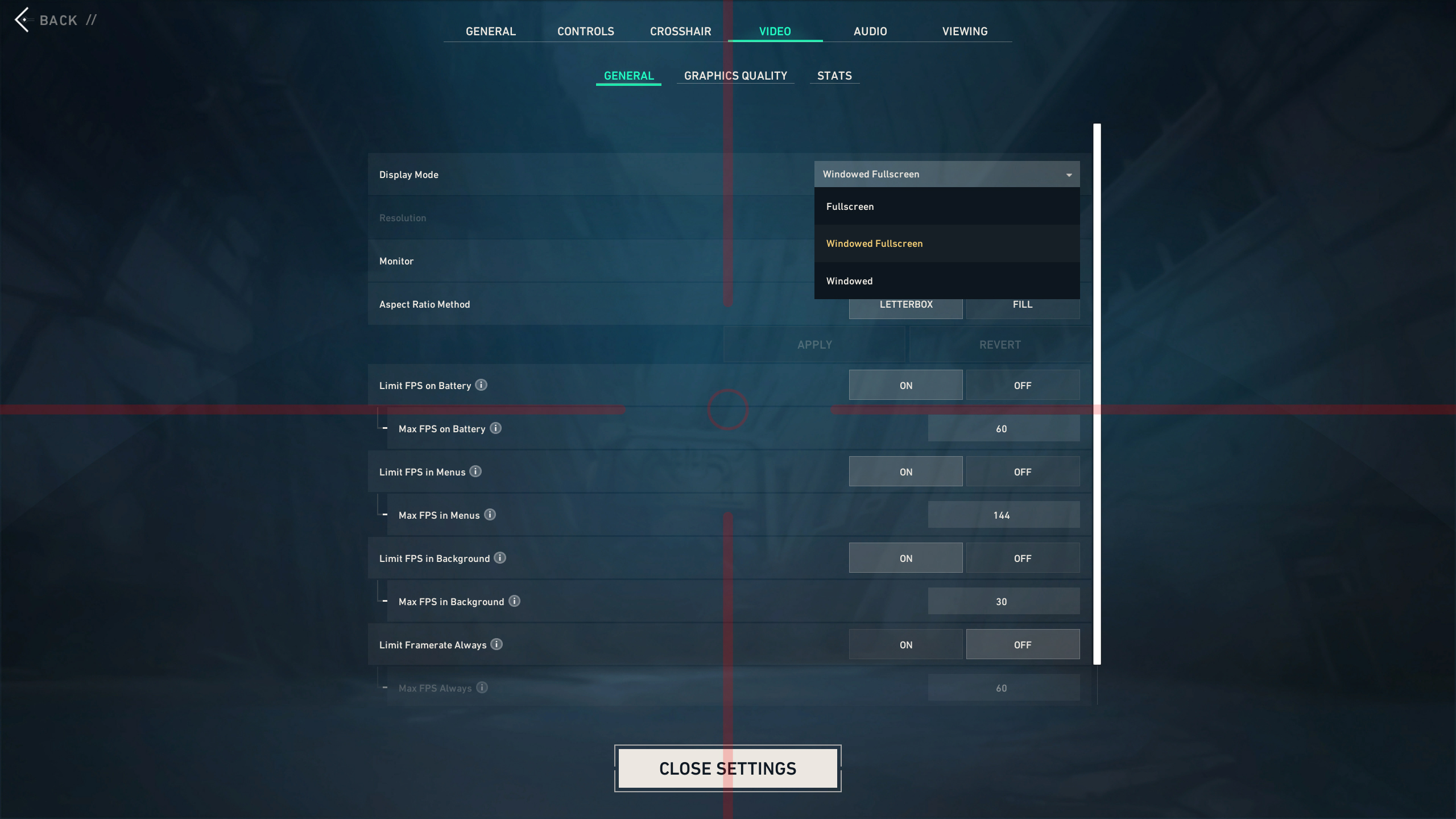
2. Enter the game and select Windowed Fullscreen Mode in the Video Options.
3. Bring up the overlay using the hotkey you set.
![[Mulmiyac] for 3D motion sickness cover art](/_next/image?url=https%3A%2F%2Fshared.akamai.steamstatic.com%2Fstore_item_assets%2Fsteam%2Fapps%2F3873150%2Ff6002499baf663be5da82ce455f9f8955281e8a5%2Fheader.jpg%3Ft%3D1789233828&w=3840&q=80)
Source: Steam Community (opens in a new tab)
1. Set the overlay on/off hotkey in the Hotkey tab of the software settings window.
2. Enter the game and select Windowed Fullscreen Mode in the Video Options.
3. Bring up the overlay using the hotkey you set.