
Dev log 01
Hey folks, a lot of you know me for using Unreal Engine in my career. From making animated feature films to directing the in-game cinematics for the likes of Dune Awakening. So when I announced I was making my first indie game Astro Burn using GDevelop instead of UE5, I got a lot of DMs.
People asking me, wait why GDevelop? What is GDevelop? Why not Unreal or even Unity? So here's a quick breakdown of why I decided to use GDevelop. But first, let's talk about the game itself. Astro Burn is a 2D side-scrolling space shooter. It's heavily inspired by the Super Nintendo and arcade games I grew up loving.
Think bullet hell gameplay, retro pixel art, and a sassy cat pilot at the center of the chaos. I mean, what's there not to love about it, right? But also, most importantly, I wanted to make something that was fun, but also small, tight, and focused. And for me to be able to do it within 12 months, kind of like a solo dev game jam stretch over 12 months, mainly because I'm self-funded this.
So I don't have any studio, no big team. I'm designing, coding, animating, even doing the marketing. The only part I'm not doing is the music and sound, which I'm super proud of me collaborating with my buddy Roman over at Venice Bleach. But more on that in another video. Now, here's why I chose GDevelop even though I've worked in Unreal for years.
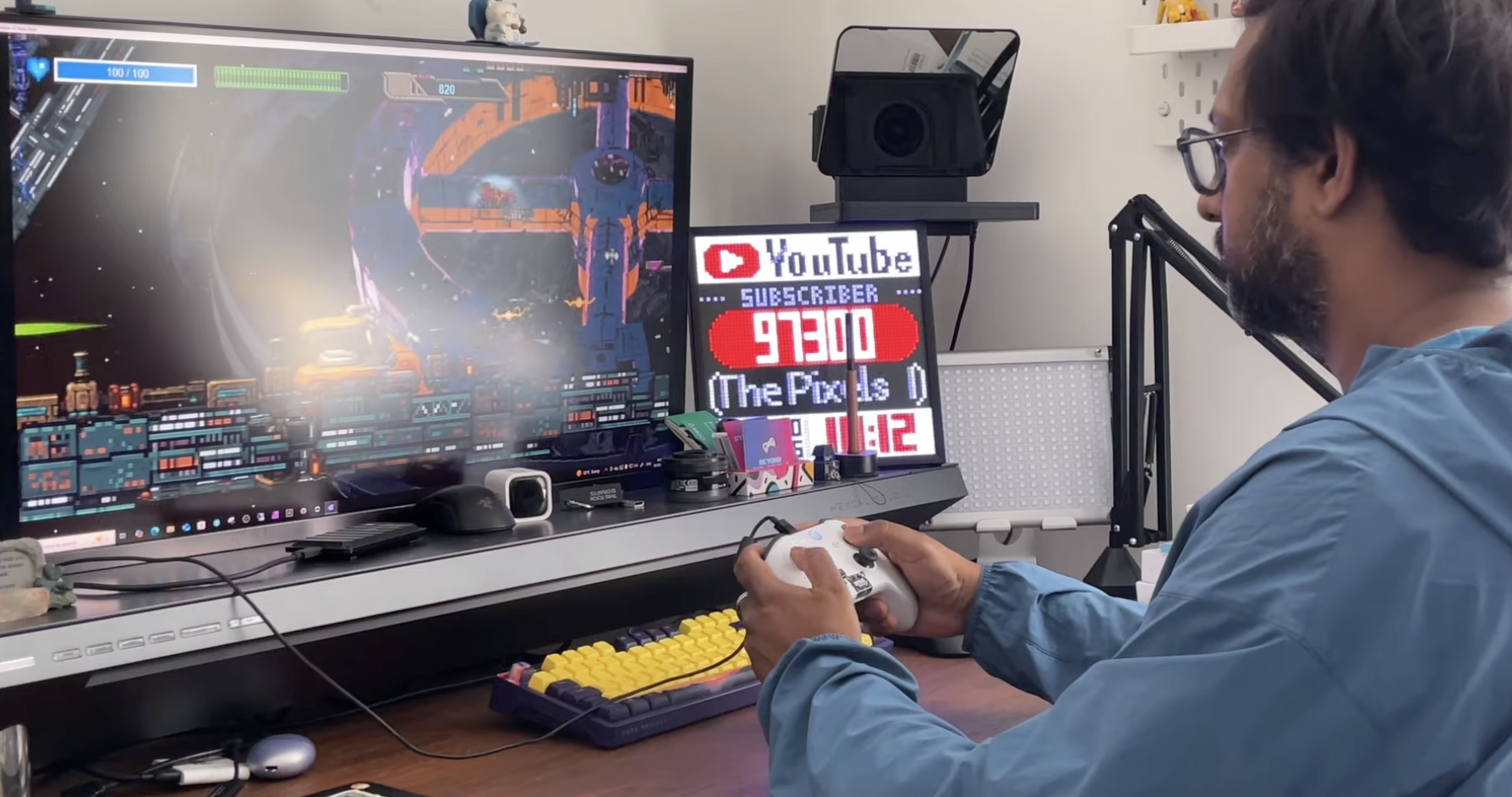
Firstly, I've never actually made a full game as a developer in UE5. I mean, yes, I've been involved in teams making games in Unreal, specifically the cinematics, sure. But building a game from scratch as a solo dev, that's a different beast. I did not want the steep learning curves or technicalities or heavy engine features. I just wanted to get something up and running fast. And then when I found GDevelop, what instantly clicked for me was the logic system. No C++, no blueprints, just a core event system based on simply conditions and actions.
So if this happens, then do that. Simple, intuitive and surprisingly powerful. And for a 2D game like Astro Burn, I didn't need UE5's features such as Lumen, MetaHumans, Control Rig or a full 3D rendering pipeline. Now don't get me wrong, UE5 is incredible, but for what I'm doing it's kind of like taking the cruise line to cross the river when I can just use a rowing boat. It's kind of a cool metaphor. Anyway, here's the thing.
The install size for GDevelop is only a couple of hundred megabytes. Unreal 5 around 30 gigs. So, GDevelop loads up in seconds. It runs on my basic laptop. No GPU stress. No long shader compiles. I can import my sprites, apply interaction, use built-in behaviors, and with one click Preview the game instantly. No waiting, no compiling, log files. Just make and play. Another huge win is the exporting in terms of the deliverables. Getting people to play my game. With GDEV it has an auto build system. I can export to PC, Mac, Android and iOS with one click. But also check this. I can export my game to run in a web browser too. without any external ported or additional development costs. That's massive for an indie dev that's doing it all in his own, but also the fact that I have a lot of choices of where people can play my game.
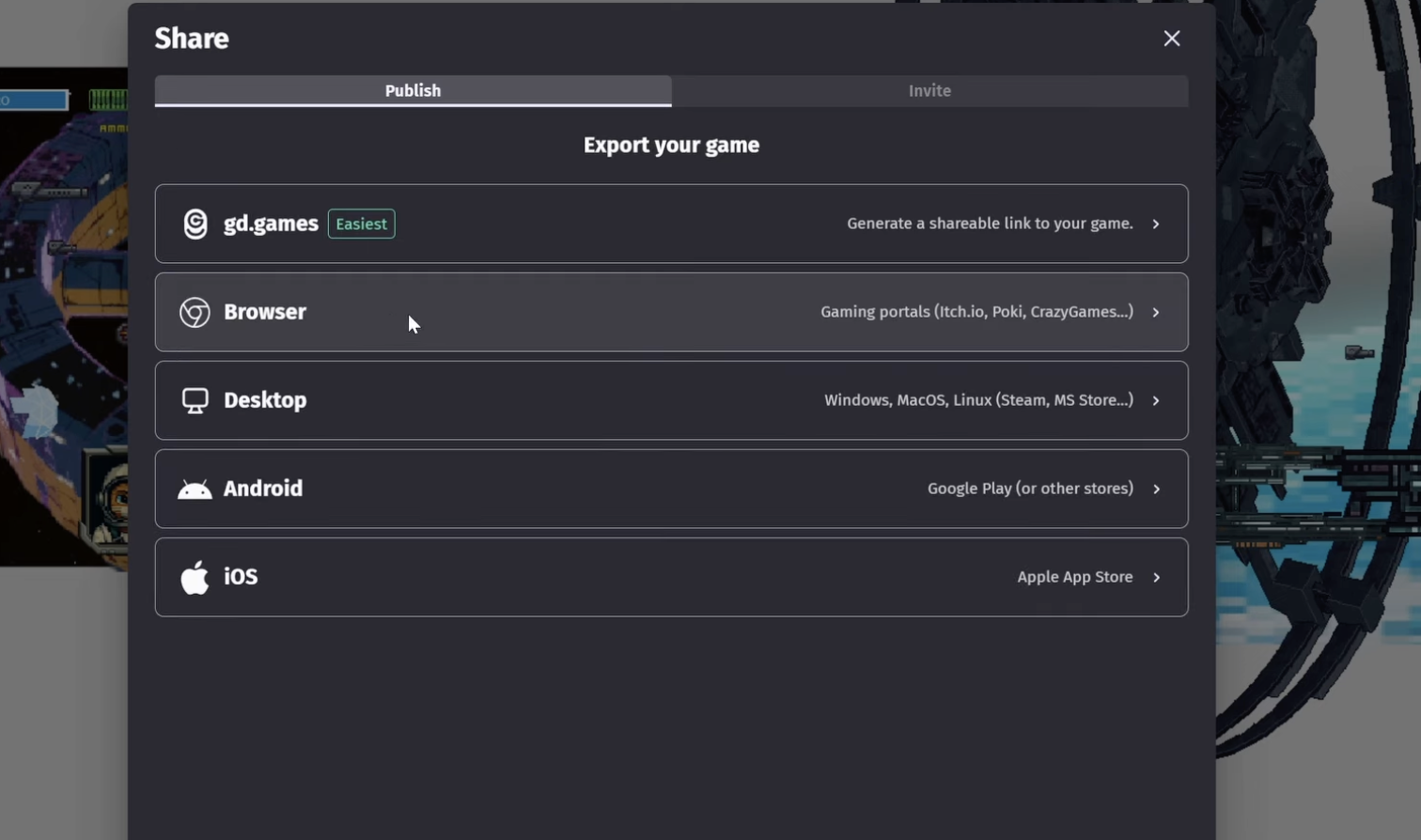
That's huge. So far it's been around just over four months of me using GDevelop, and every day I'm still discovering new features that helps me bring my vision for Astro Burn to life faster and more creatively than I could ever imagine. There is so much support in GDevelop, in the community with the other developers, and the company itself are so approachable via LinkedIn and on their big Discord channel, which often makes me feel I have a virtual team of support and makes my solo game dev journey not so lonely after all.
So I really hope that gives you a little insight into why I chose GDevelop and what this game really means to me. If you're into retro shooters, bullet hell or pixel mayhem, then please do take a moment, wishlist Astro Burn on Steam. It helps me more than you could imagine. Thanks for watching and I'll see you in the next Devlog. -
Watch the Video here: