
Pilot the Worker Drone
The Worker Drone can now be mounted and piloted.
Take to the air, cover long distances quickly, rise above the terrain, descend when needed, and pilot the drone freely across the crater.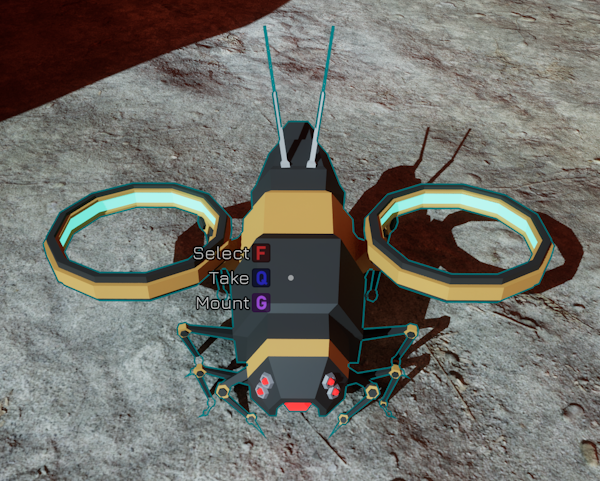
Mount and Fly
Approach a Worker Drone and use the Mount command to take control.
Use WASD to move
Use the mouse to control your direction
Hold Shift to fly faster
Use Space to ascend
Use Left Ctrl to descend
Edit While Mounted
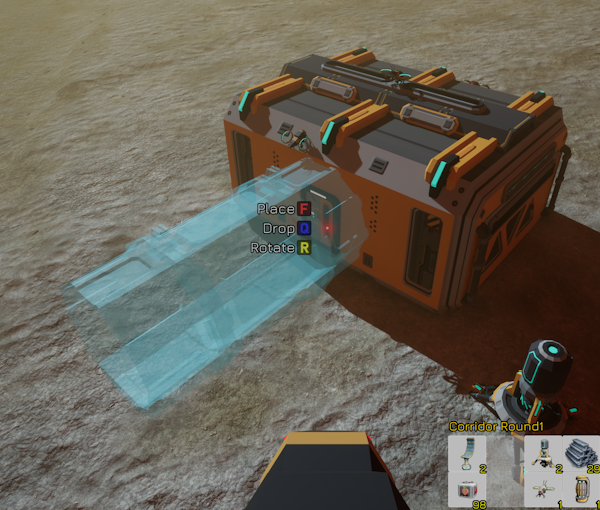
You can enter Edit Mode while mounted on the Worker Drone.
This gives you a better overview of the outdoor space around your habitat, making it easier to position corridors and plan your expansion.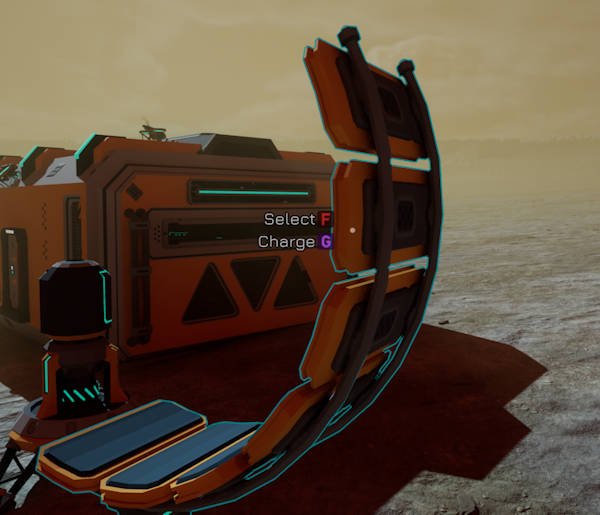
Charge Without Dismounting
You can charge the Worker Drone while still mounted. Keep it powered and return to the air without needing to get out first.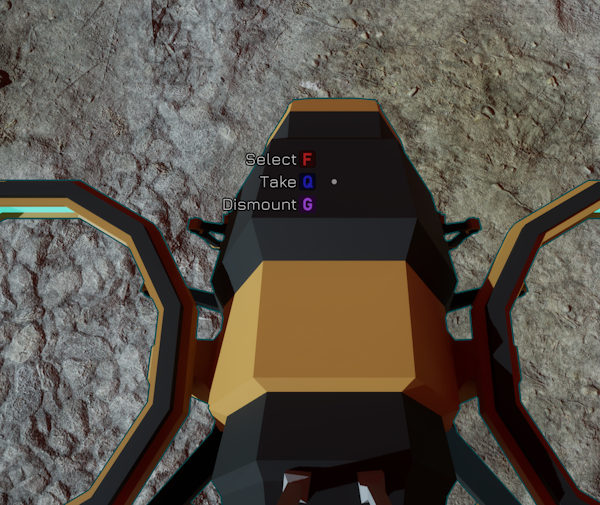
Dismount When You Are Ready
When you want to continue on foot, use the Dismount command while looking at the Worker Drone.
The Worker Drone is now available to pilot in the Industronaut demo.