
What's New
Images for Words
You can now attach an image to any word.
A new "Add Image" button has been added to every library.
To remove an image, simply edit the word and delete it.
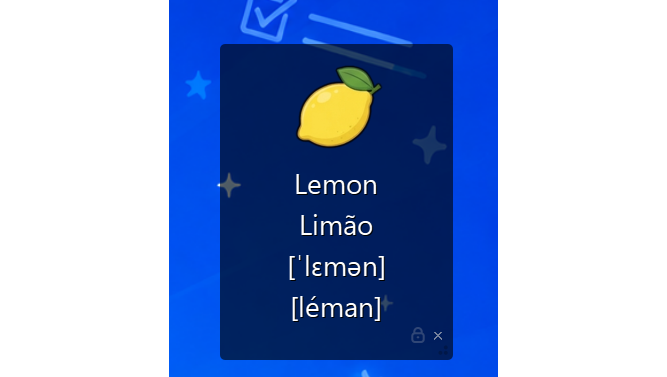
Image Settings in the Overlay
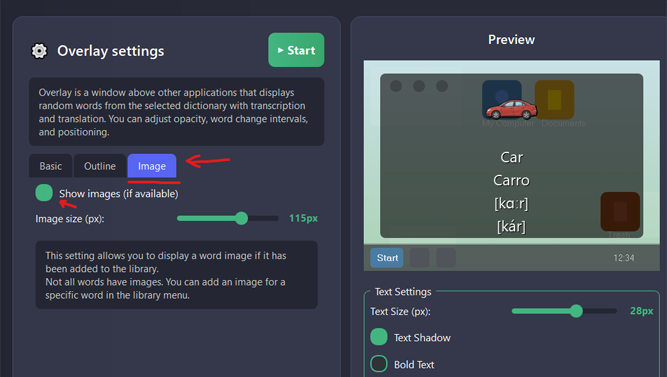
Added a new image settings section to the overlay.
You can now:
enable or disable image display;
adjust the image size.
Search Across Libraries
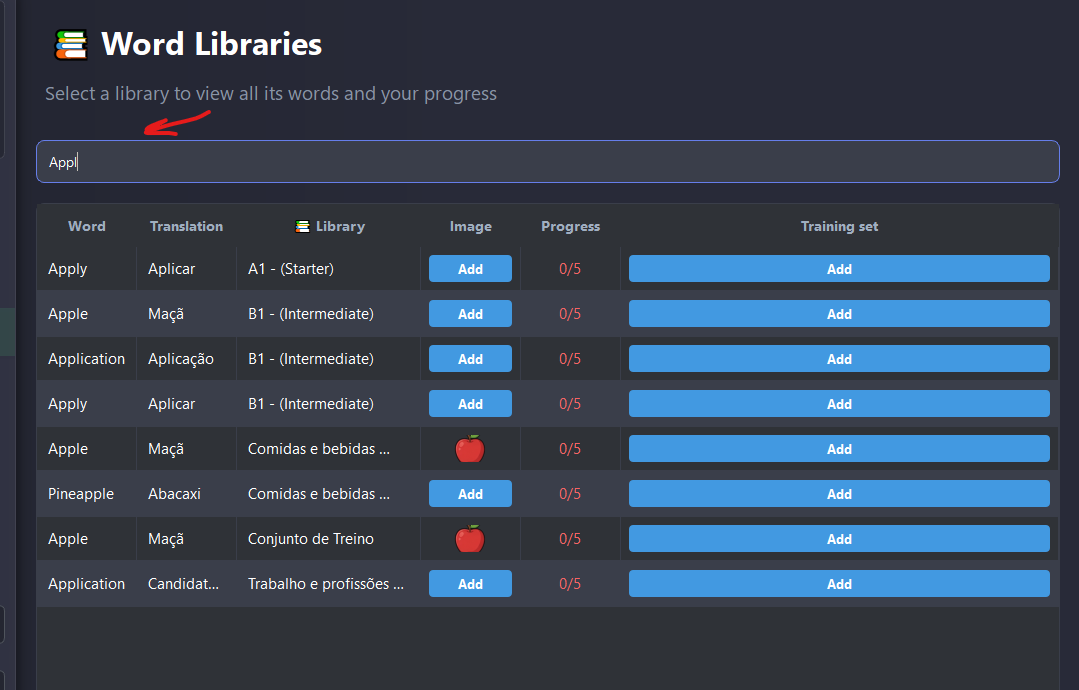
Added a search bar to the Libraries menu.
You can now quickly find words across all libraries.
Custom Library Management
You can now delete your custom libraries.
Words can also be deleted from custom libraries.
Deleting words from default libraries is not yet supported - they can only be edited.
Bulk Word Import
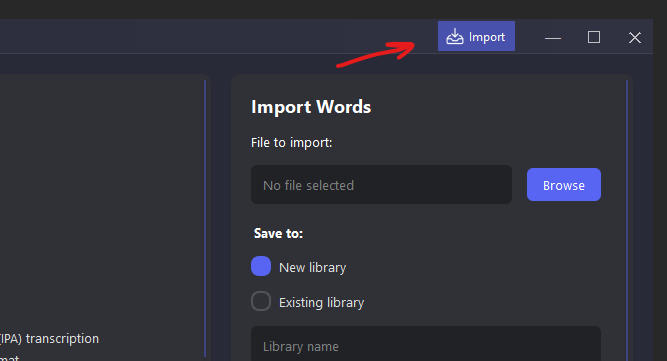
Added a new Import button to the top toolbar.
You can now import multiple words at once instead of adding them one by one.
Supported formats: JSON, CSV, and XLSX.
Improvements
Improved library loading performance.
Enhanced overall UI responsiveness.
Bug Fixes
Fixed an issue where changes to progress and libraries were not visible until the application was restarted.
Progress now updates instantly.
Newly created libraries now appear immediately in dropdown menus without requiring an application restart.