
Thanks so much for your support!
In the first 48 hours after launch, we pushed a large batch of fixes, improvements, and small new features. Everything listed below is already live—take a look! 🐱✨
🆕 New
New Meow Code: miino Enter via Meow Code in-game to claim rewards.
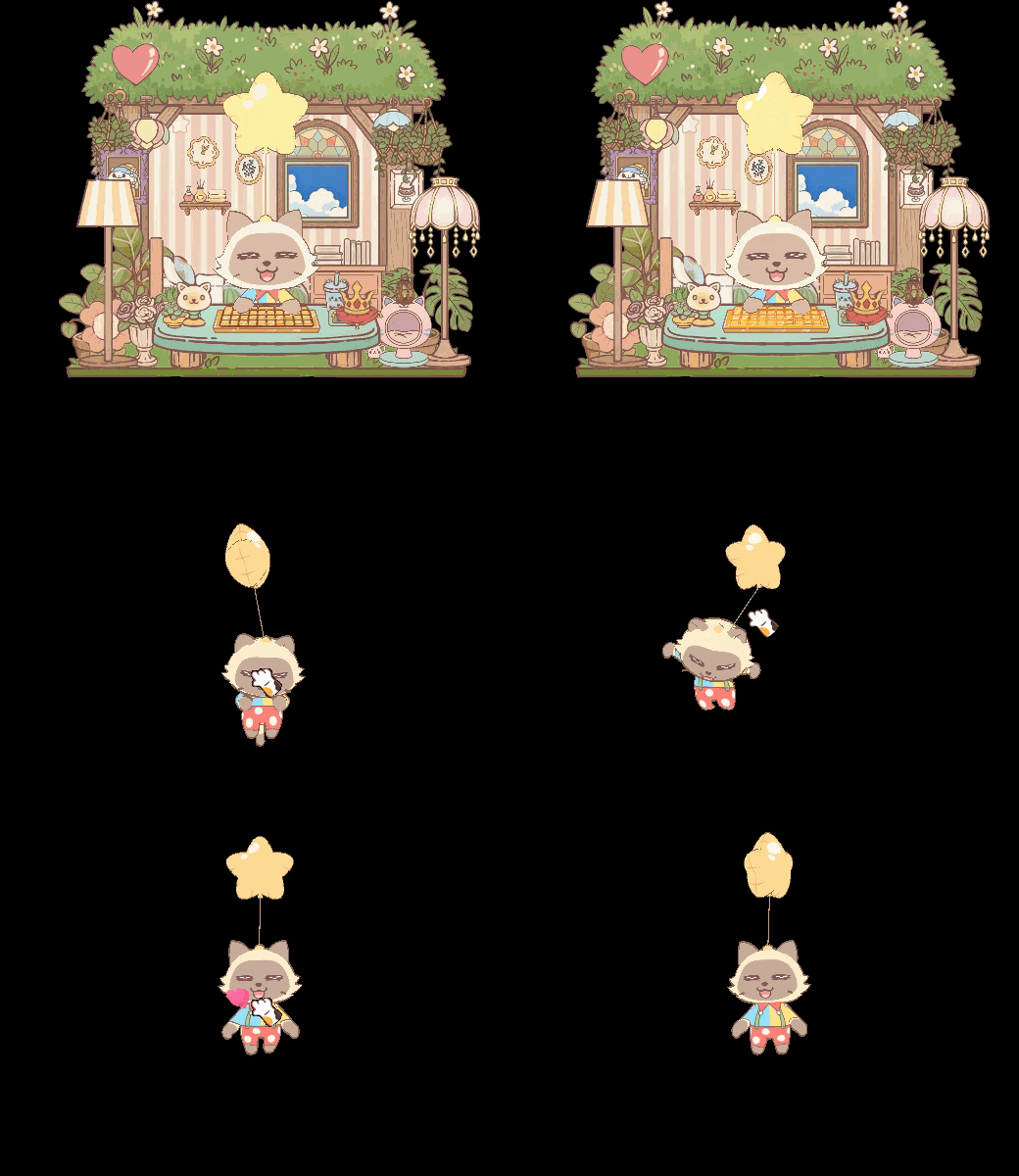
New cat breeds ×2
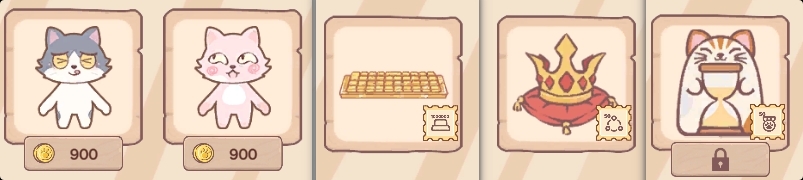
New cat-desk devices & decorations ×3
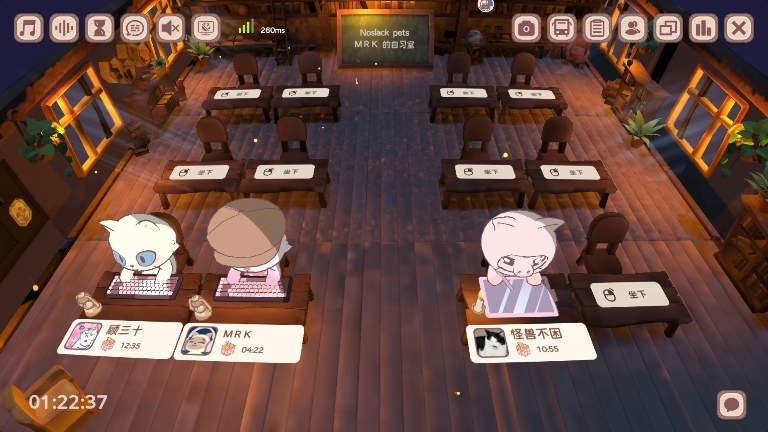
New Shared Study Desk A two-seat cozy desk for the Study Room—sit together with a friend 🐱
New beginner guides for:
Market → Headgear
Headgear
Headgear Synthesis
Controller/keyboard counter (button press tracking)
Friend-only filter added to:
Music list
White Noise list
Pomodoro list
Pomodoro: option to disable page-turn animation
New tap/click FX when interacting with Miino
Achievements: Added Claim All button
Settings → “Click-to-Speak” toggle
Disable Miino's talking when clicking.Settings → Random Favorite Headgear
Auto-rotate among your “Favorites” headgear.
⚙️ Improvements
Daily Tasks: If all rewards are claimed and the task list is empty, the window now auto-closes.
Unified display format for Headgear quality tiers
Synthesis UI copy improved for clearer instructions
Album / Collection visuals optimized
Lava Lamp prop rendering improved
Study Room (Mini Mode): When disconnected, automatically pops out the Cat Bus
Improved Study Room disconnect prompts
Updated visuals for “Macaron Ice Cream” Headgear
Support for double-clicking the .exe to launch the game
Room Lights now display above room props correctly
More refined “Lost network” messages in Study Room
Duplicate Headgear detection now based on “owned” status
After a Pomodoro ends, Cat Bus auto-expands and switches to the Pomodoro tab
Opened more long-distance Study Rooms
🐞 Bug Fixes
Fixed sticky dragging when moving the cat with drawing tablets
Fixed Headgear not being removable in some cases
Fixed inability to enter Friends-Only Study Rooms
Fixed player’s own cat not appearing in Pool Party
Fixed achievement “Place 20 props” unable to complete
Fixed F12 screenshots missing house visuals
Fixed Pomodoro “Auto-Switch” not proceeding to next phase
Meow Code
Go to Settings → Activity → Meow Code 🐱 and enter the code:
🎀 Yarn Ball (Epic): noslackpet
🐟 Canned Fish (Epic): demo
🎲 Artifact Cube (Epic): artifactseeker (Valid if you own Artifact Seeker or Artifact Seeker: Rebirth)
💰 5000 Paw Coin: coina
💰 2000 Paw Coin: coinb
💰 3000 Paw Coin: steamnextfest
💡 Moon Jade Rabbit Lamp: midautumn
🎃 Halloween Color Lamp: halloween
🐱 Strawberry Cat: strawberrycat
👉 Each reward can only be claimed once per player.
👉 Test rewards WILL carry over to full release.
👉 More hidden rewards → check announcements!
In-game FAQ
Q: I see a “Steam error” when opening Gift Box. What can I do?
A:
Gift Box rely on the Steam Inventory/Community services. This error usually indicates an unstable connection to Steam.
Check: open the Steam Community Market from Headgear → Market in-game; if it doesn’t load, box opening will fail.
Retry: try again later, or use a more stable or locally appropriate routing solution for your region.
Wait: if many players report the same issue, it’s likely a temporary Steam-side incident; please wait for recovery.
💬 A small request
If you’re willing, please consider leaving or updating a Steam review (positive or negative)—
it really helps other players discover the game and helps us improve.
May every focus session bring a tiny joy. 🐱💛