
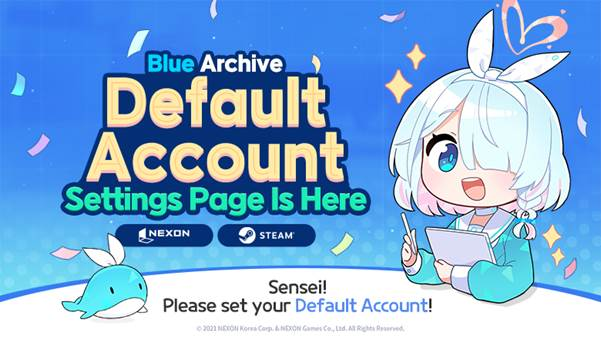
Sensei, the Blue Archive Default Account Settings Page is now open!
From the webpage below, you can easily select which game data to play between your Nexon account and Steam account.
[]
🔹 How to Set Your Main Account
STEP 1. Please go to the Main Account Settings webpage, after logging in with your Nexon account or platform account information.
STEP 2. From the list of linked game data, click the “Set” button for the platform you wish to designate as your main account.
* Please make sure to review the notes on the Default Account Settings Page before proceeding.
STEP 3. After completing the setup, re-login to the game. You’ll then be able to play using the designated defalut account across all platforms linked to your Nexon account.
For more details, please refer to the:
- [[url="https://bluearchive.nexon.com/user/platform"]Blue Archive Default Account Settings Page]
- [[url="https://steamcommunity.com/games/3557620/announcements/detail/541109583272218106?snr=2___"]Steam Client & Account Connection FAQ Collection[/url]]
❗ Notes ❗
∙ This title includes suggestive content and mature themes that may not be suitable for all age groups. Access may be limited based on the user's age.
∙ This notice may be subject to changes, updates, or deletion, so please check back regularly.