
New Features
Animations and Effects
Many new animations and particle effects have been added to the game.
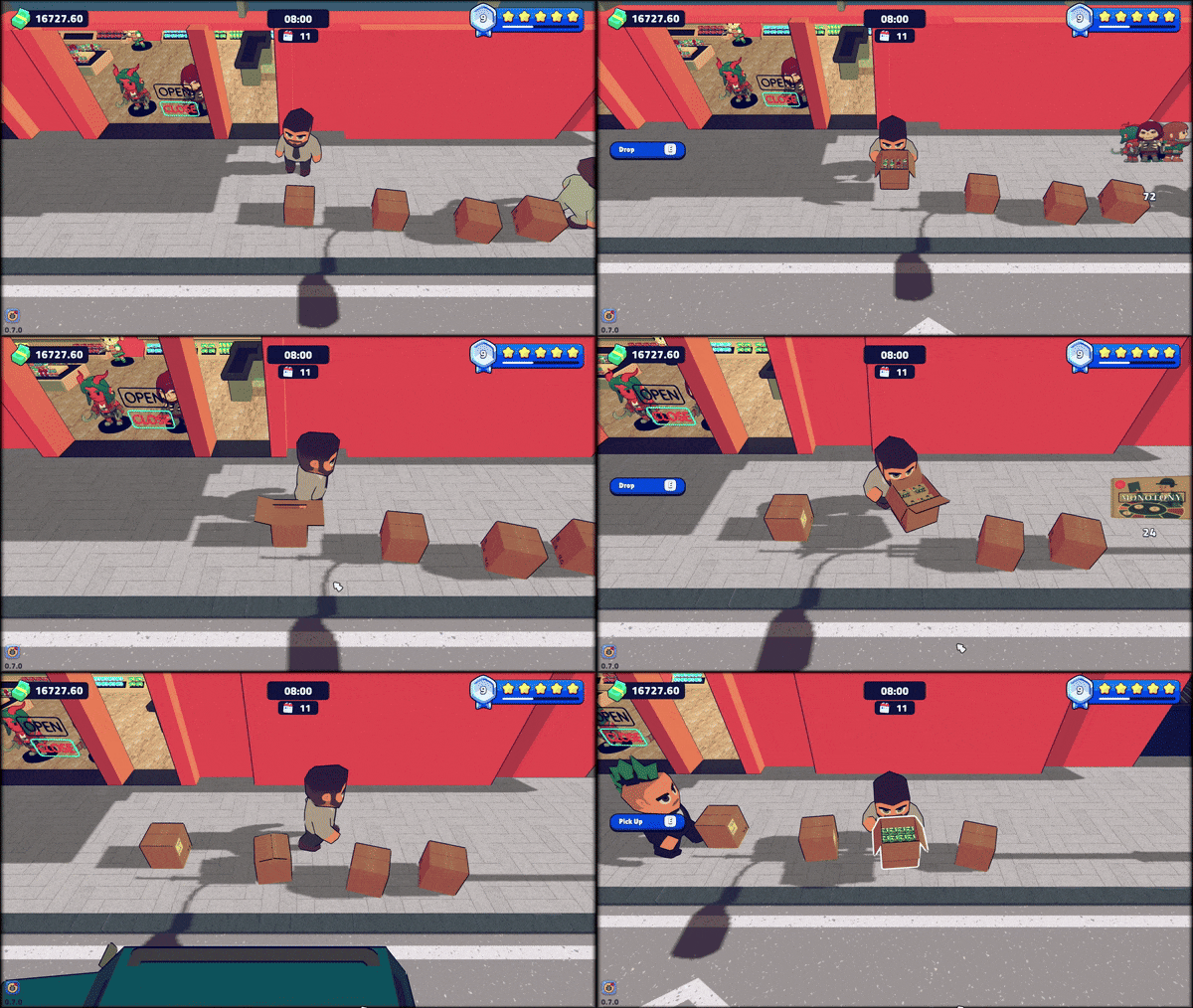
Boxes have new animated models that open/close and display what items are inside.
Notable Improvements
- Walls and floor saving has been slightly reworked to be more consistent. Players with save files from older versions will have to repurchase their customization options.
- Moved the pause and guide buttons to their own app in the phone.
- Updated item depositing sound effect.
- Added new shelf setting to show/hide item stand display.
- Added checkout visuals for when customers are ready to pay.
- Added more info when purchasing furniture, such as the decoration impact and description.
- Slightly boosted customer cash reserves early on.
- Rebalanced base cashier worker process cooldown to be more slightly slower, but increased perk effects.
- The card payment perk now also gives a small boost to the cashier worker checkout speed.
- Improved collisions on columns and glass walls to allow better furniture placement.
- Item icons are now shown next to the name in the cart recap screen.
Notable Bug Fixes
- Fixed an issue that would make it so purchasing a new wall type would not update walls that are transparent at that time.
- Removed Unity's console logging for non-development builds.
- Fixed an issue that caused the "Broom reserved" tooltip to be shown even when the player was not involved.
- Fixed an issue that would prevent the store tile expansion buttons from not resetting the graphic.
- Fixed an issue that would make cashier workers ignore their cooldown for processing customers.
- Fixed an issue that would make storage workers ignore furniture boxes if no warehouse slots were free.
- Fixed an issue preventing the box price from resetting when closing the phone with the "Add to Cart" panel open.
- Fixed the tutorial window covering too much of the cashier interface on wide resolutions.
//