
This update includes the following improvements:
Improved CRT filter (SCANLINE: ON)
Added analog-stage emulation for FM audio
Fixed controller button labels
Removal of the “Avoid Notch” Option (macOS)
Updated the rendering system
CRT Filter
In previous versions, enabling SCANLINE: ON could cause visual noise on some displays. This update improves the filter so that it renders correctly across all supported environments.
We have also added screen curvature and gloss effects modeled after a CRT display, creating an experience that more closely resembles a classic arcade screen.
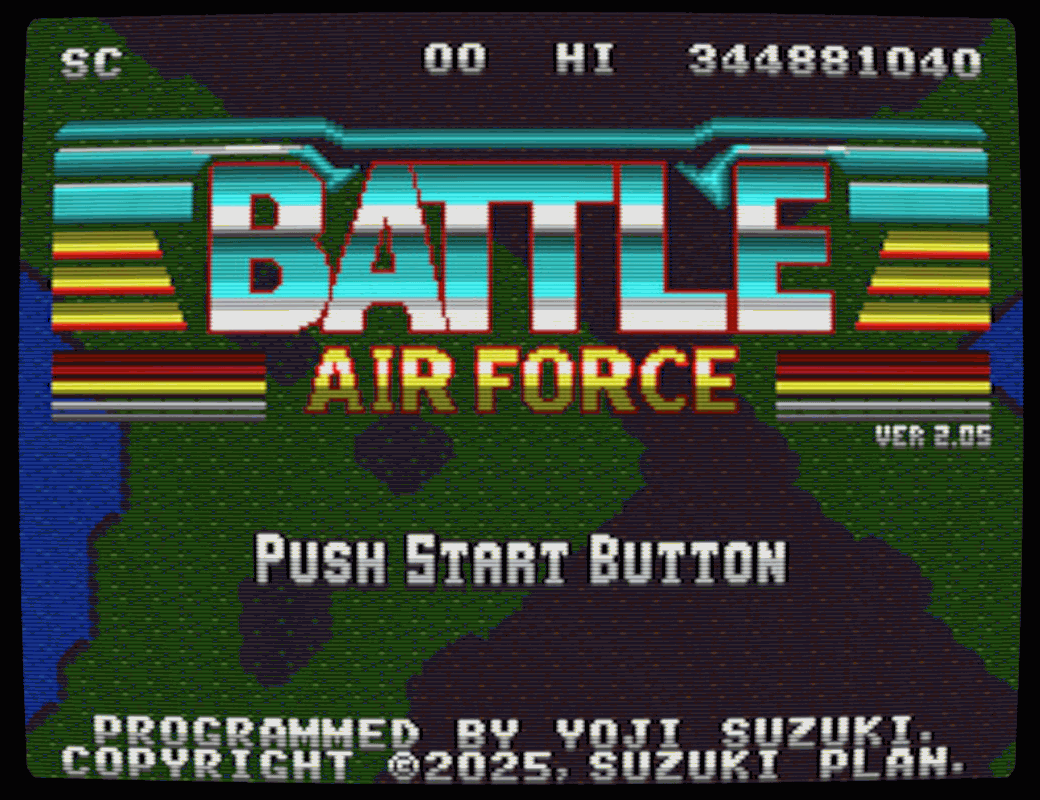 As a result of these improvements, SCANLINE: ON is now the default setting for new installations. When updating from an earlier version, your existing setting will be preserved. To try the new filter, select “SCANLINE: ON” under “CONFIG” on the title screen.
Analog-Stage Emulation for FM Audio
In previous versions, music played in FM audio (YM2612) mode used the digitally generated waveform directly.
This update also emulates the characteristics of the analog output stage, producing sound closer to real FM hardware. Compared with previous versions, harsh metallic tones have been reduced, resulting in a softer sound.
The analog characteristics are based on the analog section of the RE-YM2612.
This is not a complete reproduction of the amplifier circuitry, including the operational amplifiers used by the RE-YM2612.
Controller Button Labels
The “SHOT BUTTON” and “LASER BUTTON” prompts shown on the LEADERBOARD and ZAKO RUSH screens now display the appropriate button names for the connected controller.
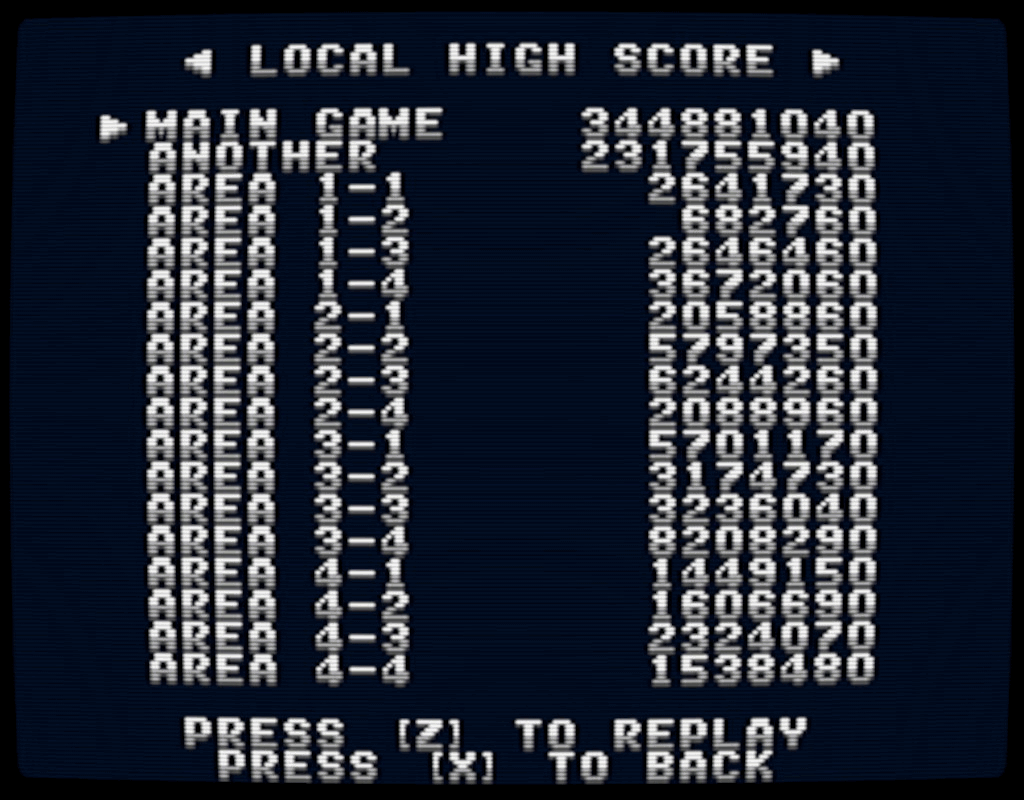
Controller Button Mapping:
Controller | SHOT (Confirm) | LASER (Cancel) |
|---|---|---|
Xbox / Steam Deck / Steam Controller | X | A |
DualShock / DualSense | Square | Cross |
Nintendo Switch Pro Controller | B | A |
Other (Keyboard) | Z | X |
Removal of the “Avoid Notch” Option (macOS)
Previously, we provided an option to prevent the game from being displayed behind the notch on MacBook displays. The game now calculates the safe area and automatically avoids the notch, so this option has been removed.
Rendering System Updates
The rendering systems for all supported operating systems have been substantially revised.
macOS / Linux
Previous versions used SDL2 for rendering. To support the shader-based CRT filter, this update introduces a custom rendering engine using Metal on macOS and Vulkan on Linux.
If Metal or Vulkan is unavailable, the game falls back to a custom OpenGL renderer.
Windows
The Windows version continues to use Direct3D (DirectX 9.0c), but its rendering method has been updated to support the pixel-shader-based CRT filter.
Instead of drawing directly to the back buffer, the game now scales a 240×192-pixel texture—the native VGS-Zero screen resolution. This is equivalent to the method used by the SDL2 version.
Steam client UI elements, including the overlay and achievement notifications, are drawn to the back buffer. The new method reduces rendering conflicts with the Steam UI, allowing elements such as achievement notifications to appear slightly sharper.
Additional Notes
The same rendering method is also used when the CRT filter is disabled with SCANLINE: OFF, although the shader operates differently.