
We conducted QA tests and source code analysis on Just a Little Purrsuit, and found some adjustments that will positively impact our players.
In addition to internal testing, we also used various public media from users, including comments, YouTube videos, and other platforms.
ART
Card Selection:
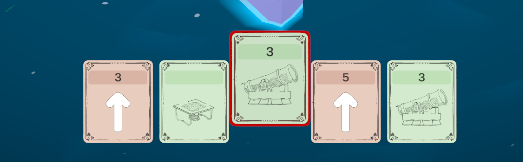
Currently, when selecting a card, it only moves upward. What we thought would be clear visual feedback turned out to be inefficient for players to identify which card is selected.
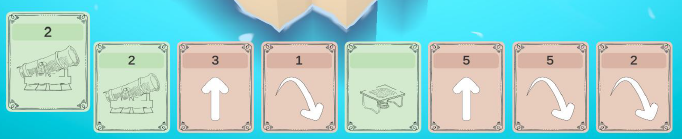
We will add an outline to the selected card to visually reinforce the selection.
Visual and Sound Feedback:
At the moment, the portal does not provide clear enough visual feedback to indicate the correct entry side.
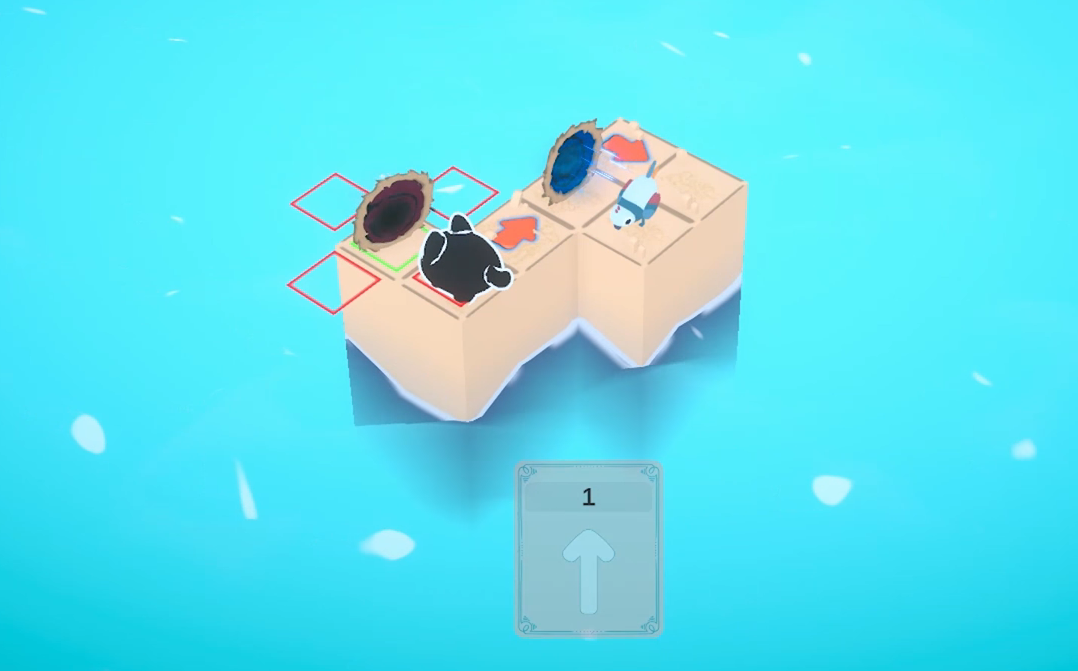
We will add a more neutral image to improve visual clarity and include sound effects to enhance the player experience.
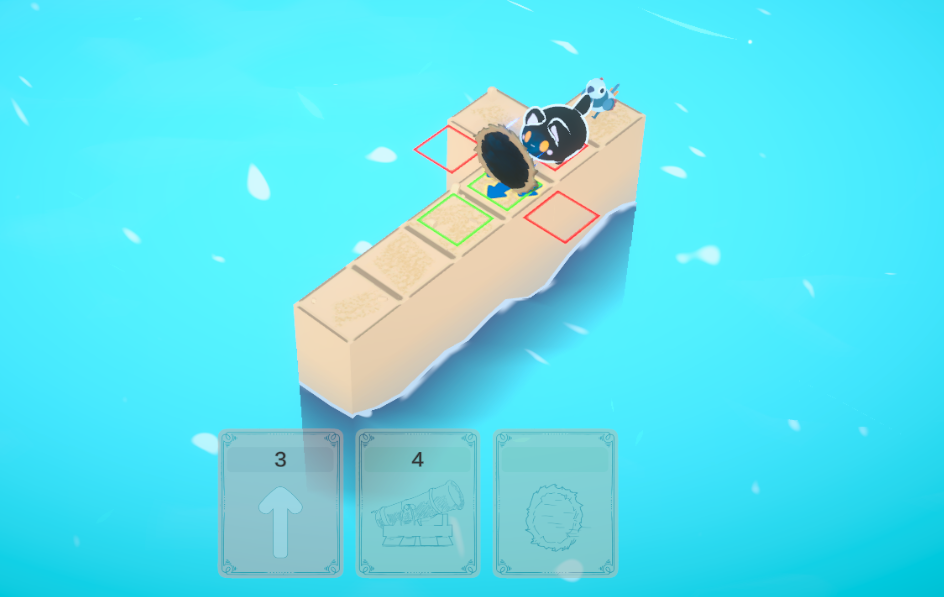
Input Art (UI):
Currently, the UI does not display clear indications of which inputs the player should use to perform actions—whether on controller or keyboard and mouse.
During development, we participated in the Steam Next Festival. Through our demo, we believed gameplay was intuitive. However, it is essential to have these commands clearly visible in the interface to guide players on which button to press in each situation.
GAMEPLAY
Card Selection:
Currently, card selection using the controller is done with the Y button, requiring the player to cycle through the entire sequence if they skip a desired option.
To provide more efficient and intuitive navigation, we’ll use the LB and RB buttons for this function. This allows for quicker and more direct card selection, improving the controller experience.
We also want to introduce better quality-of-life features, such as improving the Undo function (to undo the last action), aiming for smoother gameplay and reduced frustration..
We’re always open to feedback! Feel free to leave a comment on our Community Hub, follow our official social media, and check out our developer page.