
Brand New Crosshair Editor Live Now: Unleash Your Ultimate Creativity!
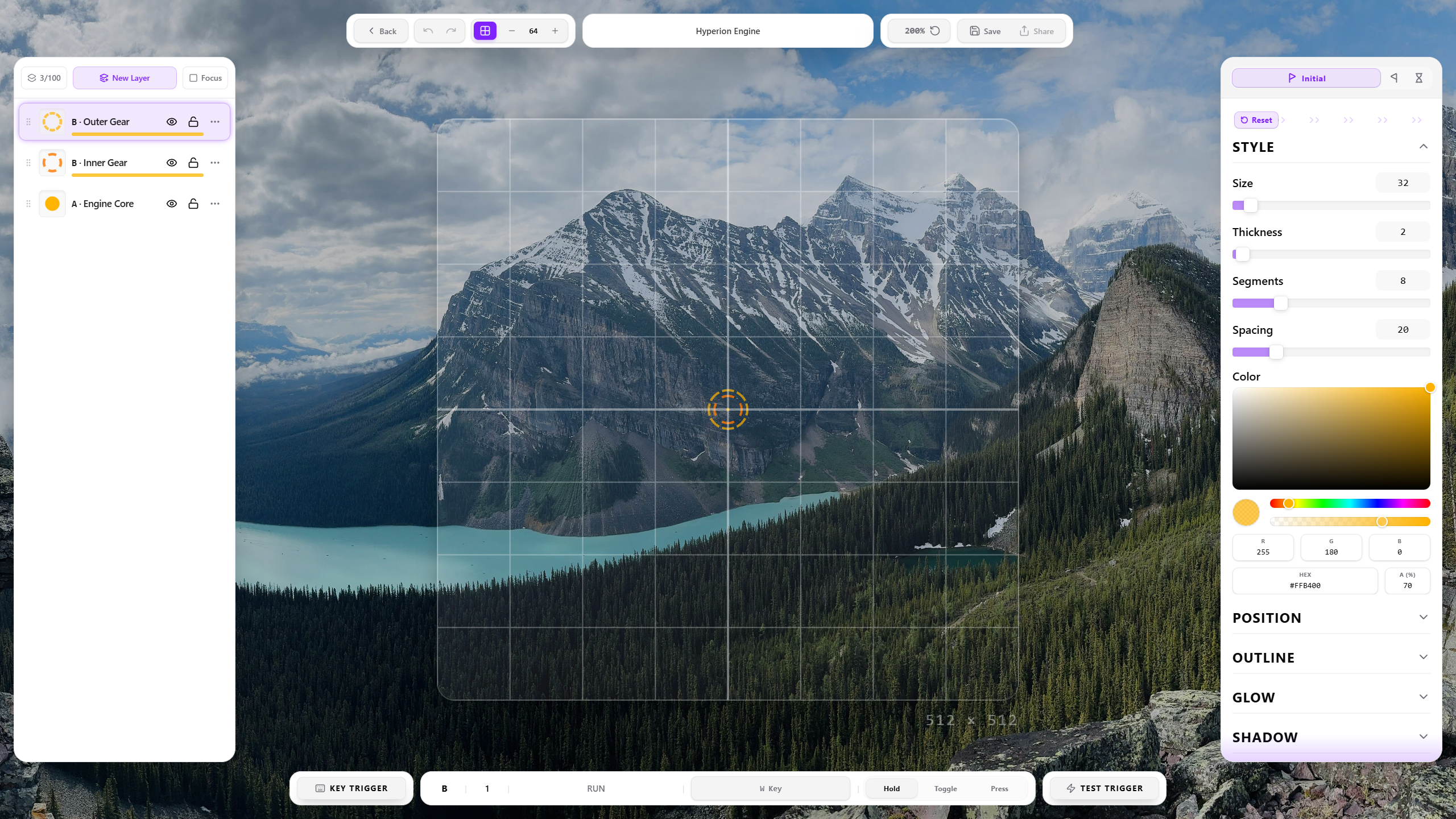
You can now deeply customize every aspect of your crosshair's appearance using preset shapes and configure rich, fluid animation effects to forge an aiming experience that is uniquely yours.
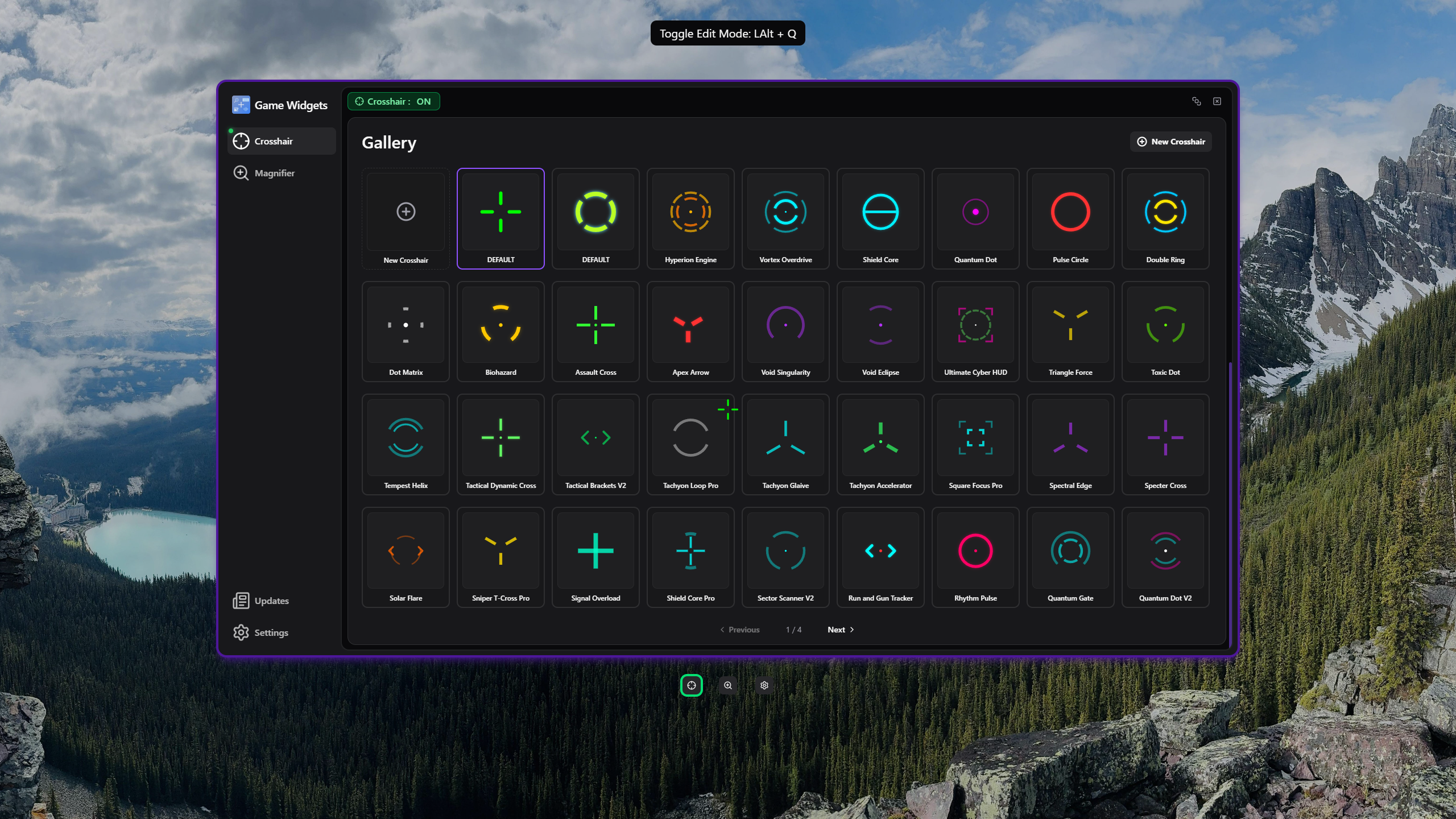
Regarding Legacy Crosshair Image Migration:
Custom crosshair images imported in the previous version are securely saved in your local directory: Game Widgets\\UserData\\Your Steam ID\\ImportedCrosshair
You can re-import them using the new editor's "Image Import" feature and empower these assets with brand-new animation trigger logics.
Steam Workshop (Coming Soon):
A dedicated Steam Workshop for crosshairs is already on our development roadmap. In the near future, you will be able to subscribe to, share, and experience creative crosshairs crafted by the community with just a single click. Stay tuned!
Pro Editing Tips:
During the editing process, you can press Alt + Tab or Alt + Q (app default shortcut) at any time to quickly switch to your game or desktop. When you switch back, the Crosshair Editor will remain exactly as you left it without closing, delivering a seamless, fluid debugging workflow just like the Magnifier Editor.