🛠️ Steam Build v0.2.0 Updates
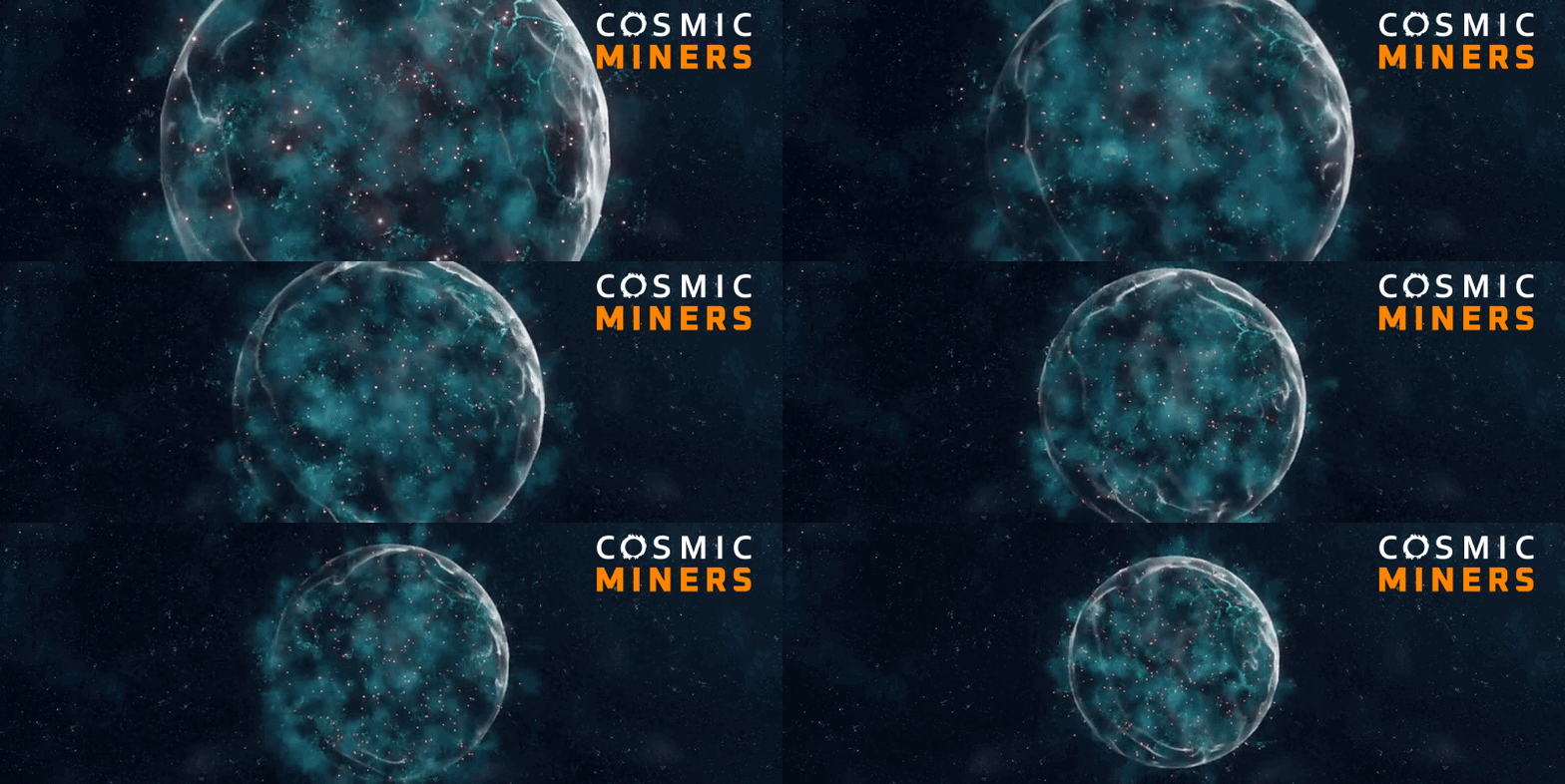
New Space Object: Anomaly
Introduced a mysterious anomaly object that draws attention from Technocrat forces and triggers unique gameplay moments
Mission Overlay System
The mission overlay now properly displays and hides active mission locations, improving navigation and overall mission clarity
Mine Action Fix
The mining action has been fixed to ensure it works correctly when executed, allowing players to collect resources as intended
Analyze Action Update
Analyze now functions within anomaly missions and includes a distance check to ensure valid targeting before activation
Mission Intel Scaling
Completing missions now increases intel points accordingly, enhancing the strategic layer of mission progression
Medkit Purchase System
A new system tracks both current and maximum medkit quantities during gameplay, adding inventory management depth
BP_Anomaly Niagara Integration
Anomalies now use Niagara effects, with spawn rates that can be adjusted to better balance difficulty and pacing
New Keyboard Shortcuts
Additional keyboard shortcuts have been added for key actions, providing faster and more responsive control options
Anomaly Sound Effects
Unique sound effects have been implemented when interacting with anomalies to enhance audio feedback and immersion
Anomaly Damage Trigger
Anomalies will now cause damage to nearby players if approached too closely, adding risk to exploration encounters
Overlay Action Click Sound
Click sounds are now played when interacting with actions via the overlay interface to improve UI responsiveness
Mine Action Click Sound
A click sound is triggered when the mine action is activated, giving players immediate feedback on input
Analyze Action Click Sound
The analyze action now includes a click sound when started to confirm player input audibly
Analyze Hit Sound (Minable Only)
A specific sound is now played when a minable object is successfully hit with the analyze action
Overlay Bug – Does Not Close Without Mission
Fixed an issue where the mission overlay would remain visible even when no mission was currently active
Overlay Bug – Actions Not Triggering Simultaneously
Resolved a bug preventing multiple overlay actions from opening at the same time as intended
Overlay Bug – Does Not Disappear After Mission Ends
The overlay will now correctly disappear once a mission is completed or cancelled
Analyze UI Color Feedback
Minable objects are now highlighted with green or red indicators in the UI for easier visual identification
Spawn System Update
Spawning pads have been removed and replaced with a new world-based spawn system for more dynamic gameplay
WP_Module Button Sound Feedback
A new pressed sound effect has been added to WP_Module buttons to confirm user interactions through audio
New Command Action: Ore Analysis
A new command allows harvester ships to scan and analyze ore deposits, expanding exploration gameplay
Updated Station VFXs
Visual effects for space stations have been improved for a more polished and immersive experience
🤖 AI Updates 🤖
Friendly Ship Damage Fix
Fixed an issue where the player’s ship was not dealing damage to enemy targets during combat
NPC Ally Optimization
Friendly NPC ships now have object detection disabled to improve performance and reduce unnecessary calculations
Smooth Rotation Improvements
AI ship movement now features smoother rotation transitions for more realistic and fluid motion
Firing Arc Adjustment
AI ships can now shoot with a 45-degree angle of correction, allowing for wider and more forgiving firing arcs
Patrol Logic Update
If an AI entity moves too far from its next patrol point, it will now return to its path to maintain patrol integrity
DevTools Enemy Speed Settings
Enemy speed can now be adjusted through DevTools with min and max value settings for easier balance testing
Want more updates?
🔖 Add the game to your Wishlist and get notified about all the latest news and updates!
🚀 Get a chance to participate in the Closed Beta by joining our Discord