
Hello again!
The monsters of What Hides in Dreams have received much needed improvements! When alerted, they now focus on the area in which the alert occurred. They've also received general improvements to their pathfinding ability, and have now been instructed to put a little more respect towards players actively hiding from them (however, this is not to say they will never check hiding places...)
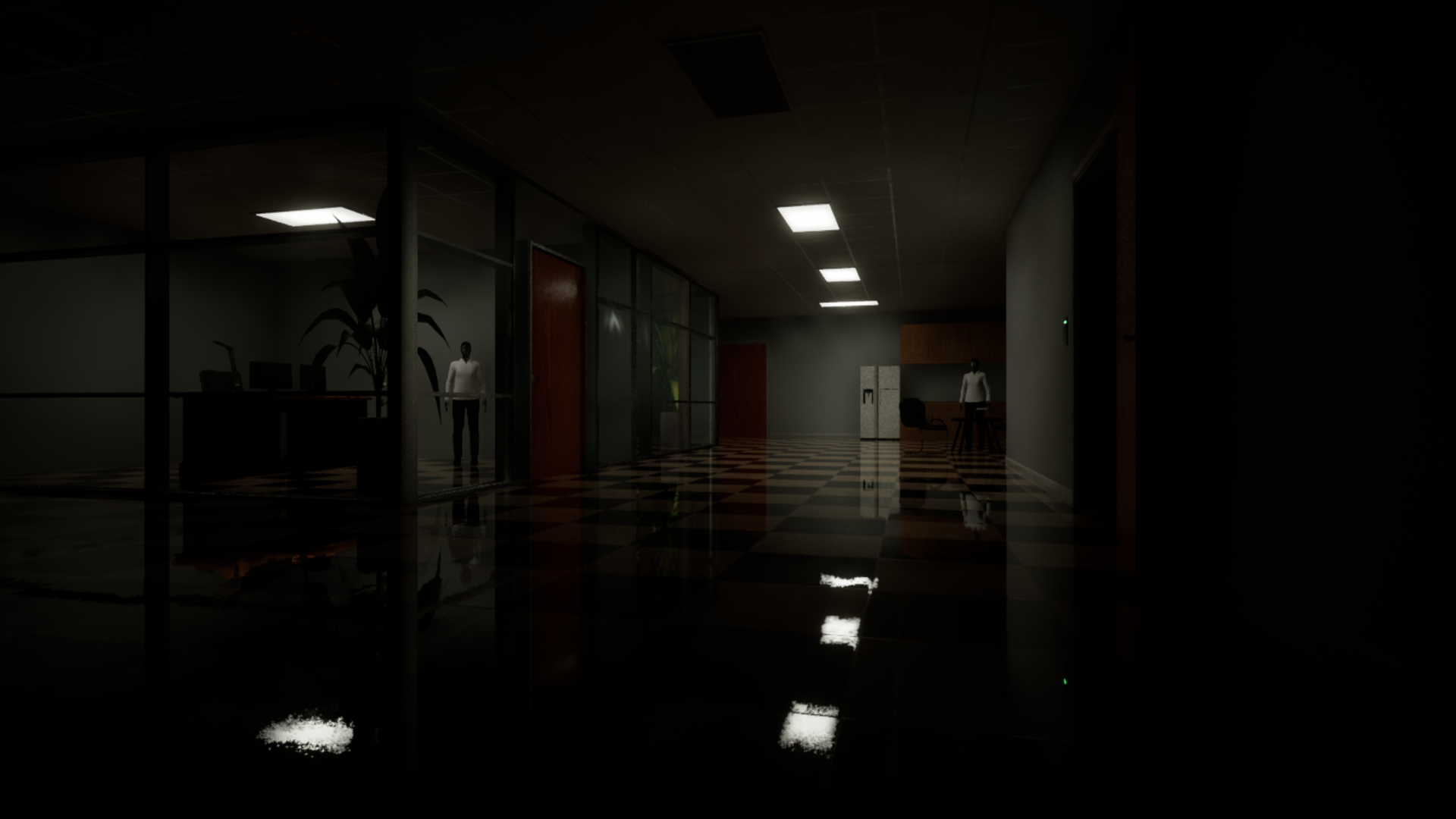
The full list of changes are as follows:
Monster patrolling and pathfinding improvements.
Improved the effectiveness of hiding places.
Tutorial - Visual fixes for paintings/photos
Tutorial - Can now turn off TV.
Old House - Monitor in basement can now only be interacted with once.
Old House - Fixed issue where, after reloading your game while in the final hallway, the monster would respawn despite the level already being complete.
Office - Added story note.
Office - Removed interactable locker doors on floor 2 near entrance to Processing Area due to monster's curious obsession with them.
Office - Fixed bug where escape outcome could occasionally not be registered.
Office - Floor 1 video now affected by dialogue volume settings.
Museum - Added hiding places.
Museum - Fixed issue with player being able to evade monster when running down the escape hall without first solving the final fuse box puzzle.
Museum - Fixed issue of hanging statue room's lights being off when reloading save game after unlocking the room.
Museum - Fixed issue of thought comments still triggering after player recently detected by Eye.
Museum - Performance improvements, specifically in the first part of the level.
NOTICE: Due to the way the Museum level's performance improvements were achieved, I have required players to start a new save file to avoid issues of being stuck inside the Museum (or the void...). Very sorry about this, but I am confident that this is the last time a new save file will be required. Thank for your understanding.
You can verify that the demo has been updated by looking for text on the main menu that shows "vD_1.0.3", located in the bottom left corner of the screen.
As always, feel free to use the feedback forum on the game's Discussions to point out additional problems you encounter.
Happy gaming!