
With Determined Move command, unit will move to the specified location and will not engage enemy units on its way, even when attacked. If this command is received while the unit is fighting, it will disengage and move immediately.
When the unit arrives, it will execute the next command in its queue, or go to Idle state if there are no further commands. From the Idle state, it will respond to enemies in range.
Note: After combat completes from Idle state, unit does not return to position where it started idling. This feature is implemented and is currently turned off. The reason is: sometimes units move correctly but unexpectedly for the player after combat. For example, if a player mis-clicks terrain instead of enemy unit, commanded units will arrive and respond to encounter from Idle, and then return to position. This makes it seem like units moved arbitrarily after combat. We will reconsider this feature again later if we can find some clever way to filter out the unwanted cases.
Determined Move is the default command (click RMB on terrain).
Note: All GIFs are limited to 5MB in size. Clarity varies by length.
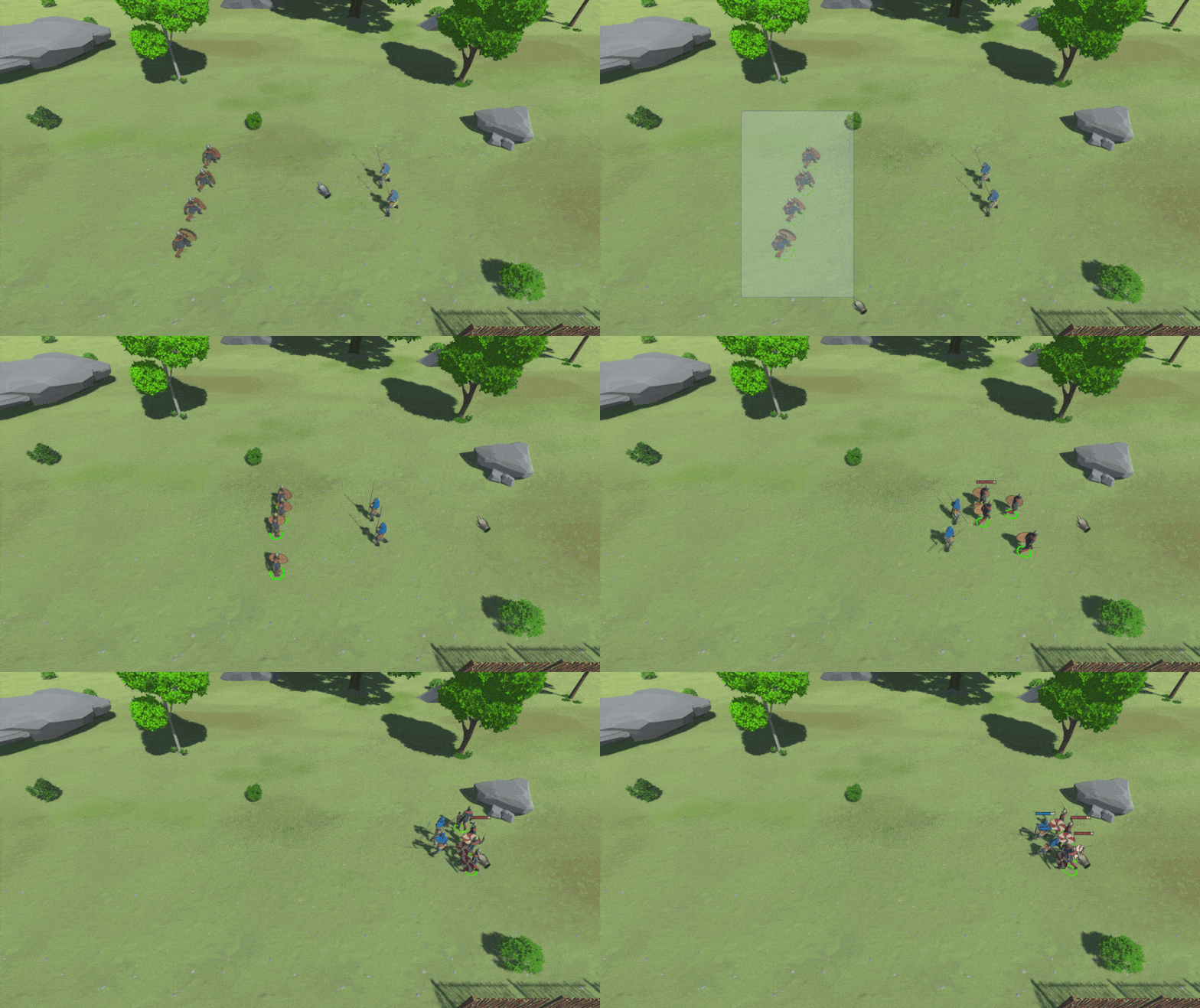
Commands are enqueued by holding Shift at the time when the command is issued. Any kind of command may be enqueued. Here is an example of enqueuing movement commands.
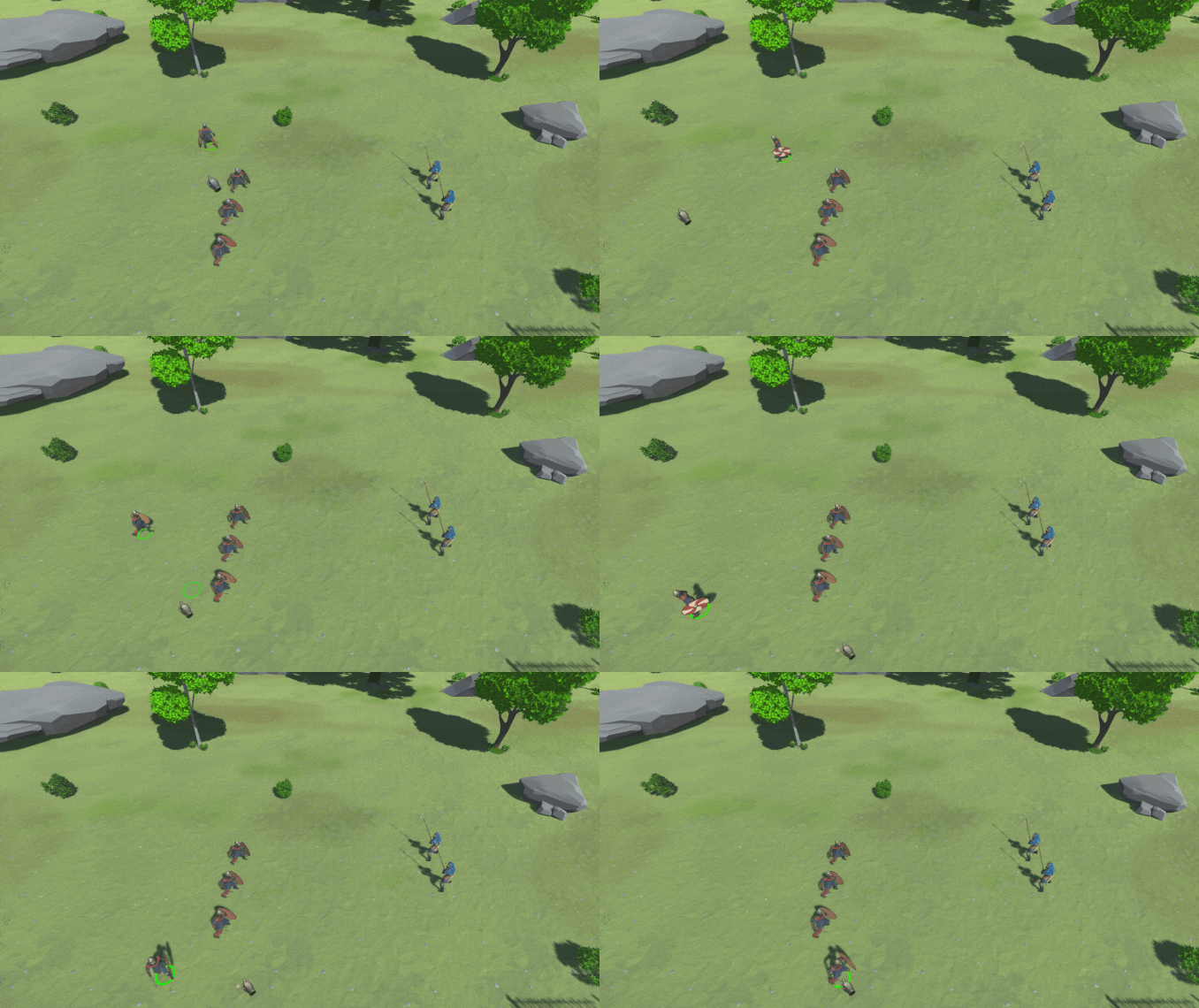
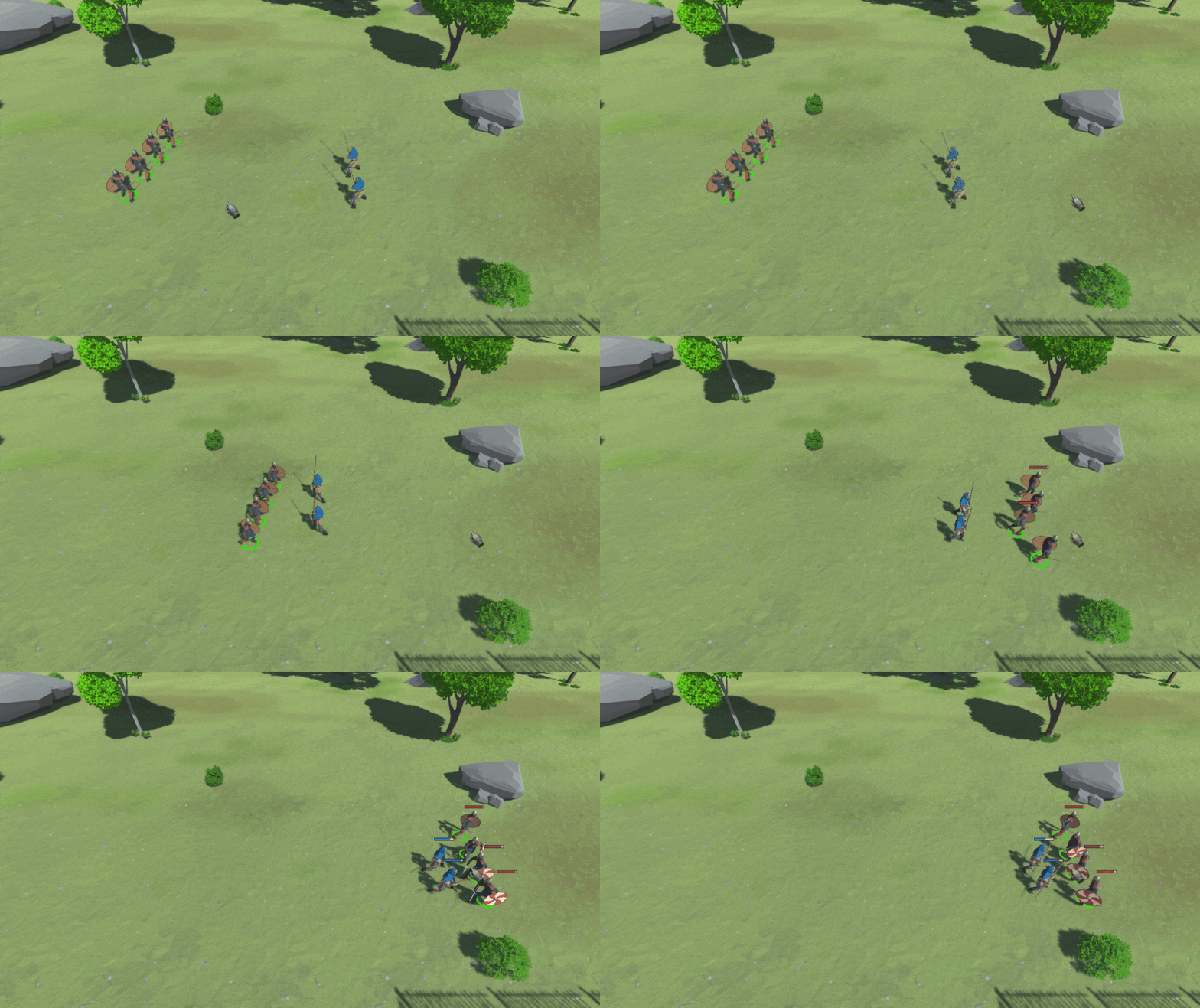
With Attack Move command, unit will move to the desired location, and will engage enemy units along its way. If another Attack Move command is given while in this state, it will only change destination - it will not disengage chasing or fighting.
When enemies are encountered along the way, unit enters Attack Response mode. This mode is active as long as there are enemy units in range. After the combat encounter is finished, unit will continue towards its original destination.
Besides the keyboard shortcut (e.g. 'A', then LMB on destination), Attack Move is activated by Ctrl + RMB on terrain. This may make it more convenient to use this command for beginners.
We have experimented with different modifications of classic commands and couldn't improve the situation over the current state of the art. For example, we tried making Attack Move the default (RMB on terrain). This conclusively doesn't work, as it messes up normal scenarios such as retreating (units cannot escape combat via Attack Move). We anticipate many players would complain that "units don't do what they are told to do", as in that case Ctrl+RMB would be required to retreat.
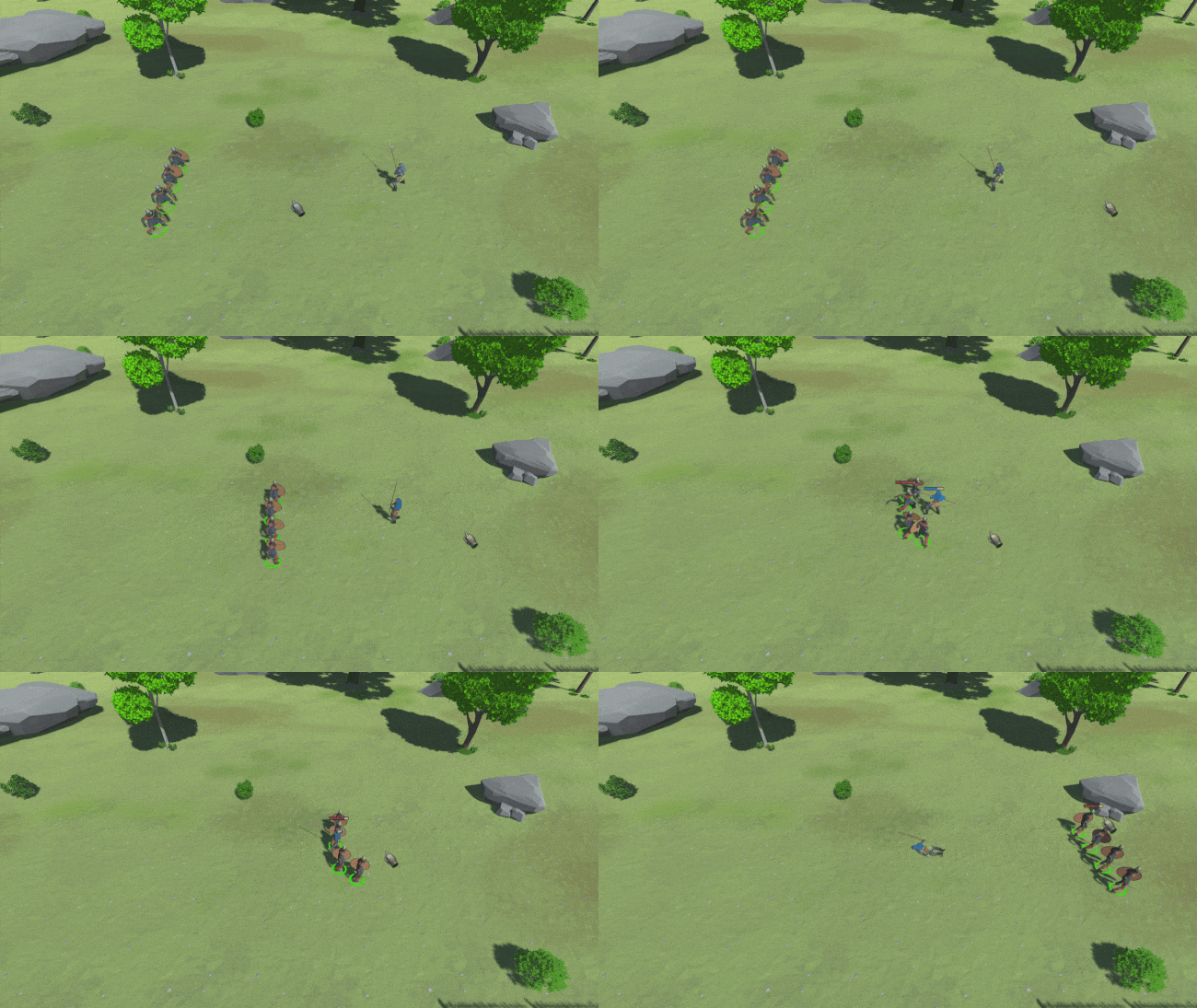
With Focus Attack command, unit will move to and attack the specified enemy unit. With melee units, it will still attack another unit if it gets within its close radius. However, it will prefer the specified enemy unit as long as there are no other enemy units within its close radius. With ranged units, it will attack either the specified unit, or any units of the same type within that unit's radius. This prevents "overkill" situations when ranged units attack groups of units. If the target unit tries to flee, commanded unit will chase it regardless of distance moved.
Focus Attack is quickly invoked by pressing RMB on enemy unit.
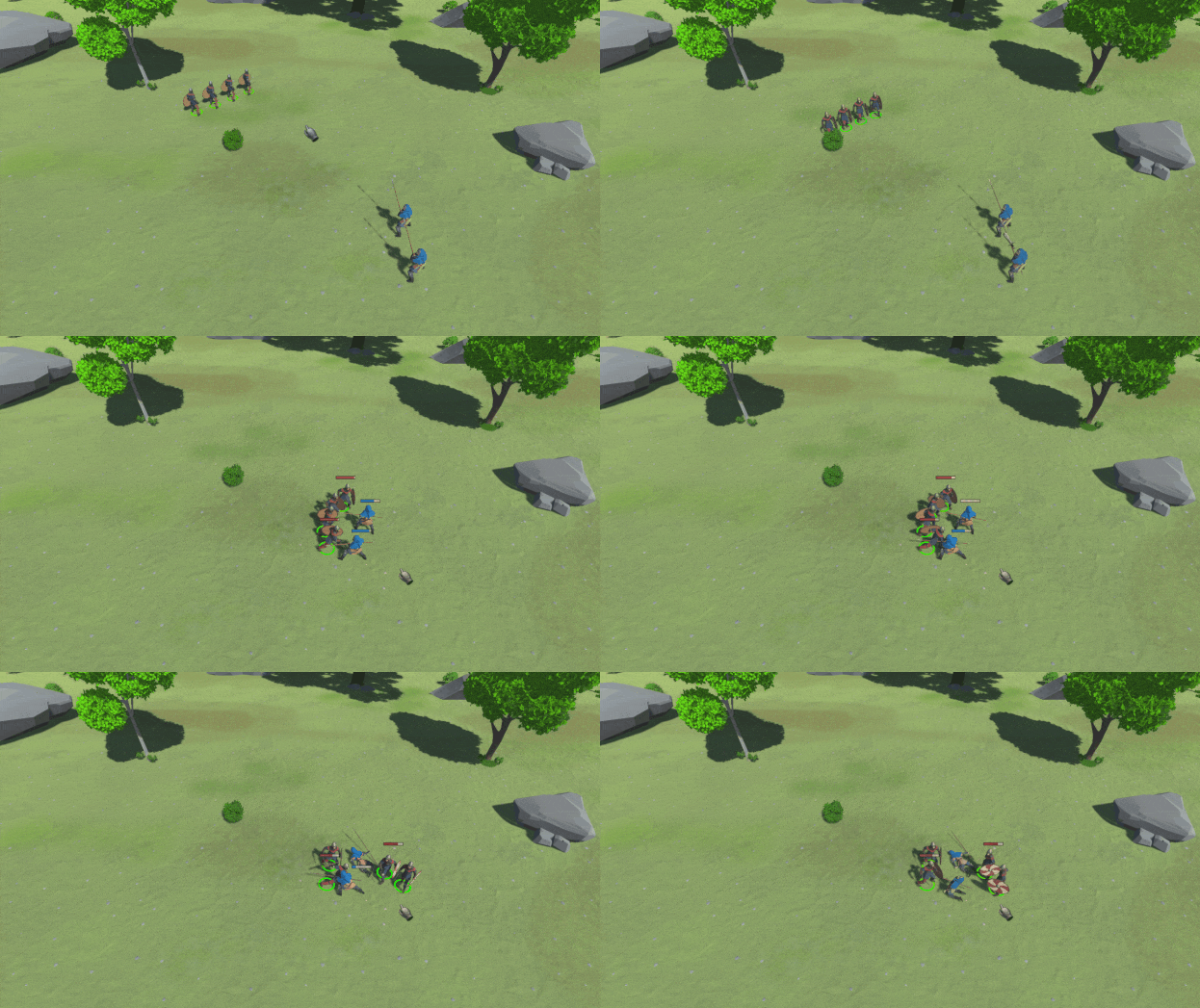
With Hold Position command, unit will first move to the specified location, while ignoring enemy units along the way. Then, it will stay in that location, and will attack enemy units only if they get into attack range. When in this state, a unit will not be pushable by any unit, and it may rotate freely.
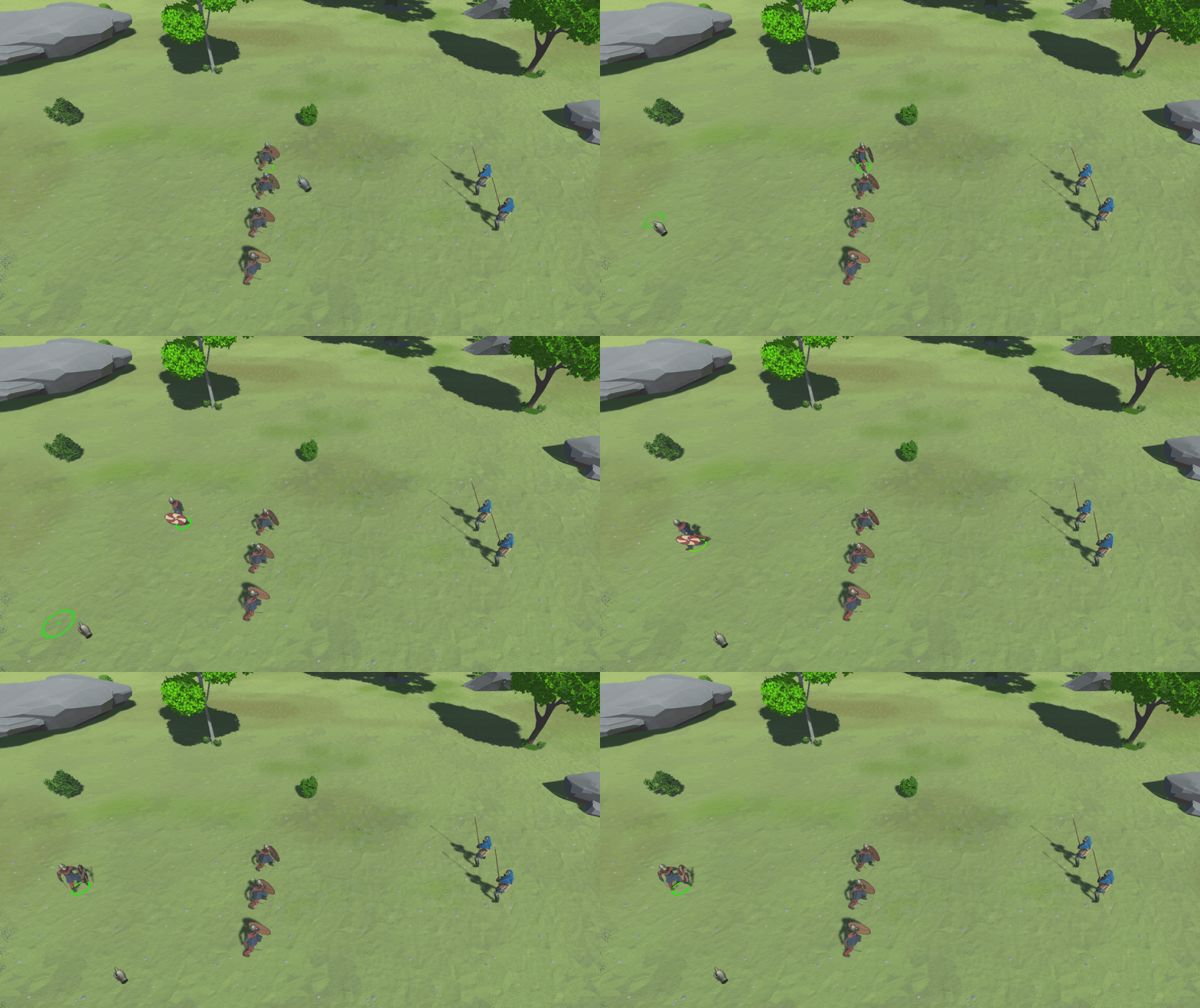
With Stop command, unit will clear its present command queue and return to its Idle state.
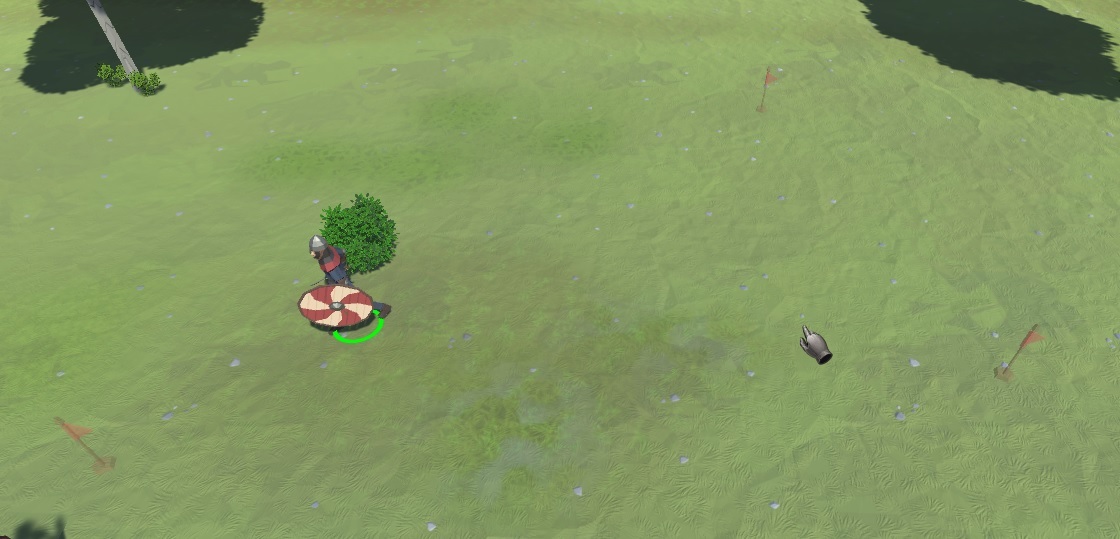
With Patrol command, unit will move between a set of waypoints, and engage any enemies along the way. After the encounter is finished, it will return to patrolling.
Each unit in Patrolling state shows its patrolling waypoint via a transparent flag. Patrol waypoints are enqueued by holding Shift, and the system recognizes all patrol waypoints are part of one command.
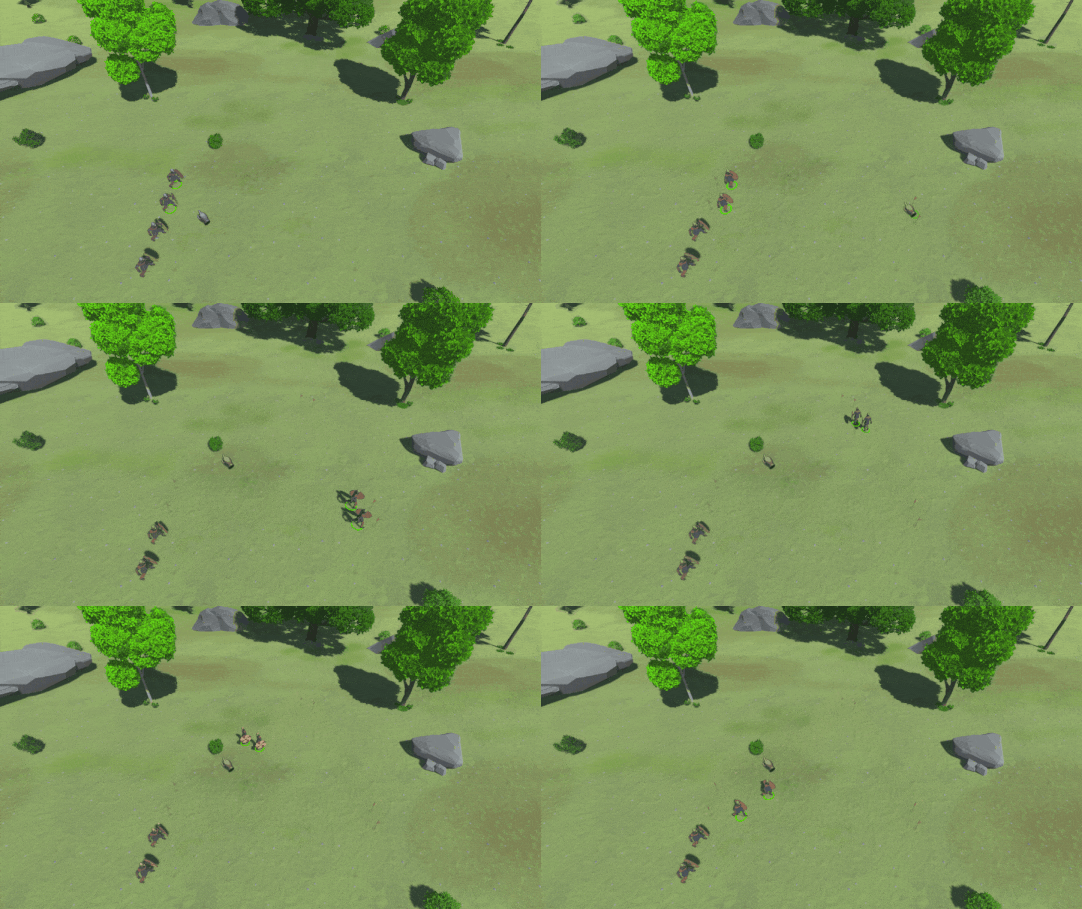
With Follow command, instructed unit will get close to the chosen friendly unit and follow it. It will attack any enemy units that get within its detection range. After the encounter is finished, it will return to following. A unit may not follow itself.
Following unit has a range of allowed distances in order to prevent follow flickering.
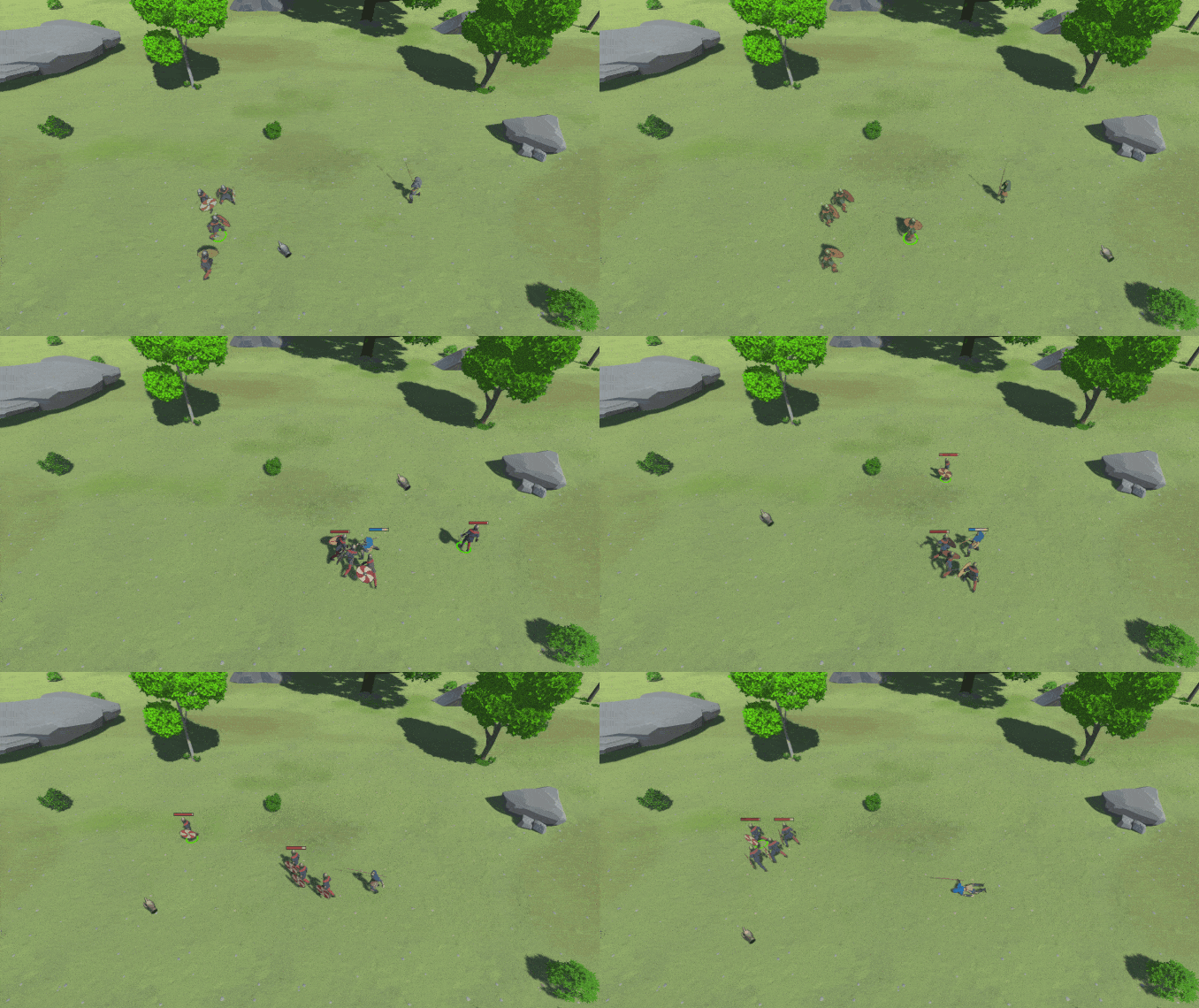
Destroy Unit command instantly kills all selected units.
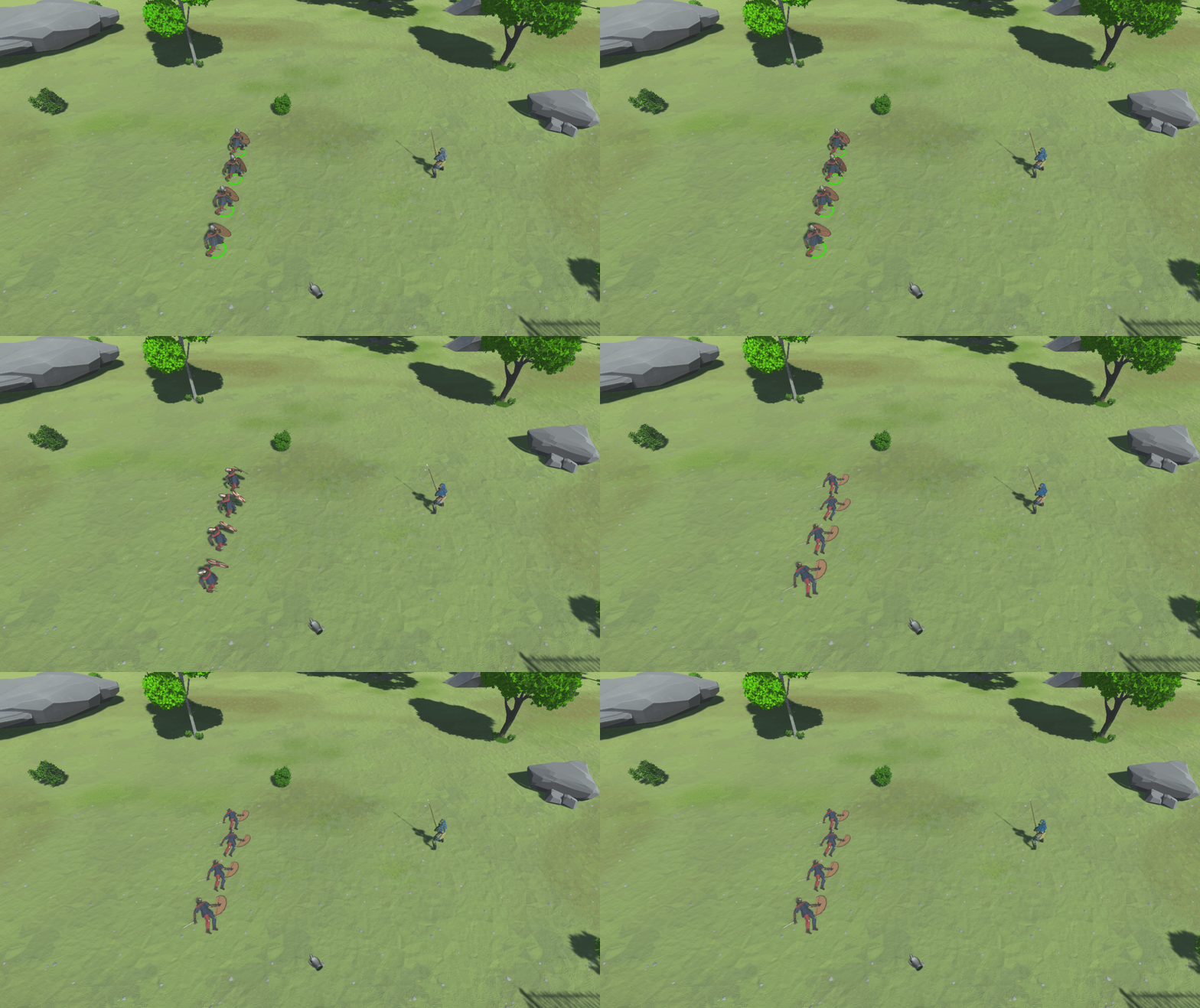
Advanced commands and additional unit features will be explained in the next instalment.
For now, please share this news on socials. Every little bit helps!