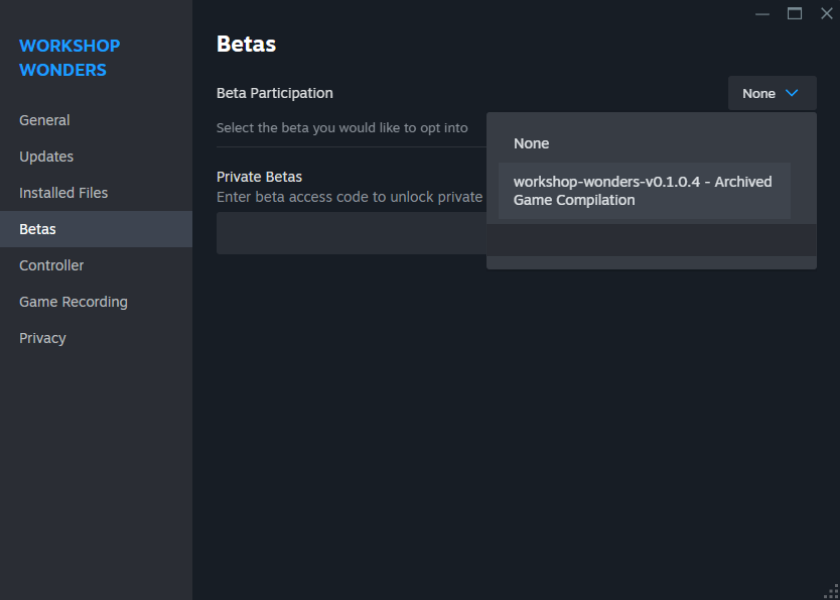
You can now access older versions of the game as part of our beta participation program. If you're unable to play the current version, you can switch back to a previous version by following these steps:
Steps to Access Old Versions:
- Go to Your Library.
- Locate Workshop Wonders in the list of games and right-click on it.
- Open the Betas Tab.
- From the menu that appears, click on Properties, and then navigate to the Betas tab.
- In the dropdown menu under "Beta Participation," select the version of the game you'd like to play.