
Hello everyone, welcome to the version update for 1.7.0 EA. Salt Player for Windows will continue to improve the user experience.
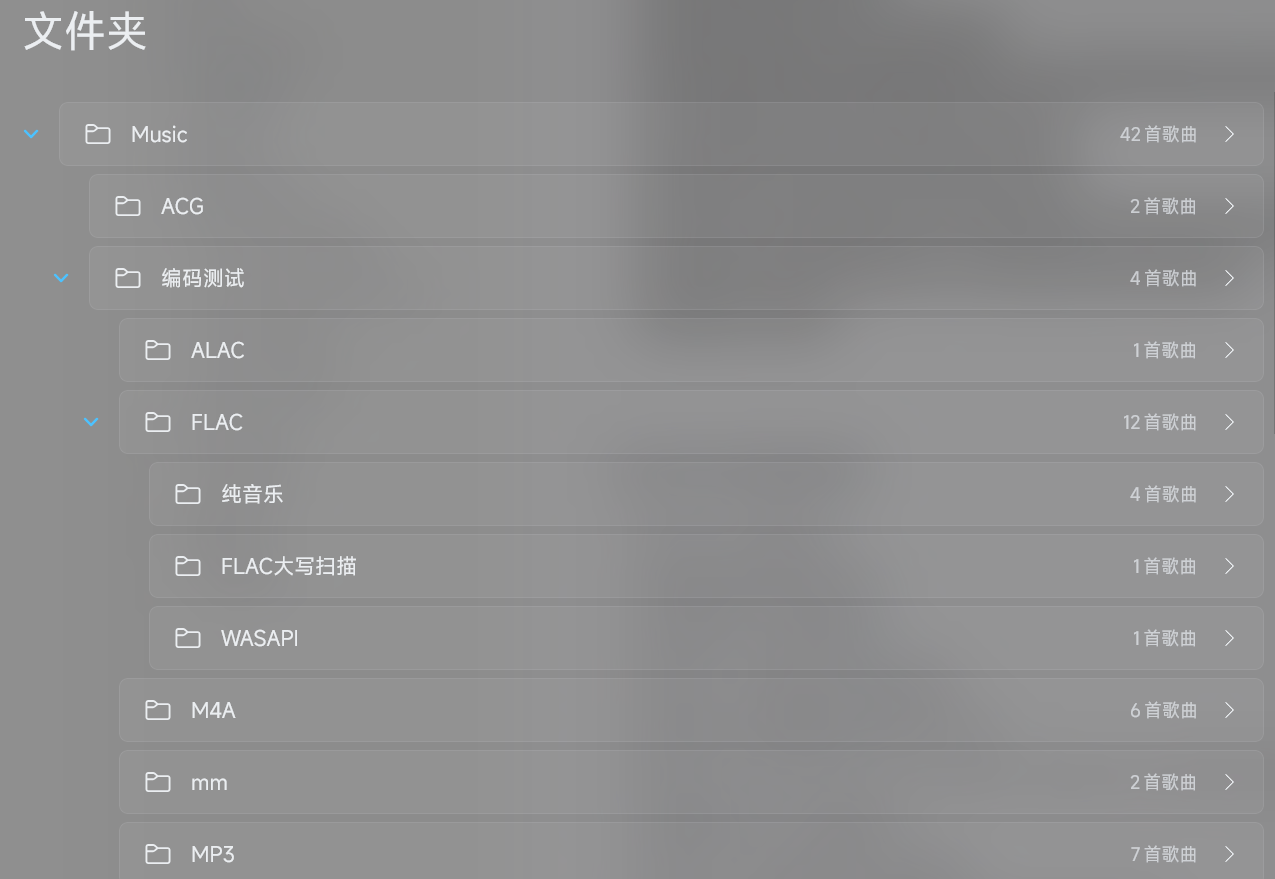
新增文件夹页面
Added a Folder page to the sidebar. Folders are displayed in a tree structure, and clicking on an option allows you to view the songs in that folder (excluding subfolders):
New Playlist and Songlist Drag-and-Drop Feature
Playlists now support dragging and dropping with the mouse to adjust the order of songs. Additionally, songlists in the sidebar can also be rearranged via drag-and-drop.
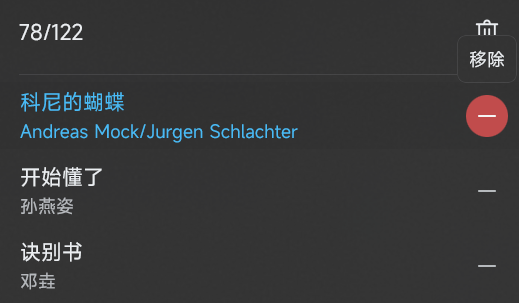
New Feature to Remove Individual Items from the Play Queue
You can now click the remove button on the right side of a song in the play queue to remove it from the queue. Combined with the playlist drag-and-drop feature, the play queue experience has been significantly enhanced.
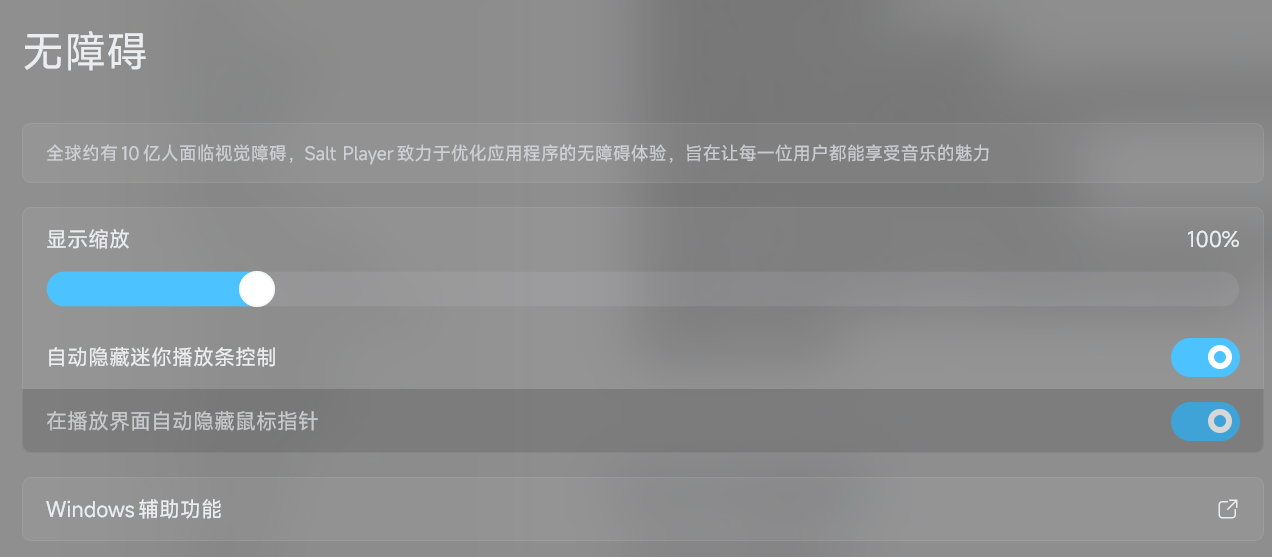
New Auto-Hide Mouse Pointer Feature in the Playback Screen
The mouse pointer will now automatically hide after remaining stationary for a short period in the playback interface. This feature is enabled by default and can be turned off in the accessibility settings.
Optimizations
Optimized the search and play function so that it no longer replaces the entire play queue
Fixes
Fixed an issue where desktop lyrics might display outside the screen
Fixed an issue where the song progress would show 00:00/00:00 when a song was loaded but not played
Fixed an issue where playback might freeze when automatically skipping to the next song due to slow buffering
Fixed other minor issues