
So, what's been going on?
Throughout July I've been working on a lot of different things. This has definitely been the most improvements I have made to the game so far, I'll try and list as many as I can with the largest improvements getting small dedicated sections.
Level Design
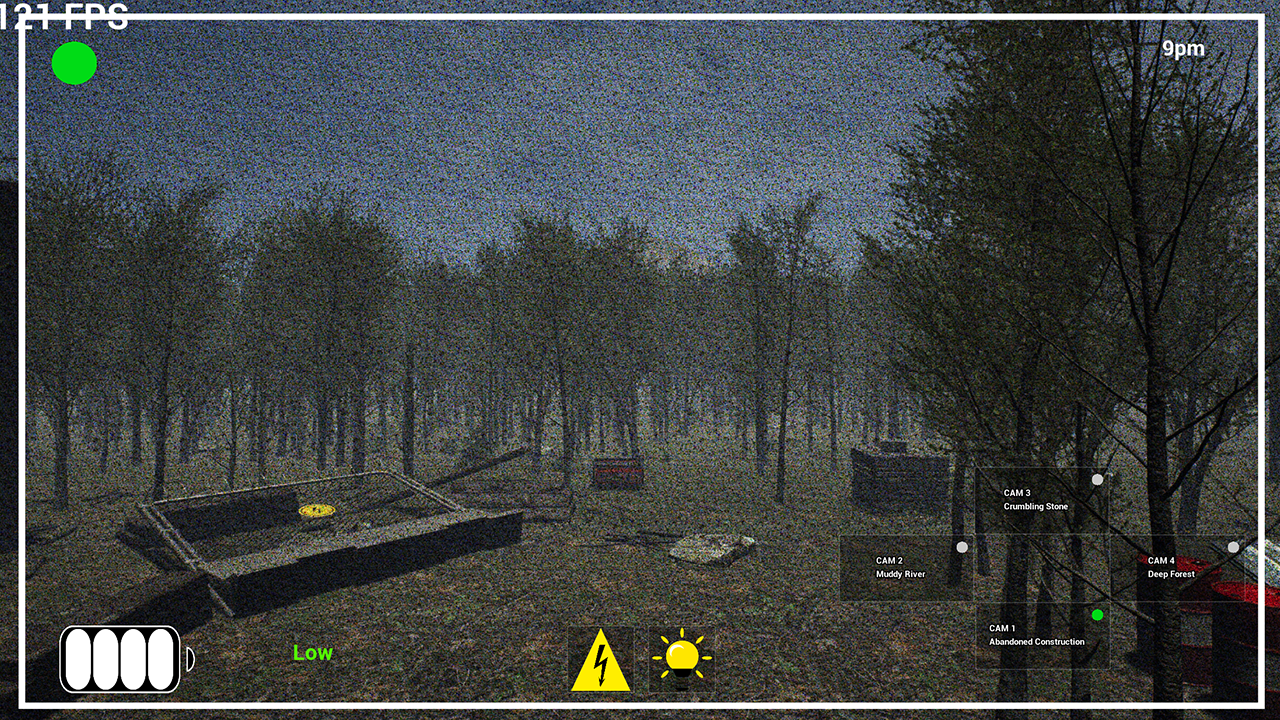
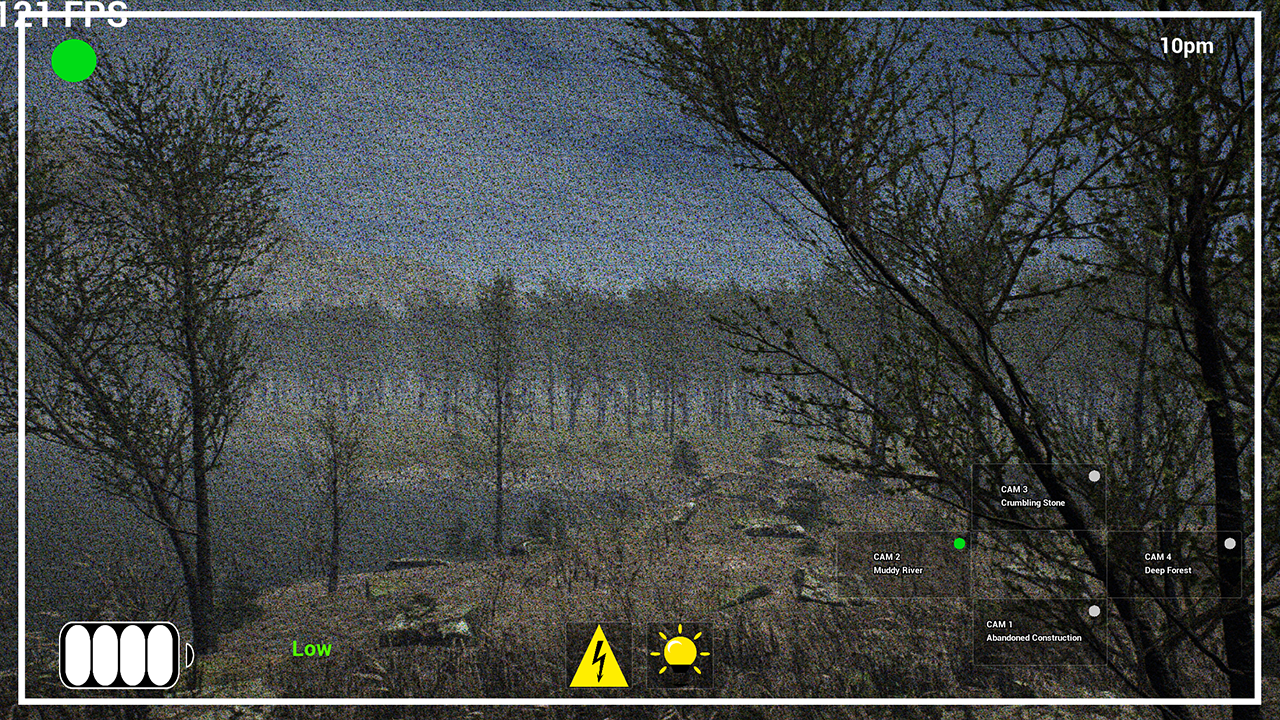
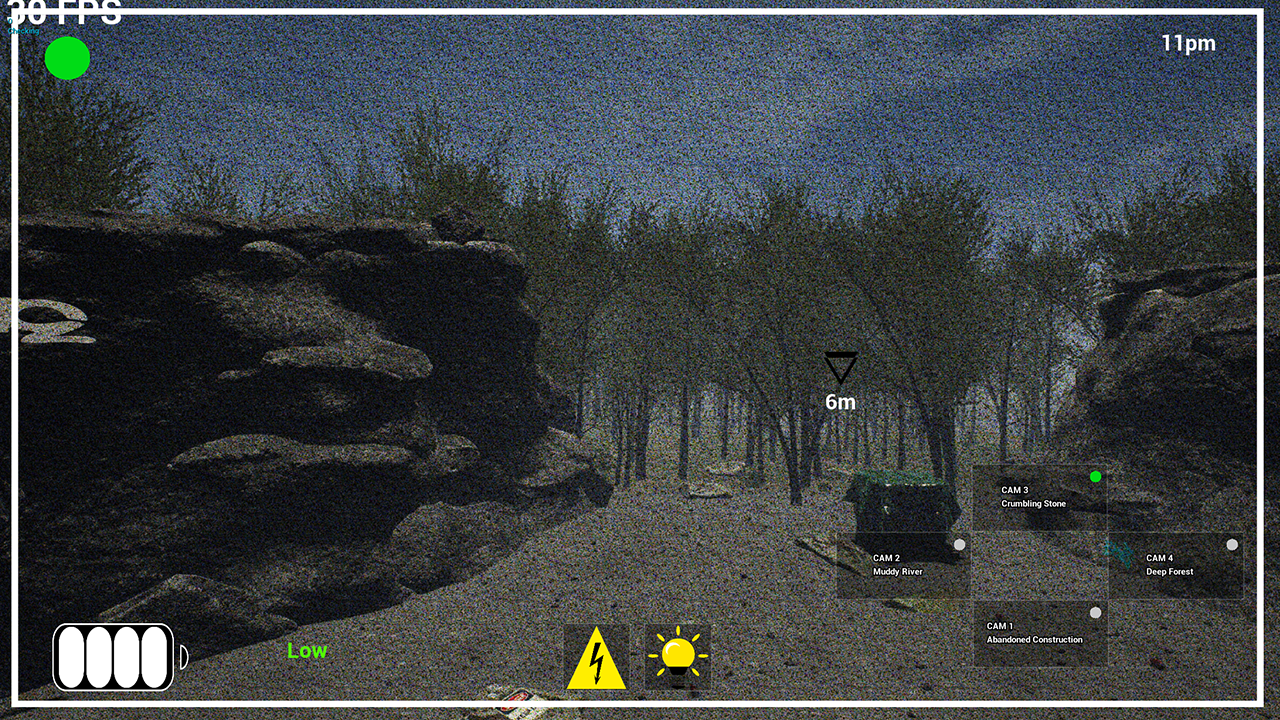
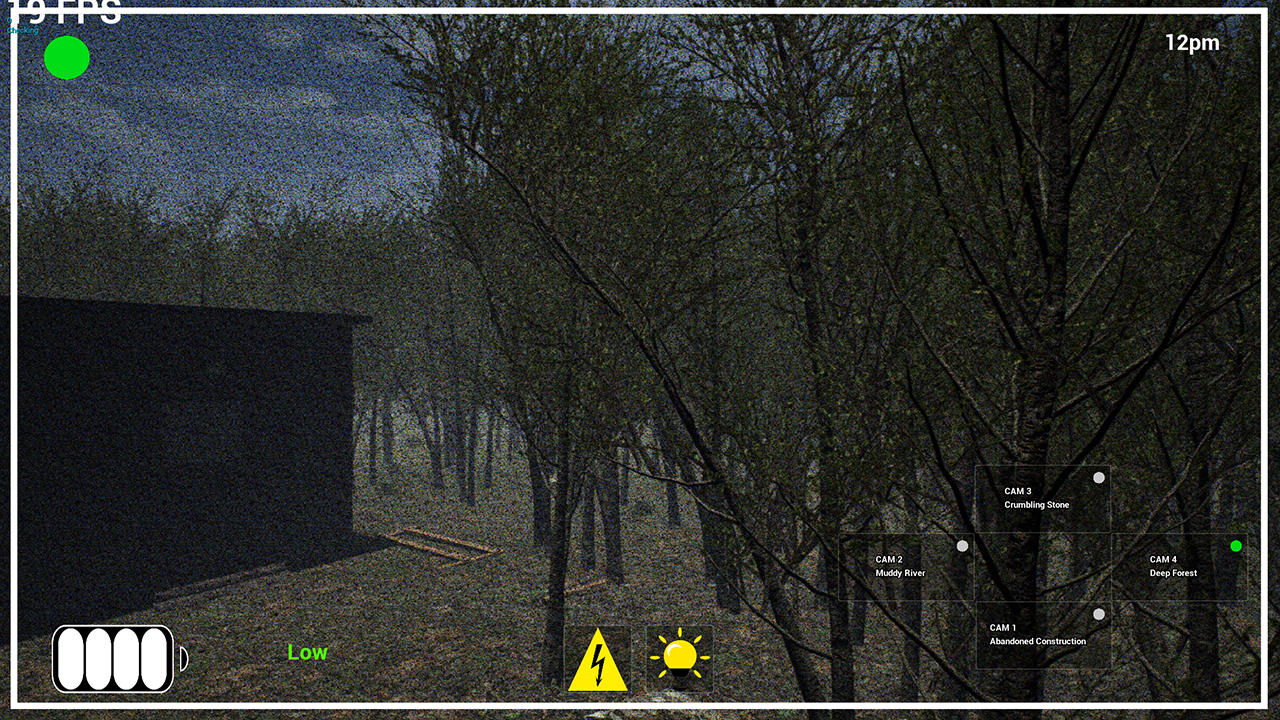
The cameras within the game have been changed from being "camera 1" to the named areas below.
- Abandoned Construction
- Muddy River
- Crumbling Stone
- Deep Forest
this will allow players to identify where the dinosaur is easier, as some of the areas will have sound cues to let the player know. E.g. Crumbling stone plays a "rocks falling" sound whenever the dinosaur is near it.
This also allows me to be more creative with each area and what it should look like. You can see the new versions of each area in the images below. (All of these images are taken during the day so that they are easily visible, but you will mainly see them during the night).
Abandoned Construction
Muddy River
Crumbling Stone
Deep Forest
Optimization
Something that I've been struggling with in creating the game is keeping it optimised so that it runs at a reasonable FPS. Well, I spent some time on it during July. The game would be inconsistent, sometimes running at an FPS that seemed super low for everything that the game is. Here's what I've changed to fix this:
- Removed the grass from the ground (this LITERALLY added 30fps as the grass was loading all at once and had its own small animations, I'll look into replacing it with something less destructive).
- Removed any unused assets, including cutting the map size down to be smaller (the playable area was not made smaller)
- Removed shadows from certain assets such as trees, I might add a way to turn these back on for people with high tier systems.
- The biggest thing was that I turned off Lumen and some other beta lighting from UE5. This added the largest FPS boost and honestly the game seems super smooth now.
Each level will be locked to 60fps to stop the game suffering from any fps spikes and drops.
Objective Markers
I found while playing the game that the player would probably get quite lost without being directly shown where to go for specific things. E.g. go find the red generator. Well each building has a red generator to power building. So I've made a tutorial of sorts on the first day level. This allows the player to experience a few mechanics before jumping into the rest of the game. The plan is to have it so that objectives are not always on the screen and that they only appear if its something urgent the player needs to do or something new that they haven't done before. Alternatively I can paint everything with yellow paint to scream "go here" lol. A short video showing off objectives and some new voice lines can be found below.
Red generator opens doors
From the video above you can see that at one point I pick up a gas cannister and use it on a red generator. This then opens the doors to the building (Operations building). This mechanic is to make sure the player cant just get into every building. Each level will have a certain amount of cannisters that you can find and you can use them on any of the buildings in any order. It also saves between levels, you open the operations building on level 1, when you go to level 2 it is already open.
Random chance of rain
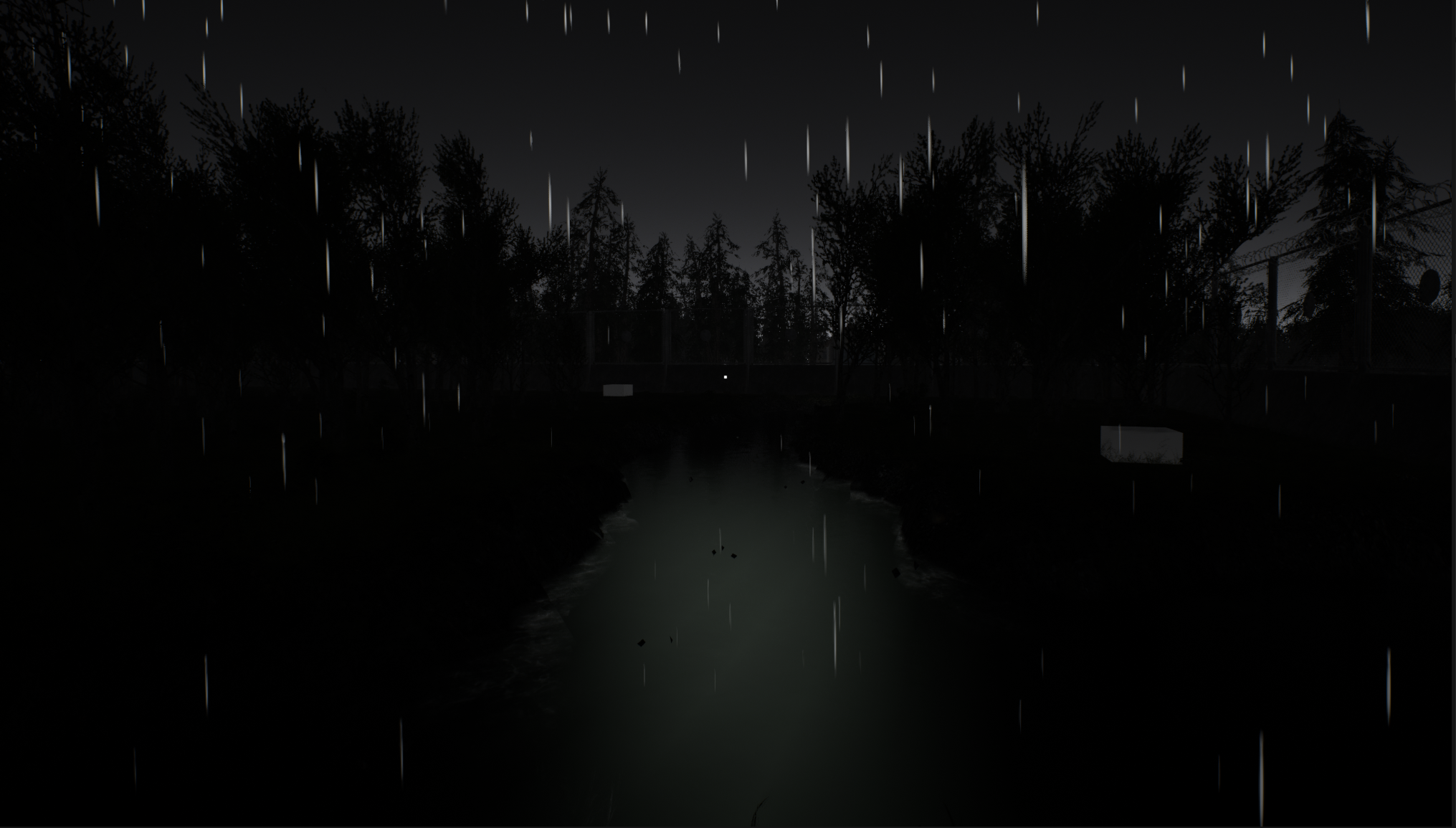
Every time you boot up one of the levels there is a set chance that in game it will start raining. This is to add both atmosphere and more variety to the weather. An image of the rain at night can be found below.
Cameras can now lose power
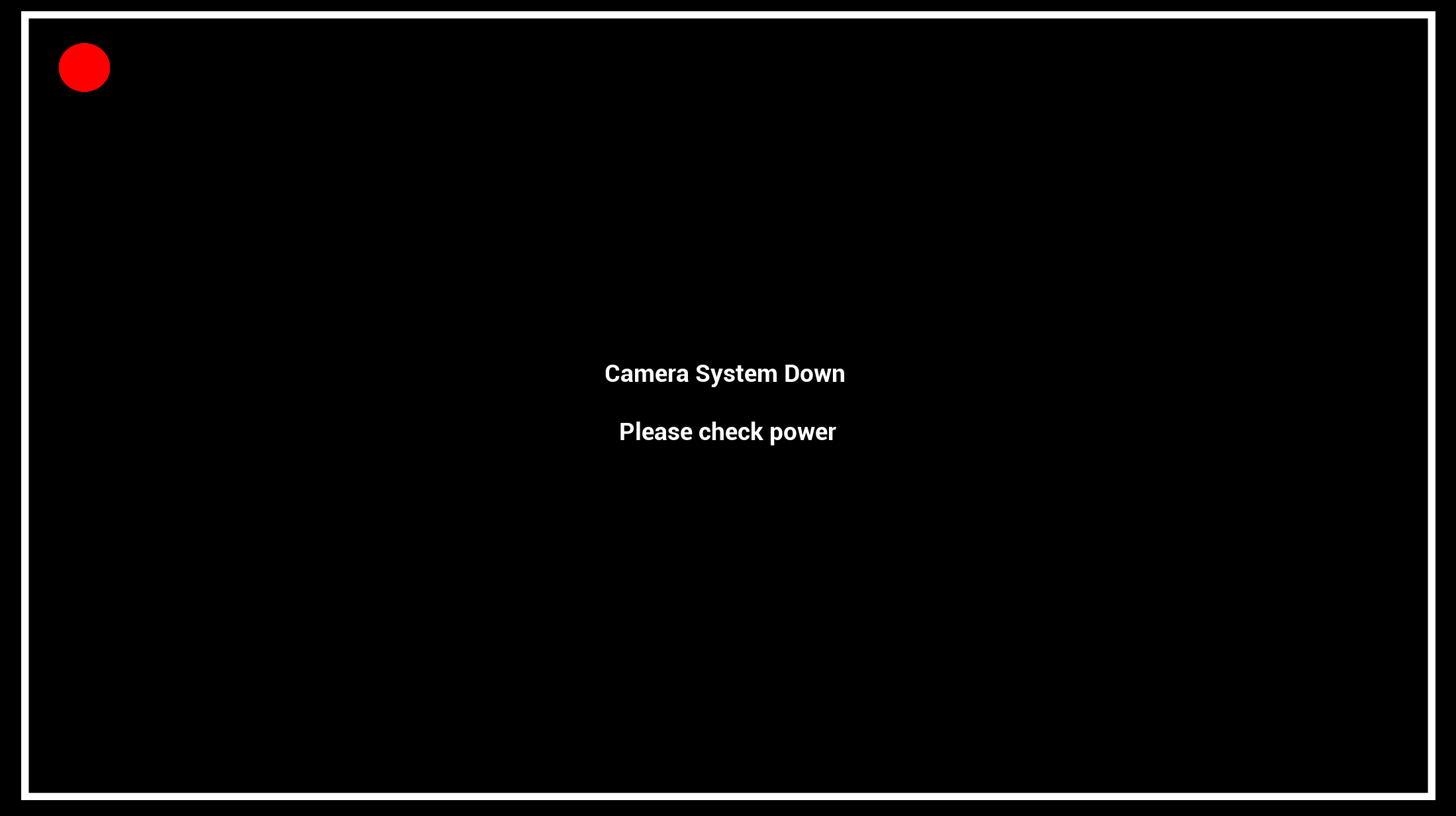
Within the game, depending on how much the player uses their flashlight (the one of the cameras) or the shocking system on the fences (used to deter the dinosaur). The cameras can now go down by the power "tripping". How it works: Player starts off with 0% chance >>> player used electric shock +10% >>> player uses flashlight twice +2.5 each time >>> game checks percentage, if it hits then the power cuts off and the player must restore it using the generator shown in earlier dev updates. Below is an image of what it looks like (for the demo) when the power goes out on the cameras.
Camera flashlight rework and Electric shock update
So how the flashlight used to work was the player could turn it on and off whenever they wanted and it didn't add any chance to the power tripping. Now the flashlight can only be turned on. How it works: Player pressed flashlight button >>> flashlight is turned on and after 5 seconds (this may change) the flashlight turns off >>> +2.5 is added to chance of power tripping and player can now turn the flashlight back on again. The flashlight also turns on for EVERY camera. So if you need to switch between cameras after using the flashlight, you can do it without having to press the flashlight again.
The electric shock has not changed much, player presses it, the screen goes black, shock recharges, player can use it again. Each time it is used it adds +10 to the chance of the power tripping. It feels like its in a good spot.
To help with the player knowing what the chance of the power tripping is, I've added a UI widget in the bottom left of the CCTV cameras, a small battery that starts all white at 0% and gradually goes from green to red depending on power usage. Below is an image of the UI when the chance is 100% to show off the different stages.

Other parts of the game that are being worked on
- Pause menu (in the game currently but its very basic)
- Turning sound up and down (also in the game but not complete)
- Credits section for the game
- Voice lines for night levels and some more for the first level
- A less impactful way of making the ground look more realistic (basically better grass)
- A lot of bug fixing for minor things such as widgets not disappearing correctly.
So what's next? Will there be a demo?
Over the next month I plan on getting a lot of the "glue" work done. Anything that is missing that needs to be in the game to improve gameplay flow. Expect an update about that near the end of August.
And yes there will be a demo, not much more I can say about that for now.
Thanks for reading this development update, your continued support motivates me to make the best game that I can currently make.
P.s. Special thanks to Bestinslot on YouTube for covering my game in one of his latest videos.